1. Introduction
This manual provides detailed instructions for the installation, operation, and maintenance of your Havion D2 Wired Video Doorbell Camera. Please read this manual thoroughly before using the product to ensure proper function and safety. The Havion D2 offers advanced security features including dual cameras, 5MP (3K) resolution, AI motion detection, and two-way audio communication.
2. Package Contents
Verify that all items listed below are included in your package:
- Havion D2 Wired Video Doorbell Camera
- Indoor Chime
- Mounting Screws and Anchors
- Instruction Manual (this document)

Image: Havion D2 Wired Video Doorbell Camera, indoor chime, and a smartphone displaying the app interface.
3. Product Overview
The Havion D2 is designed to provide comprehensive security for your home entrance. Key features include:
- Dual Cameras: Main 5MP (3K) camera and a sub-camera for head-to-toe view.
- 160° Ultra-Wide Viewing Angle: Minimizes blind spots.
- 2-inch OLED Screen: Provides instant feedback and interactive display.
- AI Motion Detection: Recognizes people, packages, vehicles, and pets.
- Dual Motion Sensors: PIR and radar sensors reduce false alarms.
- Built-in 32GB eMMC Storage: Local storage for recordings, no subscription fees.
- Two-Way Audio: Communicate with visitors via the Havion app.
- Advanced Night Vision: Dual-light infrared and white-light cameras for 24/7 monitoring.
- Smart Home Integration: Compatible with Amazon Alexa and Google Assistant.
- Wired Power Supply: Ensures continuous operation without battery concerns.

Image: Diagram illustrating key features of the Havion D2 doorbell, including 2K camera, dual lenses, dual sensors, 32GB eMMC/cloud storage, 160° view angle, 2-way audio, 2'' OLED screen, smart app, AI motion, and 3.0A fast charging.

Image: Detailed view of the Havion D2 doorbell components, highlighting the main camera (5MP, 160° wide angle), sub-camera (2MP), and 2-inch True Color OLED screen.
4. Setup and Installation
4.1 Pre-Installation Checklist
- Ensure your Wi-Fi network is 2.4GHz (5GHz is not supported).
- Confirm you have existing doorbell wiring (8-24VAC).
- Download the Havion app from your smartphone's app store.
4.2 Physical Installation
- Turn off Power: Before beginning, turn off the power to your existing doorbell at the circuit breaker.
- Remove Existing Doorbell: Disconnect and remove your old doorbell button.
- Mount the Bracket: Use the provided mounting screws and anchors to secure the mounting bracket to your wall. Ensure it is level.
- Connect Wires: Connect your existing doorbell wires to the terminals on the back of the Havion D2 doorbell. The D2 is designed for wired power, ensuring continuous operation.
- Attach Doorbell: Secure the Havion D2 doorbell to the mounting bracket.
- Install Indoor Chime: Plug the indoor chime into a standard wall outlet within range of your doorbell.
- Restore Power: Turn the power back on at the circuit breaker. The doorbell should power on.
4.3 App Pairing and Initial Setup
- Download App: Search for "Havion" in your app store and download the official application.
- Create Account: Open the app and follow the on-screen instructions to create a new account or log in.
- Add Device: Tap the "+" icon to add a new device. Select the Havion D2 Video Doorbell.
- Bluetooth Pairing: The Havion D2 supports Bluetooth network pairing for a faster and simpler setup compared to traditional QR code methods. Follow the app's prompts to connect via Bluetooth.
- Connect to Wi-Fi: Select your 2.4GHz Wi-Fi network and enter the password.
- Complete Setup: Follow any remaining instructions in the app to finalize the setup, including naming your device and adjusting initial settings. The built-in 2-inch OLED screen provides instant feedback during this process.

Image: A smartphone displaying the Havion app interface, showing a live view from the doorbell camera and options to modify device name, disconnect lock, and share device.
5. Operation
5.1 Live View and Two-Way Audio
- Open the Havion app and select your D2 doorbell to access the live view.
- Tap the microphone icon to initiate two-way audio communication with visitors.
- The 2-inch OLED screen on the doorbell will display "Calling" when someone presses the doorbell button.

Image: Illustration of real-time two-way audio communication via the Havion app, showing a user talking to visitors.
5.2 Motion Detection and Alerts
- The D2 features advanced AI motion detection, recognizing people, packages, vehicles, and pets.
- Dual PIR and radar sensors work together to significantly reduce false alarms (up to 95%).
- Receive real-time alerts on your smartphone when motion is detected.
- Adjust motion sensitivity and detection zones within the Havion app settings.

Image: Illustration of the Havion D2's smart detection capabilities, showing a delivery person being recognized and the doorbell's radar sensors in action.

Image: A man walking a dog, with a green box highlighting the enhanced motion detection area of the Havion D2 doorbell.
5.3 Dual Camera Functionality
- The main camera provides a wide-angle view of your surroundings.
- The sub-camera offers a head-to-toe view, ensuring packages left on your doorstep are visible.
- Switch between camera views or view both simultaneously within the Havion app.

Image: Illustration showing the dual camera coverage of the Havion D2, with a wide-angle view and a package view on a smartphone screen.
5.4 Night Vision
- The D2 is equipped with dual-light infrared and white-light cameras for clear night vision.
- White-light cameras activate upon motion detection to provide color night vision and deter unwanted visitors.

Image: Comparison of standard night vision (black and white) and Havion's advanced night vision with activated white-light for clearer, illuminated views.
5.5 Smart Home Integration
- The Havion D2 is compatible with Amazon Alexa and Google Assistant.
- Follow the instructions in your Alexa or Google Home app to link your Havion account and enable voice commands.
- Example commands: "Alexa, show me the front door," or "Hey Google, what's happening at the doorbell?"
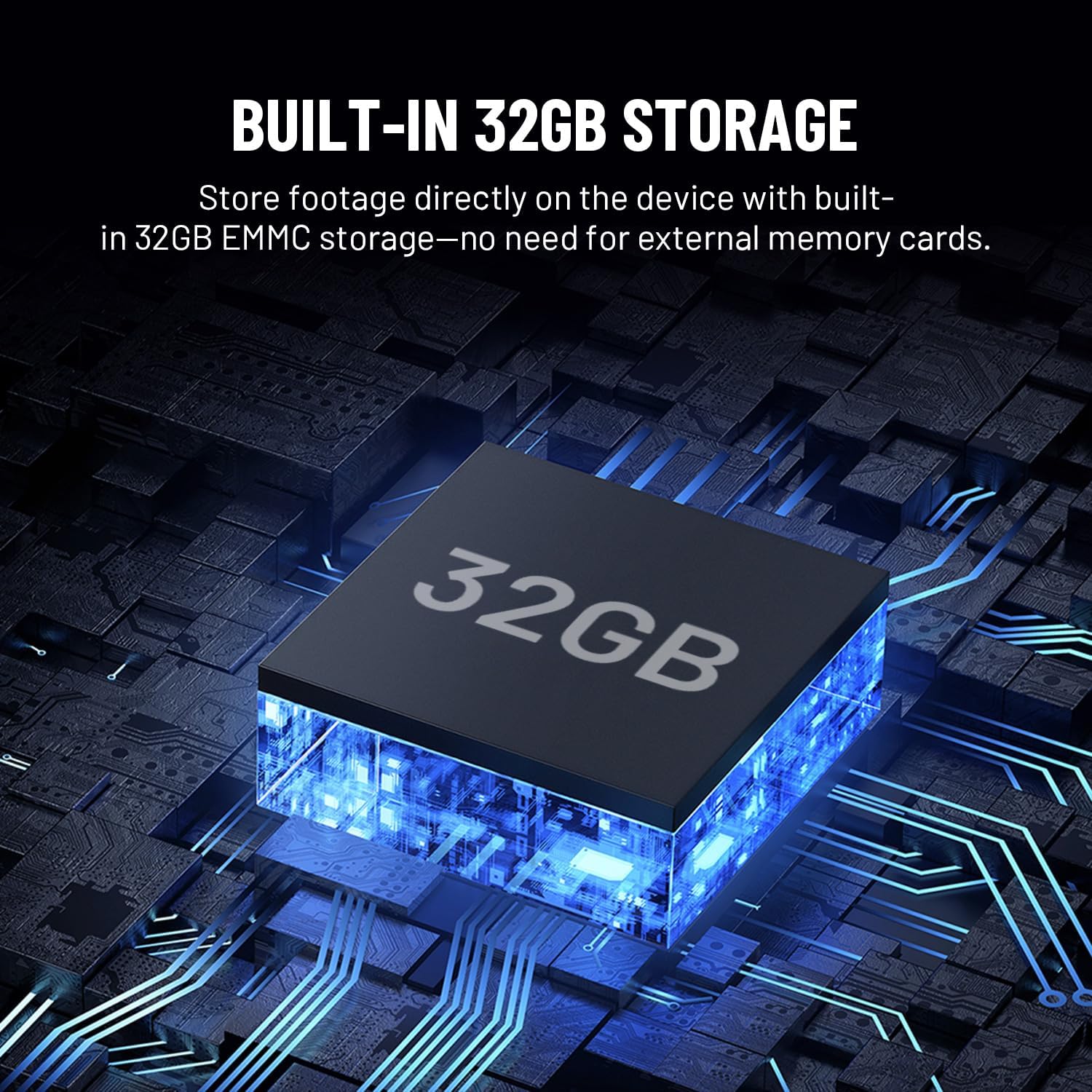
Image: Illustration showing the Havion D2 doorbell integrated into a smart home ecosystem, with a floor plan indicating connected devices like a smart lock and the doorbell.
6. Maintenance
- Cleaning: Gently wipe the camera lens and doorbell surface with a soft, damp cloth. Avoid abrasive cleaners.
- Firmware Updates: Regularly check the Havion app for firmware updates to ensure optimal performance and access to new features.
- Storage: The D2 has built-in 32GB eMMC local storage. Review and manage recordings through the Havion app.
- Weather Resistance: The doorbell is designed to be durable and weather-resistant with an IP66 waterproof rating.

Image: The Havion D2 doorbell mounted on a wall, with water droplets indicating its weather-resistant design.
7. Troubleshooting
| Problem | Possible Cause | Solution |
|---|---|---|
| Doorbell not powering on. | No power from existing wiring; circuit breaker off. | Check circuit breaker. Ensure wires are correctly connected to the doorbell terminals. Verify existing wiring provides 8-24VAC. |
| Cannot connect to Wi-Fi. | Incorrect Wi-Fi password; 5GHz network selected; weak signal. | Ensure correct 2.4GHz Wi-Fi network is selected and password is accurate. Move doorbell closer to router or consider a Wi-Fi extender. |
| Frequent disconnections. | Weak Wi-Fi signal; network interference. | Improve Wi-Fi signal strength. Ensure no other devices are causing interference. Restart router and doorbell. |
| Motion alerts are too frequent/infrequent. | Motion sensitivity settings are too high/low. | Adjust motion detection sensitivity and detection zones in the Havion app. |
| Two-way audio not working. | Microphone/speaker permissions not granted to app; network issues. | Check app permissions on your smartphone. Ensure stable internet connection. |
8. Specifications
| Feature | Detail |
|---|---|
| Model Name | D2 |
| Brand | Havion |
| Indoor/Outdoor Usage | Outdoor |
| Power Source | Corded Electric (8-24VAC) |
| Connectivity Protocol | Wi-Fi (2.4GHz only) |
| Video Capture Resolution | 5MP (3K) / 1920p |
| Storage | Built-in 32GB eMMC Local Storage |
| Display | 2-inch OLED Screen |
| Special Feature | 2-Way Audio, AI Motion Detection, Dual Cameras, Night Vision |
| Compatible Devices | Smartphone, Amazon Alexa, Google Assistant |
| Mounting Type | Wall Mount |
| Product Dimensions | 5 x 2 x 1 inches |
| Item Weight | 1 pound |
9. Warranty and Support
Havion provides reliable after-sales support, including a 2-year warranty. In case of product issues, a replacement will be provided in exchange for repairs.
For detailed warranty information or technical assistance, please refer to the official Havion website or contact customer support through the Havion app.
You can visit the Havion Store for more information: Havion Store on Amazon


