
Saillong TV Antenna Amplifier with LTE Filter Kit Instruction Manual
Model: SL-Saillong-1011
Introduction
This manual provides detailed instructions for the installation, operation, and maintenance of your Saillong TV Antenna Amplifier with LTE Filter Kit. This device is designed to enhance your TV viewing experience by boosting antenna signals and filtering out unwanted 4G/5G LTE interference, ensuring clear digital HDTV reception.
Setup and Installation
Follow these steps to correctly install your TV antenna amplifier and LTE filter kit:
- Connect the Amplifier: Connect the TV antenna amplifier filter kit between your existing TV antenna and your television or set-top box. The amplifier has an input for the antenna and an output for the TV/set-top box.
- Connect the LTE Filter: The LTE filter should be connected in line with the antenna signal, typically before the amplifier or directly to the antenna input on your TV/set-top box if not using the amplifier. Ensure secure connections.
- Power the Amplifier: Insert the USB plug from the amplifier into a USB port on your HDTV or any other compatible USB power adapter (5V/1A recommended). The amplifier requires power to function.
- Scan for Channels: After all connections are secure and the amplifier is powered, access your TV's menu and perform a channel scan. This will allow your TV to detect and save all available channels with the enhanced signal.

Image: Easy Installation Steps. This diagram illustrates connecting the amplifier between the antenna and TV, plugging in the USB power, and performing a channel scan.
Operation and Features
The Saillong TV Antenna Amplifier with LTE Filter Kit works to improve your television signal reception and viewing quality.
- Signal Boost: The amplifier increases the strength of the incoming TV signal, which is beneficial in areas with moderate to weak signal strength. This can lead to more stable reception and a higher number of receivable channels.
- LTE Filter Function: The built-in 4G/5G LTE filter blocks unwanted wireless signals from cellular towers that can interfere with TV reception. This reduces pixelation and ensures a clearer digital HDTV picture by allowing only the desired 5-608 MHz frequencies to pass through.
- Enhanced Viewing: By boosting the signal and filtering interference, the kit contributes to excellent picture quality, high-quality audio, richer colors, and faster refresh rates, providing an improved overall viewing experience.
- Universal Compatibility: This kit is designed to work with all TV and antenna brands, and is fully compatible with 1080p resolution.
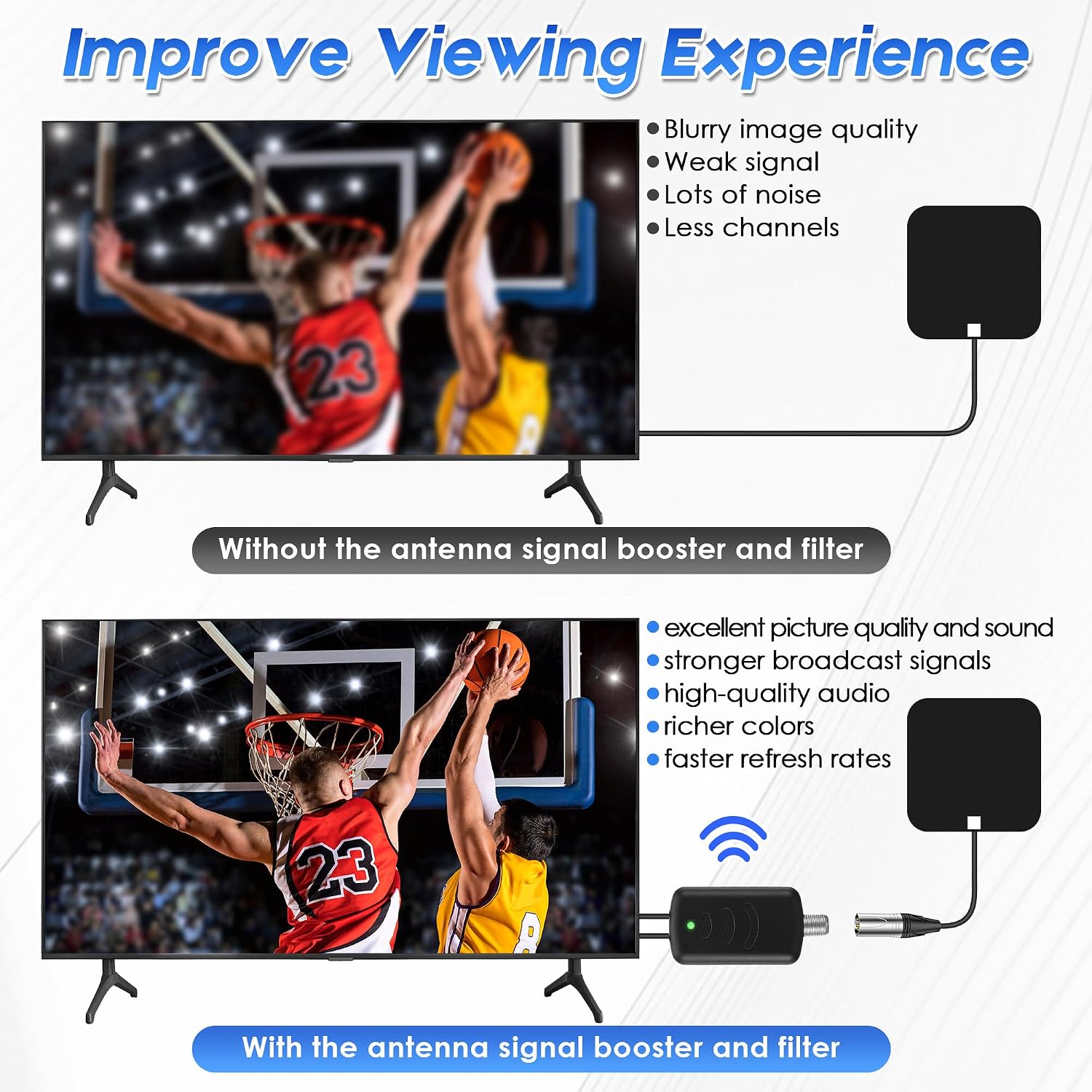
Image: Improved Viewing Experience. This image compares a blurry, pixelated TV screen (without amplifier) to a clear, high-definition screen (with amplifier).

Image: LTE Filter Function. This image visually represents how the 4G/5G LTE filter reduces interference and pixelation for a clearer picture.
Care and Maintenance
To ensure the longevity and optimal performance of your Saillong TV Antenna Amplifier with LTE Filter Kit, follow these simple maintenance guidelines:
- Cleaning: Use a soft, dry cloth to gently wipe the exterior of the amplifier and filter. Do not use liquid cleaners, aerosols, or harsh chemicals, as these can damage the components.
- Environment: Keep the device in a dry environment, away from direct sunlight, extreme temperatures, and high humidity. Avoid placing it near heat sources.
- Connections: Periodically check all cable connections to ensure they are secure and free from corrosion. Loose connections can lead to signal degradation.
- Storage: If storing the device for an extended period, disconnect it from power and store it in a cool, dry place.
Troubleshooting
If you experience issues with your TV Antenna Amplifier and LTE Filter Kit, refer to the following common problems and solutions:
| Problem | Possible Cause | Solution |
|---|---|---|
| No signal or poor reception after installation | Incorrect connection, no power, weak original signal, or excessive signal. |
|
| Pixelation or intermittent signal | Interference from 4G/5G LTE signals, loose connections, or environmental factors. |
|
| Fewer channels received than before | Over-amplification, filter blocking desired frequencies, or incorrect channel scan. |
|
Important Note: The effectiveness of the amplifier and filter depends on your location relative to broadcast towers and the local signal environment. This kit is most effective in areas with moderate to weak signals, not in areas with no signal or extremely strong signals that can cause over-amplification.
Specifications
| Feature | Detail |
|---|---|
| Model Number | SL-Saillong-1011 |
| Brand | Saillong |
| Color | Black |
| Product Dimensions (L x W x H) | 2.2" x 1.2" x 0.75" |
| Item Weight | 2.08 ounces |
| Antenna Type Compatibility | Television Antennas |
| LTE Filter Frequency Range | Blocks 4G/5G LTE signals, passes 5 - 608 MHz frequencies |
| Power Source | USB Powered (5V/1A) |
| Included Components | 1 x TV Antenna Amplifier, 1 x LTE Filter |

Image: Product Size and Components. This image displays the amplifier and LTE filter with their respective dimensions.
Warranty Information
Saillong products are manufactured to high-quality standards. For specific warranty details, including coverage period and terms, please refer to the product packaging or contact Saillong customer support. Keep your purchase receipt as proof of purchase for any warranty claims.
Customer Support
If you have any questions, require technical assistance, or encounter issues not covered in this manual, please contact Saillong customer support. You can typically find contact information on the product packaging or by visiting the official Saillong website.
For further assistance, you may visit the Saillong Store on Amazon.