
NOVOO NFC1-207C-BK
NOVOO Tracker Card (iOS Only) User Manual
Model: NFC1-207C-BK
Introduction
The NOVOO Tracker Card is a slim, Bluetooth-enabled smart card designed to help you locate your valuable items using the Apple Find My network. This device is compatible exclusively with iOS devices and offers features such as long battery life, IP68 waterproofing, and privacy protection. This manual provides instructions for setup, operation, maintenance, and troubleshooting.

Image: The NOVOO Tracker Card, a sleek black card with a power symbol, shown alongside an iPhone displaying the Apple Find My application interface.
Setup and Pairing
Follow these steps to set up your NOVOO Tracker Card and pair it with your iOS device using the Apple Find My app.
- Activate the Tracker Card: With your thumb, firmly press the center of the power button on the card. A tune will play, indicating that pairing mode has begun. If it doesn't turn on, press harder.
- Enable Bluetooth: On your iOS device, ensure Bluetooth is enabled.
- Open Find My App: Open the Apple "Find My" app on your iPhone, iPad, or Mac.
- Add New Item: Navigate to the "Items" tab, then tap "Add New Item" or the "+" icon. Select "Other Supported Item."
- Connect and Name: The app will detect the "NOVOO Smart Tag." Tap to connect and follow the on-screen prompts to name your tracker.
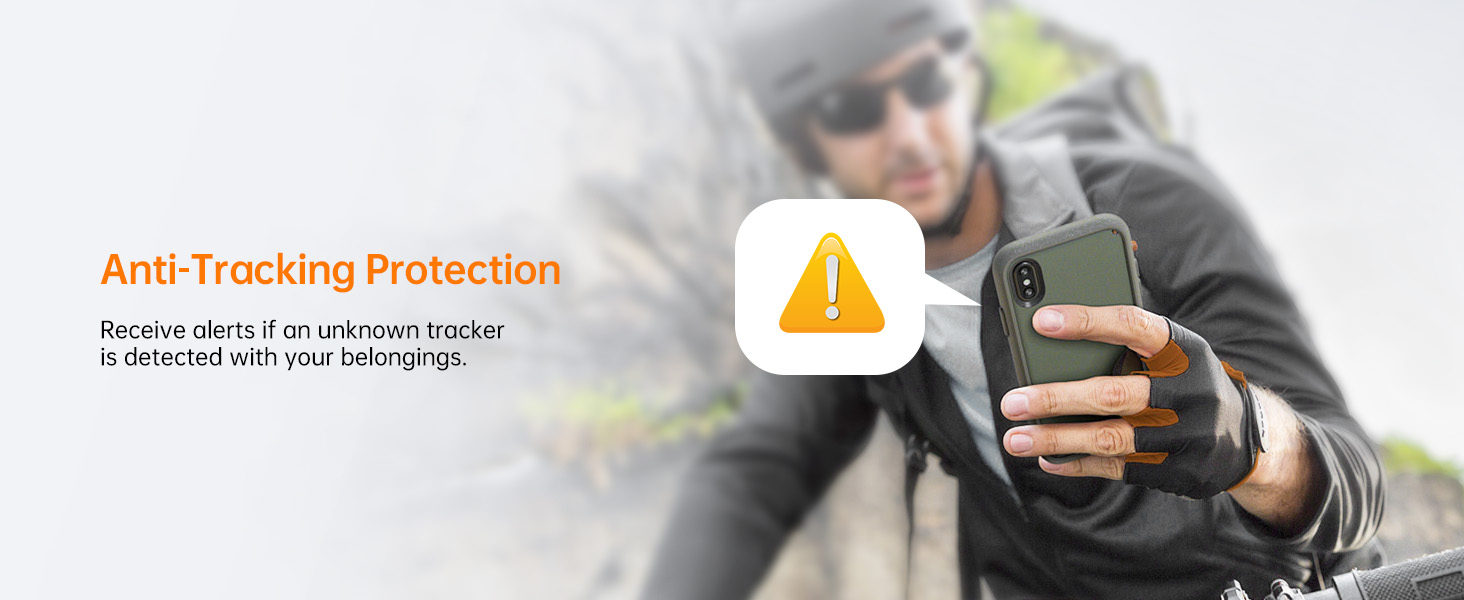
Image: A visual guide illustrating the four steps to pair the NOVOO Tracker Card with an iPhone via the Find My app, showing button press, Bluetooth activation, adding an item, and connecting.
Note: This device is compatible with iOS devices only and is not compatible with Android devices.
Operating Instructions
Locating Items
To find your items, use the Apple Find My app or Siri:
- Play Sound: If your NOVOO Tracker Card is within Bluetooth range (up to 131 feet or 40 meters), open the Find My app and select your tracker. Tap "Play Sound" to make the card emit an 80dB ringtone, helping you locate it quickly.
- Ask Siri: You can also ask Siri, "Hey Siri, find my [item name]" (e.g., "Hey Siri, find my wallet").
- View Last Known Location: If the tracker is out of Bluetooth range, the Find My app will display its last known location on a map. You can then get directions to that location.

Image: An iPhone screen showing the Find My app, with a ringing sound icon emanating from under a sofa, illustrating how to locate an item by playing a sound.

Image: An iPhone displaying map navigation, guiding the user to the location of their NOVOO Tracker Card.
Lost Mode and Alerts
- Left Behind Alerts: Your iPhone will notify you if the tracker moves out of Bluetooth range, helping prevent items from being forgotten.
- Activate Lost Mode: If an item is lost, activate "Lost Mode" in the Find My app. This leverages the vast Apple Find My network to help locate your item. When another Apple device detects your tracker, you will receive an automatic notification of its location.
- Contact Information: In Lost Mode, you can set contact details (phone number or email) so that a finder can reach you.
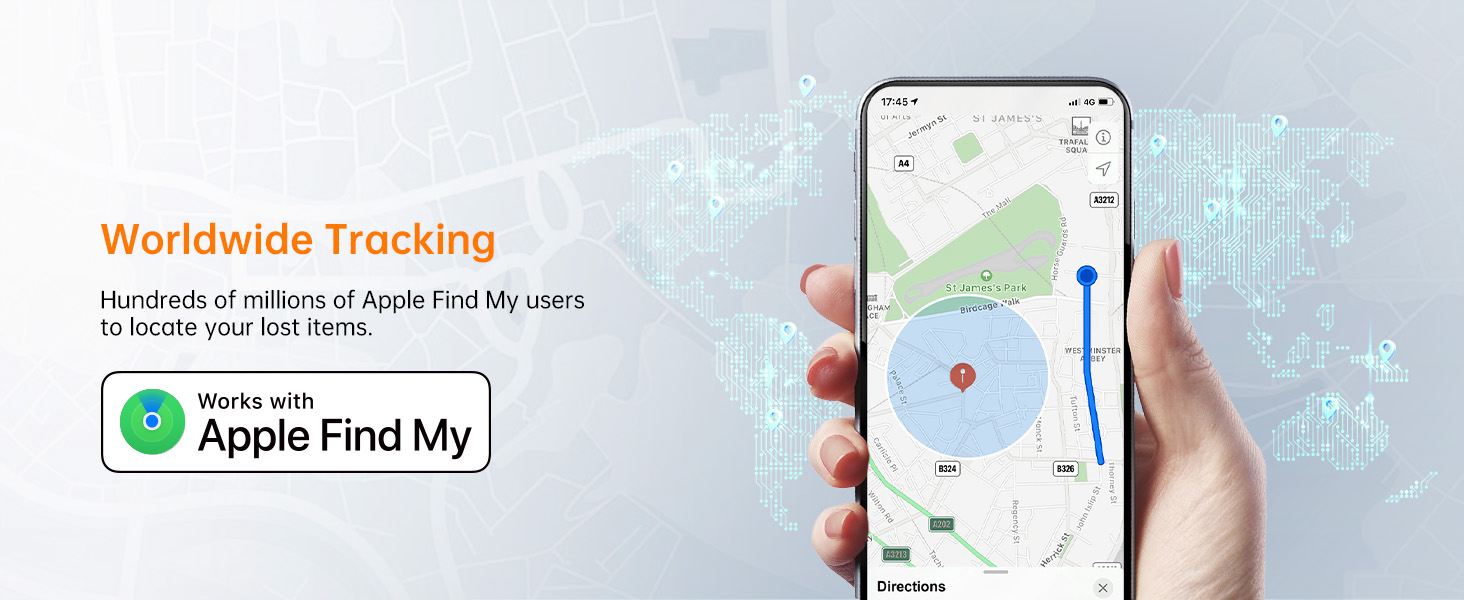
Image: An iPhone screen showing a notification that the "NOVOO Smart Tag" has been left behind, with its last seen location.
Image: An iPhone displaying the 'Lost Mode' interface within the Find My app, allowing users to set contact details for a found item.
Privacy and Security
- AES-128 Encryption: The NOVOO Tracker Card uses AES-128 encryption to ensure your data remains secure and private.
- Anti-Tracking Alerts: You will receive notifications if an unknown tracker is detected following you, enhancing your personal security.
- Privacy Protection: If an unauthorized card is detected near you, an alert will be sent to protect your privacy.
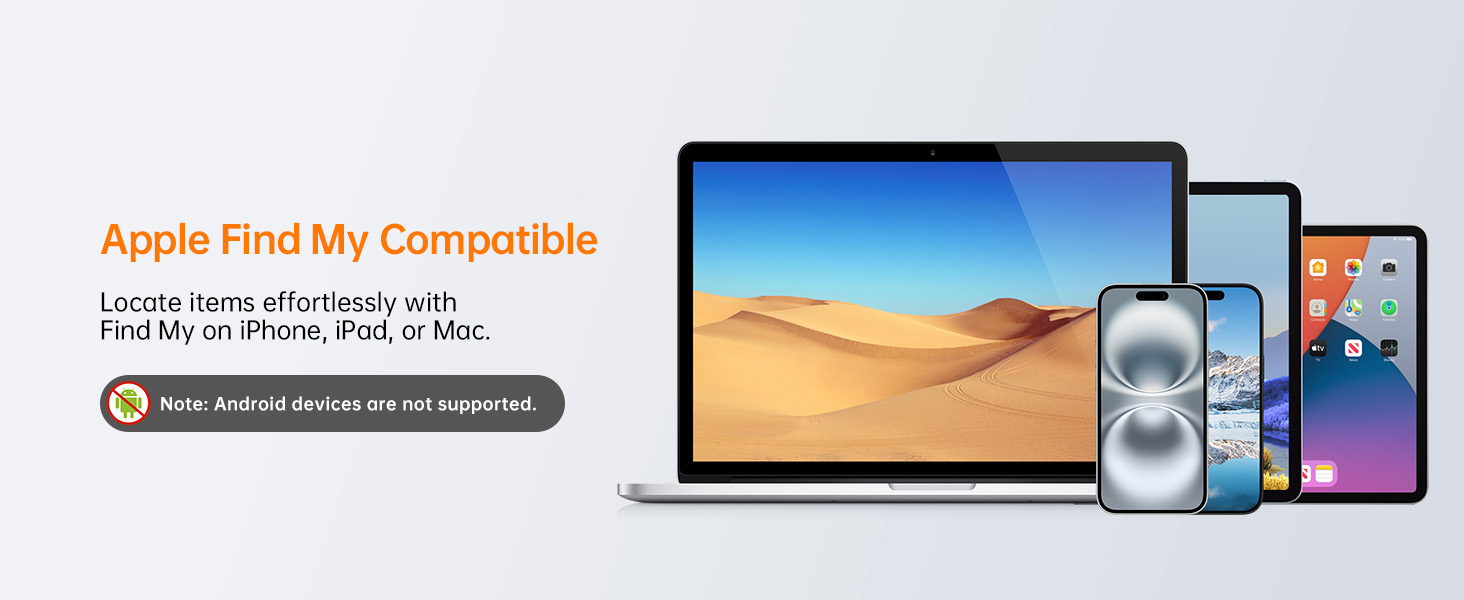
Image: A person holding an iPhone displaying an alert icon, signifying the anti-tracking protection feature that notifies users of unknown trackers.
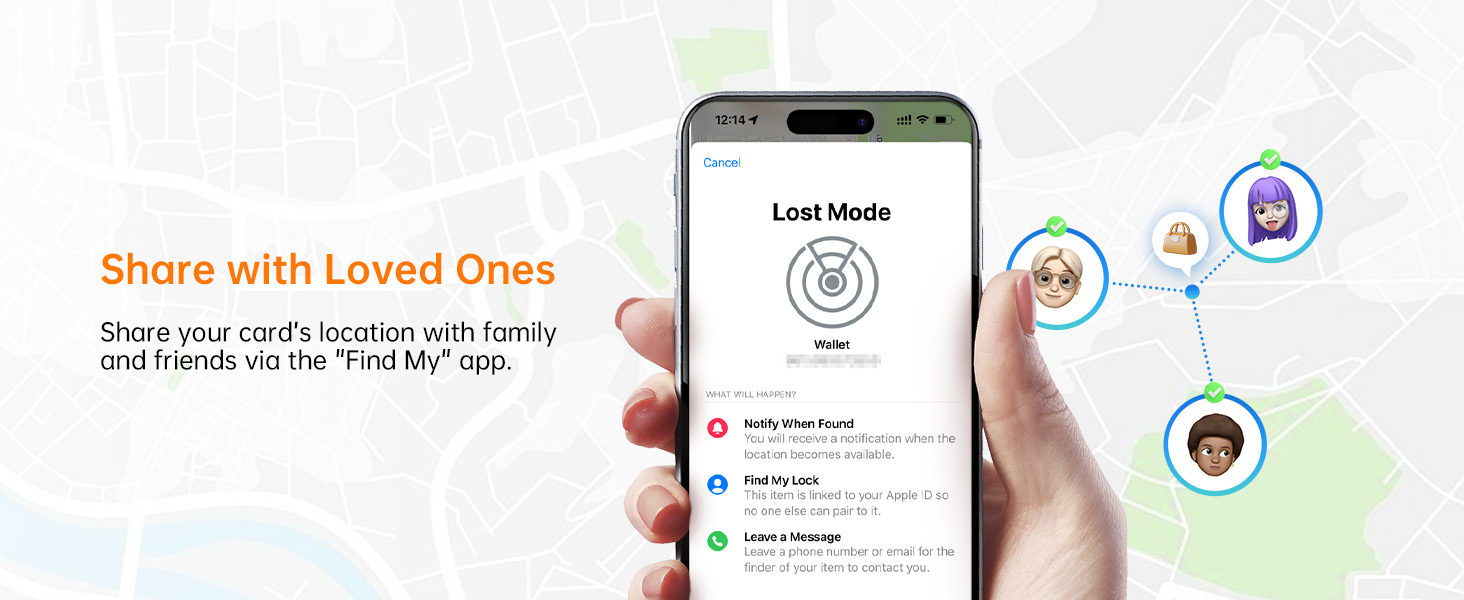
Image: An abstract illustration depicting privacy protection, with a shield icon and encrypted data flow, representing the secure operation of the NOVOO Tracker Card with Apple Find My.
Key Features
- Apple Find My Compatibility: Seamlessly integrates with the Apple Find My app on iOS devices (iPhone, iPad, Mac) for easy item location.
- Ultra-Slim Design: At just 1.6mm thick, the card is equivalent to two credit cards, fitting discreetly into wallets, purses, or luggage without adding bulk.
- Long-Lasting Battery: Equipped with a 540mAh battery, the tracker provides up to 6 years of usage without the need for recharging or replacement. Battery life can be monitored via your smartphone.
- IP68 Waterproof and Dust Resistant: Designed to withstand splashes, rain, and submersion up to 1.5 meters (4.92 feet) for 30 minutes, ensuring reliable performance in various conditions.
- Loud Ringtone: Features an 80dB ringtone for easy location of items within Bluetooth range.
- Worldwide Tracking: Utilizes the extensive Apple Find My network, comprising billions of Apple devices globally, to help locate lost items even when out of your personal Bluetooth range.
Image: A visual comparison highlighting the NOVOO Tracker Card's ultra-slim 1.6mm thickness against coins and bulkier tag-type smart trackers.
Image: The NOVOO Tracker Card shown partially submerged in water, demonstrating its IP68 waterproof capability.

Image: An illustration highlighting the NOVOO Tracker Card's 6-year battery life, emphasizing that no charging or battery replacement is required.
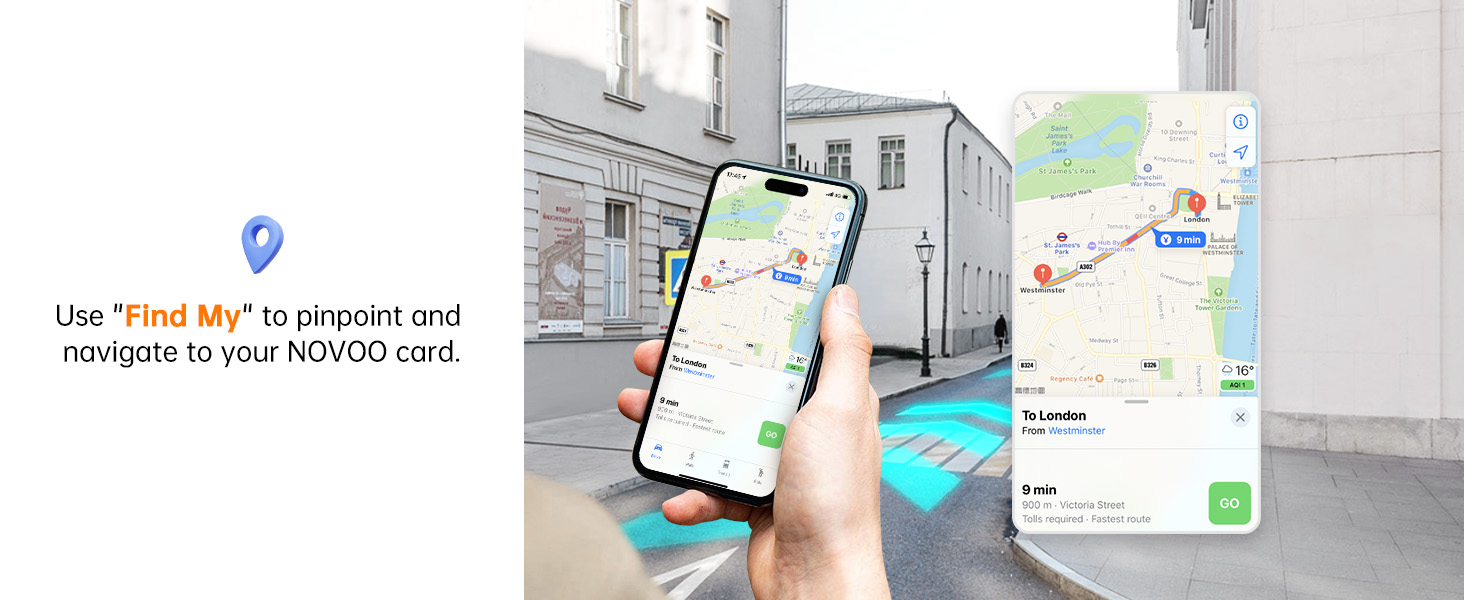
Image: Certifications for the NOVOO Tracker Card, including Apple MFi and MIC, indicating its certified and safe operation with Apple Find My.
Maintenance
The NOVOO Tracker Card is designed for minimal maintenance.
- Battery: The internal 540mAh battery is non-rechargeable and non-replaceable, designed to last up to 6 years. Monitor the battery level through the Find My app.
- Cleaning: Wipe the card with a soft, dry cloth if it becomes dirty. Avoid using harsh chemicals or abrasive materials.
- Water Exposure: While IP68 waterproof, prolonged submersion beyond specified limits (1.5 meters for 30 minutes) should be avoided. Ensure the card is dry after exposure to water.
Troubleshooting
If you encounter issues with your NOVOO Tracker Card, refer to the following common solutions:
- Card Not Turning On/Pairing:
- Ensure you are pressing the power button firmly in the center. Some users report needing to press harder for initial activation.
- Verify Bluetooth is enabled on your iOS device.
- Ensure your iOS device is running a compatible version of iOS.
- Try restarting your iOS device.
- Tracker Not Detected by Find My App:
- Confirm the card is activated (a tune should play when the power button is pressed).
- Make sure the card is within Bluetooth range of your iOS device.
- Check the battery level in the Find My app (if it was previously connected).
- If the card was previously paired and is no longer connecting, try removing it from the Find My app and re-pairing it. This requires Bluetooth to be enabled on your Apple device.
- Sound Not Playing:
- Ensure the card is within Bluetooth range of your iOS device.
- Check the volume settings on your iOS device.
- Verify the card's battery level.
- Inaccurate Location:
- Location accuracy can be affected by environmental factors and obstacles.
- Ensure your iOS device has a stable internet connection for accurate map data.
- The "last known location" is updated when the tracker is detected by any Apple device in the Find My network. If the item is in a remote area, updates may be less frequent.
Specifications
| Feature | Detail |
|---|---|
| Model Number | NFC1-207C-BK |
| Dimensions | 3.37 x 0.07 x 2.13 inches (85.6 x 1.78 x 54.1 mm) |
| Item Weight | 1.76 ounces (50 grams) |
| Battery Type | 1 x CR2032 (internal, non-replaceable) |
| Battery Life | Up to 6 years |
| Waterproof Rating | IP68 (submersible up to 1.5 meters for 30 minutes) |
| Bluetooth Range | Up to 131 feet (40 meters) |
| Ringtone Volume | 80dB |
| Compatibility | iOS devices only (iPhone, iPad, Mac) |
| Material | Plastic, Metal |
Warranty and Support
For warranty information or technical support, please contact NOVOO customer service. Refer to the product packaging or the official NOVOO website for the most current contact details.
Manufacturer: NOVOO
Additional Resources
For visual guidance, please refer to the official product videos below. These videos demonstrate various features and setup procedures.
Video: An overview of the NOVOO Tracker Card's features and how it integrates with the Apple Find My app.
Video: A demonstration of the NOVOO Tracker Card's setup process and how to use its tracking functions.
Related documentsNFC1-207C-BK


Ask a question about this manual
Ask about setup, troubleshooting, compatibility, parts, safety, or missing instructions. Manuals+ will review the question and use this page’s manual context to help answer it.