
KTC 27 Inch Portable TV Monitor A27Q7 User Manual
Model: A27Q7
1. Introduction
This manual provides comprehensive instructions for the setup, operation, maintenance, and troubleshooting of your KTC 27 Inch Portable TV Monitor, model A27Q7. Please read this manual thoroughly before using the product to ensure proper function and safety.

Image 1.1: KTC 27 Inch Portable TV Monitor A27Q7
2. Safety Information
Observe the following safety precautions to prevent injury or damage to the device.
- Do not expose the device to extreme temperatures or humidity.
- Avoid dropping or subjecting the device to strong impacts.
- Use only the provided power adapter and accessories.
- Keep the device away from water or other liquids.
Telescopic Rod Installation Safety Warning
Before installing the telescopic rod, ensure you press down vertically as shown in the figure to release the compressive elasticity. Failure to operate as prompted may cause harm.

Image 2.1: Telescopic Rod Safety Warning
3. Package Contents
Verify that all items listed below are included in your package:

Image 3.1: Included Components
- KTC 27 Inch Portable TV Monitor
- Round Chassis Base
- Telescopic Rod
- Screwdriver (x1)
- Long Screws (x5)
- AAA Batteries (x2, for remote control)
- User Manual
- Quick Start Guide (QSG)
- Remote Control
- Power Adapter
- Round Trim
- Cover
4. Setup
4.1 Assembly
- Carefully unpack all components from the packaging.
- Attach the telescopic rod to the round chassis base using the provided screws and screwdriver. Ensure it is securely fastened.
- Following the safety warning in Section 2, attach the monitor to the top of the telescopic rod. Ensure the connection is firm.
- Insert the two AAA batteries into the remote control.
4.2 Initial Power On
- Connect the power adapter to the Type-C port on the rear of the monitor and plug it into a power outlet.
- Press the power button located on the rear of the monitor to turn on the device.
- Follow the on-screen instructions for initial setup, including language selection, Wi-Fi connection, and Google account login.
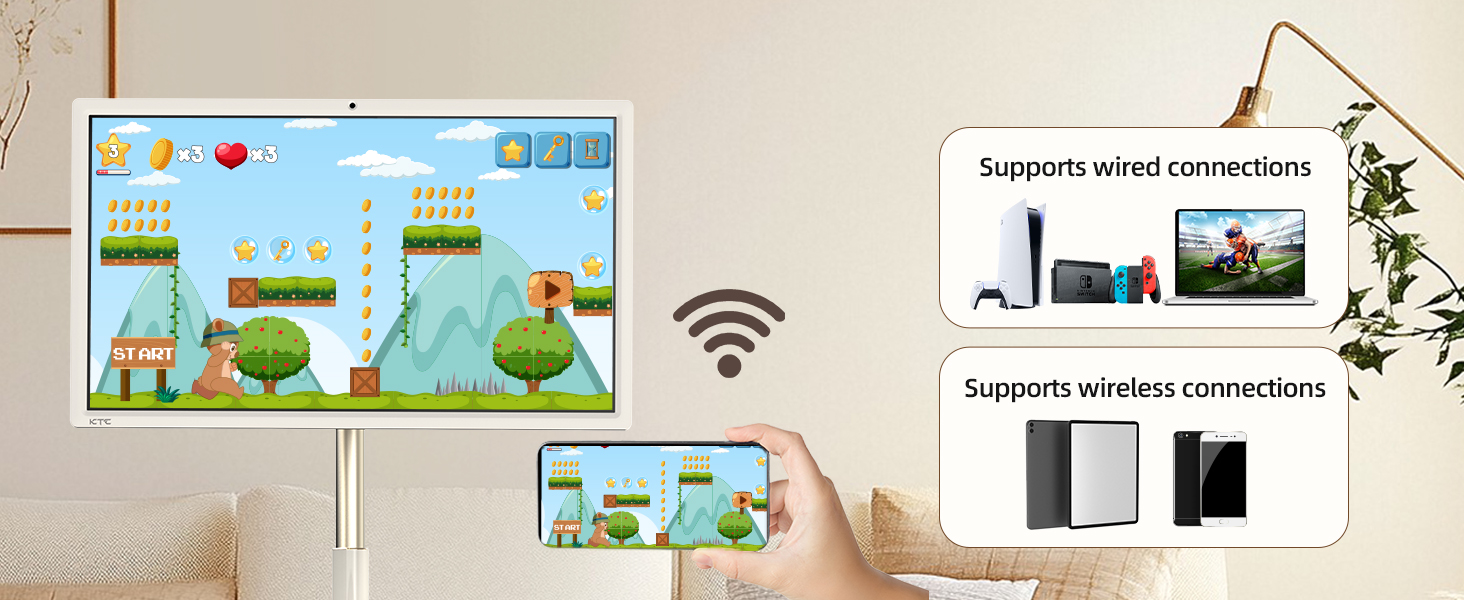
Image 4.1: Monitor Rear Panel Controls and Ports
4.3 Adjusting Screen Position
The monitor offers flexible adjustment options for optimal viewing:
- Tilt: Adjust the screen angle up to ±20°.
- Swivel: Rotate the screen horizontally up to ±45°.
- Pivot: Rotate the screen vertically up to ±90° for portrait mode.
- Height Adjustment: Elevate the telescopic rod by approximately 7.87 inches.

Image 4.2: Screen Adjustment Options and Dimensions
5. Operating Instructions
5.1 Touchscreen and Remote Control
The monitor supports both direct touchscreen interaction and control via the included remote. The remote control allows navigation, volume adjustment, and access to Google Assistant.

Image 5.1: Touchscreen Interaction and Key Features
5.2 Google EDLA and Android 14
The monitor is Google EDLA certified and runs on Android 14, providing access to a wide range of applications from the Google Play Store. Enjoy seamless streaming and app performance.
5.3 Wireless & Wired Projection (Screen Casting)
Mirror content from your phone, tablet, laptop, or game console using the following methods:
- Wireless: Connect via Wi-Fi 5 or Bluetooth 5.1 for screen casting.
- Wired: Use the Type-C port for direct wired projection.

Image 5.2: Wireless and Wired Screen Casting
5.4 Built-in Camera Usage
The monitor features a built-in hidden 8MP camera and stereo speakers, ideal for video calls and meetings. A physical switch is available to enable or disable the camera for privacy.

Image 5.3: Camera On/Off Switch for Privacy
5.5 Portability
Equipped with 5 silent swivel casters and a 9500mAh battery, the monitor can be easily moved and used for up to 6 hours without being connected to a power outlet, making it suitable for various indoor and outdoor settings.
6. Maintenance
6.1 Charging the Battery
The integrated 9500mAh battery provides up to 6 hours of usage. To charge the monitor, connect the provided power adapter to the Type-C port. The charging indicator will show the battery status.
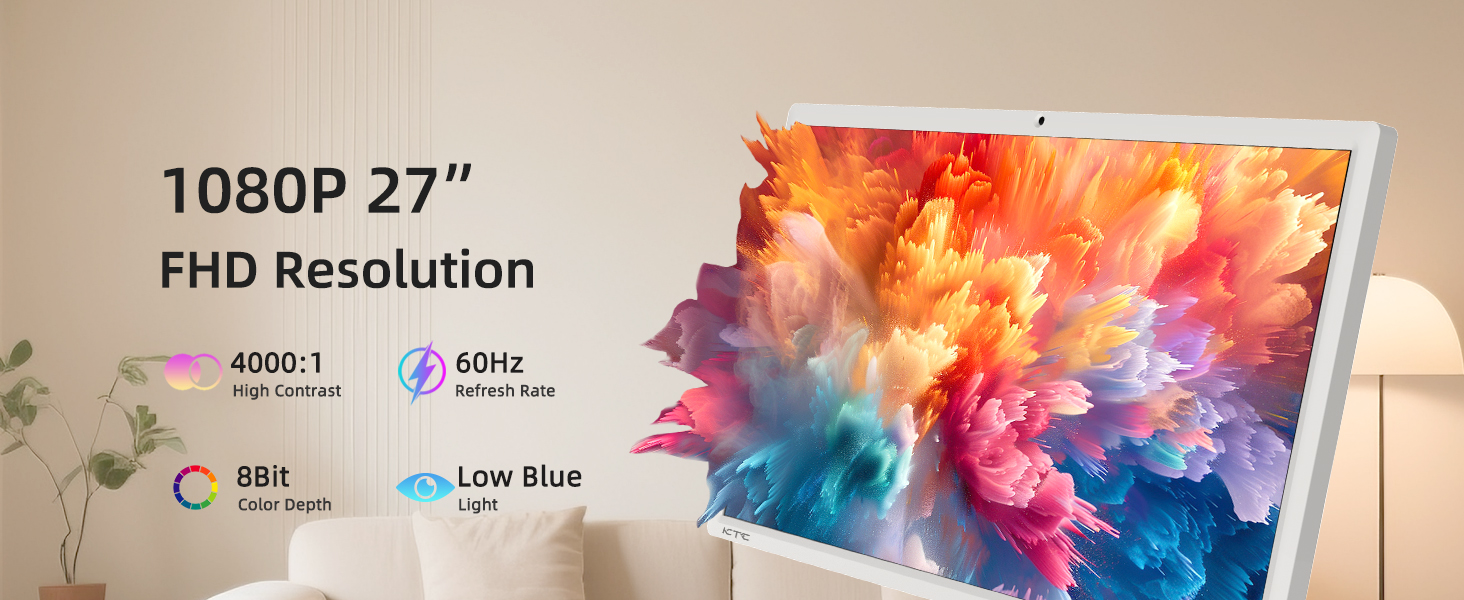
Image 6.1: Built-in 9500mAh Battery
6.2 Cleaning the Device
To clean the monitor, gently wipe the screen with a soft, lint-free cloth. For stubborn smudges, use a screen-cleaning solution specifically designed for electronic displays. Do not spray cleaners directly onto the screen. Wipe the stand and base with a dry or slightly damp cloth.
7. Troubleshooting
If you encounter issues with your KTC Portable TV Monitor, refer to the following common problems and solutions:
| Problem | Possible Cause | Solution |
|---|---|---|
| Monitor does not power on | No power, low battery, faulty power adapter | Ensure power adapter is connected and outlet is functional. Charge the battery. Try a different power outlet. |
| No image on screen | Device is off, input source not selected, connection issue | Power on the device. Check input source settings. Reconnect any wired projection devices. |
| Touchscreen unresponsive | Software glitch, screen obstruction | Restart the monitor. Ensure the screen is clean and free of debris. |
| Remote control not working | Dead batteries, obstruction, remote out of range | Replace batteries. Ensure clear line of sight to the monitor's IR receiver. Move closer to the monitor. |
| Poor Wi-Fi/Bluetooth connection | Interference, distance from router, network issue | Move closer to the Wi-Fi router. Check router settings. Restart router and monitor. |
8. Specifications
Detailed technical specifications for the KTC 27 Inch Portable TV Monitor A27Q7:
| Feature | Specification |
|---|---|
| Model Number | A27Q7 |
| Screen Size | 27 Inches |
| Resolution | 1920 x 1080 Pixels (1080P FHD) |
| Aspect Ratio | 16:9 |
| Refresh Rate | 60Hz |
| Contrast Ratio | 4000:1 |
| Color Depth | 8-bit |
| Screen Surface | Matte |
| Operating System | Android 14 (Google EDLA Certified) |
| CPU | Qualcomm Chip SM6115 (8 Cores) |
| RAM | 8GB |
| Storage | 128GB |
| Camera | Built-in hidden 8MP |
| Battery Capacity | 9500mAh (Up to 6 hours usage) |
| Connectivity | Wi-Fi 5, Bluetooth 5.1, Type-C Port |
| Product Dimensions | 16.77 x 24.96 x 51.42 inches |
| Item Weight | 48.1 pounds |
| Manufacturer | KTC |
9. Warranty and Support
KTC provides a one-year warranty for the A27Q7 Portable TV Monitor. For any issues or technical assistance, please contact customer support.

Image 9.1: KTC Customer Support Overview
Contacting Support
If you purchased your product through Amazon, you can contact the seller directly for support:
- Navigate to the product page on Amazon.
- Locate the 'Sold by' section (e.g., 'Ktcmonitor-Official').
- Click on the seller's name to access their profile or 'Ask a question' to send a message.
KTC aims to respond to inquiries within 12 hours.

