
Introduction
The Pilipane 4K High Definition Electronic Telescope Eyepiece (Model: Pilipane861auheg7f) is designed to enhance your observation experience, whether for astronomy or bird watching. This electronic eyepiece provides stunning 4K Ultra HD visuals, even in low-light conditions, and features a 3-inch color display for real-time viewing. Its versatile design allows for easy attachment to various optical telescopes and microscopes, and it supports expandable storage for continuous recording of your observations.
Safety Information
- Do not expose the device to extreme temperatures, humidity, or direct sunlight.
- Keep the device away from water and other liquids.
- Avoid dropping or subjecting the device to strong impacts.
- Do not attempt to disassemble or repair the device yourself. Contact customer support for assistance.
- Use only the specified charging cable and power source.
- Keep out of reach of children.
Setup
1. Unpacking
Carefully remove all components from the packaging. Ensure all parts are present before proceeding with setup.
2. Charging the Device
The electronic eyepiece comes with a built-in 850mAh lithium battery. Before first use, fully charge the device using the provided Type-C charging cable. Connect the cable to the Type-C port on the device and a suitable USB power adapter.
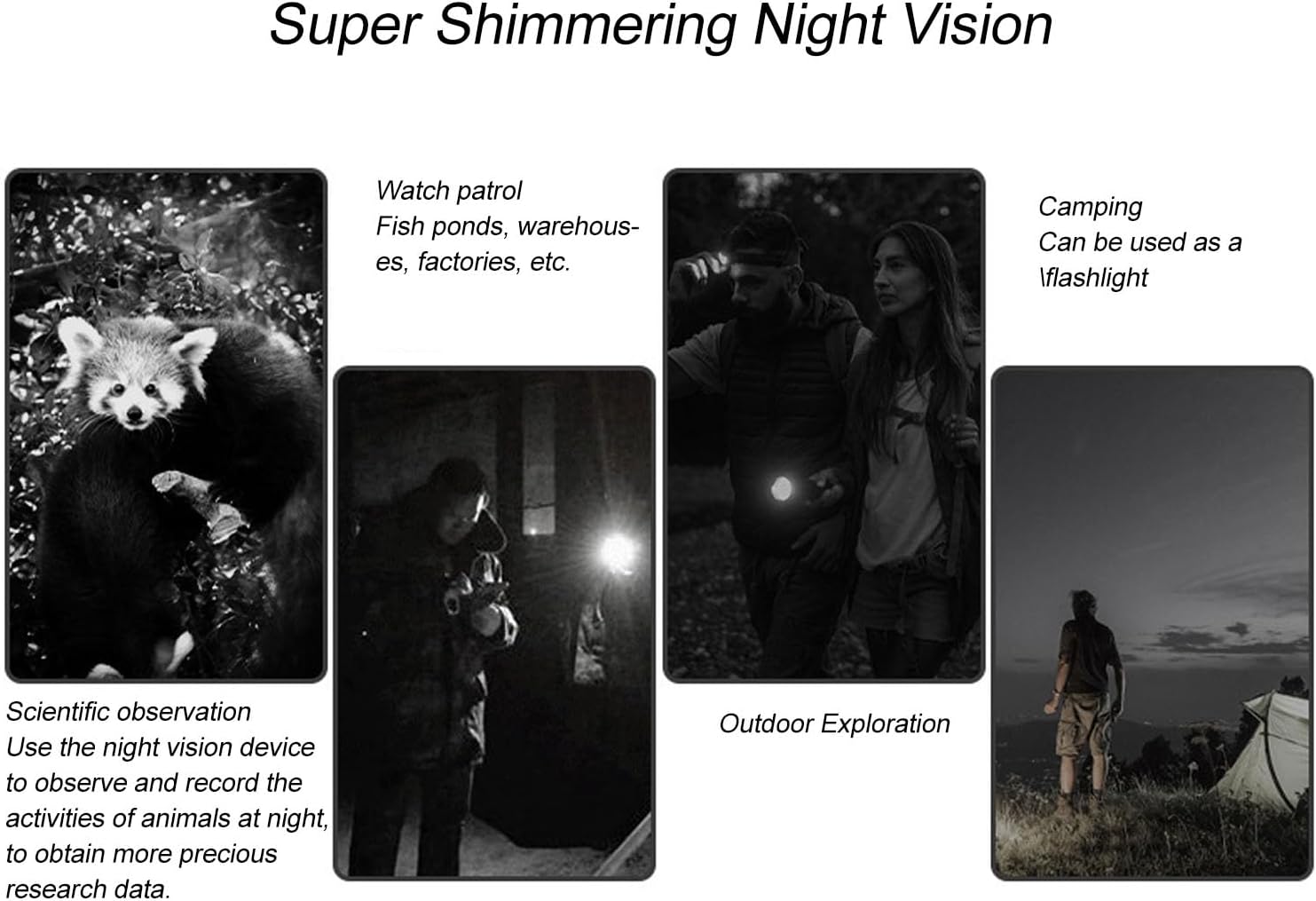
Figure 1: Device ports and indicators, including the 3-inch display and Type-C charging port.
3. Installing a Memory Card
The device supports small memory cards up to 128GB (not included) for recording. Locate the memory card slot and insert the card gently until it clicks into place. Ensure the card is inserted in the correct orientation.
4. Attaching to a Telescope or Microscope
This electronic eyepiece is designed for easy attachment to optical telescopes and microscopes with eyepiece diameters ranging from 22mm to 46mm. The device features a powerful magnetic interface for secure and seamless integration.
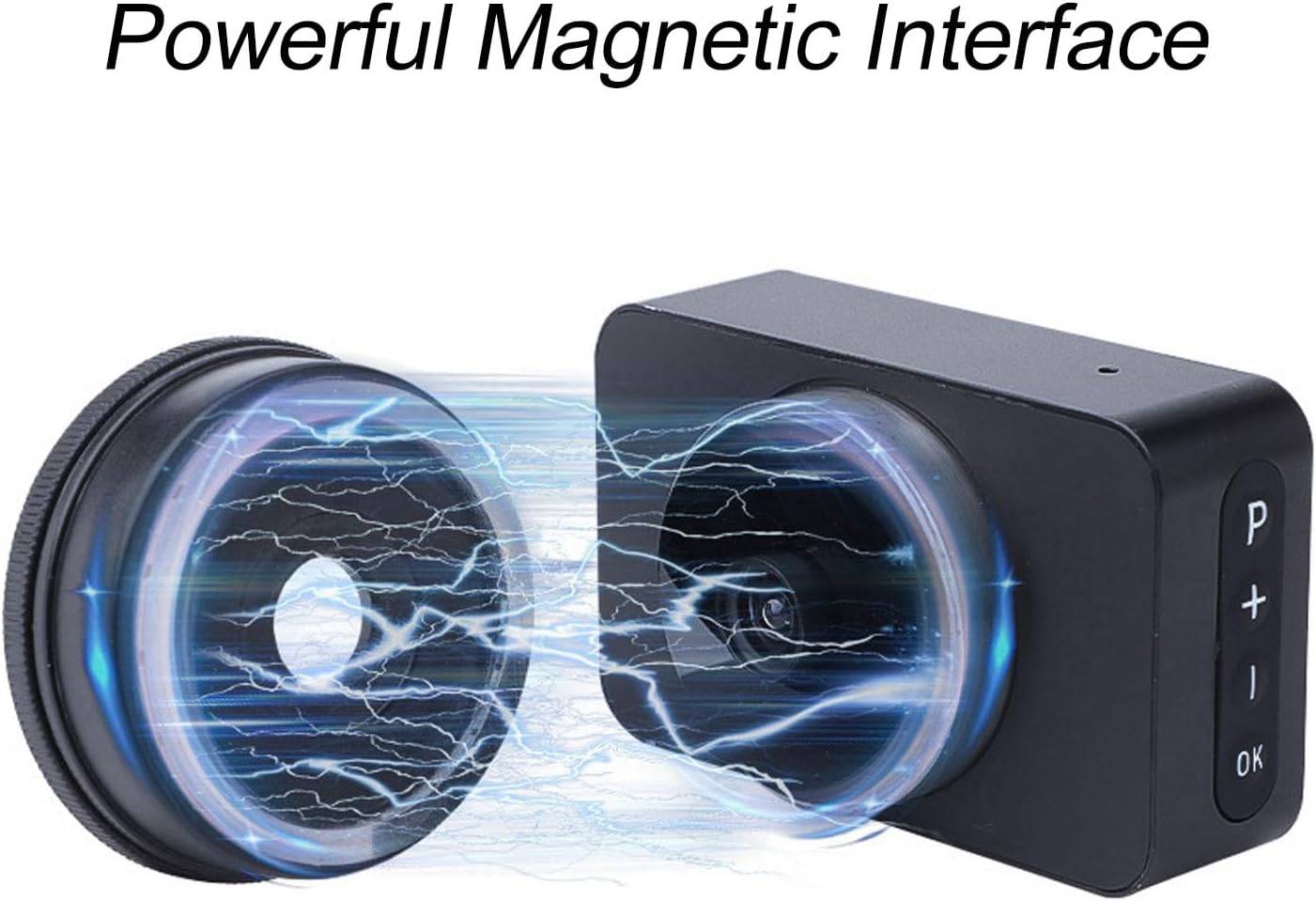
Figure 2: Magnetic interface for secure attachment.
Align the eyepiece with your telescope or microscope's eyepiece barrel and gently push until it is securely attached. The magnetic connection ensures a stable fit.

Figure 3: Electronic eyepiece attached to a telescope.
Operating Instructions
1. Power On/Off
Press and hold the power button (usually marked 'P' or a similar symbol) for a few seconds to turn the device on or off. The 3-inch color display will illuminate upon power-on.
2. Real-time Viewing
Once powered on and attached to your optical instrument, the integrated 3-inch color display provides a live view of your observations. Use the controls on the device to adjust settings and focus for optimal clarity.

Figure 4: Real-time viewing on the 3-inch display.
3. Digital Zoom
The device features 5 levels of digital zoom. Use the '+' and '-' buttons to adjust the magnification as needed for closer inspection of your subjects.
4. Night Vision Capability
Benefit from enhanced night vision, allowing for clear observations even in low-light conditions. This feature is particularly useful for nighttime astronomy sessions or observing nocturnal wildlife.

Figure 5: Examples of night vision use cases.
5. Recording Photos and Videos
Capture high-definition images and 4K Ultra HD videos of your observations. Press the 'OK' button to take a photo or start/stop video recording. Ensure a memory card is installed to save your recordings. The expandable storage capacity up to 128GB allows for continuous recording.
Maintenance
- Cleaning: Use a soft, dry cloth to clean the exterior of the device. For the lens and display, use a specialized optical cleaning cloth and solution. Avoid abrasive materials.
- Storage: When not in use, store the electronic eyepiece in a cool, dry place, away from direct sunlight and extreme temperatures. Use a protective case if available.
- Battery Care: To prolong battery life, avoid fully discharging the battery frequently. Charge the device regularly, even if not in use for extended periods.
Troubleshooting
| Problem | Possible Cause | Solution |
|---|---|---|
| Device does not power on | Low battery; Faulty power button | Charge the device fully; Contact customer support if issue persists. |
| No image on display | Eyepiece not properly attached; Lens cap on; Incorrect settings | Ensure secure attachment; Remove lens cap; Check focus and zoom settings. |
| Cannot record photos/videos | No memory card; Memory card full; Memory card error | Insert a memory card; Delete old files or use a new card; Format the memory card (data will be lost). |
| Poor image quality | Dirty lens/display; Incorrect focus; Low light conditions | Clean lens and display; Adjust focus; Utilize night vision feature in low light. |
Specifications
- Brand: Pilipane
- Model Name: Pilipane861auheg7f
- Item Model Number: Pilipane861auheg7f
- ASIN: B0F274HC6R
- Manufacturer: Pilipane
- Country of Origin: China
- Product Dimensions (L x W x H): 13 x 8 x 6 cm; 40 grams
- Product Dimensions: 13P x 8L x 6H centimeters
- Focus Type: Manual Focus
- Compatible Devices: Smartphone, Tablet, Camera
- Zoom Ratio: 25x to 75x
- Special Feature: 4K Ultra HD Resolution and Real-time Display with 3-inch Color Screen
- Product Type Name: Microscopic Lenses and Caps
- Battery: 850mAh Lithium Battery (built-in)
- Charging Port: Type C
- Screen Size: 3 inches
- Digital Zoom: 5 levels

Figure 6: Product dimensions.
Warranty Information
This product comes with a standard manufacturer's warranty. Please refer to the packaging or contact your retailer for specific warranty terms and conditions. Keep your proof of purchase for any warranty claims.
Customer Support
For technical assistance, troubleshooting, or warranty inquiries, please contact Pilipane customer support. You can find more information and contact details on the official Pilipane brand store: