
1. Introduction
Thank you for choosing the Vaczon 52-inch Modern Ceiling Fan with Lights and Remote. This manual provides essential information for the safe installation, operation, and maintenance of your new ceiling fan. Please read these instructions thoroughly before beginning installation and retain them for future reference.
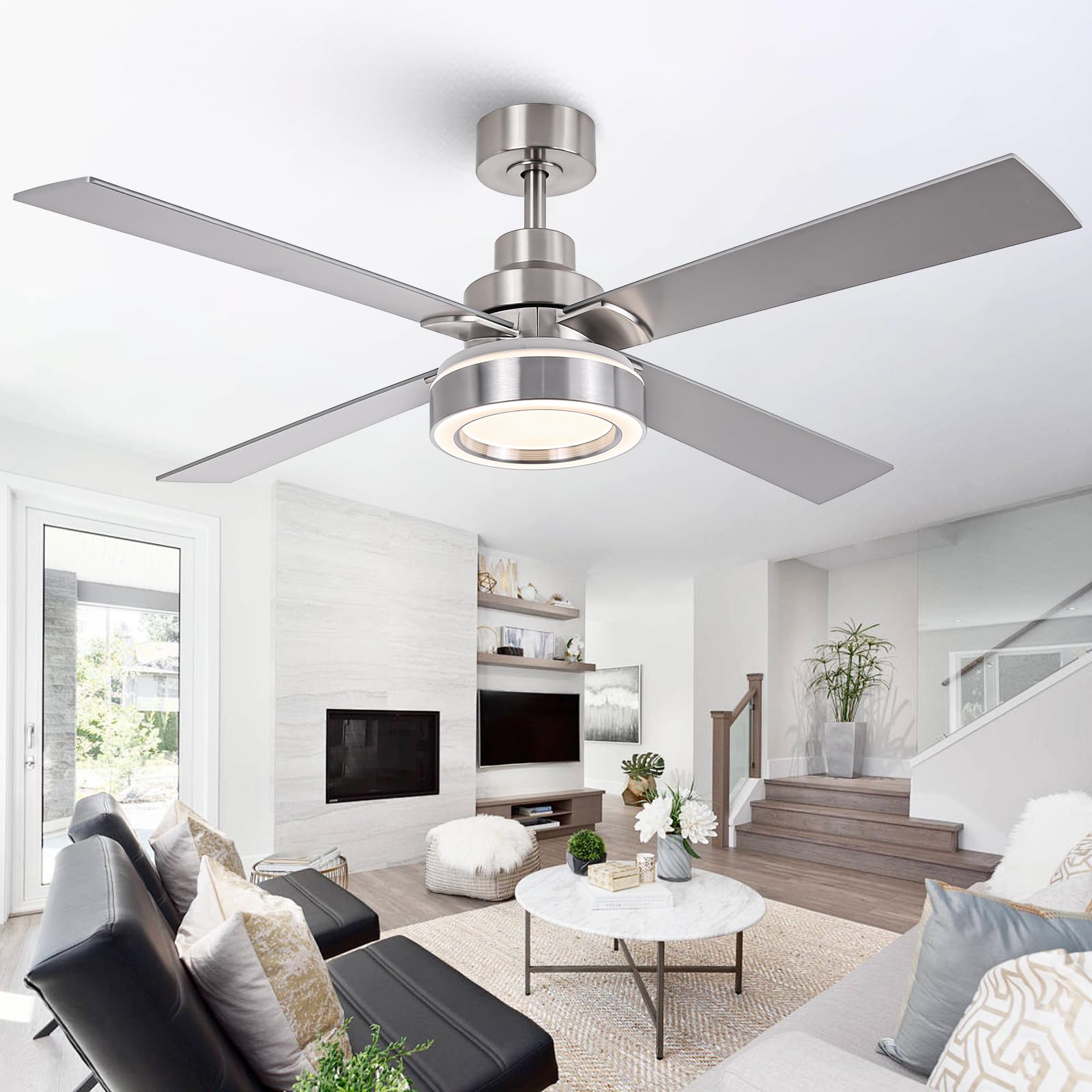
Image 1: Vaczon 52-inch Modern Ceiling Fan with Lights and Remote.
2. Safety Information
WARNING: To reduce the risk of fire, electric shock, or personal injury, always follow these basic precautions:
- Read all instructions and safety information before installing your fan and save these instructions.
- All wiring must be in accordance with national and local electrical codes. Installation should be performed by a qualified licensed electrician.
- The fan must be mounted with a minimum of 7 feet (2.1 meters) clearance from the trailing edge of the blades to the floor.
- Ensure the installation site allows the fan blades to rotate without obstruction.
- To avoid possible electrical shock, turn off the electricity at the main fuse box or circuit breaker before installation and before servicing.
- The outlet box and support structure must be securely mounted and capable of reliably supporting a minimum of 35 lbs (15.9 kg). Use only UL Listed outlet boxes marked "ACCEPTABLE FOR FAN SUPPORT."
- Do not operate the fan with damaged power cords or plugs.
- Do not insert objects into the fan blades while the fan is operating.
3. Package Contents
Verify that all components are present and undamaged before beginning installation. If any parts are missing or damaged, contact Vaczon customer support.
- Ceiling Fan Motor Assembly
- Fan Blades (4x)
- LED Light Kit
- Remote Control
- Downrod (6-inch)
- Mounting Bracket
- Canopy
- Hardware Pack (screws, washers, wire nuts)
- Instruction Manual
4. Specifications
| Feature | Specification |
|---|---|
| Brand | Vaczon |
| Model Name | VCZ003NS |
| Color | Nickel |
| Size | 52 inch |
| Product Dimensions | 52"D x 52"W x 15.1"H |
| Power Source | DC |
| Motor Type | Brushless DC |
| Number of Blades | 4 |
| Number of Speeds | 6 |
| Air Flow Capacity | 3398 Cubic Feet Per Minute (5769.3 m³/h) |
| Light Type | LED (3CCT Dimmable) |
| Voltage | 120 Volts |
| Control Method | Remote Control |
| Indoor/Outdoor Usage | Indoor |
| Mounting Type | Downrod Mount (up to 15° sloped ceilings) |
5. Setup and Installation
This ceiling fan is designed for easy self-installation. Please ensure power is OFF at the circuit breaker before proceeding. Refer to the detailed steps below and the accompanying video for visual guidance.
5.1 Installation Steps
- Mounting Bracket Installation: Secure the mounting bracket to the ceiling outlet box using the provided screws and washers. Ensure the outlet box is rated for fan support.
- Downrod Assembly: Insert the downrod through the canopy and coupling. Feed the motor wires through the downrod. Secure the downrod to the motor assembly with the provided pin and screws.
- Hanging the Fan: Carefully lift the fan assembly and place the downrod ball into the mounting bracket. Ensure the tab in the mounting bracket aligns with the slot in the downrod ball.
- Wiring Connections: Connect the fan wires to the household electrical wires according to the wiring diagram in the full manual. Ensure all connections are secure with wire nuts.
- Canopy Installation: Slide the canopy up and secure it to the mounting bracket with the provided screws, covering the wiring connections.
- Blade Attachment: Attach the fan blades to the motor housing using the blade screws. Ensure all screws are tightened securely.
- Light Kit Installation: Connect the light kit wires to the fan motor wires. Secure the LED light kit to the bottom of the fan motor housing.
5.2 Installation Video Guide
Video 1: Detailed installation guide for the Vaczon 52-inch Modern Ceiling Fan with Lights.
5.3 Dimensions and Mounting
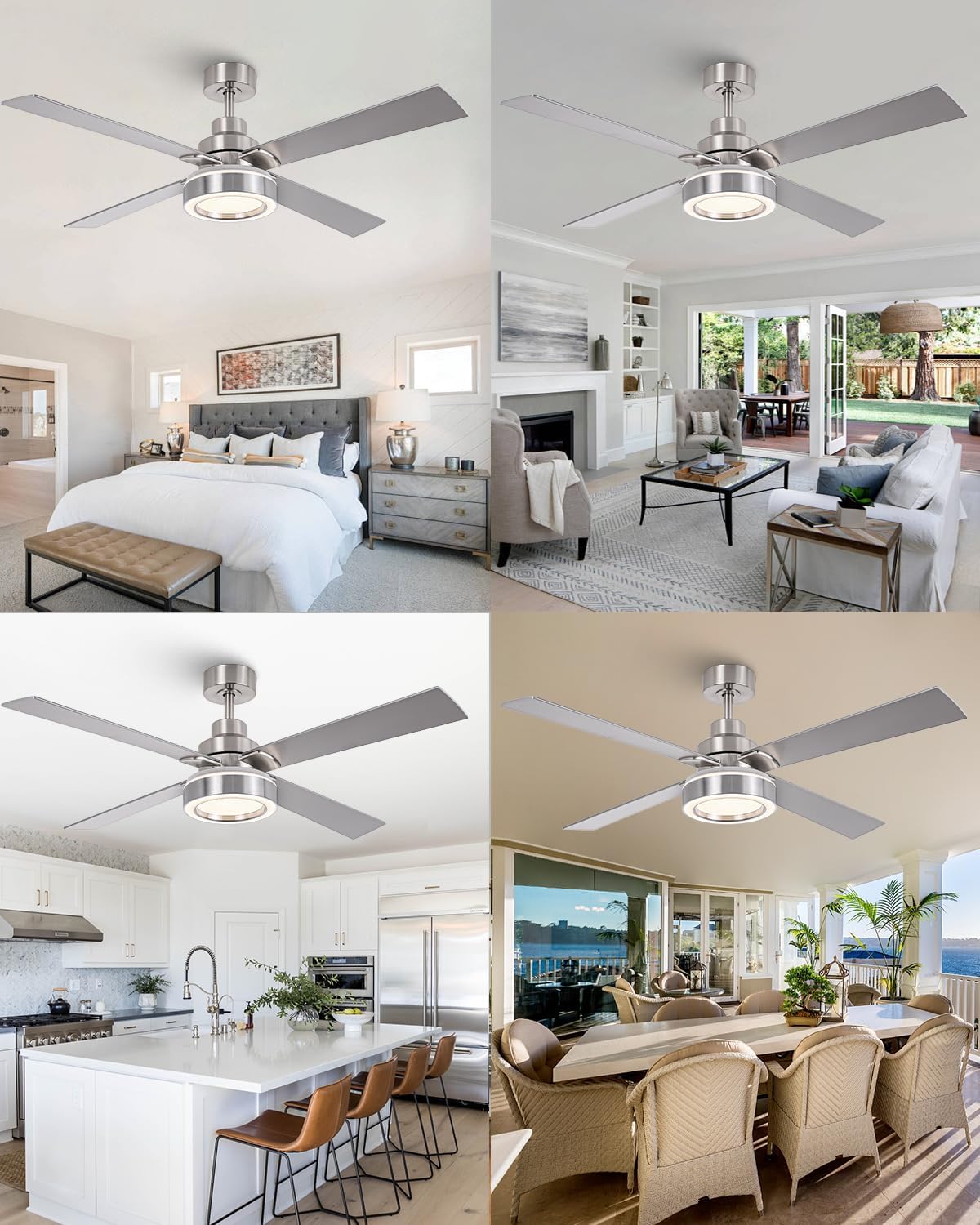
Image 2: Fan dimensions (52-inch diameter, 15.1-inch height with 6-inch downrod) and suitable mounting for downrod and sloped ceilings (up to 15 degrees).
The fan is suitable for rooms ranging from 12ft x 12ft to 18ft x 18ft. It supports downrod mount and sloped ceilings up to 15 degrees. For slopes above 20 degrees, an adapter (not included) is required.
6. Operating Instructions
Your Vaczon ceiling fan is controlled by the included remote control, offering various settings for optimal comfort.
6.1 Remote Control Functions
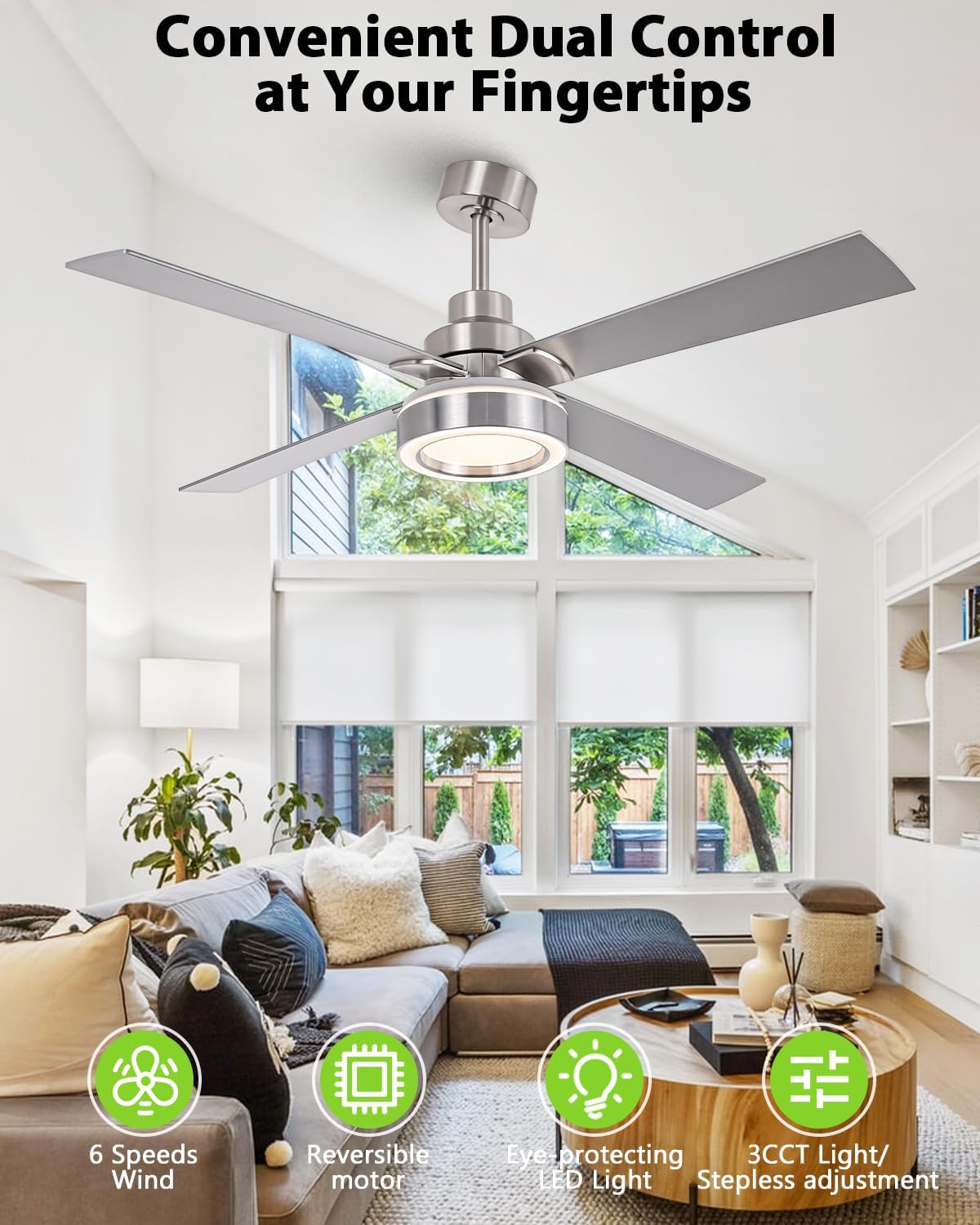
Image 3: Remote control for Vaczon 52-inch ceiling fan.
- Power On/Off: Press the power button to turn the fan and light on or off.
- Fan Speed Control: Select from 6 adjustable fan speeds (1-6) to customize airflow.
- Light On/Off: Press the light button to turn the LED light on or off.
- Color Temperature Adjustment (CCT): Cycle through three color temperatures: Warm (3000K), Neutral (4000K), and Cool (6000K).
- Brightness Dimming: Adjust the light brightness steplessly from 15% to 100%.
- Timer Function: Set the fan to turn off automatically after 1, 2, 4, or 8 hours.
- Reversible Motor: Use the reverse button to change the direction of the fan blades for summer (downward airflow) or winter (upward airflow) operation.
6.2 Light Settings
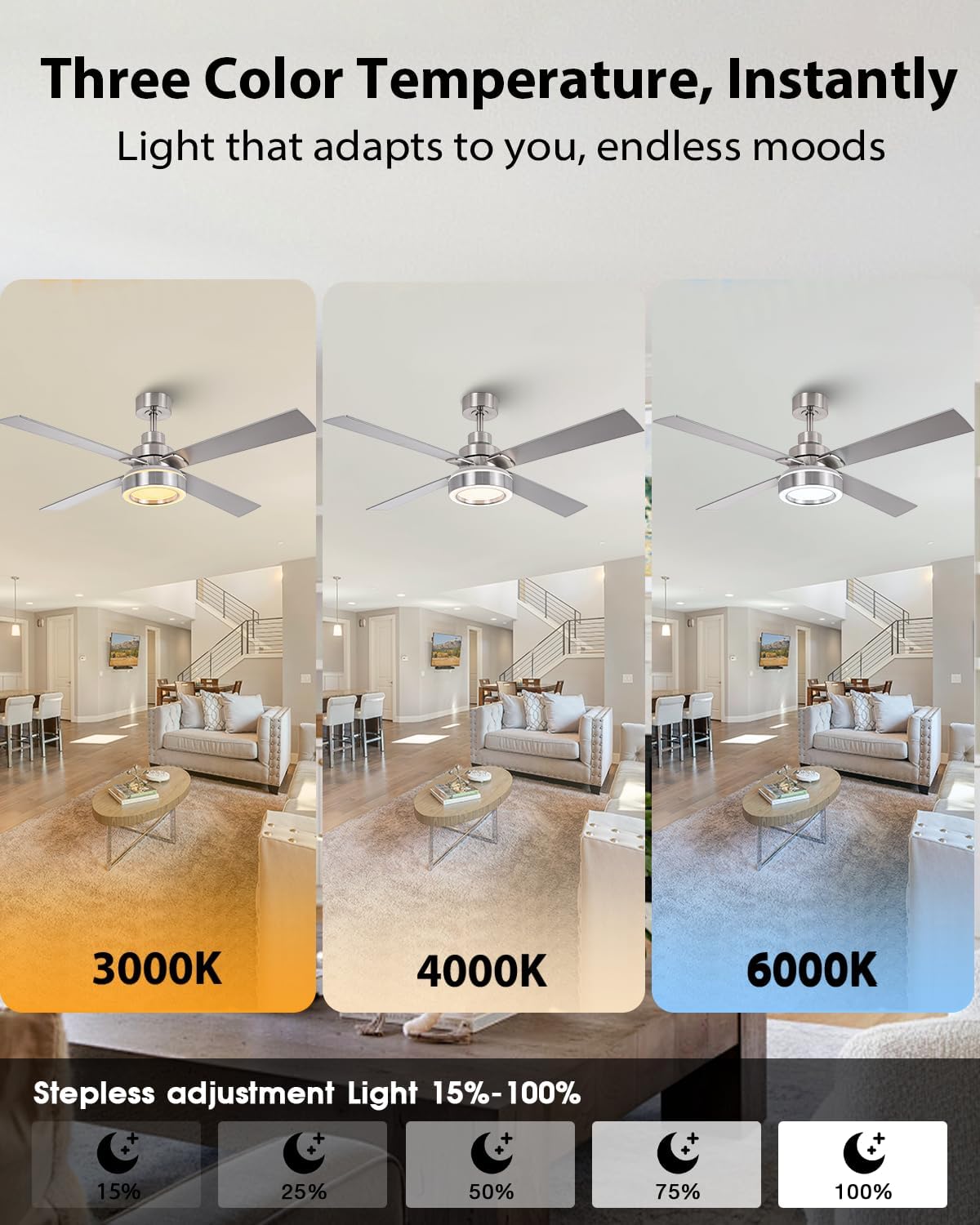
Image 4: Demonstrating 3000K, 4000K, and 6000K light color temperatures.
The integrated LED panel offers three customizable light temperatures and stepless brightness control. This flicker-free technology is designed to protect your eyes.
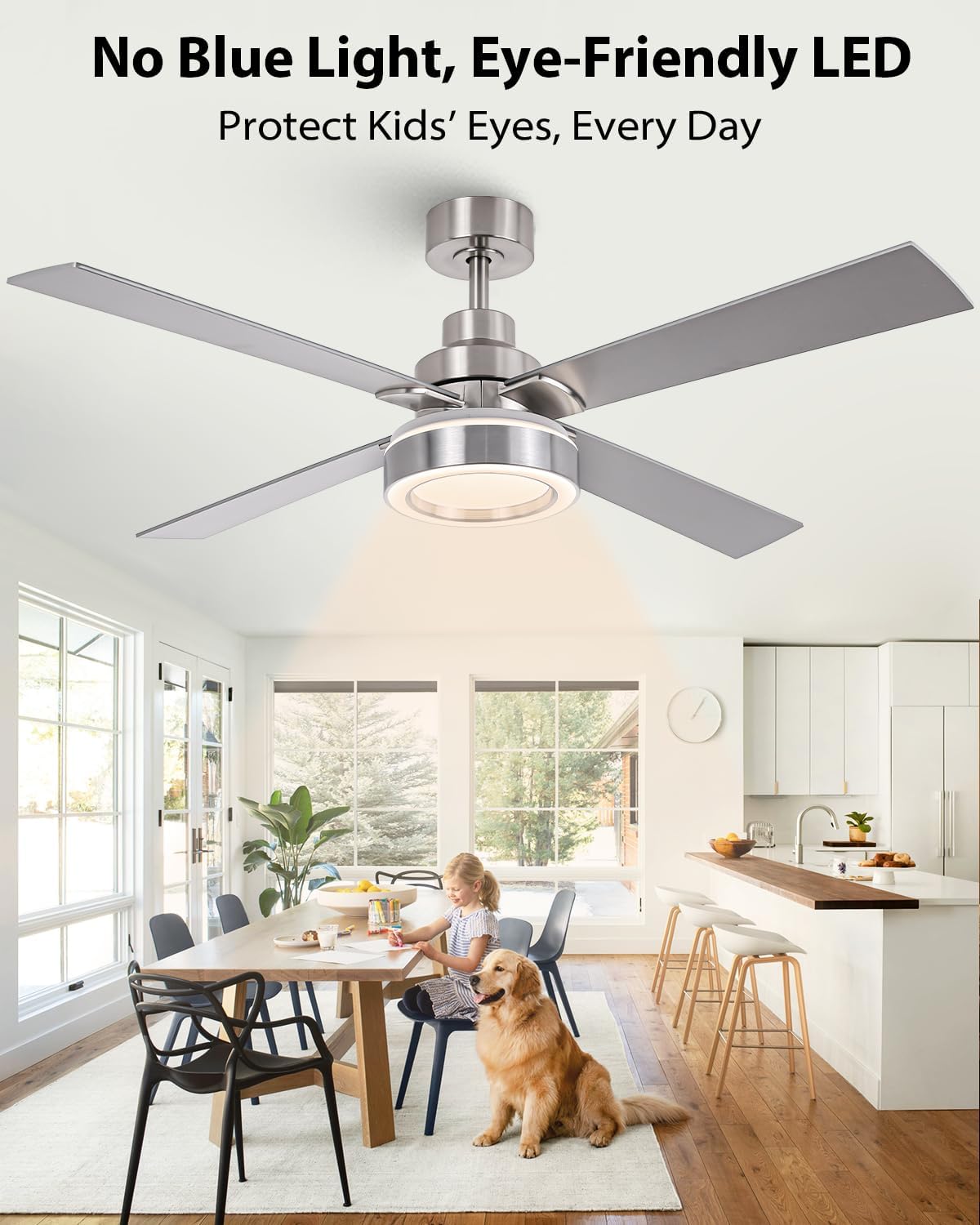
Image 5: Eye-friendly LED light with no blue light emission.
6.3 Reversible Airflow
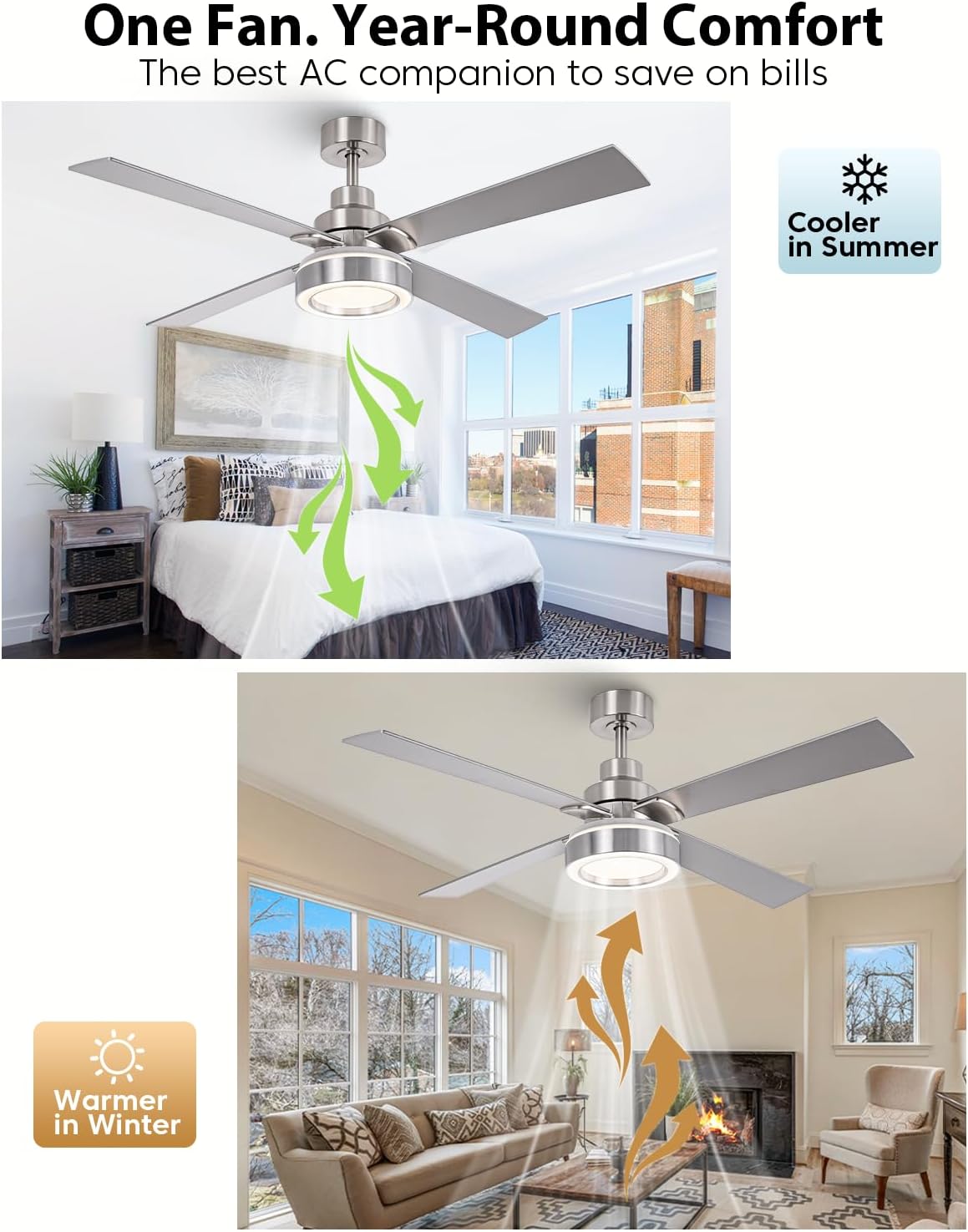
Image 6: Reversible airflow for year-round comfort.
The reversible motor allows you to change the direction of the fan blades. In summer, the fan rotates counter-clockwise to create a downward breeze for cooling. In winter, it rotates clockwise to circulate warm air trapped near the ceiling, helping to reduce heating costs.
6.4 Energy Efficiency and Quiet Operation
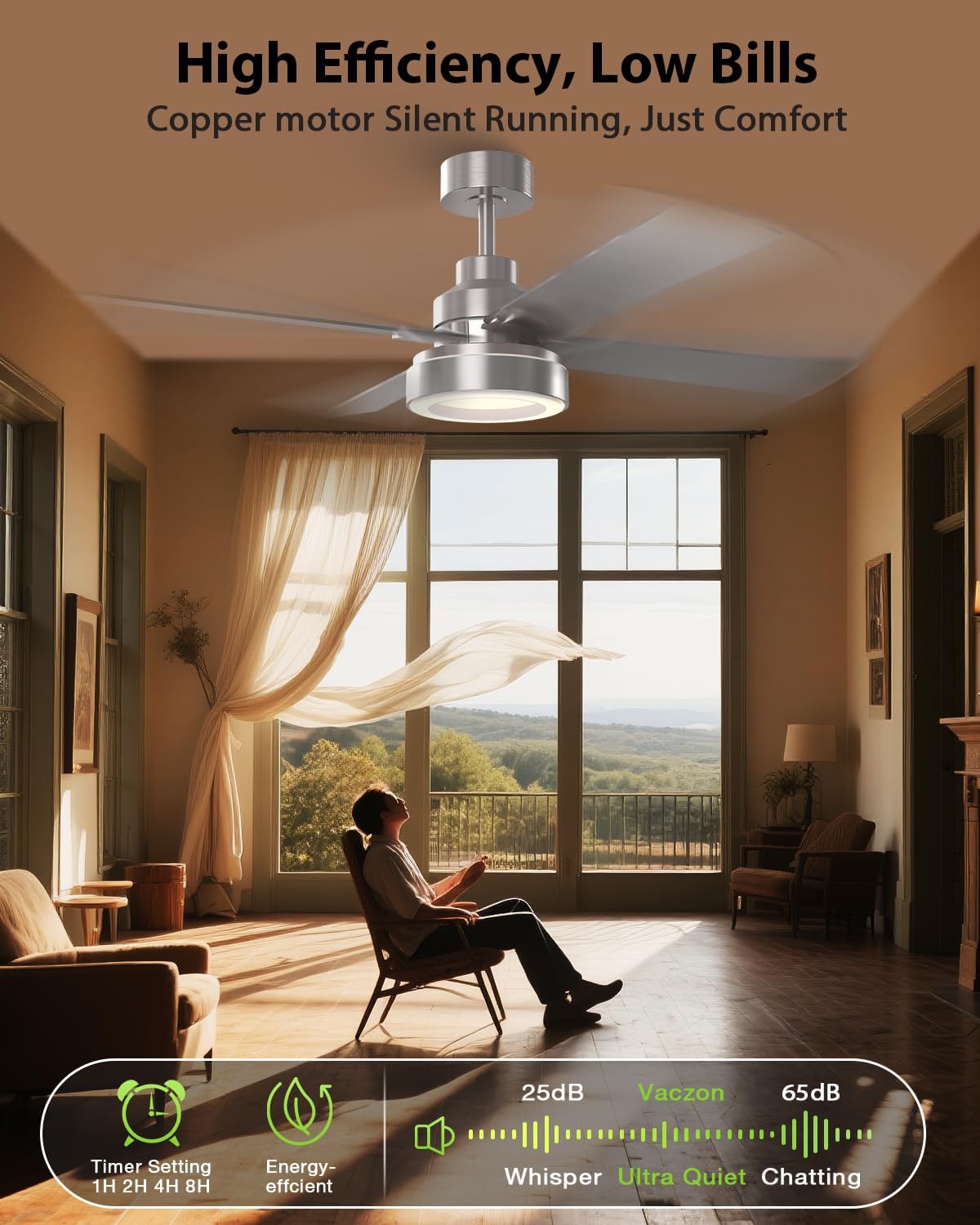
Image 7: High efficiency and ultra-quiet operation of the Vaczon ceiling fan.
Equipped with a premium DC motor, this fan runs whisper-quiet and is up to 85% more energy-efficient than traditional AC models, contributing to lower energy bills.
7. Maintenance
Regular maintenance ensures optimal performance and longevity of your Vaczon ceiling fan.
- Cleaning: Periodically clean the fan blades and motor housing with a soft, damp cloth. Do not use abrasive cleaners or solvents. Ensure the power is off before cleaning.
- Blade Tightness: Check blade screws periodically to ensure they are tight. Loose blades can cause wobbling and noise.
- Light Kit: The LED light kit is designed for long life and typically does not require replacement. If issues arise, contact customer support.
8. Troubleshooting
If you experience issues with your fan, refer to the following common problems and solutions:
| Problem | Possible Cause | Solution |
|---|---|---|
| Fan does not start | No power to the fan; Loose wire connections; Remote control battery low. | Check circuit breaker/fuse; Verify all wire connections are secure; Replace remote control battery. |
| Fan wobbles | Loose blade screws; Unbalanced blades; Loose mounting bracket. | Tighten all blade screws; Ensure blades are balanced (refer to full manual for balancing kit instructions if needed); Secure mounting bracket. |
| Light does not work | Loose wire connection to light kit; Faulty LED driver; Remote control battery low. | Check light kit wiring; Contact customer support if LED driver is suspected; Replace remote control battery. |
| Remote control not working | Low battery; Incorrect pairing; Obstruction between remote and receiver. | Replace battery; Re-pair remote with fan (refer to full manual for pairing instructions); Ensure clear line of sight. |
For further assistance, please contact Vaczon customer support.
9. Warranty and Support
Vaczon products are designed for quality and durability. For specific warranty details, please refer to the warranty card included with your purchase or visit the official Vaczon website. For technical support, replacement parts, or any inquiries, please contact Vaczon customer service.
Vaczon USA
For more information, visit the Vaczon Store on Amazon.


