
Introduction
The VicoHome DB1 2K WiFi Video Doorbell is a smart security solution designed to enhance your home's safety and convenience. This manual provides comprehensive instructions for setting up, operating, and maintaining your VicoHome DB1 Doorbell Camera and its accompanying chime.
What's in the Box
Please verify that all components are present before proceeding with installation.

Image: The VicoHome DB1 Doorbell Camera (black, rectangular) and the white wireless chime unit.
- 1x VicoHome DB1 2K WiFi Video Doorbell
- 1x Wireless Chime
- 1x Power Adapter & USB Cable
- 1x Mounting Kit
- 1x User Manual (this document)
Key Features
- 2K Ultra HD Resolution & Night Vision: Provides sharp video footage and clear images in low-light conditions.
- AI Motion & Package Detection: Advanced technology for real-time alerts when people or packages are detected.
- Two-Way Audio & Built-in Siren: Enables communication with visitors and remote activation of an alarm.
- Wireless Chime Included: Ensures audible notification inside your home.
- Rechargeable & Weather-Resistant Design: Powered by a 5000 mAh battery and features IP65 weatherproof housing.
- Storage Options: Supports local SD card recording (up to 128GB, not included) and free 3-day rolling cloud storage.
- Smart Home Compatibility: Integrates with Amazon Alexa and Google Assistant.
Setup
1. Installation
The VicoHome DB1 can be installed using either wired or battery-powered methods. Ensure your installation location has 2.4GHz WiFi coverage (5GHz is not supported).

Image: The VicoHome DB1 Doorbell Camera mounted vertically on a white door frame next to a brick wall.
Use the provided mounting kit for secure attachment. The doorbell is designed for outdoor use and is IP65 weather-resistant, protecting it from rain, snow, sun, and dust.
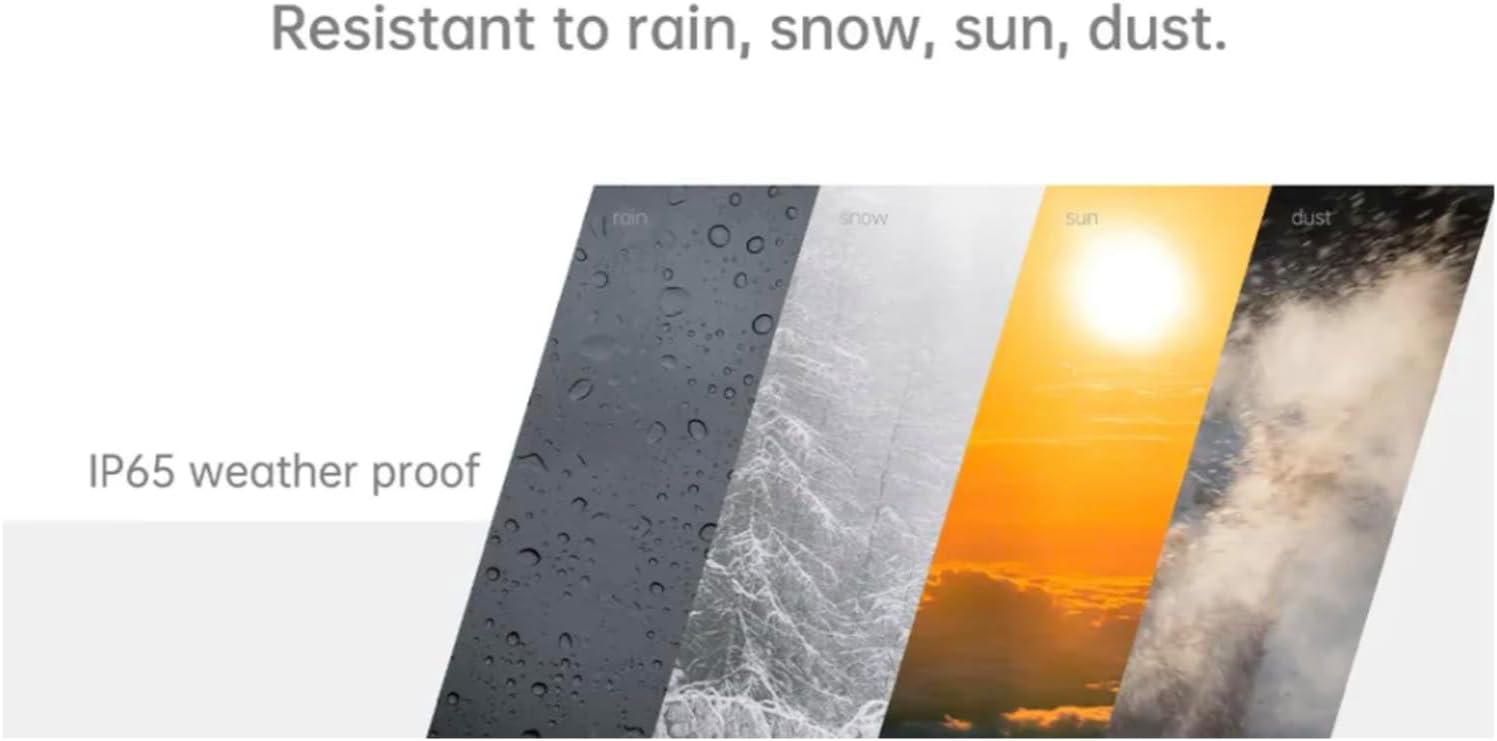
Image: An illustration depicting the doorbell's IP65 weatherproof rating, showing it resistant to various weather conditions like rain, snow, sun, and dust.
2. App Setup
Download the VicoHome App from your device's app store. Follow the in-app instructions to pair your doorbell and chime. If using an SD card for local storage (up to 128GB), ensure it is formatted via the VicoHome App before first use.
Operating the VicoHome DB1
Daily Use
- Two-Way Audio: Use the VicoHome App to speak with visitors at your door in real-time.
- Motion Detection: The doorbell utilizes PIR motion detection to identify activity. You will receive mobile notifications via the app when motion is detected.
- Package Detection: Receive specific alerts when a package is detected at your doorstep.
- Built-in Siren: Activate the siren remotely through the app to deter unwanted visitors.

Image: An illustration showing the doorbell detecting motion from a person, with a smartphone displaying a "Motion Detection" alert.
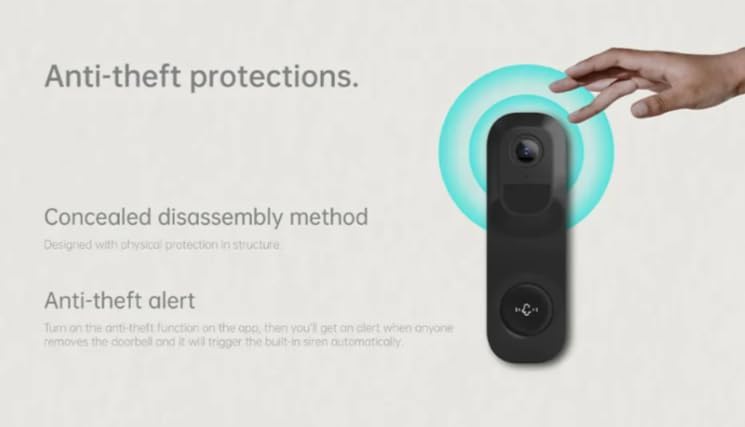
Image: An illustration highlighting the doorbell's anti-theft features, including a concealed disassembly method and an anti-theft alert that triggers the siren if removed.
App Functions
- Real-time Video and Audio: View your front door live from anywhere.
- Automated Recording: Get instant alerts and recordings when activity occurs.
- Video History: Review past events and recordings.
- Enhanced View: The doorbell provides a 4:3 aspect ratio for full-body views and a 160-degree field of view.
- Clear Vision: Benefit from 2K HD video and infrared night vision for clear images day and night.
- Smart Alerts: Receive alerts for various events including person detection, package delivery, pet detection, and vehicle activity.
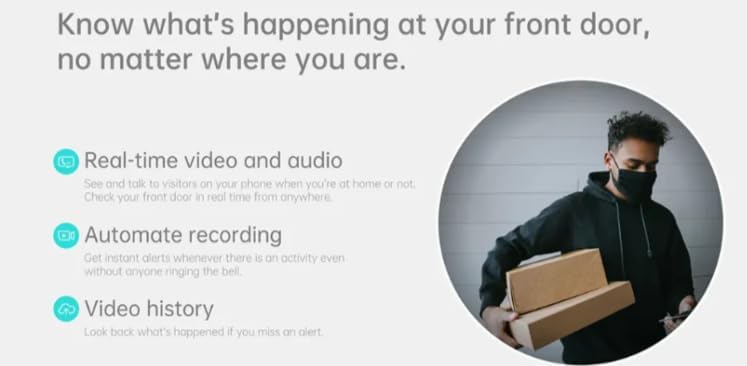
Image: A graphic illustrating the VicoHome app's capabilities, including real-time video and audio, automated recording, and video history, with a person carrying packages in the background.
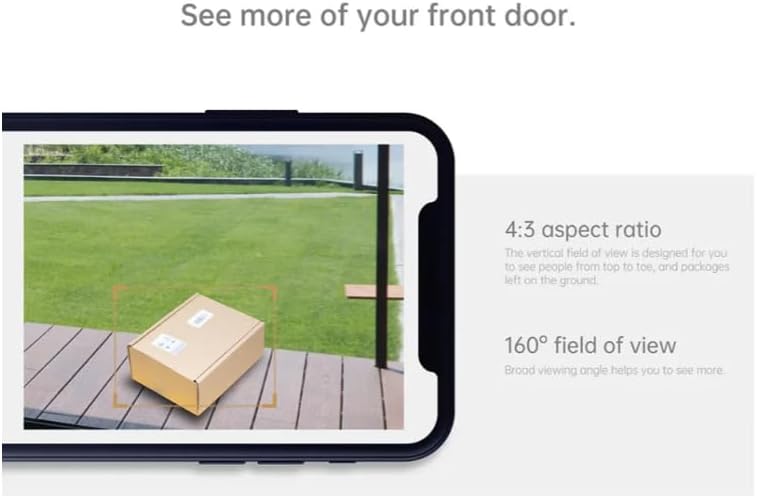
Image: A smartphone screen displaying a wide-angle view of a package on a porch, illustrating the 4:3 aspect ratio and 160-degree field of view.

Image: A split image demonstrating the clarity of 2K HD video during the day and the effectiveness of infrared night vision in low light conditions.

Image: A graphic displaying five icons representing different types of smart alerts: person detected, package delivered, pet detected, vehicle approaching, and marked/unmarked vehicles.
Maintenance
- Cleaning: Gently wipe the camera lens and doorbell surface with a soft, damp cloth to remove dust or smudges. Avoid abrasive cleaners.
- Battery Charging: Recharge the doorbell's 5000 mAh battery as needed using the provided power adapter and USB cable.
- SD Card Management: Periodically check the SD card storage via the VicoHome App. Format the SD card as needed to ensure continuous recording.
- Firmware Updates: Keep your VicoHome App and doorbell firmware updated to ensure optimal performance and access to new features.
Troubleshooting
- No Power/Not Turning On: Ensure the battery is charged or the wired connection is secure.
- Cannot Connect to Wi-Fi:
- Verify you are connecting to a 2.4GHz Wi-Fi network. 5GHz networks are not supported.
- Check Wi-Fi signal strength at the installation location.
- Restart your router and the doorbell.
- Poor Video Quality:
- Ensure the camera lens is clean.
- Check Wi-Fi signal strength.
- Motion Detection Issues:
- Adjust motion sensitivity settings in the VicoHome App.
- Ensure there are no obstructions blocking the sensor.
- Chime Not Ringing:
- Ensure the chime is plugged into a working outlet.
- Verify the chime is paired with the doorbell via the VicoHome App.
- Check the volume settings on the chime.
- SD Card Not Recording:
- Ensure the SD card is inserted correctly.
- Format the SD card via the VicoHome App.
- Check if the SD card capacity is within the supported limit (up to 128GB).
Specifications
| Model Name | Video Doorbell DB1 - VicoHome |
| Brand | VicoSafe |
| Resolution | 2K HD (1440 Pixels Effective Video Resolution) |
| Field of View | 160 Degrees (148 Degrees Viewing Angle) |
| Night Vision Range | 33 Feet |
| Power Source | Battery Powered (5000 mAh Lithium Ion battery included) |
| Connectivity | 2.4GHz Wi-Fi (Wireless) |
| Storage | Local SD Card (up to 128GB), 3-Day Cloud Storage |
| Weather Resistance | IP65 International Protection Rating |
| Dimensions (L x W x H) | 1.22 x 1.81 x 5.98 inches |
| Item Weight | 1.01 pounds |
| Compatible Devices | Smartphone, Amazon Alexa, Google Assistant |
Warranty and Support
As an official VicoHome distributor, VicoSafe is committed to providing high-quality smart home security solutions. For any questions, technical assistance, or support inquiries, please refer to the contact information provided with your product packaging or visit the official VicoHome support website. Enjoy top-tier customer support and trusted performance with every purchase.