
1. Introduction
Thank you for choosing the CNBRO Smart Ring. This device is designed to help you monitor various health and fitness metrics, including heart rate, sleep patterns, and daily activity. Please read this manual carefully to ensure proper setup and operation of your smart ring.
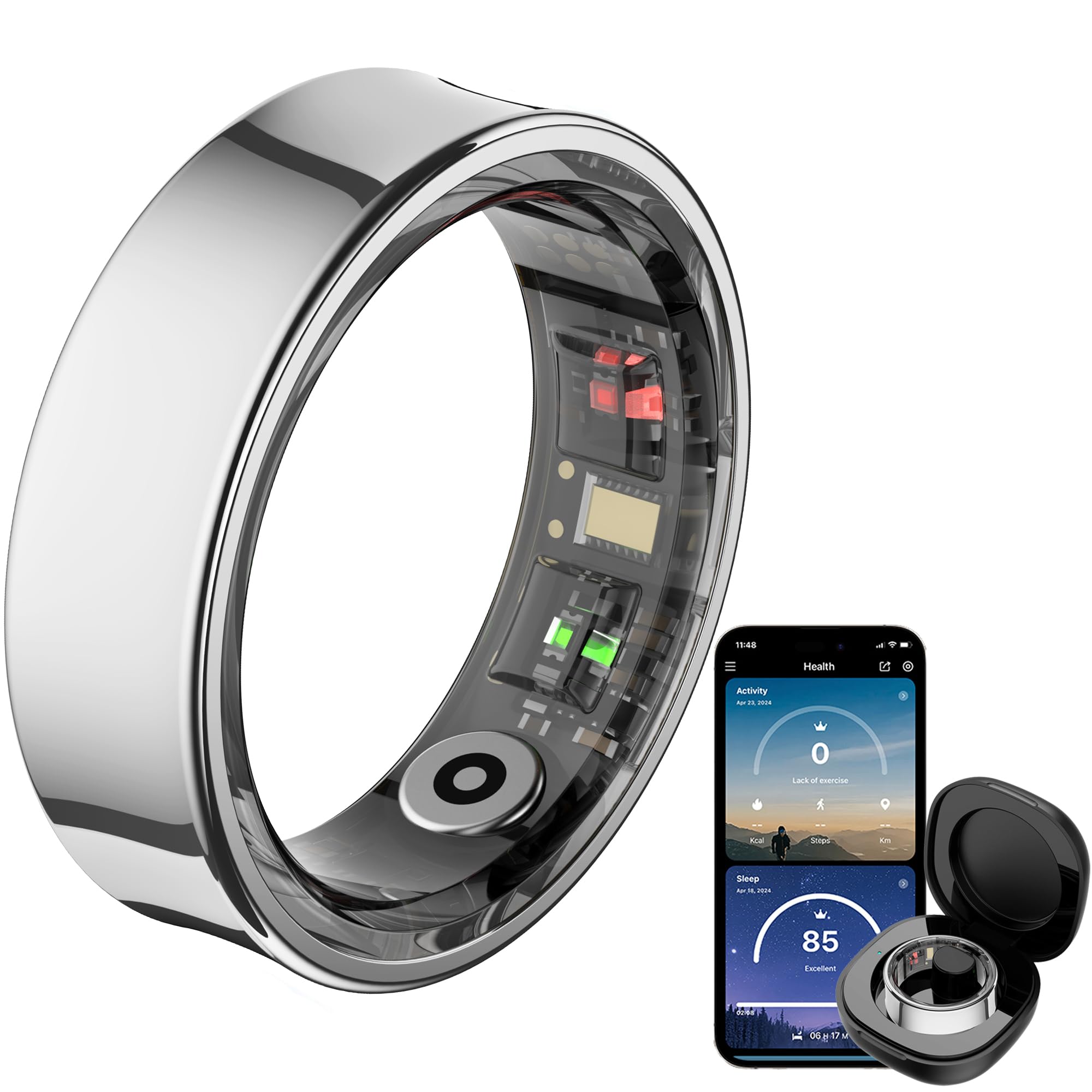
Image 1.1: The CNBRO Smart Ring and its accompanying mobile application interface.
2. Product Overview
2.1 Key Features
- Heart Rate Monitoring: 24-hour continuous heart rate tracking.
- Sleep Tracking: Monitors sleep duration and provides comprehensive sleep quality analysis.
- Activity Tracking: Automatically tracks steps, calories consumed, and distance. Includes dedicated sport modes.
- Gesture Control: Remote control for phone camera, short video switching, and music playback.
- Waterproof Design: IP68 rating, suitable for washing hands, cold bathing, and swimming.
- Long Battery Life: One full charge provides 5-7 days of work time.
- Portable Charging Case: Provides up to ten full charges for the ring.
- Free QRing App: No subscription fees for accessing health and exercise data.
2.2 Package Contents
The CNBRO Smart Ring package includes the following items:
- 1 x Smart Ring
- 1 x Charging Case
- 1 x Charging Cable for Ring
- 1 x Charging Cable for Case
- 1 x User Manual (this document)
3. Setup
3.1 Charging the Smart Ring and Case
Before first use, fully charge both the smart ring and its charging case.
- Place the smart ring into the charging case. Ensure the magnetic contacts align properly.
- Connect the charging cable for the ring to the charging case and a suitable USB power source.
- To charge the case itself, use the separate charging cable for the case and connect it to a USB power source.
- Charging indicators on the case will show the charging status.
3.2 App Installation and Pairing
The CNBRO Smart Ring requires the 'QRing' application for full functionality.
- Download the 'QRing' app from your smartphone's app store (compatible with iOS 8.0 or above, and Android 5.1 or above).
- Ensure your smartphone's Bluetooth is enabled.
- Open the QRing app and follow the on-screen instructions to create an account or log in.
- The app will guide you through the pairing process to connect your smart ring via Bluetooth 5.2.
3.3 Determining Your Ring Size
Accurate sizing is crucial for comfort and data accuracy. Refer to the size chart and measurement guide below.

Image 3.1: Ring size chart and measurement instructions.
Measurement Steps:
- Take a long non-elastic rope or paper strip and wrap it around your finger.
- Mark the junction part on the rope or paper, ensuring it fits closely to your finger.
- Lay the rope or paper flat and measure its length. It is recommended to measure multiple times for more accurate data.
Note: The paper or rope must be completely aligned when measuring; otherwise, the measurement results will be on the larger side.
4. Operating Instructions
4.1 Heart Rate Monitoring
The smart ring continuously monitors your heart rate throughout the day. View your heart rate data in the QRing app.

Image 4.1: Heart rate and blood oxygen monitoring via the smart ring.
4.2 Sleep Tracking
Wear the smart ring while sleeping to track your sleep duration and quality. The QRing app provides a detailed analysis of your sleep stages.

Image 4.2: Sleep monitoring features of the smart ring.
4.3 Activity Tracking and Sport Modes
The ring automatically tracks your steps, calories, and distance. For specific activities, activate sport modes within the QRing app to monitor activity time and real-time heart rate during exercise.
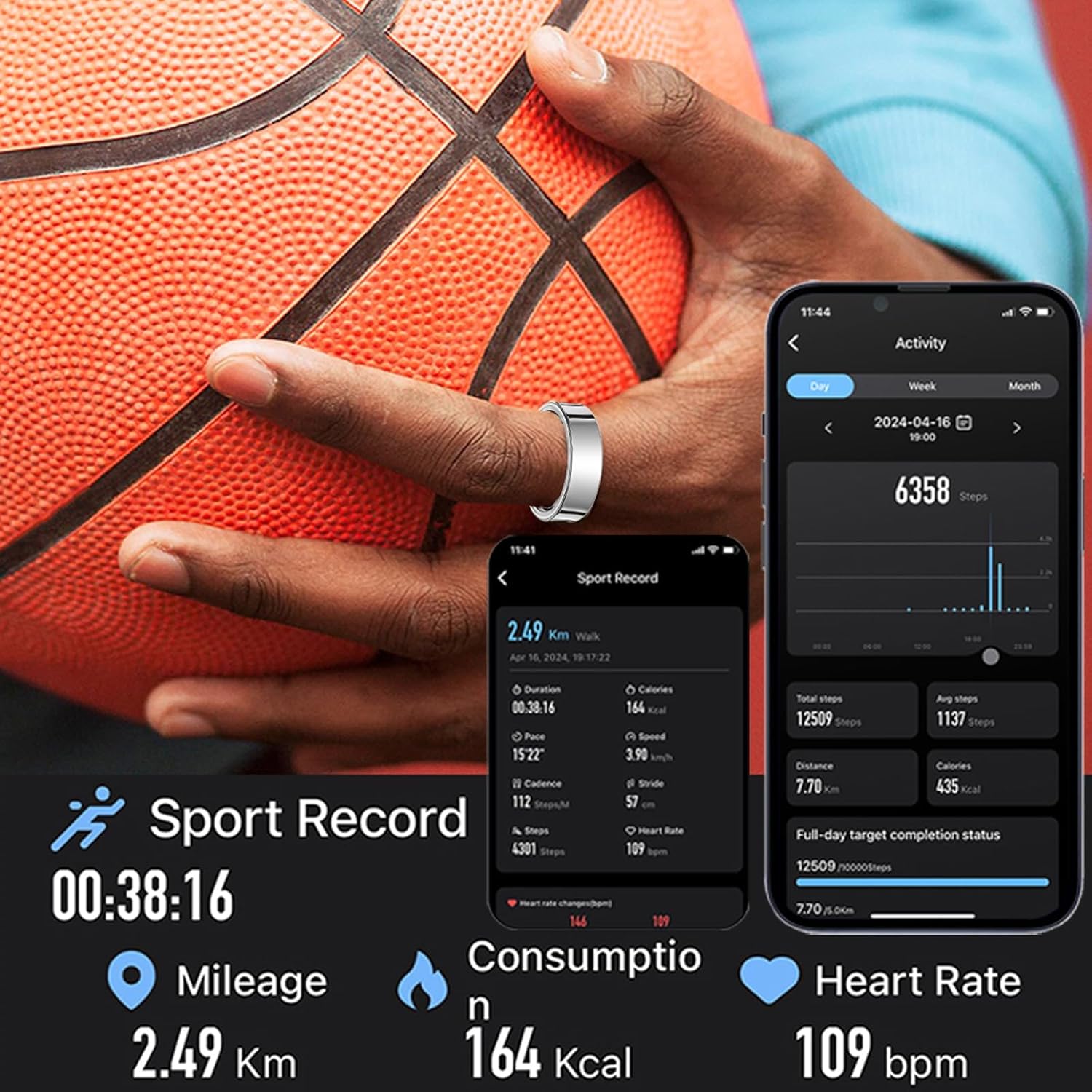
Image 4.3: Sport record and activity tracking.
4.4 Gesture Control
Utilize the ring's gesture control feature to interact with your smartphone remotely:
- Remote Camera: Take photos on your phone without touching it.
- Video Control: Switch short videos.
- Music Playback: Pause or play music.
Refer to the QRing app for specific gesture commands and setup.
4.5 Waterproof Usage
The smart ring has an IP68 waterproof rating, making it suitable for:
- Washing hands
- Cold bathing
- Swimming
Important: The ring is NOT suitable for hot water, saunas, or diving. Exposure to hot water may compromise the waterproof seal.
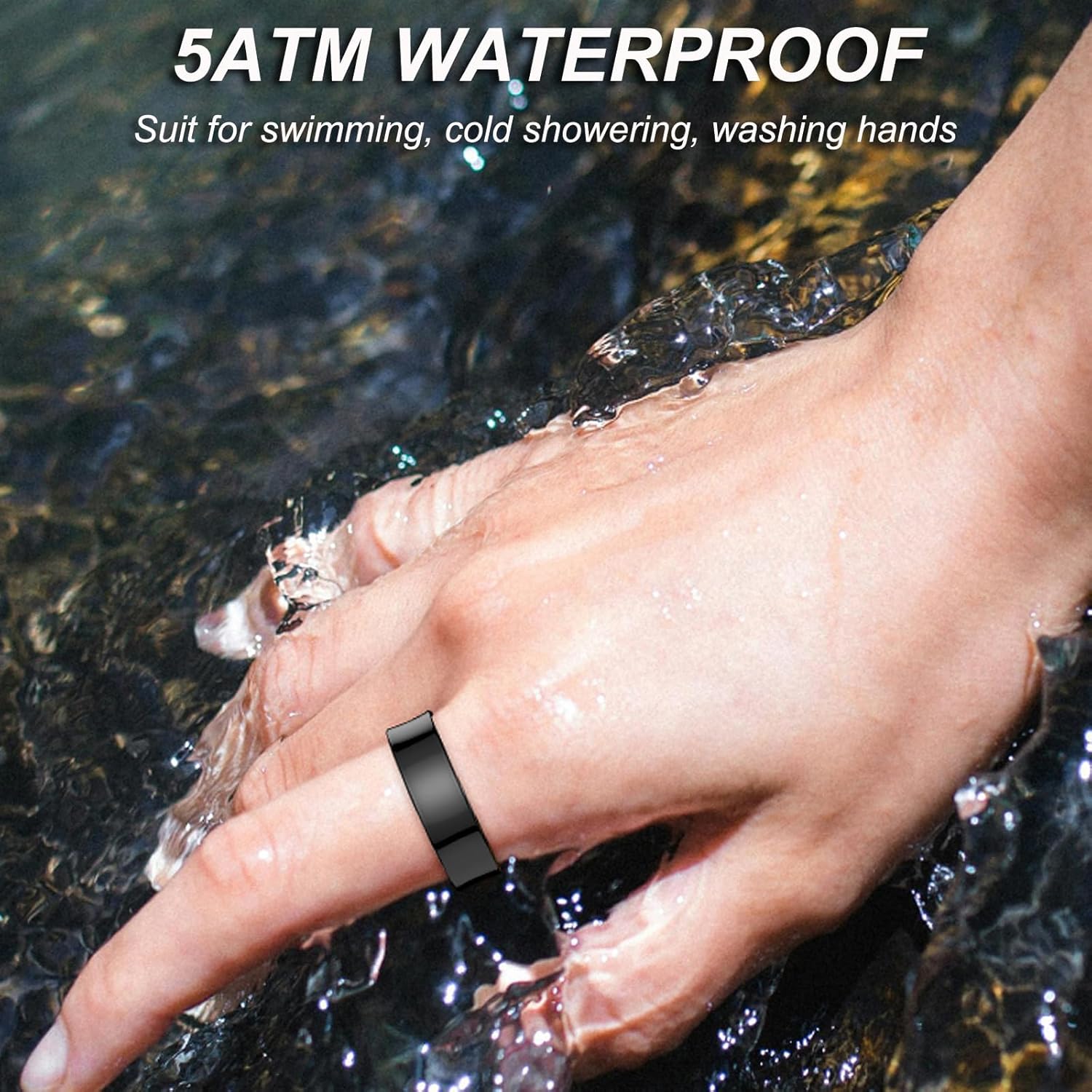
Image 4.4: The smart ring is waterproof for daily activities.
5. Maintenance
5.1 Cleaning
To maintain optimal performance and hygiene, clean your smart ring regularly:
- Wipe the ring with a soft, damp cloth.
- Avoid using harsh chemicals, abrasive cleaners, or solvents, as these can damage the ring's finish and internal components.
- Ensure the charging contacts are clean and dry before placing the ring in the charging case.
5.2 Storage
When not in use, store the smart ring in its charging case in a cool, dry place, away from direct sunlight and extreme temperatures.
6. Troubleshooting
If you encounter issues with your CNBRO Smart Ring, try the following solutions:
- Ring not charging: Ensure the ring is correctly seated in the charging case and the charging cables are securely connected to a power source. Check if the charging case itself has power.
- Cannot pair with app: Make sure Bluetooth is enabled on your smartphone and the ring is sufficiently charged. Try restarting both your phone and the ring (by placing it in and out of the charging case).
- Inaccurate data: Ensure the ring is worn correctly and snugly on your finger. Clean the sensors on the inside of the ring.
- App not responding: Close and reopen the QRing app. If the issue persists, try reinstalling the app.
For further assistance, please contact customer support.
7. Specifications
| Feature | Specification |
|---|---|
| Brand | CNBRO |
| Model | Smart Ring |
| Connectivity Technology | Bluetooth 5.2 |
| Ring Battery Capacity | 15mAh (Lithium Polymer) |
| Work Time (Ring) | 5-7 days per full charge |
| Charging Type | Magnetic Charging |
| Compatibility | iOS 8.0 or above, Android 5.1 or above |
| Water Resistance Level | IP68 Waterproof |
| Item Weight | 100 Grams (approx. 3.53 ounces) |
| Special Features | Activity Tracker, Gesture Control, Lightweight |
| Manufacturer | ShenZhen YaWell Intelligent Technology Co.,Ltd |
8. Support
Should you have any questions, concerns, or require technical assistance regarding your CNBRO Smart Ring, please do not hesitate to contact our customer support team. We are committed to providing the best possible solution to you.
Please refer to the product packaging or the QRing app for specific contact information.