
1. Introduction
This manual provides essential information for the proper use and maintenance of your CNBRO Smart Ring. Please read it thoroughly before using the device to ensure optimal performance and longevity.
The CNBRO Smart Ring is a wearable health and fitness tracker designed to monitor various physiological data points, including heart rate, sleep patterns, and activity levels. It also offers convenient features such as gesture control for media and remote camera operation.
2. Product Overview
2.1 Key Features
- Heart Rate Monitor: 24-hour continuous heart rate tracking.
- Sleep Tracker: Monitors sleep duration and provides comprehensive sleep quality analysis.
- Sport Fitness Tracker: Tracks steps, calories, distance, and activity time during exercise.
- Gesture Control: Remote control for phone's camera, switching short videos, and music playback.
- Waterproof: IP67 rating, suitable for washing hands, cold bathing, and swimming (not for hot water).
- No Subscription Fee: Access all app features without additional costs.
2.2 What's in the Box
- 1 x CNBRO Smart Ring
- 1 x Charging Case
- 1 x Charging Cable for Ring
- 1 x Charging Cable for Case
- 1 x User Manual (this document)
3. Setup
3.1 Charging the Smart Ring
Before first use, fully charge your Smart Ring and its charging case. Connect the provided charging cables to a compatible USB power source.
- Place the Smart Ring into the charging case.
- Connect the charging cable for the ring to the case, and the charging cable for the case to a power adapter.
- The indicator lights on the case will show charging status.
- A full charge typically provides 5-7 days of ring usage. The charging case can recharge the ring approximately ten times on a full charge.
3.2 App Installation and Pairing
The CNBRO Smart Ring requires the 'QRing' application for full functionality. The app is compatible with iOS 8.0 or above and Android 5.1 or above.
- Download the App: Scan the QR code provided in the packaging or search for 'QRing' in your device's app store.
- Create Account: Open the QRing app and follow the on-screen instructions to create a user account.
- Enable Bluetooth: Ensure Bluetooth is enabled on your smartphone.
- Pair Device: In the QRing app, navigate to the device pairing section. Select your Smart Ring from the list of available devices to establish a connection.
- Complete Setup: Follow any remaining prompts in the app to finalize the setup, including entering personal details for accurate tracking.

Image: The CNBRO Smart Ring, its charging case, and a smartphone displaying the companion app interface. The ring is black, sleek, and shows internal components. The app displays activity and health data.
4. Operating Instructions
4.1 Wearing the Smart Ring
For accurate data collection, wear the Smart Ring snugly on your finger. The sensors on the inner surface of the ring should be in good contact with your skin.

Image: A close-up of the Smart Ring highlighting its curved surface design, intended for comfortable wear. A smartphone screen in the background shows health data.
4.2 Health Monitoring
The Smart Ring continuously monitors your health data. View detailed reports in the QRing app.
- Heart Rate: Provides 24-hour continuous heart rate tracking.
- Sleep Tracking: Automatically detects sleep duration, light sleep, deep sleep, and wake-up times.
- Skin Temperature: Monitors temperature changes for health insights.

Image: A person wearing the Smart Ring on a tennis court, with a smartphone displaying health monitoring data including heart rate, blood oxygen, and sleep tracking. Various ring colors are shown in the foreground.

Image: A person sleeping, with a smartphone screen overlaid showing detailed sleep monitoring data, including total duration, sleep efficiency, and light/deep sleep cycles.
4.3 Fitness Tracking
The ring automatically tracks your daily activity. Activate specific sport modes in the app for more detailed exercise data.
- Pedometer: Records steps taken, calories burned, and distance covered.
- Sport Modes: Tracks activity time and heart rate during various exercises.
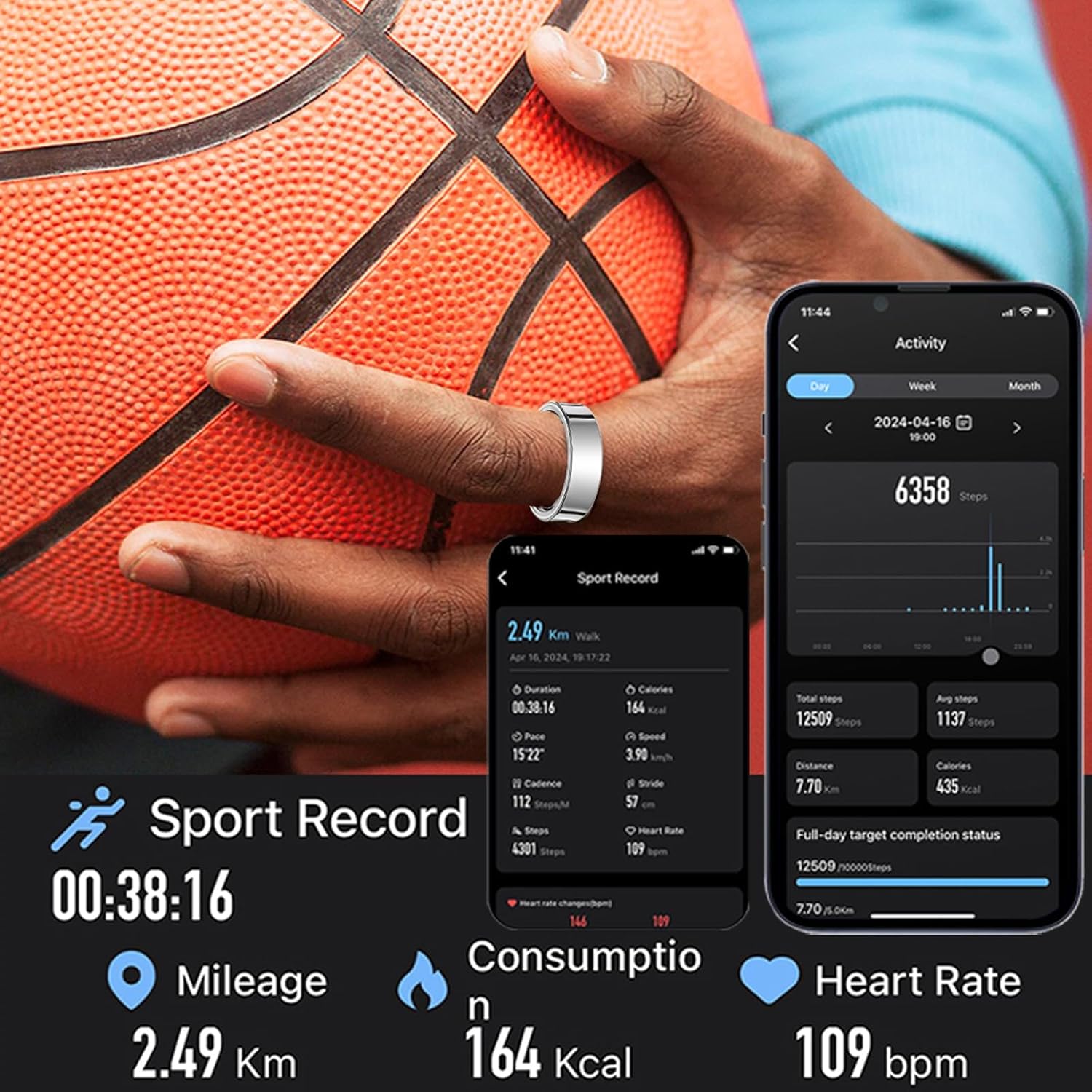
Image: A person holding a basketball, wearing the Smart Ring, with a smartphone displaying sport record data such as mileage, calorie consumption, and heart rate during activity.
4.4 Gesture Control
The Smart Ring supports gesture-based controls for various smartphone functions.
- Remote Camera: Take photos on your phone remotely.
- Media Control: Switch short videos, pause, or play music with simple gestures.
Video: This video demonstrates the features of the Smart Ring, including its design, health monitoring capabilities (sleep, heart rate, skin temperature), and gesture controls for music and short videos. It also highlights the waterproof rating and available ring sizes.
5. Maintenance
5.1 Cleaning
Wipe the Smart Ring with a soft, dry cloth. Avoid using abrasive cleaners or solvents that could damage the device.
5.2 Waterproofing
The Smart Ring has an IP67 waterproof rating, meaning it is resistant to dust and can withstand immersion in water up to 1 meter for 30 minutes. It is suitable for washing hands, cold bathing, and swimming.
Important: Do NOT expose the Smart Ring to hot water, steam, or saunas, as this can compromise its waterproof seals and damage internal components.
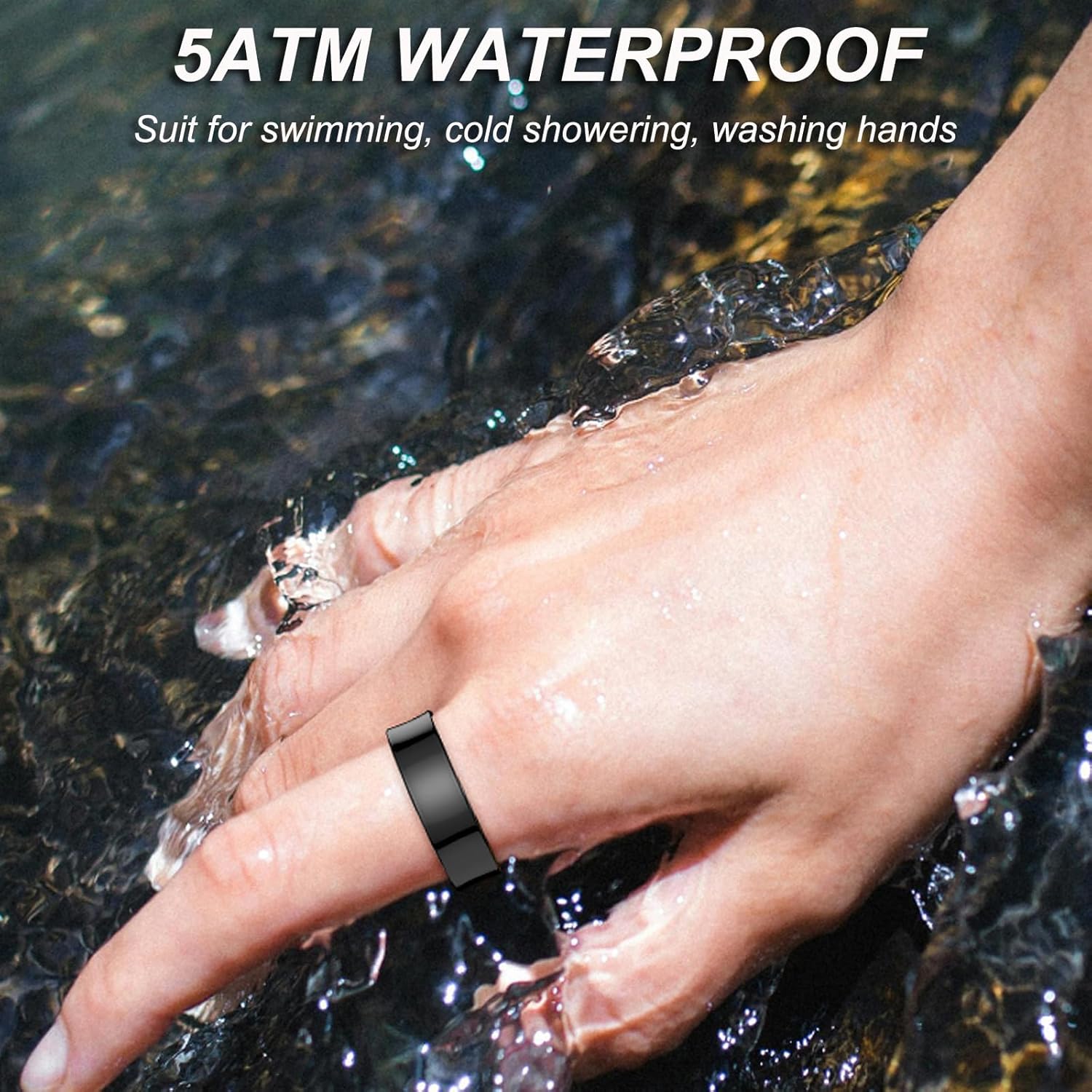
Image: A hand wearing the Smart Ring under running water, illustrating its waterproof capability for activities like washing hands.
6. Troubleshooting
- Ring not connecting to app: Ensure Bluetooth is enabled on your phone and the ring is charged. Try restarting both the ring (by placing it in the charging case) and your phone.
- Inaccurate data: Ensure the ring is worn snugly and correctly on your finger. Clean the sensors regularly.
- Battery draining quickly: Check app settings for excessive background activity. Ensure the ring is fully charged before use.
- Ring not charging: Verify that the charging cables and case are properly connected and functioning. Ensure the ring is correctly seated in the charging case.
If issues persist, please refer to the support section of the QRing app or contact customer support.
7. Specifications
| Feature | Detail |
|---|---|
| Model | B0F214FRJZ |
| Brand | CNBRO |
| Bluetooth Version | 5.2 |
| Charging Type | Magnetic Charging |
| Ring Battery Capacity | 15mAh |
| Work Time | 5-7 days (per full charge) |
| Compatibility | iOS 8.0+, Android 5.1+ |
| Water Resistance | IP67 |
| Item Weight | 100 Grams (3.53 ounces) |
| Operating System | Android & iOS |
| Special Features | Activity Tracker, Gesture Control, Lightweight |
7.1 Ring Sizing Guide
To ensure accurate tracking and comfortable wear, select the correct ring size. The CNBRO Smart Ring is available in sizes 7 to 13.

Image: A size chart for the Smart Ring, displaying inner diameter and perimeter measurements for sizes #7 through #13. Below the chart are three steps demonstrating how to accurately measure finger size using a non-elastic rope or paper.
8. Warranty and Support
For any questions, technical support, or warranty inquiries, please contact the manufacturer or seller through your purchase platform. Refer to the 'QRing' app for additional support resources and FAQs.