
Introduction
Thank you for choosing the e-vibra W15 Vibrating Alarm Watch. This device is designed to provide discreet, silent reminders through vibration, making it ideal for potty training, medical reminders, or as a gentle wake-up alarm. This manual provides detailed instructions for setup, operation, and maintenance to ensure optimal performance.
Product Overview
The e-vibra W15 is a rechargeable wristband featuring a digital display and silent vibrating alarms. Its simple design allows for easy programming directly on the watch, without the need for a computer or mobile phone.
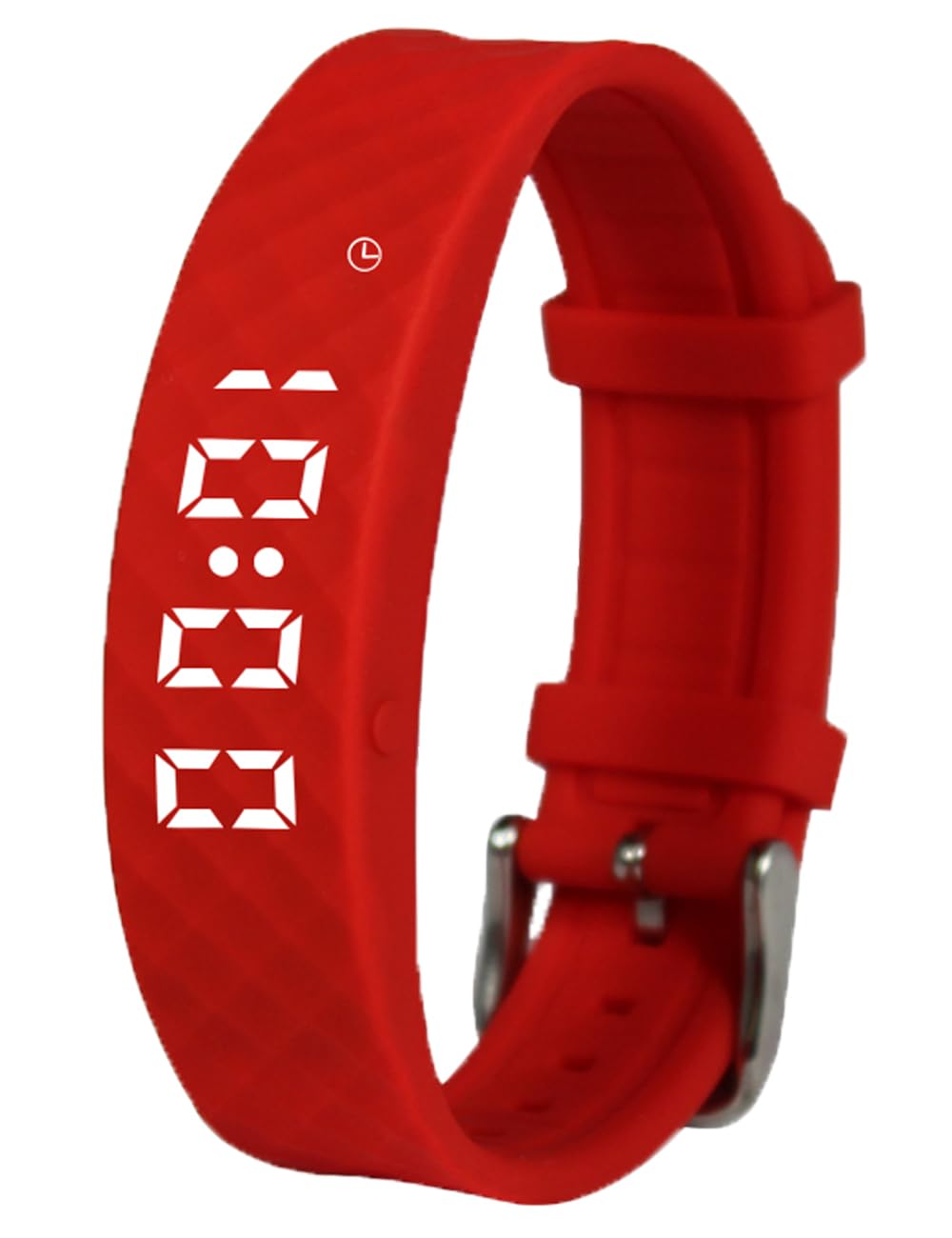
Image: The e-vibra W15 vibrating alarm watch in red, displaying the time 8:00.

Image: A person wearing the e-vibra W15 vibrating alarm watch, which displays the time and date.
Features
- Timer Function: Preset repeat interval timers for 1, 5, 10, 15, 30, 45, 60, 90, 120, or 180 minutes. The auto-repeating vibration provides continuous reminders throughout the day.
- Multiple Alarm Settings: Set up to 15 distinct vibrating alarms per day at specific times. Alarms feature auto-repeating vibration and a strong 60-second silent wake-up.
- Strong Vibrating Alarm: Provides silent, powerful vibrations for discreet reminders without disturbing others. Ideal for potty training, medication schedules, homework, or waking up.
- Comfortable Design: Made with a soft silicone wristband, designed to fit wrists approximately 4 to 8.1 inches.
- Simple Setup: Easy programming directly on the watch. Supports 12/24 hour format.
- Long Battery Life: Provides 10-20 days of use on a single full charge.

Image: The e-vibra W15 watch functioning as a wake-up alarm.

Image: The e-vibra W15 watch used for water drinking and medical reminders.
Setup
Charging the Device
Before initial use, fully charge your e-vibra W15 watch. The watch features a built-in USB charging port. Simply remove the watch module from the silicone band and plug it into any standard USB port (e.g., computer, wall adapter).

Image: The e-vibra W15 watch module connected to a USB charging cable for power.

Image: The e-vibra W15 watch module plugged into a USB port for charging.
Operating Instructions
The e-vibra W15 watch is operated using its two side buttons. A short press typically cycles through modes or displays information, while a long press enters setting modes.
Setting Current Time
To set the current time:
- Press the button to display the current time.
- Long press the button until the hour digits begin to flash.
- Short press to adjust the hour.
- Long press to switch to minute adjustment.
- Short press to adjust the minutes.
- Long press again to confirm and exit time setting.
Video: Instructions on how to set the current time and alarms on the e-vibra W15 vibrating watch.
Setting Alarms
The watch supports up to 15 daily alarms. To set an alarm:
- From the time display, short press the button until "ALM" appears, then the alarm time.
- Long press the button until the alarm hour digits flash.
- Short press to adjust the alarm hour.
- Long press to switch to alarm minute adjustment.
- Short press to adjust the alarm minutes.
- Long press again to confirm and activate the alarm. Repeat for additional alarms.
Setting the Timer Function
The timer function provides repeating vibrations at set intervals.
- From the time display, short press the button until the timer setting (e.g., "00" for off, or a minute value) appears.
- Long press the button until the timer value flashes.
- Short press to cycle through available timer intervals: 1, 5, 10, 15, 30, 45, 60, 90, 120, 180 minutes. Select "00" to turn off the timer.
- Long press again to confirm and activate the timer. The timer will begin counting down and repeat automatically.
Video: A demonstration of the e-vibra 15 alarm vibrating watch features and operation.

Image: The e-vibra W15 watch worn on a wrist, displaying the current time.

Image: A hand interacting with the e-vibra W15 watch, demonstrating its ease of use for programming.
Care and Maintenance
- Cleaning: Wipe the watch and band with a soft, damp cloth. Avoid harsh chemicals or abrasive cleaners.
- Water Resistance: The watch is water-resistant, meaning it can withstand splashes or brief exposure to water. It is not suitable for swimming, showering, or prolonged submersion.
- Battery: The built-in rechargeable battery provides extended use. Recharge when the battery indicator is low. Avoid overcharging for prolonged periods.
- Band Durability: The silicone wristband is designed for comfort. While durable, excessive stretching or force may affect its integrity over time.
Troubleshooting
- Watch Not Turning On/Charging: Ensure the watch module is correctly inserted into a functioning USB port. Allow a few minutes for the charging indicator to appear. If the watch has been completely drained, it may take longer to respond.
- Alarms Not Vibrating: Verify that alarms are correctly set and activated. Check the battery level.
- Incorrect Time Display: Re-enter the time setting mode and adjust the hours and minutes as per the operating instructions.
- Band Loosening: If the silicone band stretches over time, ensure the watch module is securely fitted. Replacement bands may be available from the manufacturer.
Specifications
| Model Number | W15 |
| Display Type | Digital |
| Band Material | Silicone |
| Water Resistance Level | Water Resistant (Splashes only) |
| Power Source | Rechargeable Battery |
| Wrist Fit | Approx. 4" to 8.1" |
Warranty Information
This e-vibra product comes with a limited warranty. Please refer to the product packaging or contact customer support for specific warranty terms and conditions.
Support
For further assistance, technical support, or inquiries regarding your e-vibra W15 Vibrating Alarm Watch, please refer to the contact information provided with your product packaging or visit the official e-vibra website.