
1. Introduction
This manual provides detailed instructions for the safe and efficient use of your NEBO MYCRO 450 Rechargeable Headlamp. Please read this manual thoroughly before operating the device and retain it for future reference.
Key Features:
- High-Power LED Spot Beam with 6 Light Modes (Turbo, High, Medium, Low, Red, Green)
- 450-Lumen Max Output
- Up to 5-Hour Max Run Time
- Cap Light Convertible Design
- 130° Adjustable Tilt
- Direct-to-Red Startup and Mode Memory Recall
- PowerSave Lockout Function
- Adjustable Headband with Reflective Accents
- Water Resistant IPX4 Rating
- Impact-resistant ABS & Anodized Aircraft-Grade Aluminum Construction
- USB-C Rechargeable with Smart Power Control and Battery Charging Indicator
2. Package Contents
Ensure all items are present in your package:
- NEBO MYCRO 450 Headlamp
- Adjustable Headband (Universal Fit)
- Cap Light Clip
- USB-A to USB-C Charging Cable
3. Product Overview
Familiarize yourself with the components of your NEBO MYCRO 450 Headlamp.

The NEBO MYCRO 450 headlamp features a compact design with an adjustable blue headband, suitable for various activities.
The headlamp unit includes the main LED light, two smaller LEDs for red/green light, a power button, and a USB-C charging port. The adjustable headband provides a comfortable and secure fit, while the detachable clip allows for cap-mounted use.
4. Setup
4.1 Charging the Headlamp
Before first use, fully charge the headlamp.
- Locate the USB-C charging port on the side of the headlamp unit. It is protected by a rubber cover.
- Gently lift the rubber cover to expose the USB-C port.
- Connect the provided USB-A to USB-C charging cable to the headlamp.
- Plug the USB-A end of the cable into a compatible USB power source (e.g., computer, wall adapter, power bank).
- The battery charging indicator will show the charging status. A full charge can be achieved in as little as 30 minutes.
- Once charging is complete, disconnect the cable and firmly press the rubber cover back into place to ensure water resistance.
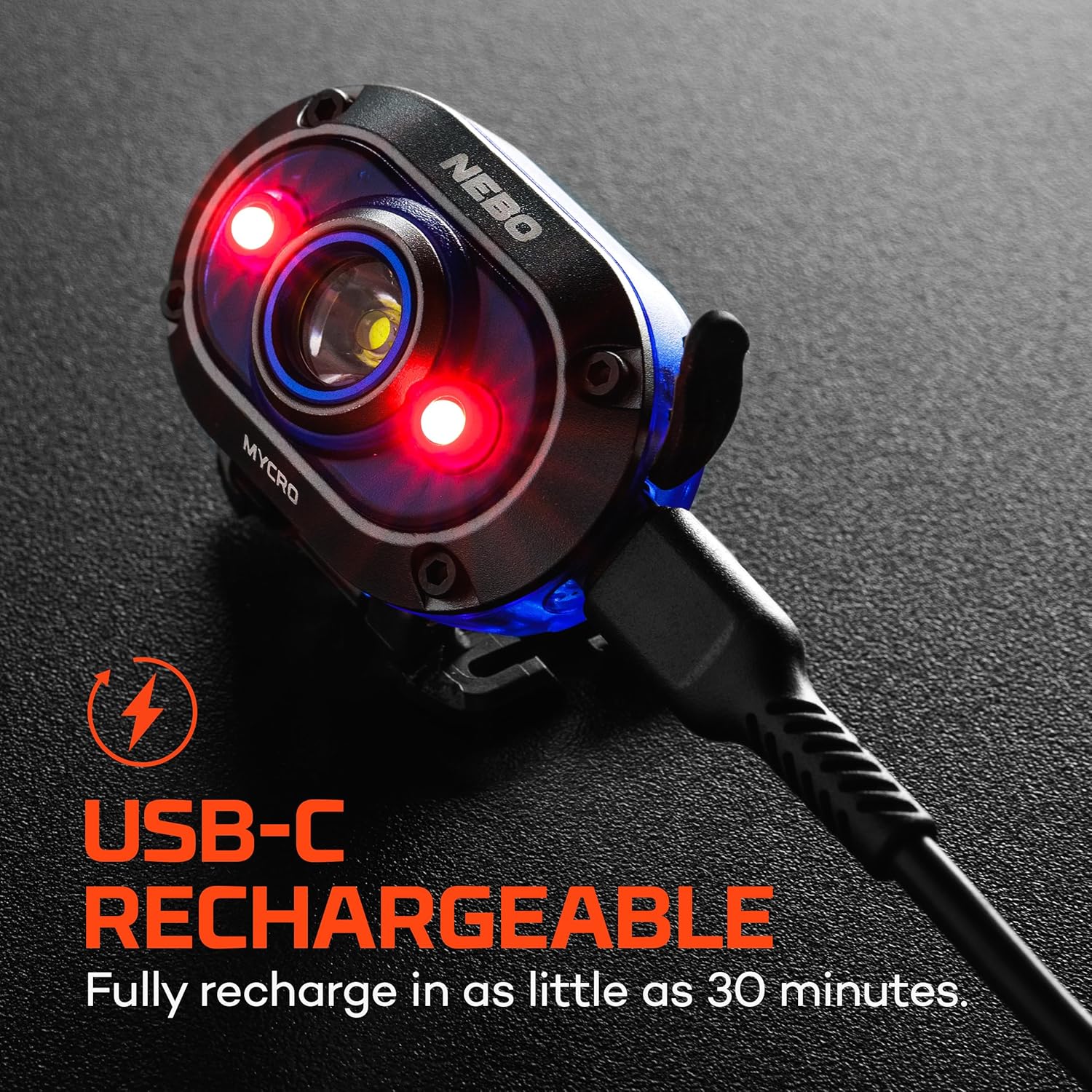
The headlamp is equipped with a USB-C port for convenient and fast recharging. The image shows the headlamp connected to a charging cable.
4.2 Attaching the Headband
The adjustable headband allows for comfortable, hands-free operation.
- Thread the ends of the adjustable headband through the slots on either side of the headlamp unit.
- Adjust the length of the headband to ensure a snug yet comfortable fit around your head. The reflective accents on the band enhance visibility.
4.3 Converting to Cap Light
The MYCRO 450 can be easily converted for use as a cap light.
- Detach the headlamp unit from the headband by sliding it out of the mounting bracket.
- Attach the integrated cap light clip on the back of the headlamp unit to the brim of a baseball cap or similar headwear.
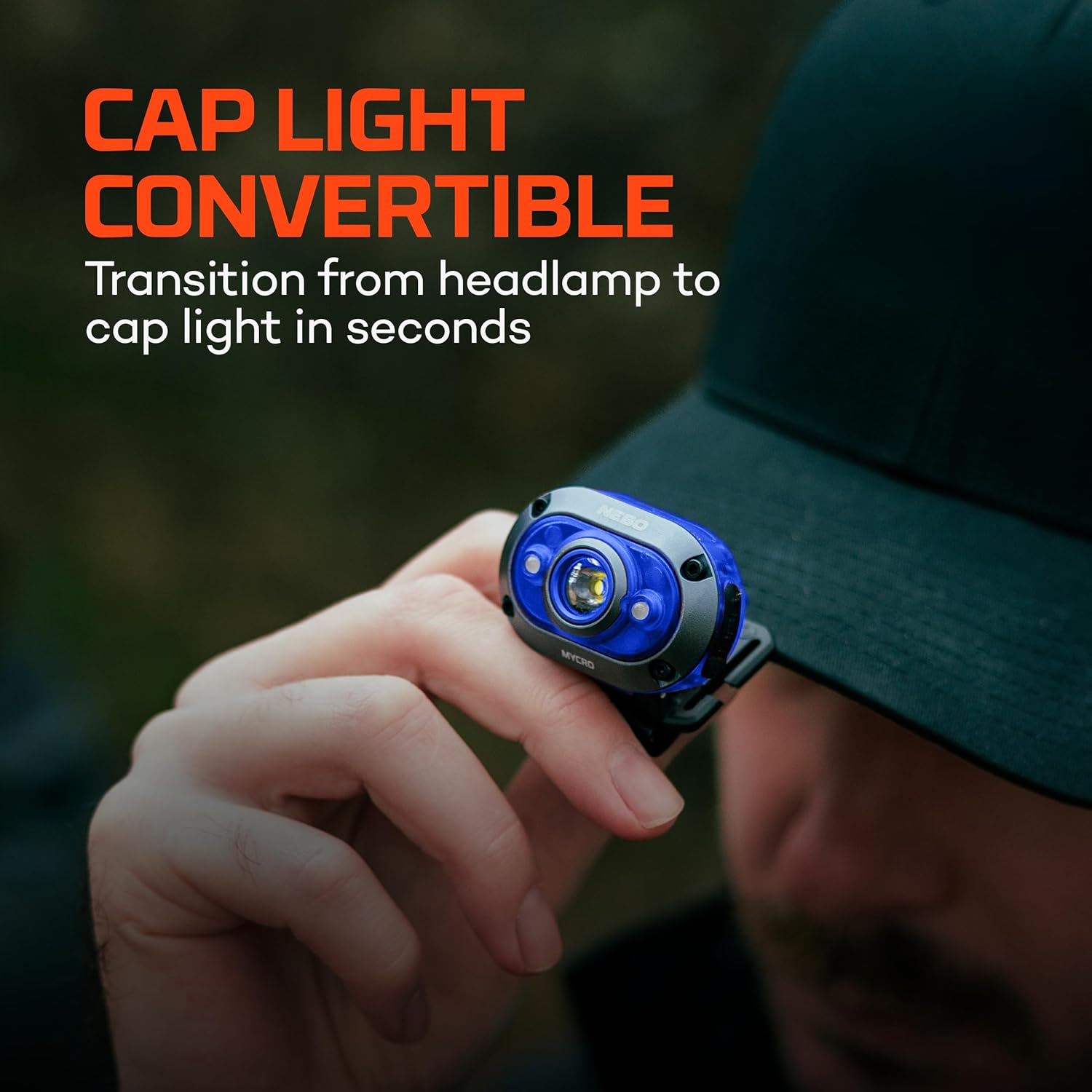
The versatile design allows the headlamp to easily convert into a cap light using the integrated clip, providing hands-free lighting.
5. Operating Instructions
5.1 Power On/Off and Mode Selection
The MYCRO 450 features a single power button for all functions.
- Power On: Press the power button once to turn on the headlamp. It will activate in the last used mode (Mode Memory Recall).
- Mode Cycle: While the headlamp is on, press the power button repeatedly to cycle through the modes: High > Medium > Low > Green > Red.
- Direct-to-Red Startup: From the OFF position, press and hold the power button for 2 seconds to activate the Red light mode directly.
- Power Off: Press the power button to turn off the headlamp when in any mode. If the light has been on for more than 8 seconds in a single mode, the next press will turn it off directly.
5.2 Turbo Mode Activation
Turbo mode provides the maximum 450-lumen output for short bursts.
- From any ON mode, double-press the power button to activate Turbo mode.
- Turbo mode will run for 30 seconds, then automatically return to the previously used mode to prevent overheating and conserve battery.
5.3 PowerSave Lockout
This feature prevents accidental activation and battery drain.
- To activate PowerSave Lockout: From the OFF position, press and hold the power button for 5 seconds. The light will flash once to indicate lockout is active.
- To deactivate PowerSave Lockout: Press and hold the power button for 5 seconds. The light will flash twice to indicate lockout is deactivated.
5.4 Adjustable Tilt
The headlamp unit can be tilted up to 130° to direct light precisely where needed.
- Gently pivot the headlamp unit up or down to adjust the beam angle.
6. Maintenance
6.1 Cleaning
- Wipe the headlamp with a soft, damp cloth. Do not use abrasive cleaners or solvents.
- Ensure the USB-C port cover is clean and properly sealed after charging to maintain water resistance.
6.2 Battery Care
- To prolong battery life, avoid fully discharging the battery frequently.
- Store the headlamp in a cool, dry place when not in use.
- Recharge the battery periodically if stored for extended periods to prevent deep discharge.
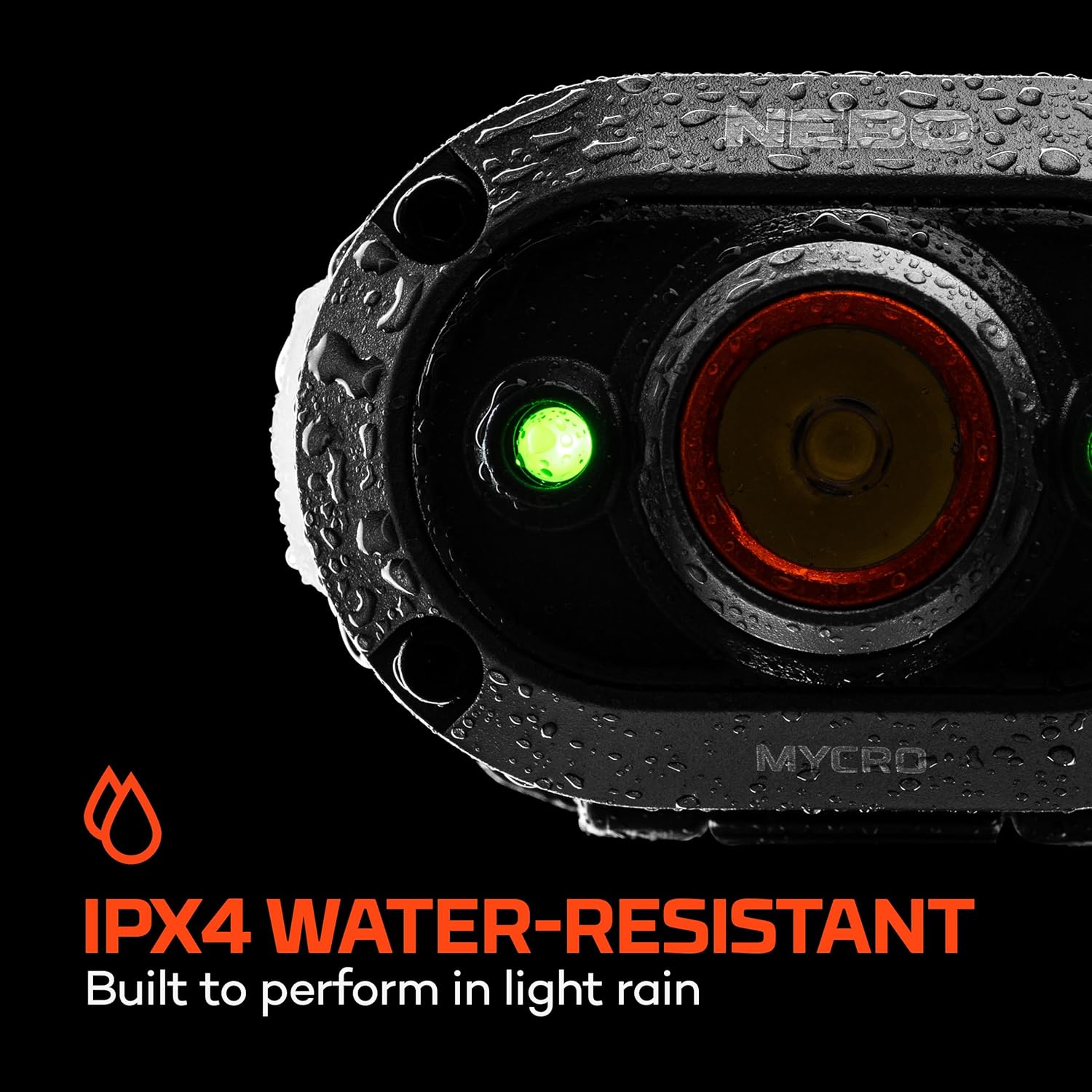
This image demonstrates the headlamp's IPX4 water-resistant design, built to withstand light rain and splashes.
7. Troubleshooting
If you encounter issues with your NEBO MYCRO 450, refer to the following common problems and solutions:
| Problem | Possible Cause | Solution |
|---|---|---|
| Headlamp does not turn on. | Battery is depleted. | Recharge the headlamp using the provided USB-C cable. |
| Headlamp does not turn on. | PowerSave Lockout is active. | Press and hold the power button for 5 seconds to deactivate PowerSave Lockout. |
| Light output is dim. | Battery is low. | Recharge the headlamp. |
| Light output is dim. | Headlamp is in a lower light mode. | Cycle through modes by pressing the power button to select a brighter setting or double-press for Turbo mode. |
| Headlamp not charging. | Charging cable or power source issue. | Ensure the USB-C cable is properly connected and try a different USB power source. |
8. Specifications
Detailed technical specifications for the NEBO MYCRO 450 Headlamp:

This table provides a comprehensive overview of the headlamp's performance across its various light modes, including Turbo, High, Medium, Low, Green, and Red.
| Feature | Specification |
|---|---|
| Model Number | NEB-HLP-0025 |
| Light Output (Max) | 450 Lumens (Turbo) |
| Light Source Type | LED |
| Light Modes | 6 (Turbo, High, Medium, Low, Red, Green) |
| Run Time (Max) | 5 Hours (Low) |
| Beam Angle | 130 Degrees (Adjustable Tilt) |
| Power Source | Battery Powered |
| Battery Type | 200mAh Lithium Polymer (3.7V, 0.74Wh) |
| Rechargeable | Yes, USB-C |
| Water Resistance Level | IPX4 (Water Resistant) |
| Material | ABS & Anodized Aircraft-Grade Aluminum |
| Product Dimensions | 2.76"D x 2.17"W x 1.18"H |
| Item Weight | 9.9 ounces |
| UPC | 044435921356 |
9. Warranty and Support
9.1 Warranty Information
The NEBO MYCRO 450 Rechargeable Headlamp comes with a Limited Lifetime Warranty. For specific details regarding warranty coverage and registration, please refer to the official NEBO website.
9.2 Customer Support
For further assistance, technical support, or to inquire about specific charging requirements, please visit the official NEBO website at www.nebolights.com.


