
Introduction
This manual provides comprehensive instructions for the setup, operation, maintenance, and troubleshooting of your TECHMADE Buytech Gamma Smartwatch. Please read this manual carefully before using the device to ensure proper functionality and to maximize your user experience.

Image: TECHMADE Buytech Gamma Smartwatch, displaying the time (22:30), date (20/06 WED), and battery status. A smaller inset image shows an incoming call notification.
Setup
1. Initial Charging
Before first use, fully charge your smartwatch. Connect the included charging cable to the charging port on the back of the watch and to a standard USB power adapter (not included). The watch has a 230 mAh Lithium Polymer battery.
- A full charge typically takes approximately 2 hours.
- The battery life is approximately 5 days, depending on usage.
2. App Installation and Pairing
To unlock the full potential of your smartwatch, download the companion application on your smartphone. The app is compatible with both iOS and Android devices.
- Scan the QR code in the quick start guide or search for the official TECHMADE smartwatch app in your device's app store.
- Install the application and create an account or log in.
- Ensure Bluetooth is enabled on your smartphone.
- Open the app and follow the on-screen instructions to add your device. Select "BY-GAMMA" from the list of available devices.
- Confirm the pairing request on both your smartphone and the smartwatch.
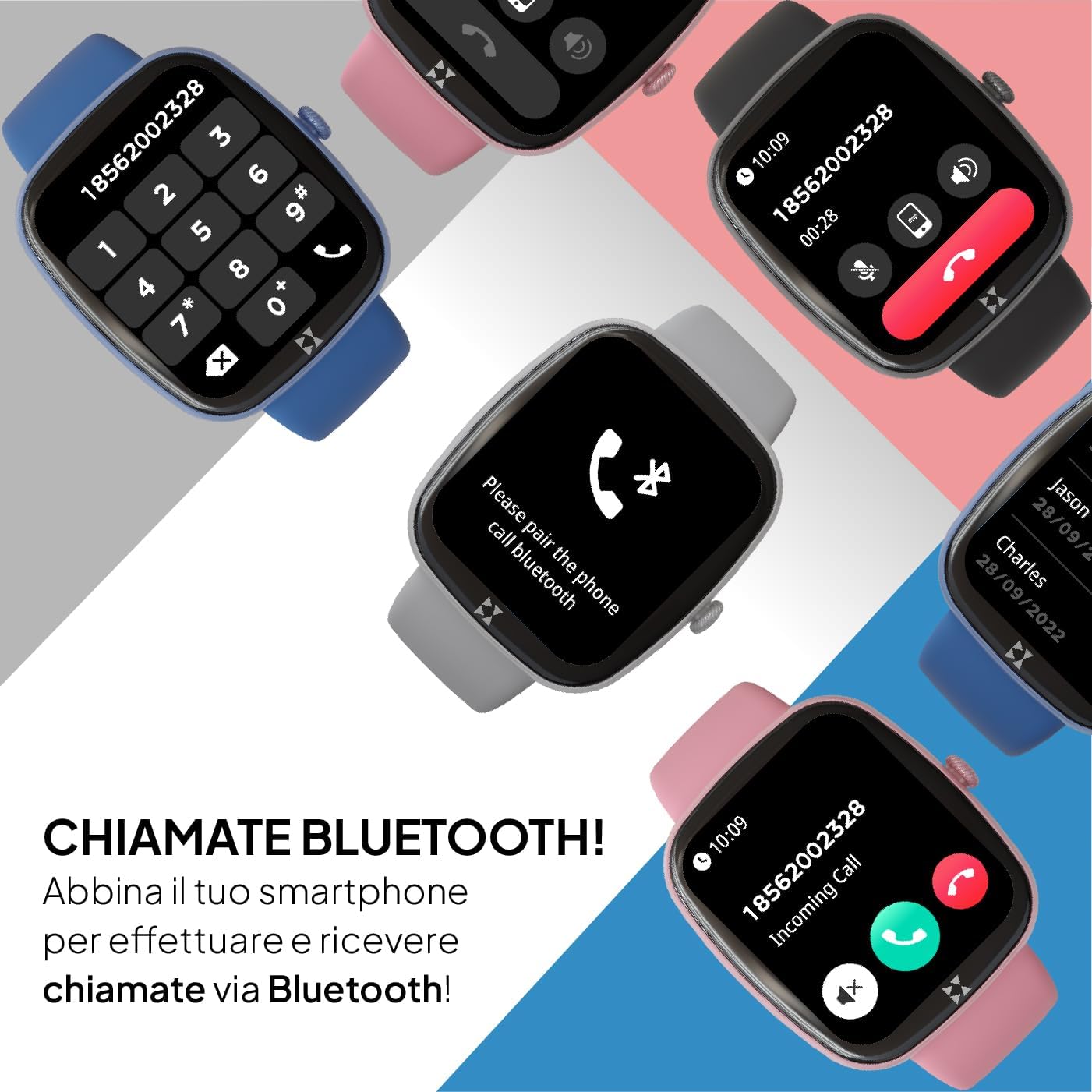
Image: Smartwatch screen displaying a phone dial pad, indicating Bluetooth call functionality. Other smartwatches in various colors are shown in the background.
Once paired, your smartwatch will synchronize data with the app and allow you to receive notifications and make calls directly from your wrist.
Operating Instructions
Basic Navigation
- Touchscreen: Swipe left, right, up, or down to navigate through menus and features. Tap to select an option.
- Side Crown Button: Rotate the crown to scroll through lists and menus. Press the crown to return to the previous screen or the watch face.

Image: A close-up view of the smartwatch's side, highlighting the rotating crown button used for navigation and interaction.
Bluetooth Calls and Notifications
After successful pairing, you can manage calls and notifications directly from your smartwatch.
- Incoming Calls: When a call comes in, the watch will display the caller ID. Tap the green icon to answer or the red icon to reject.
- Making Calls: Access the dialer or contact list through the watch menu to initiate calls.
- Notifications: Receive alerts for messages, emails, and app notifications. Swipe down from the watch face to view your notification history.
Sport Modes
The smartwatch supports over 80 sport modes to track your physical activity. Select your desired activity to monitor performance metrics such as duration, calories burned, and heart rate.

Image: Multiple smartwatches displaying different sport modes, including winter sports, ball sports, and other activities like handball and athletics.
Health Monitoring
Monitor your health with integrated sensors for heart rate, SpO2 (blood oxygen saturation), and sleep tracking. The watch also provides sedentary reminders and water intake prompts.
- Heart Rate: Access the heart rate monitor from the main menu to measure your current heart rate.
- SpO2: Measure your blood oxygen saturation levels.
- Sleep Tracking: Wear the watch during sleep to analyze your sleep patterns and quality.
- Blood Pressure: The device can provide an estimate of blood pressure. Consult a medical professional for accurate readings.
- Cycle Tracking: For female users, track menstrual cycles through the app.

Image: Four smartwatches displaying various health monitoring features: SpO2 (98%), Cycle Tracking, Blood Pressure (125/86 mmHg), and Heart Rate (128 BPM).
SOS Function
In case of an emergency, the smartwatch features an SOS button. Repeatedly press the crown button to activate the SOS function, which can be configured in the companion app to call a pre-set emergency contact.

Image: A close-up of the smartwatch's side, emphasizing the crown button, which can be pressed repeatedly to activate the SOS emergency feature.
Customization
Personalize your smartwatch by choosing from various watch faces available through the device or the companion app. You can also create custom watch faces.
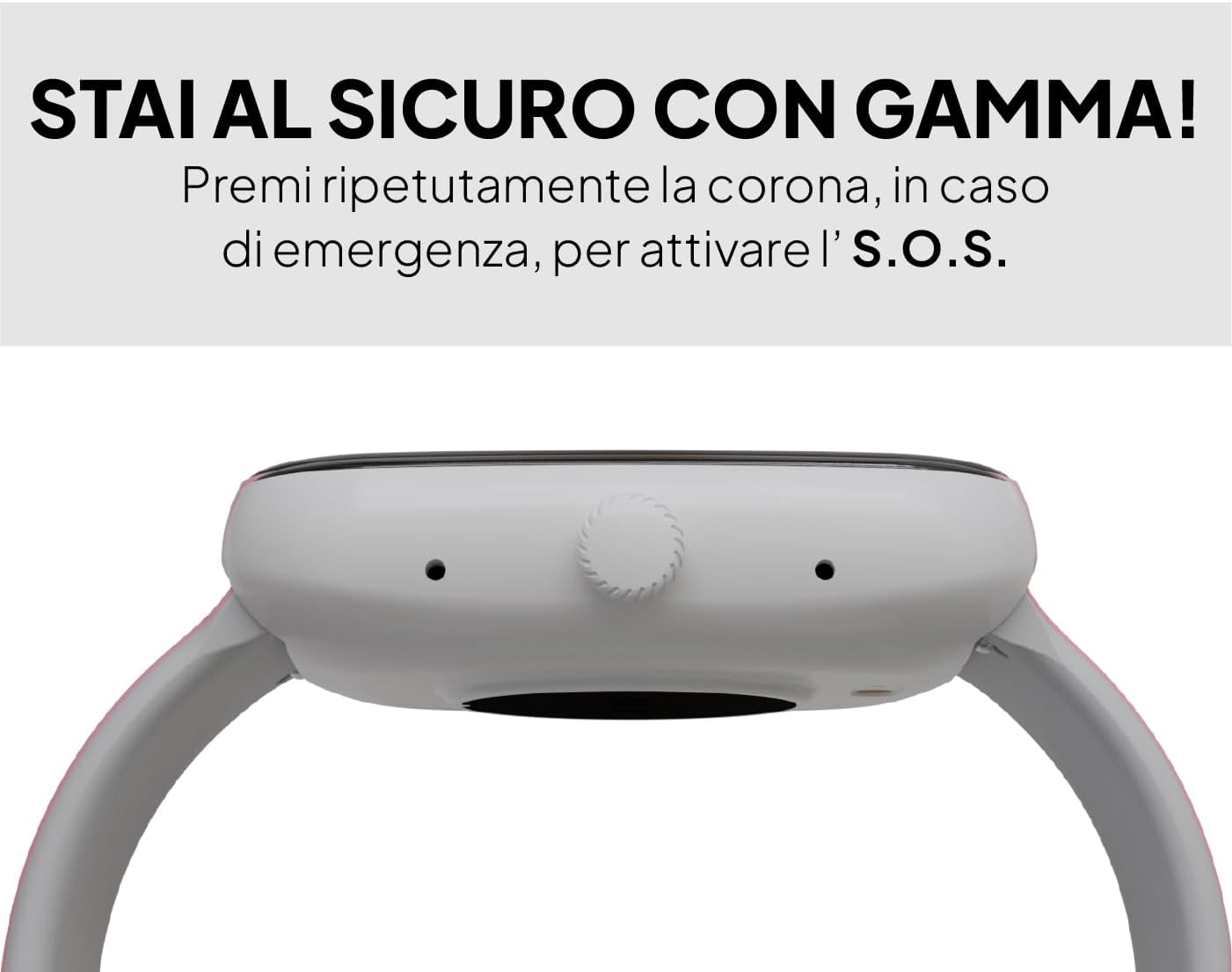
Image: A smartwatch displaying a digital watch face, with several other watch face designs presented on separate cards, illustrating customization options.
Maintenance
Cleaning
Regularly clean your smartwatch to ensure optimal performance and hygiene. Use a soft, lint-free cloth to wipe the screen and body. For stubborn dirt, slightly dampen the cloth with water. Avoid using harsh chemicals or abrasive materials.
Water Resistance
The Buytech Gamma Smartwatch is designed to be resistant to light immersion, dust, and humidity. It is suitable for daily use and activities like hand washing or light rain. However, it is not recommended for swimming, showering, or diving. Avoid exposure to hot water or steam.

Image: A smartwatch with water droplets on its surface, demonstrating its resistance to light water exposure, dust, and humidity.
Battery Care
- Avoid fully discharging the battery frequently.
- Do not expose the device to extreme temperatures.
- Use only the provided charging cable.
Troubleshooting
Device Not Turning On
- Ensure the device is fully charged. Connect it to the charger for at least 30 minutes.
- Press and hold the side crown button for 10-15 seconds to perform a forced restart.
Pairing Issues
- Make sure Bluetooth is enabled on your smartphone and the smartwatch.
- Ensure the smartwatch is within range of your smartphone (typically 10 meters).
- Restart both your smartphone and the smartwatch.
- If previously paired, try unpairing the device from your smartphone's Bluetooth settings and then re-pairing through the app.
Notifications Not Appearing
- Check the notification settings within the companion app to ensure app notifications are enabled.
- Verify that your smartphone's notification settings allow the companion app to display notifications.
- Ensure the smartwatch is connected via Bluetooth.
Difficulty Answering Calls
- Ensure the Bluetooth call function is enabled and properly connected in the companion app.
- When an incoming call appears, tap the green phone icon on the smartwatch screen to answer.
- Check your smartphone's Bluetooth settings to confirm the smartwatch is connected for both audio and calls.
Inaccurate Sleep Tracking
- Ensure the smartwatch is worn snugly but comfortably on your wrist during sleep.
- Verify that the sleep tracking feature is enabled in the companion app.
- Synchronize the watch with the app regularly to update sleep data.
Specifications
| Feature | Detail |
|---|---|
| Brand | TECHMADE |
| Model Name | BY-GAMMA |
| Display Size | 1.83 Inches |
| Display Type | Digital |
| Battery Capacity | 230 mAh Lithium Polymer |
| Average Battery Life | 5 Days |
| Connectivity Technology | Bluetooth |
| Compatible Devices | Smartphones (iOS & Android) |
| Special Features | Voice Call, Notifications, SOS Button, Activity Tracker, Heart Rate, SpO2, Sleep Monitoring |
| Input Interface | Touchscreen |
| Product Dimensions | 24 x 5 x 2 cm |
| Item Weight | 400 grams |
| Components Included | Charging Cable |
Warranty Information
Specific warranty details for the TECHMADE Buytech Gamma Smartwatch are typically provided at the point of purchase or included with the product packaging. For detailed information regarding warranty coverage, duration, and claims, please refer to the documentation provided by your retailer or visit the official TECHMADE website.
Support
If you encounter any issues or have questions not covered in this manual, please contact TECHMADE customer support or your retailer. You can usually find contact information on the official TECHMADE website or on your purchase receipt.
- Online Resources: Check the TECHMADE official website for FAQs, updated manuals, and software downloads.
- Retailer Support: Your point of purchase may offer direct support or guidance.

