
CFIAI PB-08
CFIAI Portable Charger Power Bank PB-08 User Manual
Model: PB-08
1. Introduction
Thank you for choosing the CFIAI Portable Charger Power Bank PB-08. This device is designed to provide reliable and efficient power for your mobile devices on the go. Featuring a 15000mAh capacity, 22.5W fast charging, and built-in cables, it offers convenience and versatility. Please read this manual thoroughly to ensure proper use and maintenance of your power bank.
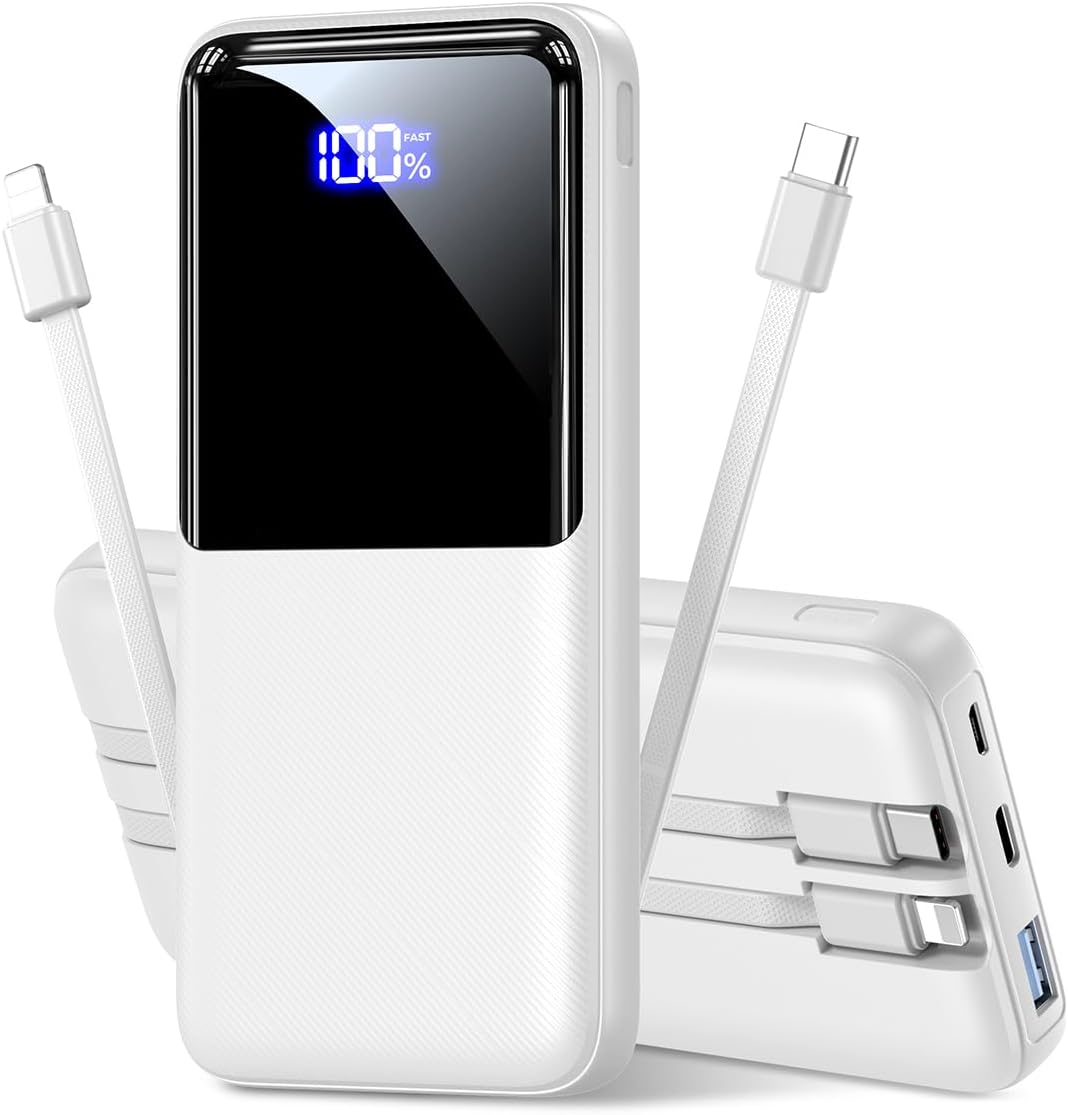
Image 1.1: Front view of the CFIAI Portable Charger Power Bank PB-08, displaying its digital charge indicator.
2. Safety Information
To ensure safe operation and prevent damage to the device or injury, please observe the following safety precautions:
- Do not expose the power bank to extreme temperatures (above 60°C/140°F or below 0°C/32°F), direct sunlight, or fire.
- Avoid dropping, disassembling, or attempting to repair the device yourself. Unauthorized repairs can void the warranty and pose safety risks.
- Keep the power bank away from water, moisture, and corrosive materials.
- Use only certified charging cables and adapters.
- Do not operate the power bank if it has been damaged in any way.
- Keep out of reach of children.
- Dispose of the power bank responsibly according to local regulations.
3. Package Contents
Upon unpacking, please verify that all items are present:
- 1x CFIAI Portable Charger Power Bank PB-08
- 1x USB-C Charging Cable
- 1x User Manual (this document)
4. Product Overview
The CFIAI PB-08 Power Bank is equipped with multiple features for convenient and efficient charging:
- 15000mAh Capacity: Provides multiple charges for most smartphones.
- Built-in Cables: Includes integrated USB-C and iOS (Lightning) cables for direct device charging without needing extra cords.
- 22.5W Fast Charging: Supports various fast charging protocols (PD/QC/FCP/AFC/SSCP) for rapid power delivery.
- Digital LED Display: Shows the remaining battery percentage in real-time.
- Multiple Output Ports: In addition to built-in cables, features a USB-A output port and a Type-C In/Output port.
- Compact and Lightweight: Designed for portability, suitable for travel and daily use.
- Safety Protections: Enhanced chip provides multiple safety systems including overcharge, overcurrent, and short circuit protection.

Image 4.1: Overview of the power bank's input and output options, including built-in cables.
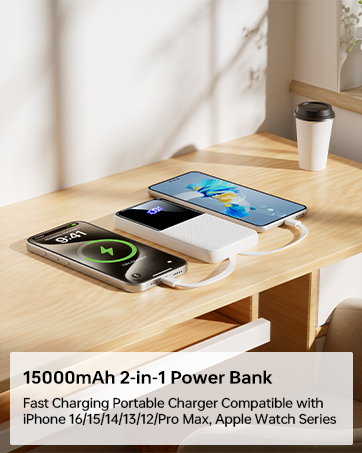
Image 4.2: The power bank's compact size makes it suitable for air travel (15,000mAh capacity is generally safe for carry-on luggage).
5. Setup
5.1 Initial Charging of the Power Bank
Before first use, fully charge your CFIAI Power Bank. This ensures optimal battery performance.
- Connect the provided USB-C charging cable to the power bank's Type-C In/Output port.
- Connect the other end of the USB-C cable to a compatible USB wall adapter (not included) or a computer's USB port.
- The digital LED display will show the charging progress. The power bank is fully charged when the display shows 100%.
Alternatively, you can use a Micro USB cable to charge the power bank via its Micro Input port.
6. Operating Instructions
The CFIAI Power Bank allows you to charge up to four devices simultaneously.
6.1 Charging Devices Using Built-in Cables
The power bank features integrated USB-C and iOS (Lightning) cables for direct connection to your devices.
- Identify the correct built-in cable for your device (USB-C for Android/newer devices, iOS for Apple devices).
- Gently pull out the desired built-in cable from its storage slot.
- Connect the cable to your device's charging port.
- The power bank will automatically begin charging your device. The digital display will show the power bank's remaining charge.
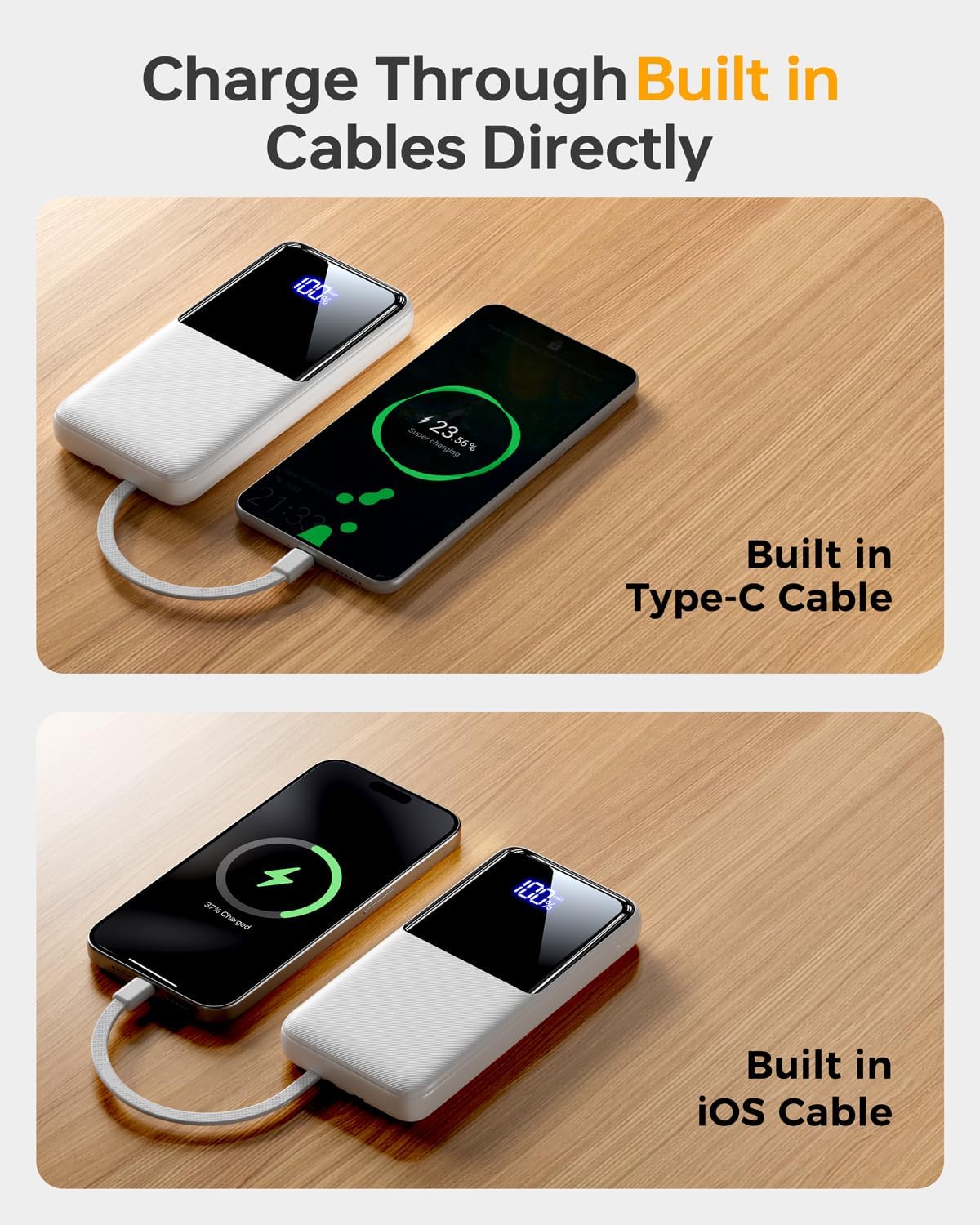
Image 6.1: Charging a device using the built-in USB-C cable.
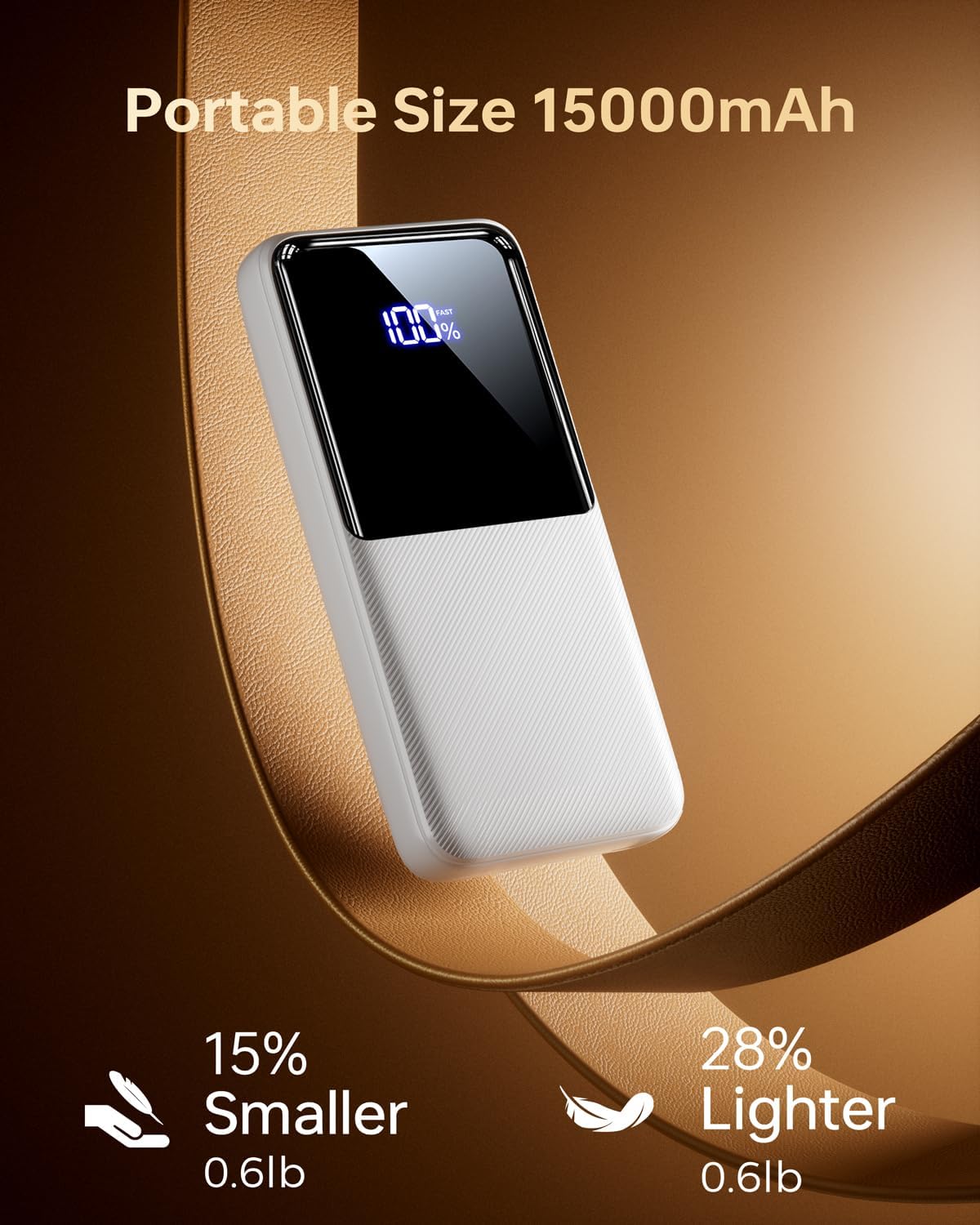
Image 6.2: Charging a device using the built-in iOS (Lightning) cable.
6.2 Charging Devices Using External Ports
You can also use your own cables with the power bank's external ports.
- Connect your device's charging cable to either the USB-A output port or the Type-C In/Output port on the power bank.
- Connect the other end of your cable to your device.
- The power bank will automatically begin charging.
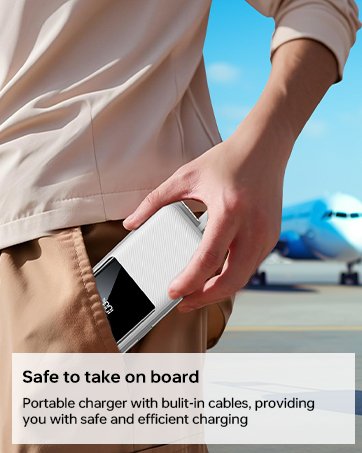
Image 6.3: The power bank simultaneously charging multiple devices.
6.3 Trickle-Charging Mode
For low-power devices such as earbuds or smartwatches, the power bank supports a trickle-charging mode to prevent overcharging and extend battery life. This mode activates automatically when a low-power device is connected.
7. Maintenance
Follow these guidelines to maintain your power bank's performance and longevity:
- Clean the power bank with a soft, dry cloth. Do not use harsh chemicals or abrasive materials.
- Store the power bank in a cool, dry place away from direct sunlight and extreme temperatures.
- If not used for extended periods, charge the power bank at least once every three months to maintain battery health.
- Avoid bending the built-in cables excessively at sharp angles to prevent damage.
8. Troubleshooting
If you encounter issues with your power bank, refer to the following common solutions:
| Problem | Possible Cause | Solution |
|---|---|---|
| Power bank not charging | Charging cable is faulty or not properly connected. Wall adapter is not working. | Ensure the charging cable is securely connected. Try a different cable or wall adapter. |
| Device not charging from power bank | Power bank battery is depleted. Device cable is faulty or not properly connected. Device is incompatible. | Recharge the power bank. Ensure the device's charging cable is securely connected. Verify device compatibility. |
| Slow charging | Cable or adapter used does not support fast charging. Device does not support fast charging. | Use a fast-charging compatible cable and adapter. Ensure your device supports fast charging protocols. |
| Digital display not working | Power bank is completely discharged. Internal malfunction. | Attempt to charge the power bank. If the issue persists, contact customer support. |
If the problem persists after attempting these solutions, please contact CFIAI customer support for further assistance.
9. Specifications
| Feature | Detail |
|---|---|
| Model Number | PB-08 |
| Battery Capacity | 15000 mAh |
| Product Dimensions | 5.9 x 2.69 x 0.6 inches |
| Item Weight | 10.9 ounces |
| Input Ports | Micro USB, USB Type-C |
| Output Ports | USB Type-A, USB Type-C (built-in), iOS (built-in) |
| Fast Charging | 22.5W (PD/QC/FCP/AFC/SSCP compatible) |
| Special Features | Built-in Cables, Digital Display, Fast Charging, Lightweight, Pocket Size |
| Color | Purewhite |
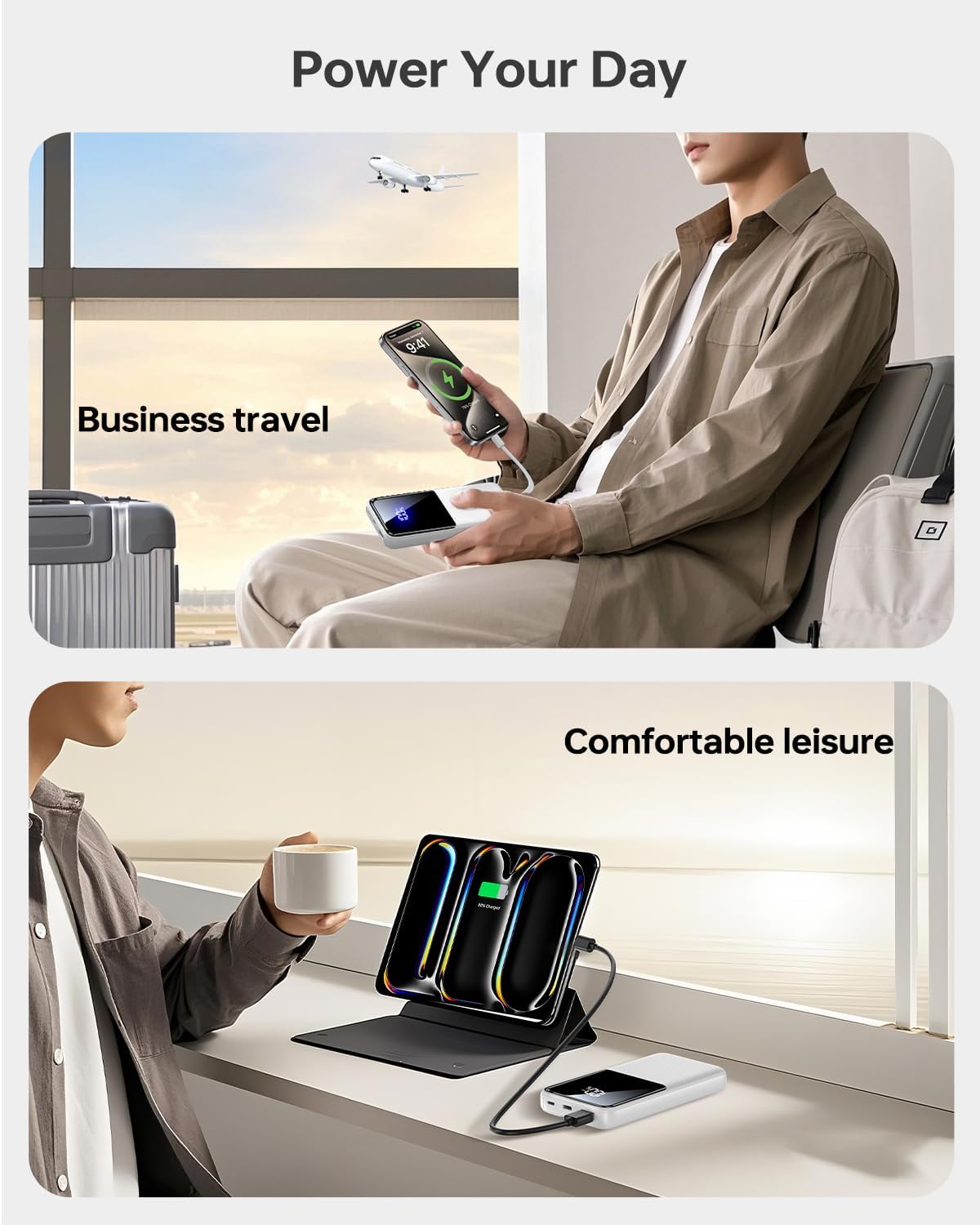
Image 9.1: The power bank offers broad compatibility with various mobile devices.
10. Warranty and Support
CFIAI provides a 12-month care plan for this product. For warranty claims, technical support, or any inquiries, please contact CFIAI customer service.
- Customer Service: Available 24 hours.
- Exchange Service: 30-day exchange service.
- Care Plan: 12-months.
For more information, visit the official CFIAI store: CFIAI Store on Amazon
Related documentsPB-08

Ask a question about this manual
Ask about setup, troubleshooting, compatibility, parts, safety, or missing instructions. Manuals+ will review the question and use this page’s manual context to help answer it.