
Introduction
This manual provides essential information for setting up, operating, and maintaining your Turtle Beach Rematch Wireless Controller for Nintendo Switch. Please read these instructions carefully to ensure optimal performance and longevity of your device.
Package Contents
- Turtle Beach Rematch Wireless Controller
- USB-C Charging Cable (3.3ft / 1M)
- Quick Start Guide

Figure 1: Included items in the package.
Setup: Connecting Your Controller
- Ensure your Nintendo Switch console is powered on and updated to the latest system software.
- From the HOME Menu, select Controllers, then Change Grip/Order.
- Press and hold the Sync Button on the top of your Rematch Wireless Controller for a few seconds until the player indicator lights begin to flash.
- Once the player indicator lights stop flashing and remain lit, the controller is successfully paired.
- The controller is compatible with Nintendo Switch, Switch Lite, and Switch OLED models, and is designed to work with Nintendo Switch 2.
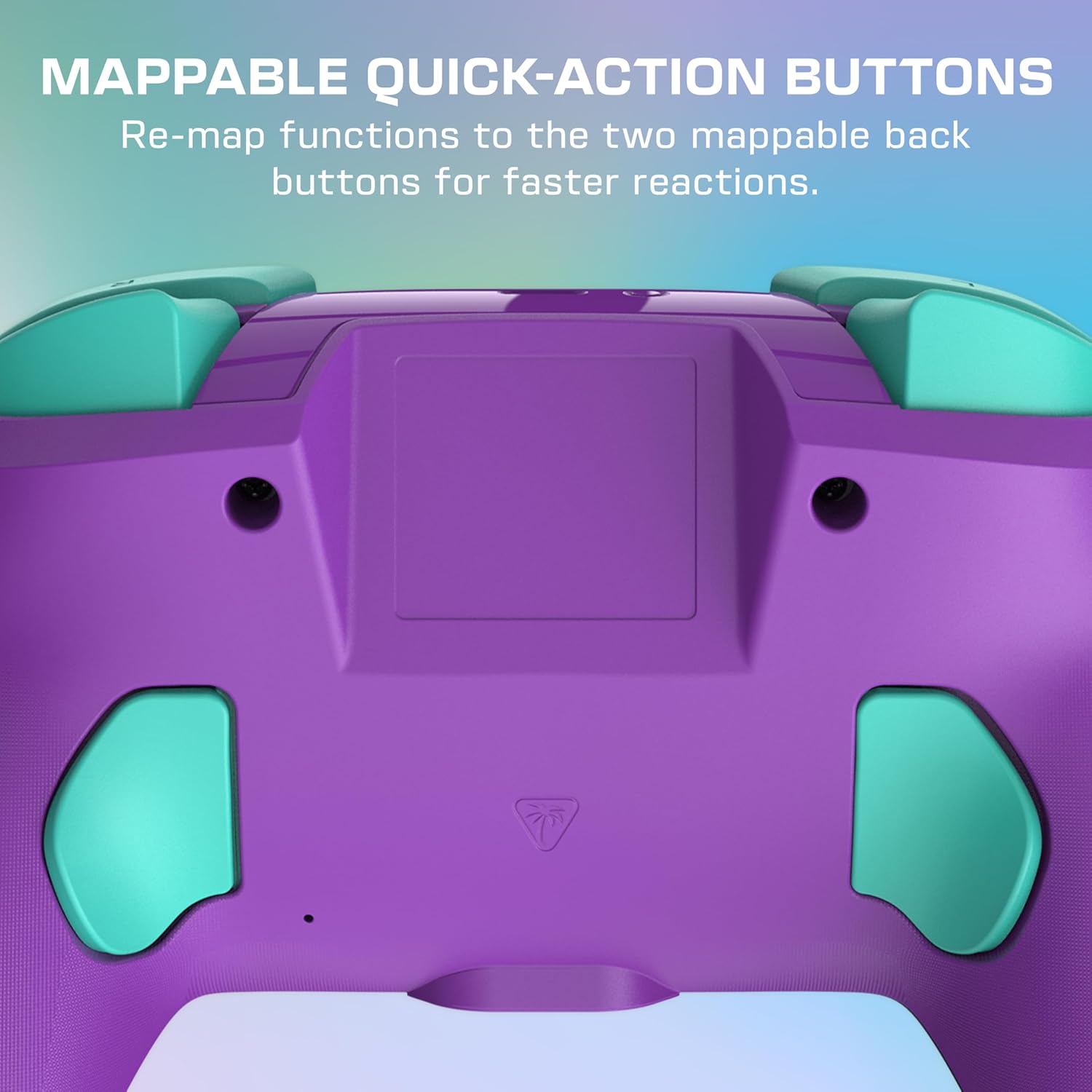
Figure 2: Controller in use, highlighting its comfortable grip.
Operating Your Controller
Basic Controls
The Rematch Wireless Controller features standard Nintendo Switch button layouts, including A, B, X, Y buttons, directional pad, left and right analog sticks, and shoulder buttons (L, R, ZL, ZR).

Figure 3: Controller in active gameplay.
Programmable Quick-Action Buttons
The controller includes two programmable quick-action back buttons. These buttons can be re-mapped to perform any other controller function, allowing for faster reactions and customized gameplay. Refer to the Quick Start Guide for detailed instructions on how to program these buttons.
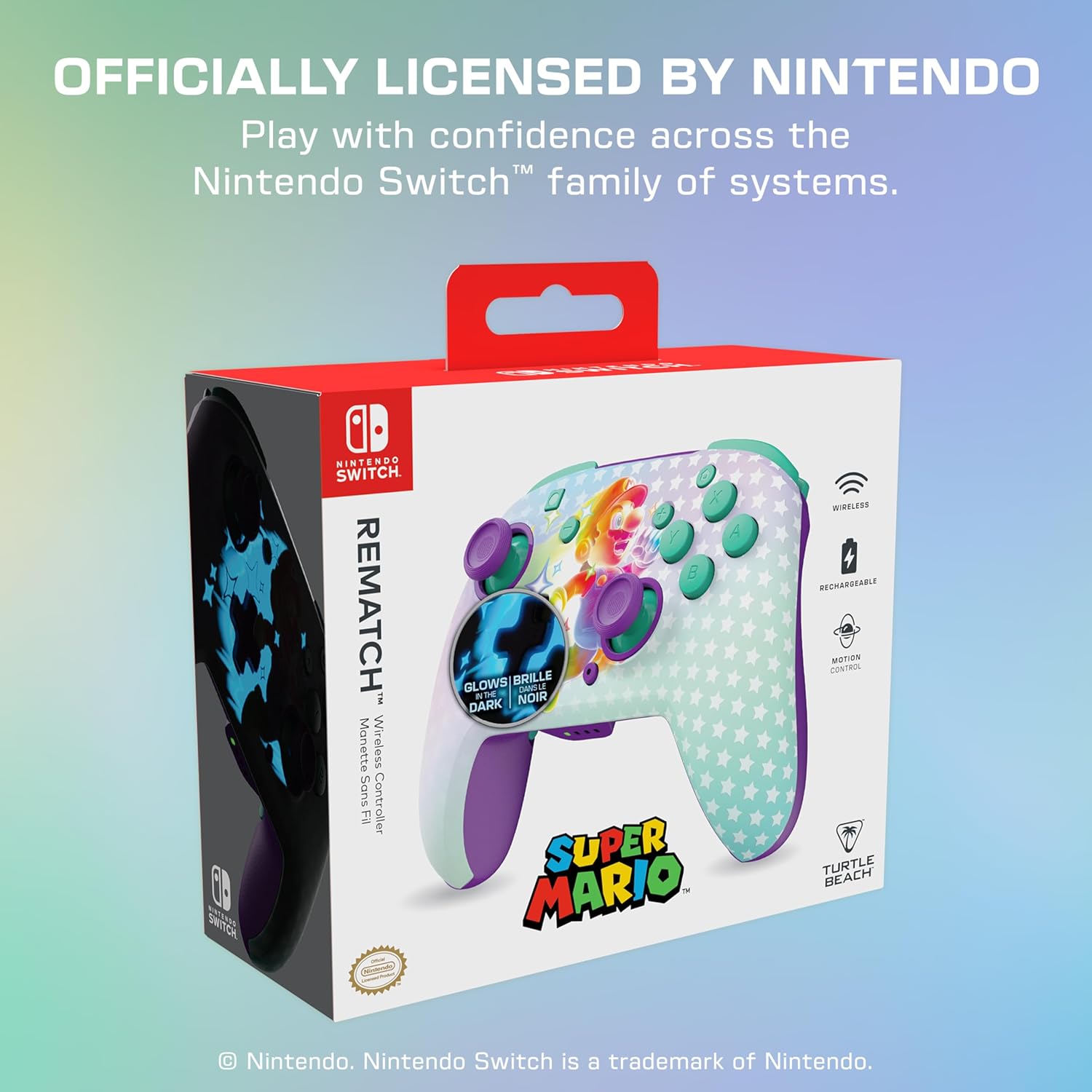
Figure 4: Rear view of the controller with programmable buttons.
Built-in Motion Controls
Experience immersive gameplay with the controller's built-in motion controls, providing enhanced control and responsiveness for compatible games.

Figure 5: Controller in use, showcasing motion controls.
Glow-in-the-Dark Feature
The controller features a unique Mario design that glows in the dark, adding a visual element to your gaming experience in low-light conditions.

Figure 6: Controller's glow-in-the-dark design.
Charging and Battery Life
The Rematch Wireless Controller is equipped with a rechargeable battery, offering up to 40 hours of play time per charge. To charge the controller, connect the included USB-C cable to the controller's charging port and the other end to a powered USB port (e.g., on your Nintendo Switch dock or a USB wall adapter).

Figure 7: Controller connected for charging.
Maintenance
To maintain your controller's performance and appearance:
- Clean the controller regularly with a soft, dry cloth.
- Avoid using harsh chemicals or abrasive materials.
- Store the controller in a cool, dry place away from direct sunlight and extreme temperatures.
- Do not attempt to disassemble the controller, as this will void the warranty.
Troubleshooting
Controller Not Connecting
- Ensure the controller is fully charged.
- Verify that your Nintendo Switch console is updated to the latest system software.
- Repeat the pairing process as described in the 'Setup' section.
- If issues persist, try restarting your Nintendo Switch console.
Battery Not Charging
- Check that the USB-C cable is securely connected to both the controller and the power source.
- Try using a different USB port or power adapter.
- Ensure the charging cable is not damaged.
Specifications
| Model Number | TBC-8101-95 |
| Compatibility | Nintendo Switch, Switch Lite, Switch OLED, Nintendo Switch 2 |
| Connectivity | Wireless (low latency, up to 30-foot range) |
| Battery | 1 Lithium Polymer battery (included), up to 40 hours playtime |
| Dimensions | 2 x 6.5 x 5 inches |
| Weight | 12 ounces |
| Special Features | Glow-in-the-Dark Mario Design, Two Programmable Quick-Action Back Buttons, Built-in Motion Controls, Ergonomic Design |
Warranty and Support
Your Turtle Beach Rematch Wireless Controller is covered by a manufacturer's warranty. For specific warranty details, registration, and technical support, please visit the official Turtle Beach website or contact their customer service. Keep your proof of purchase for warranty claims.
Online Support: www.turtlebeach.com/support


