1. Introduction
The ttec PowerMax Pro 600W Portable Power Station 2PS002S is a high-capacity, versatile power solution designed for various applications, from home use to outdoor adventures like camping and caravanning. Featuring durable LiFePO4 batteries, it offers an extended lifespan of up to 10 years. This power station provides multiple output options to charge and power up to 9 devices simultaneously, including AC 220V, DC car charger, DC 5521, USB-A, and PD 100W USB-C ports. Its lightweight and impact-resistant design, coupled with comprehensive safety features, ensures reliable and secure power delivery.
Key Features:
- 600W high-capacity portable power station
- LiFePO4 batteries for up to 10 years of long-lasting use
- Multiple outputs: 2 AC 220V, 1 DC car charger, 2 DC 5521, 2 USB-A, 2 PD 100W USB-C
- Supports up to 9 devices simultaneously
- Fast charging: 90% in 80 minutes
- Comprehensive safety protections: short circuit, over-current, over-voltage, under-voltage, overload, overheating
- 7 kg lightweight design with carrying handle
- Suitable for home, camping, and caravan use
- Impact-resistant design
- Digital LED screen for battery level and output monitoring
- Built-in LED light for ambient illumination
2. Safety Instructions
Please read and understand all safety instructions before operating the ttec PowerMax Pro 600W Portable Power Station. Failure to follow these instructions may result in electric shock, fire, or serious injury.
- Do not disassemble, repair, or modify the unit.
- Keep the unit away from fire, water, and extreme temperatures.
- Do not expose the unit to direct sunlight for prolonged periods.
- Ensure proper ventilation during use and charging.
- Do not block the ventilation openings.
- Use only approved charging cables and adapters.
- Keep out of reach of children and pets.
- Avoid dropping or subjecting the unit to strong impacts.
- In case of abnormal operation, stop using the unit immediately and contact customer support.
- The unit is equipped with multiple safety protections including short circuit, over-current, over-voltage, under-voltage, overload, and overheating protection.
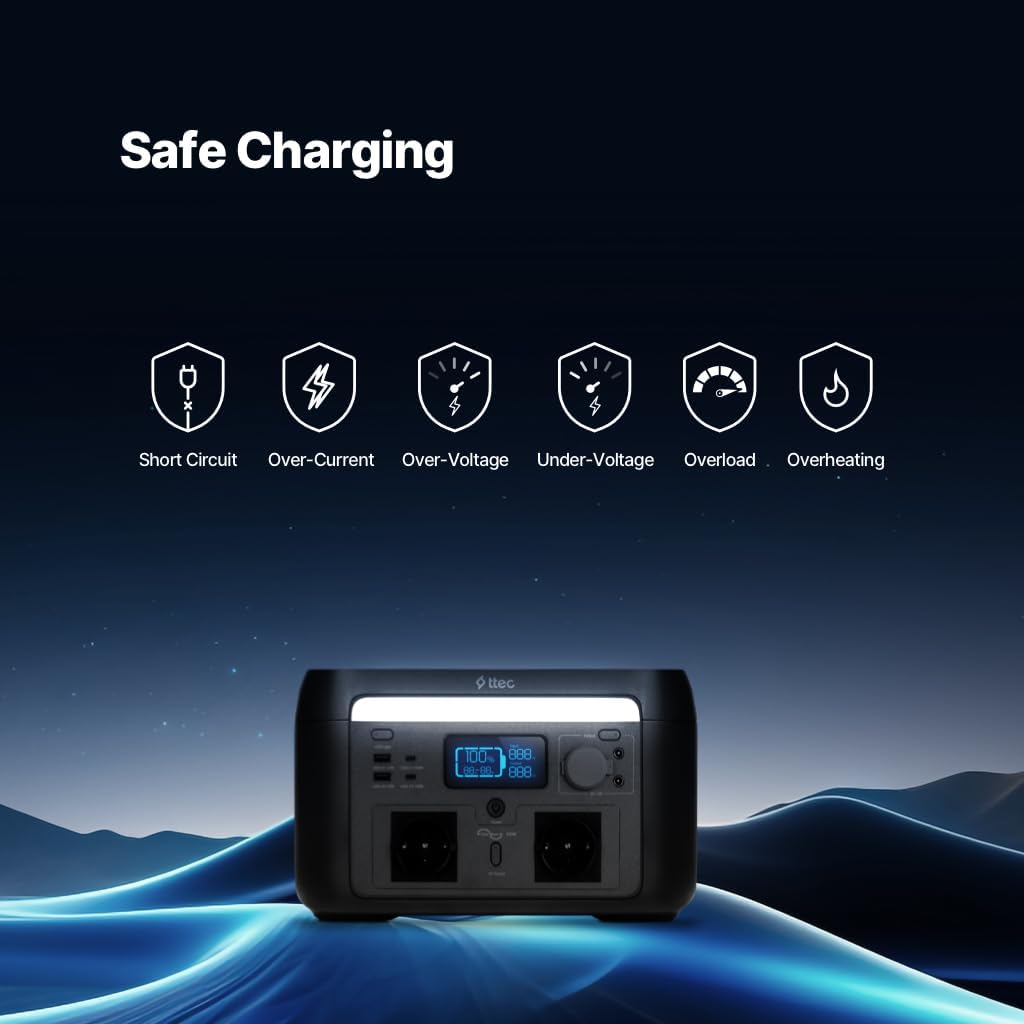
Image: Safe Charging Protections. This image illustrates the various safety features of the power station, including protection against short circuit, over-current, over-voltage, under-voltage, overload, and overheating, ensuring secure operation.
3. Package Contents
Please check your package for the following items:
- ttec PowerMax Pro 600W Portable Power Station
- AC Charging Cable
- Car Charging Cable (DC)
- User Manual
4. Product Overview
Familiarize yourself with the various ports and features of your PowerMax Pro 600W Power Station.

Image: Power Station Ports and Outputs. This image displays the front panel of the ttec PowerMax Pro 600W, highlighting its various output ports including 2 USB-A, 2 PD 100W USB-C, 2 DC5521, 2 AC 220V sockets, and a Cigarette Lighter (DC) Charging Socket, along with the built-in LED light for ambient illumination.
Components:
- Digital LED Display: Shows battery level, input/output wattage, and active ports.
- AC Output Ports (220V): For powering household appliances up to 600W.
- USB-A Output Ports: For charging smartphones, tablets, and other USB-powered devices.
- USB-C PD 100W Output Ports: For fast charging compatible laptops, tablets, and phones.
- DC 5521 Output Ports: For powering DC-compatible devices.
- Cigarette Lighter (DC) Charging Socket: For powering 12V car accessories.
- Built-in LED Light: Provides ambient illumination.
- Carrying Handle: For easy portability.

Image: Digital LED Display. This image shows the digital LED screen on the power station, which allows users to monitor the current battery level and identify which output ports are actively in use.

Image: Easy Portability. The image highlights the 7 kg lightweight design and integrated carrying handle of the power station, emphasizing its ease of transport for various uses.
5. Setup
5.1 Initial Charging
Before first use, it is recommended to fully charge your PowerMax Pro 600W Power Station. This ensures optimal battery performance and longevity.
- Connect the provided AC charging cable to the power station's input port.
- Plug the other end of the AC charging cable into a standard wall outlet (220V).
- The digital LED display will indicate the charging status and battery level.
- The unit charges up to 90% in approximately 80 minutes.
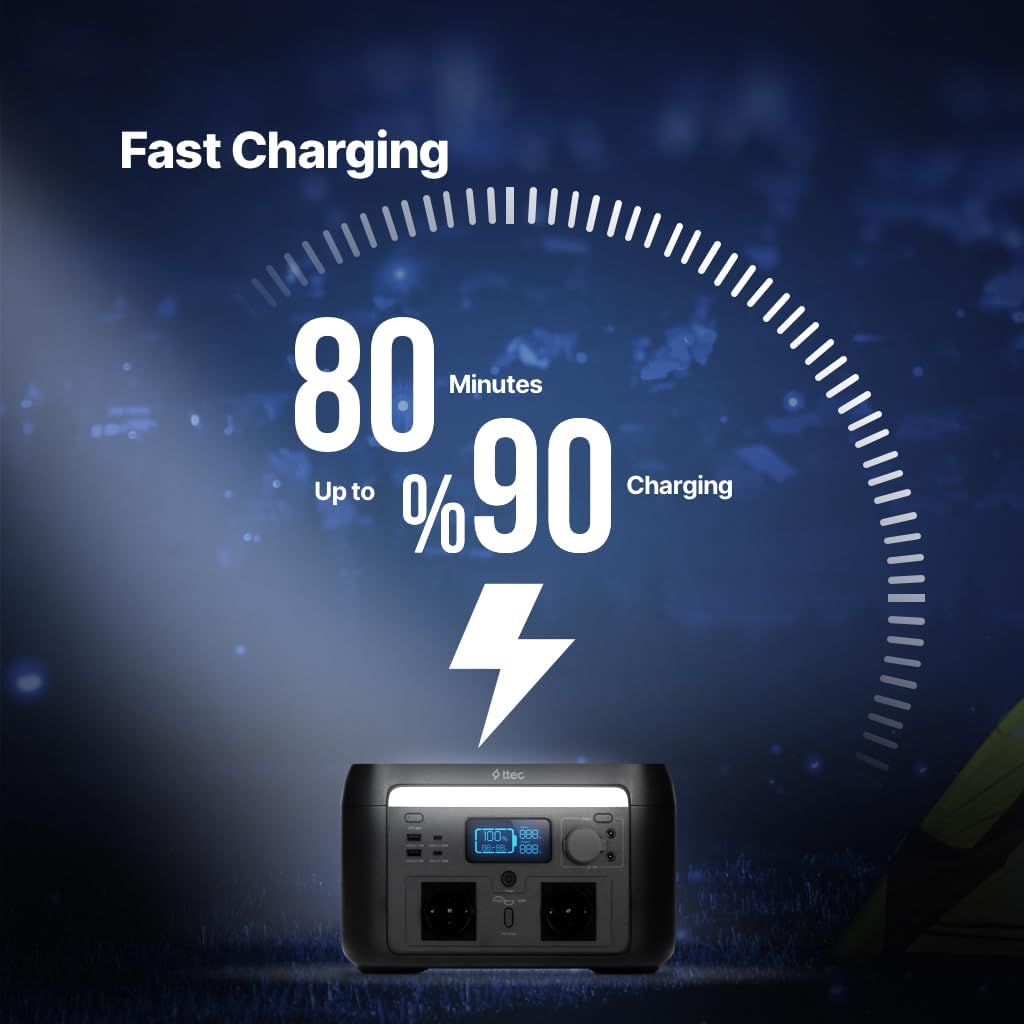
Image: Fast Charging. This image illustrates the fast charging capability of the power station, indicating it can reach 90% charge in just 80 minutes.
5.2 Battery Technology
The PowerMax Pro 600W utilizes LiFePO4 batteries, known for their long lifespan and safety. These batteries are designed to provide reliable power for up to 10 years under normal usage conditions.
Image: Long-lasting LiFePO4 Batteries. This image highlights the use of LiFePO4 batteries, which contribute to the power station's extended lifespan of up to 10 years.
6. Operating Instructions
6.1 Powering On/Off
To turn on the power station, press and hold the main power button for a few seconds. The LED display will light up. To turn off, press and hold the main power button again.
6.2 Using AC Output
The power station provides two 220V AC outlets for powering small household appliances up to 600W. This includes devices such as heaters, fans, projectors, TVs, and electric stoves.
- Ensure the power station is turned on.
- Press the AC output button to activate the AC outlets. The indicator light for AC will illuminate.
- Plug your appliance into one of the AC outlets.
- When finished, press the AC output button again to turn off the AC outlets and conserve power.
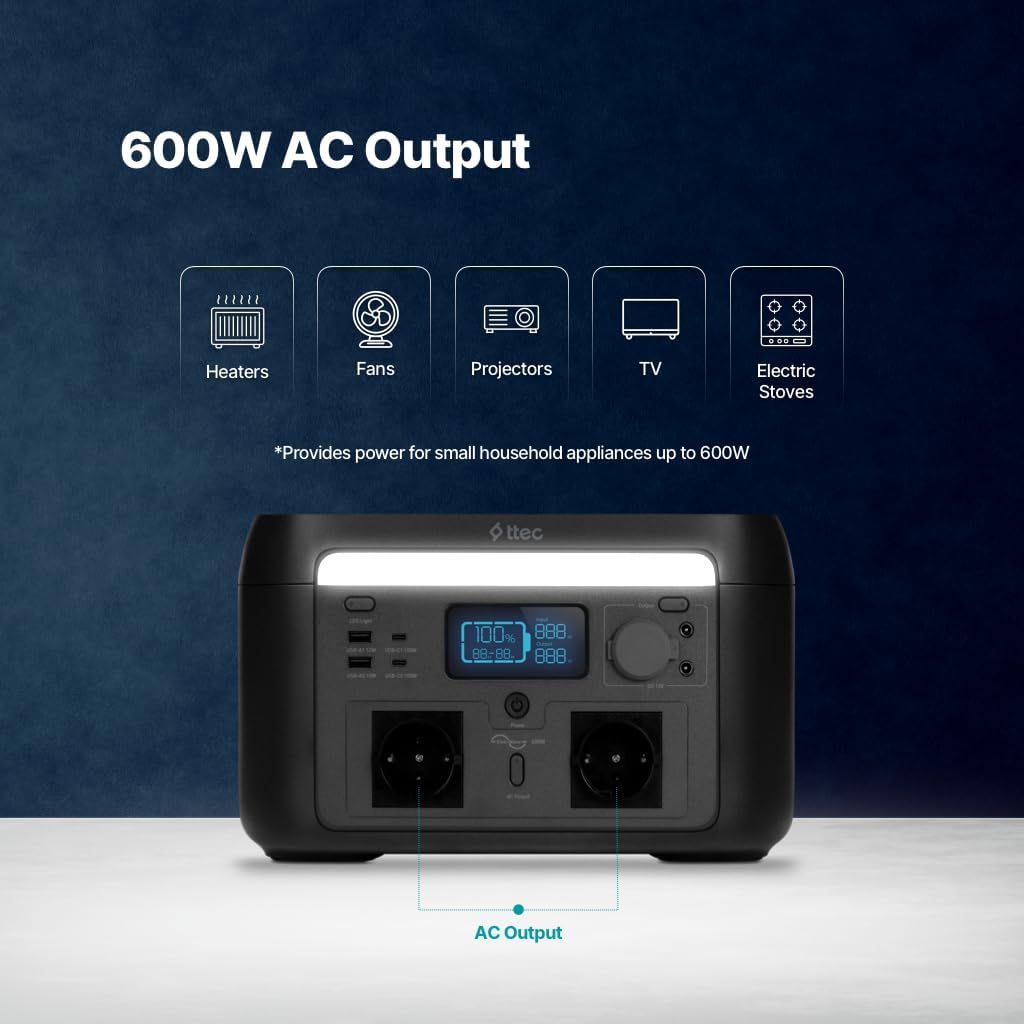
Image: 600W AC Output Capability. This image demonstrates the power station's ability to provide 600W AC output, suitable for various small household appliances like heaters, fans, projectors, TVs, and electric stoves.
6.3 Using USB-A and USB-C Outputs
The power station features two USB-A ports and two PD 100W USB-C ports for charging mobile devices.
- Ensure the power station is turned on.
- Connect your device to the appropriate USB-A or USB-C port using a compatible cable.
- The power station will automatically detect and begin charging your device.
- The USB-C ports support Power Delivery (PD) up to 100W for faster charging of compatible devices.
6.4 Using DC 5521 and Car Charger Outputs
Two DC 5521 ports and one DC car charger socket are available for powering 12V DC devices.
- Ensure the power station is turned on.
- Press the DC output button to activate the DC ports. The indicator light for DC will illuminate.
- Plug your DC device into the corresponding port.
- When finished, press the DC output button again to turn off the DC outputs.
6.5 Using the Built-in LED Light
The power station includes a built-in LED light for ambient illumination.
- Press the LED light button once to turn it on.
- Press the button again to cycle through different brightness modes or turn it off.
7. Charging the Power Station
Your PowerMax Pro 600W can be recharged using the provided AC adapter or a car charger.
7.1 AC Wall Charging
Connect the AC charging cable to the input port and then to a wall outlet. The unit will charge up to 90% in approximately 80 minutes.
7.2 Car Charging
Connect the car charging cable to the input port and then to your vehicle's 12V cigarette lighter socket. This method is suitable for recharging on the go.
7.3 Solar Charging (Optional)
While not explicitly detailed in the product description, many portable power stations support solar charging. If your model includes a solar input port, connect a compatible solar panel (sold separately) to recharge the unit using solar energy. Refer to the solar panel's manual for specific connection instructions.
8. Maintenance
8.1 Storage
- Store the power station in a cool, dry place, away from direct sunlight and extreme temperatures.
- For long-term storage, charge the unit to approximately 50-80% every 3-6 months to maintain battery health.
- Avoid storing in environments with high humidity.
8.2 Cleaning
- Use a soft, dry cloth to clean the exterior of the power station.
- Do not use abrasive cleaners or solvents.
- Ensure all ports are free of dust and debris.
8.3 Battery Care
- The LiFePO4 batteries are designed for a long lifespan. To maximize this, avoid fully discharging the unit frequently.
- Regularly check the battery level on the digital display.
9. Troubleshooting
If you encounter issues with your PowerMax Pro 600W, refer to the following common problems and solutions:
| Problem | Possible Cause | Solution |
|---|---|---|
| Unit does not turn on | Low battery; Power button not pressed correctly | Charge the unit; Press and hold the power button for a few seconds. |
| AC output not working | AC output not activated; Appliance exceeds 600W; Overload protection triggered | Press the AC output button; Check appliance wattage; Disconnect appliance and restart unit. |
| USB/DC output not working | DC output not activated; Cable issue; Device not compatible | Press the DC output button; Try a different cable/device; Ensure device is compatible. |
| Unit not charging | Charging cable not connected properly; Faulty adapter/cable; Input port issue | Ensure secure connections; Try a different outlet/cable; Contact support if issue persists. |
| Overheating warning | Poor ventilation; Excessive load; High ambient temperature | Ensure clear ventilation; Reduce load; Move unit to a cooler environment. |
10. Specifications
Detailed technical specifications for the ttec PowerMax Pro 600W Portable Power Station 2PS002S.
| Feature | Detail |
|---|---|
| Brand | ttec |
| Model | 2PS002S |
| Capacity | 600W (AC Output) |
| Battery Type | LiFePO4 |
| Battery Lifespan | Up to 10 years |
| AC Output | 2 x 220V |
| DC Output | 1 x Car Charger (DC), 2 x DC 5521 |
| USB-A Output | 2 ports |
| USB-C Output | 2 x PD 100W |
| Charging Time (to 90%) | Approximately 80 minutes |
| Safety Protections | Short circuit, over-current, over-voltage, under-voltage, overload, overheating |
| Weight | 7 kg (approx. 9.41 kg package weight) |
| Dimensions (Package) | 38.5 x 32.6 x 31.8 cm |
| Country of Origin | China |
| Compliance | European Union Standards (CE) |
11. Warranty and Support
11.1 Warranty Information
ttec products are manufactured to high-quality standards. This product comes with a standard manufacturer's warranty against defects in materials and workmanship. Please retain your proof of purchase for warranty claims. The warranty period typically covers manufacturing defects under normal use. For specific warranty terms and conditions, please refer to the warranty card included in your package or visit the official ttec website.
11.2 Customer Support
If you have any questions, require technical assistance, or need to report an issue with your ttec PowerMax Pro 600W Portable Power Station, please contact ttec customer support. You can usually find contact details on the official ttec website or through the retailer where you purchased the product.
Website: www.ttec.com
Email: support@ttec.com
Phone: +90 XXX XXX XX XX
When contacting support, please have your product model (2PS002S) and proof of purchase ready.


