
1. Introduction
This manual provides detailed instructions for the Dpofirs Digital Sound Decibel Meter DM219N. This device is designed to accurately measure noise levels, temperature, and humidity, making it suitable for various environments such as homes, schools, and libraries. Please read this manual thoroughly before using the product to ensure proper operation and longevity.
2. Product Overview
The DM219N is a versatile desktop noise level reader that integrates three essential environmental measurements into a single, easy-to-read device. Its large LCD screen provides clear real-time data, and its compact design allows for convenient placement.

Figure 1: Front and top view of the DM219N Decibel Meter with labeled components.
Components:
- Noise Meter Probes: Integrated sensors for accurate sound level detection.
- Decibel Display: Large digital readout for noise levels (dBA).
- Decibel Level Indicator: Visual bar graph indicating current noise intensity.
- Temperature Display: Shows ambient temperature in Celsius or Fahrenheit.
- Humidity Display: Shows relative humidity percentage.
- Time Display: Current time.
- Battery Indicator: Displays current battery charge level.
- Power Button: Turns the device on or off.
- Setup Button: Accesses device settings.
- Left/Right Buttons: Used for navigation and adjusting settings (e.g., screen brightness).
- Type-C Port: For charging the internal battery.
- Air Inlet: Allows air circulation for temperature and humidity sensors.
3. Key Features
- 3-in-1 Measurement: Simultaneously displays noise levels, temperature, and humidity.
- Accurate Noise Measurement: Range of 30dB to 130dBA with ±1.5dBA accuracy and 0.1dBA display resolution.
- Large LCD Display: High-visibility digital screen with backlight for clear readings in various lighting conditions.
- Desktop & Wall Mountable: Versatile placement options to suit your environment.
- Rechargeable Battery: Built-in 2000mAh Li-battery provides up to 24 hours of continuous use on a 2-hour charge.
- Adjustable Screen Brightness: Customize display brightness using dedicated buttons.
- Real-time Monitoring: Provides continuous updates on environmental conditions.

Figure 2: The DM219N in a kitchen environment, showing real-time noise, temperature, and humidity readings.
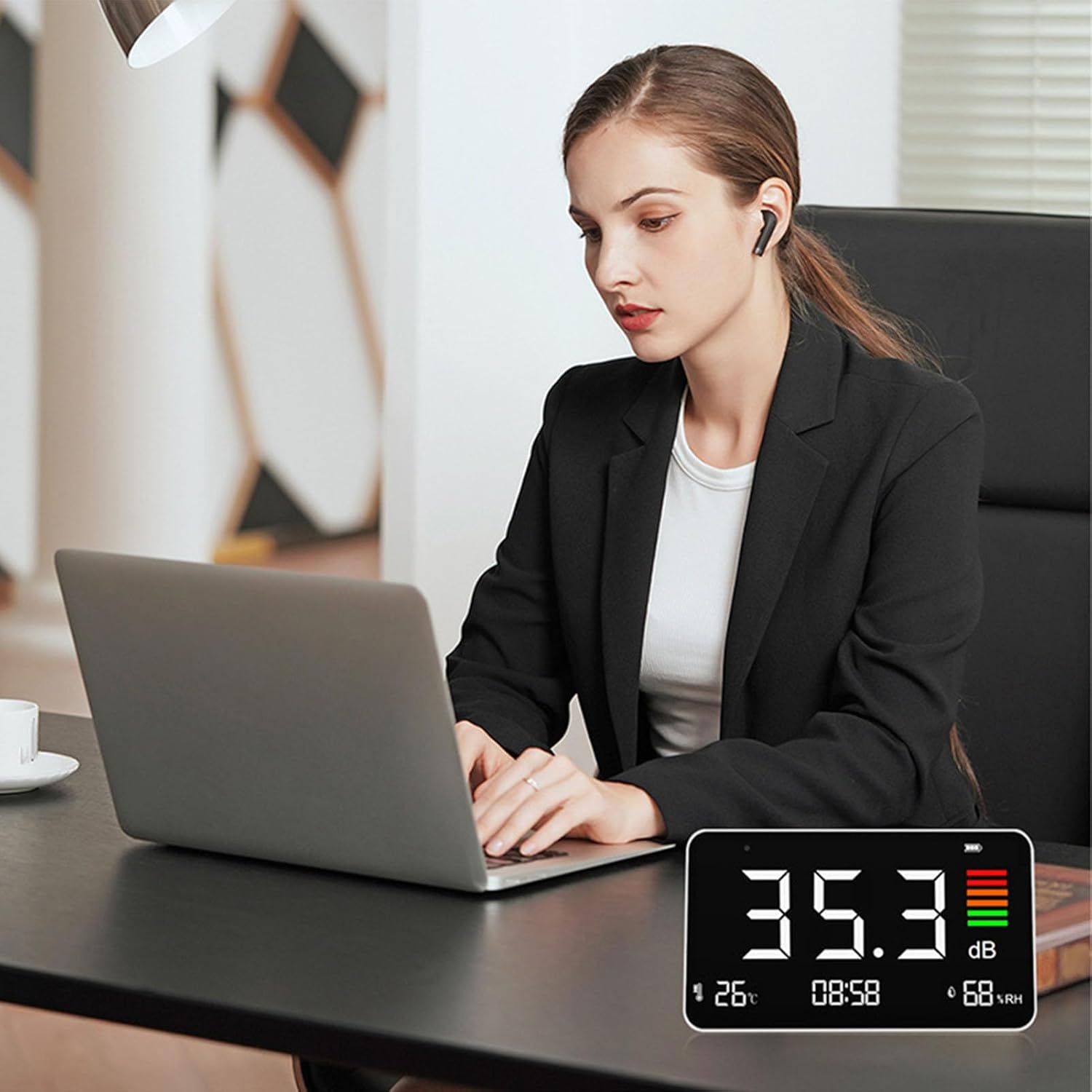
Figure 3: The DM219N providing environmental data in an office setting.
4. Setup
4.1. Initial Charging
- Locate the Type-C charging port on the side of the device.
- Connect the provided 1.2m Type-C charging cable to the device and a compatible USB power adapter (1A/2A 5V).
- The indicator light will display red during charging and turn green when fully charged. A full charge takes approximately 2 hours and provides up to 24 hours of continuous use.
4.2. Placement
- Desktop Placement: Place the device on a flat, stable surface in the desired monitoring area. Ensure the noise meter probes and air inlet are unobstructed.
- Wall Mounting: The device can also be wall-mounted. Use appropriate hardware (not included) to secure it to a wall. Ensure it is mounted at a height that allows for accurate environmental readings and easy visibility.
5. Operating Instructions
5.1. Power On/Off
- Press the Power Button (refer to Figure 1) to turn the device on.
- Press and hold the Power Button for a few seconds to turn the device off.
5.2. Reading Measurements
- Upon powering on, the device will immediately begin displaying real-time noise levels (dBA), temperature (defaulting to Celsius or Fahrenheit, depending on factory setting), and relative humidity (%).
- The large LCD screen ensures clear readability of all parameters.
- The decibel level indicator provides a visual representation of noise intensity.
5.3. Adjusting Screen Brightness
- Use the Left and Right Buttons (refer to Figure 1) to adjust the screen brightness to your desired setting.
5.4. Interpreting Noise Levels
The device measures noise in dBA, which is a common weighting used to approximate the human ear's response to sound. The measurement range is 30-130dBA. Pay attention to the digital readout and the visual decibel level indicator for quick assessment.
6. Maintenance
6.1. Cleaning
- Wipe the device with a soft, dry cloth. Do not use abrasive cleaners or solvents.
- Keep the noise meter probes and air inlet free from dust and debris to ensure accurate readings.
6.2. Battery Care
- Recharge the built-in Li-battery when the battery indicator shows low power.
- Use only the provided Type-C charging cable and a compatible 5V USB power adapter.
- Avoid exposing the device to extreme temperatures, which can affect battery life.
7. Troubleshooting
| Problem | Possible Cause | Solution |
|---|---|---|
| Device does not power on. | Low battery or no charge. | Connect the device to a power source using the Type-C cable and charge for at least 2 hours. |
| Inaccurate noise/temperature/humidity readings. | Sensors obstructed or dirty; device not calibrated (unlikely for consumer use); extreme environmental conditions. | Ensure sensors (probes, air inlet) are clean and unobstructed. Move the device to a stable environment. |
| Screen is too dim/bright. | Brightness setting is incorrect. | Use the Left/Right buttons to adjust screen brightness. |
8. Specifications
| Parameter | Value |
|---|---|
| Display Type | LCD Digital Screen with Backlight |
| Noise Measurement Range | 30-130dBA |
| Accuracy | ±1.5 dBA |
| Display Accuracy | 0.1dBA |
| Frequency Range | 50Hz-8.5kHz |
| Frequency Weighting | A |
| Sampling Time | 1.5 seconds |
| Temperature Measurement Range | 14℉-140℉ (-10℃-60℃) |
| Humidity Measurement Range | 20%-85% |
| Battery | Built-in 2000mAh Rechargeable Li Battery |
| Charging Input | 1A/2A 5V (USB Type-C) |
| Item Weight | 430 g |
| Parcel Dimensions | 19.1 x 11.9 x 7.4 cm |
9. Warranty and Support
For any questions, technical support, or warranty inquiries, please contact Dpofirs customer service through your purchase platform. Please retain your proof of purchase for warranty claims.