
Important Safety Instructions
Please read all instructions carefully before using this product. Failure to follow these instructions may result in electric shock, fire, or serious injury.
- Do not immerse the brush or any electrical components in water or other liquids.
- Always disconnect the power supply before cleaning or performing maintenance.
- Keep hair, loose clothing, fingers, and all parts of the body away from openings and moving parts.
- Do not use to pick up flammable or combustible liquids, such as gasoline, or use in areas where they may be present.
- Do not pick up anything that is burning or smoking, such as cigarettes, matches, or hot ashes.
- Use only as described in this manual. Use only manufacturer's recommended attachments.
- Do not use with a damaged cord or plug. If the appliance is not working as it should, has been dropped, damaged, left outdoors, or dropped into water, return it to a service center.
- Close supervision is necessary when any appliance is used by or near children.
Product Overview
The VACTechPro F02 Ultra (V15 Ultra Model Name) is a cordless wheel brush designed to enhance the cleaning performance of your vacuum cleaner, especially on carpeted floors. It features a powerful motor and a specialized brush roll for effective dirt and debris removal.
Key Features:
- Cordless operation for unrestricted movement.
- Integrated wheel brush for deep cleaning of carpets.
- HEPA filter compatibility for improved air quality.
- Two power levels for versatile cleaning.
- Portable and lightweight design.
Components Included:
- VACTechPro F02 Ultra Cordless Vacuum Brush
- Dusting brush attachment
- Crevice tool attachment
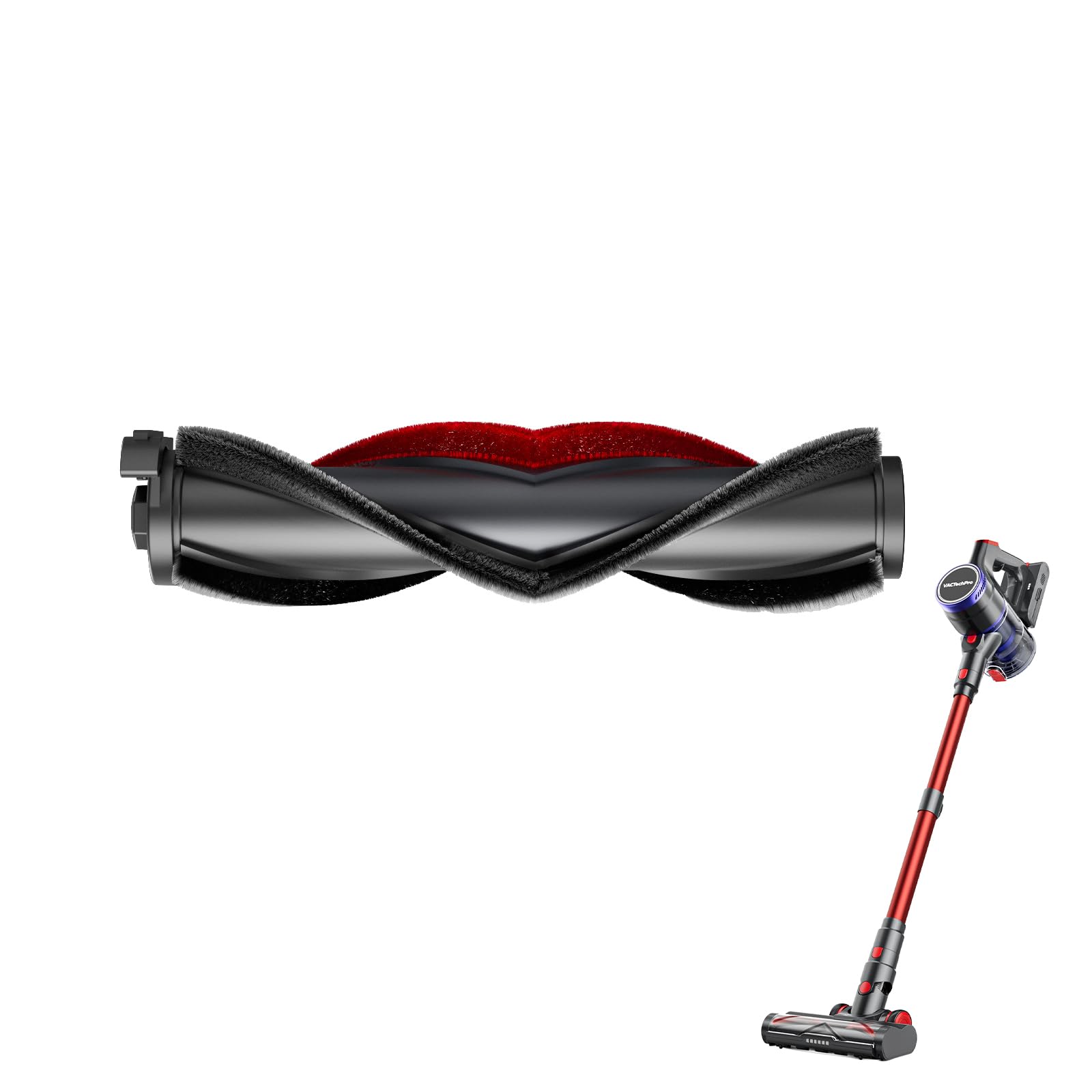
Figure 1: The VACTechPro F02 Ultra Cordless Vacuum Brush, showing its main body and brush head. This image illustrates the compact design and the primary cleaning component.
Setup
1. Assembly
- Unpack all components from the packaging.
- Attach the VACTechPro F02 Ultra brush head to your compatible vacuum cleaner's extension wand or main unit. Ensure it clicks securely into place.
- If using the dusting brush or crevice tool, attach them directly to the main unit or extension wand as needed.
2. Charging the Battery
The F02 Ultra is battery-powered. Before first use, fully charge the battery. Connect the charging adapter (not included, typically supplied with the main vacuum unit) to the charging port on the brush unit and plug it into a power outlet. The charging indicator light will show the charging status.
- A full charge typically takes approximately 3-4 hours.
- Do not overcharge the battery.
Operating Instructions
1. Powering On/Off
Press the power button located on the brush unit to turn it on. Press it again to turn it off.
2. Selecting Power Level
The F02 Ultra offers two power levels. After powering on, press the mode selection button (if available, or cycle through power levels with the power button) to switch between standard and max power modes. Use standard mode for general cleaning and max mode for stubborn dirt on carpets.
3. Recommended Use
This brush is specifically designed for use on carpeted floors. The rotating brush helps to agitate and lift embedded dirt and pet hair from carpet fibers. For optimal results, move the brush slowly and steadily across the carpet surface.
Note: Avoid using this brush on hard floors as it may cause scratches or reduce efficiency.
Maintenance
Regular maintenance ensures optimal performance and extends the lifespan of your VACTechPro F02 Ultra brush.
1. Cleaning the Brush Roll
- Ensure the brush unit is turned off and disconnected from the vacuum.
- Locate the brush roll access cover, usually on the underside of the brush head.
- Open the cover and carefully remove the brush roll.
- Use scissors or a cleaning tool (often included with the main vacuum) to cut and remove any tangled hair, threads, or debris from the brush roll.
- Clean the brush roll housing and ensure no obstructions are present.
- Reinsert the brush roll and close the access cover securely.
2. Cleaning/Replacing the HEPA Filter
The F02 Ultra uses a HEPA filter, which is crucial for trapping fine dust and allergens. Refer to your main vacuum cleaner's manual for specific instructions on accessing and maintaining the HEPA filter, as it is typically located within the main vacuum unit rather than the brush attachment itself. If the brush unit has its own filter, follow these general steps:
- Turn off the unit and disconnect it.
- Locate the filter compartment (if applicable to the brush unit).
- Remove the HEPA filter. Tap it gently over a trash can to remove loose dust.
- If washable, rinse under cold running water until the water runs clear. Allow it to air dry completely for at least 24 hours before reinserting.
- Replace the HEPA filter every 3-6 months, or more frequently with heavy use, to maintain optimal suction and filtration.
3. Battery Care
- Store the unit in a cool, dry place when not in use.
- Avoid exposing the battery to extreme temperatures.
- If storing for an extended period, charge the battery to approximately 50% every few months to prolong its lifespan.
Troubleshooting
If you encounter issues with your VACTechPro F02 Ultra brush, refer to the following table for common problems and solutions.
| Problem | Possible Cause | Solution |
|---|---|---|
| Brush not spinning or weak suction. |
|
|
| Unit not turning on. |
|
|
| Reduced battery life. |
|
|
Specifications
| Brand | VACTechPro |
| Model Number | F02 Ultra |
| Model Name | V15 Ultra |
| Special Feature | Cordless, Wheel Brush |
| Filter Type | HEPA Filter |
| Surface Recommendation | Carpeted Floors |
| Power Source | Battery |
| Included Components | Dusting brush, Crevice tool |
| Cordless | Yes |
| Recommended Uses | Carpeted floors |
| Form Factor | Handheld (as an attachment) |
| Number of Power Levels | 2 |
| Indoor/Outdoor Use | Indoor |
| Portable | Yes |
| Country of Origin | China |
Warranty and Support
For warranty information and customer support, please refer to the documentation provided with your main VACTechPro vacuum cleaner or visit the official VACTechPro website. Keep your purchase receipt as proof of purchase for any warranty claims.
If you have any questions or require assistance with your VACTechPro F02 Ultra Cordless Vacuum Brush, please contact VACTechPro customer service.
