
Product Overview
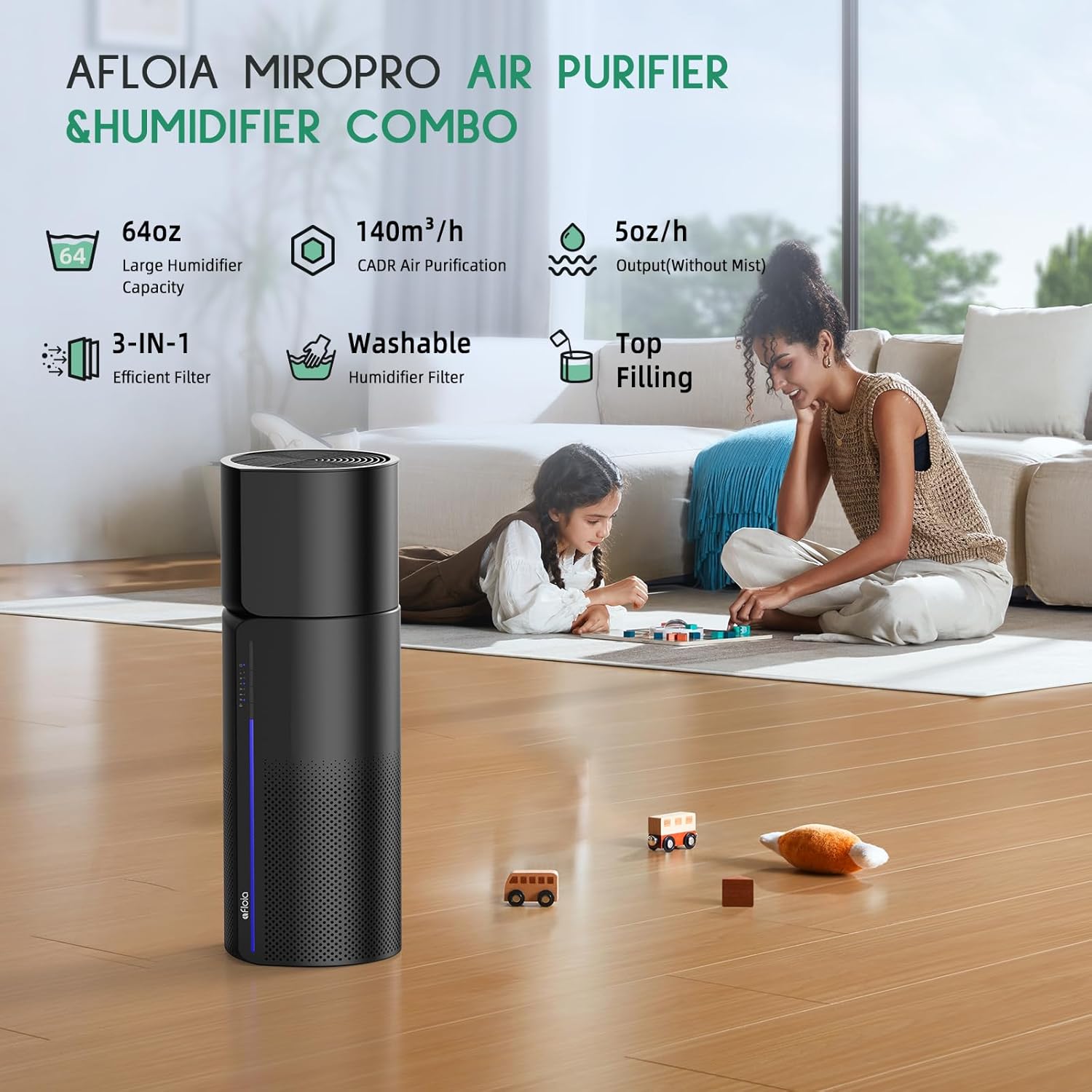
The Afloia Miro Pro is a versatile 2-in-1 appliance designed to improve indoor air quality and comfort. It functions as both an air purifier and a humidifier, offering a comprehensive solution for your living space.
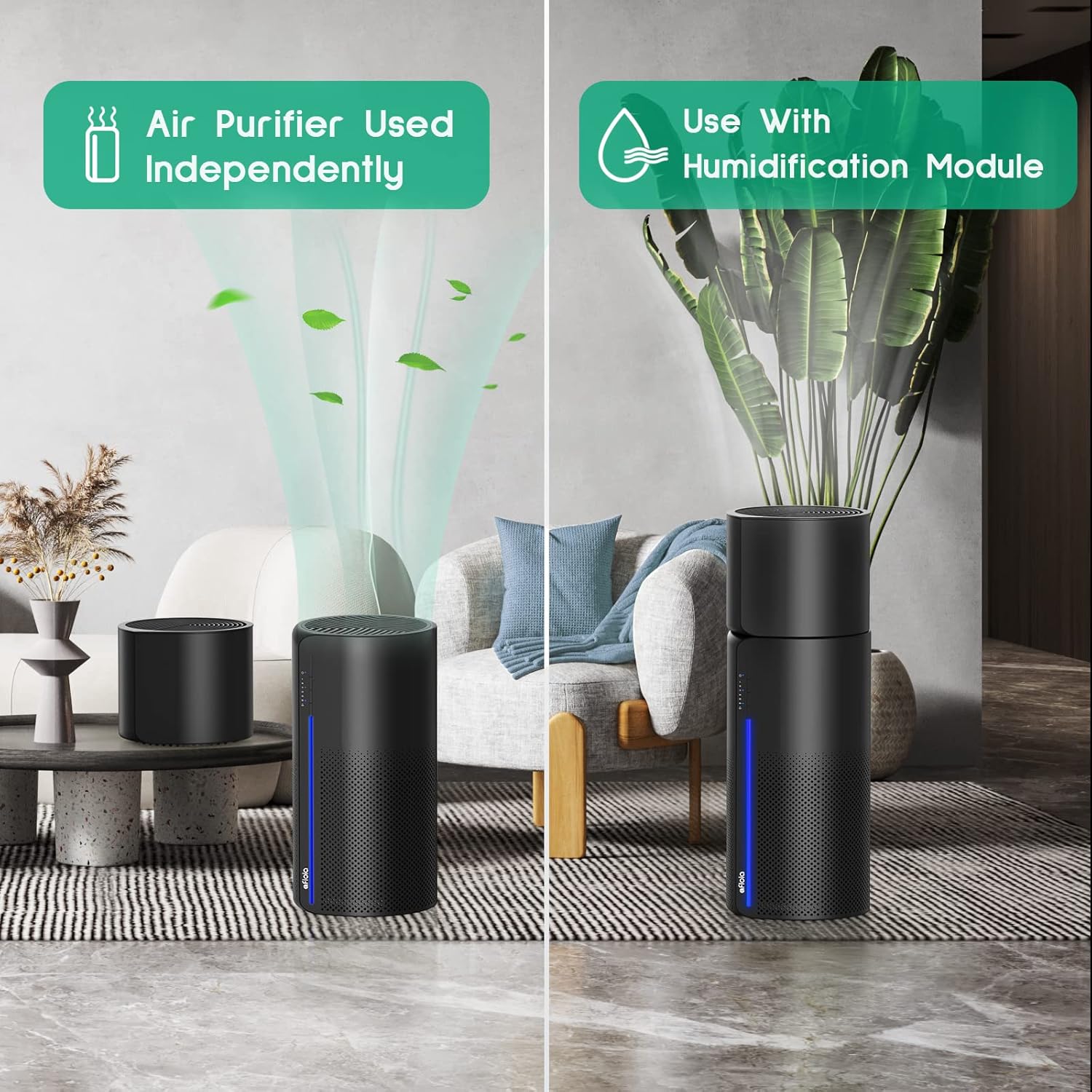
- Innovative Dual-Function Design: The core unit operates as an air purifier. A detachable humidifier module can be securely attached for combined air purification and humidification. The humidifier module cannot function independently.
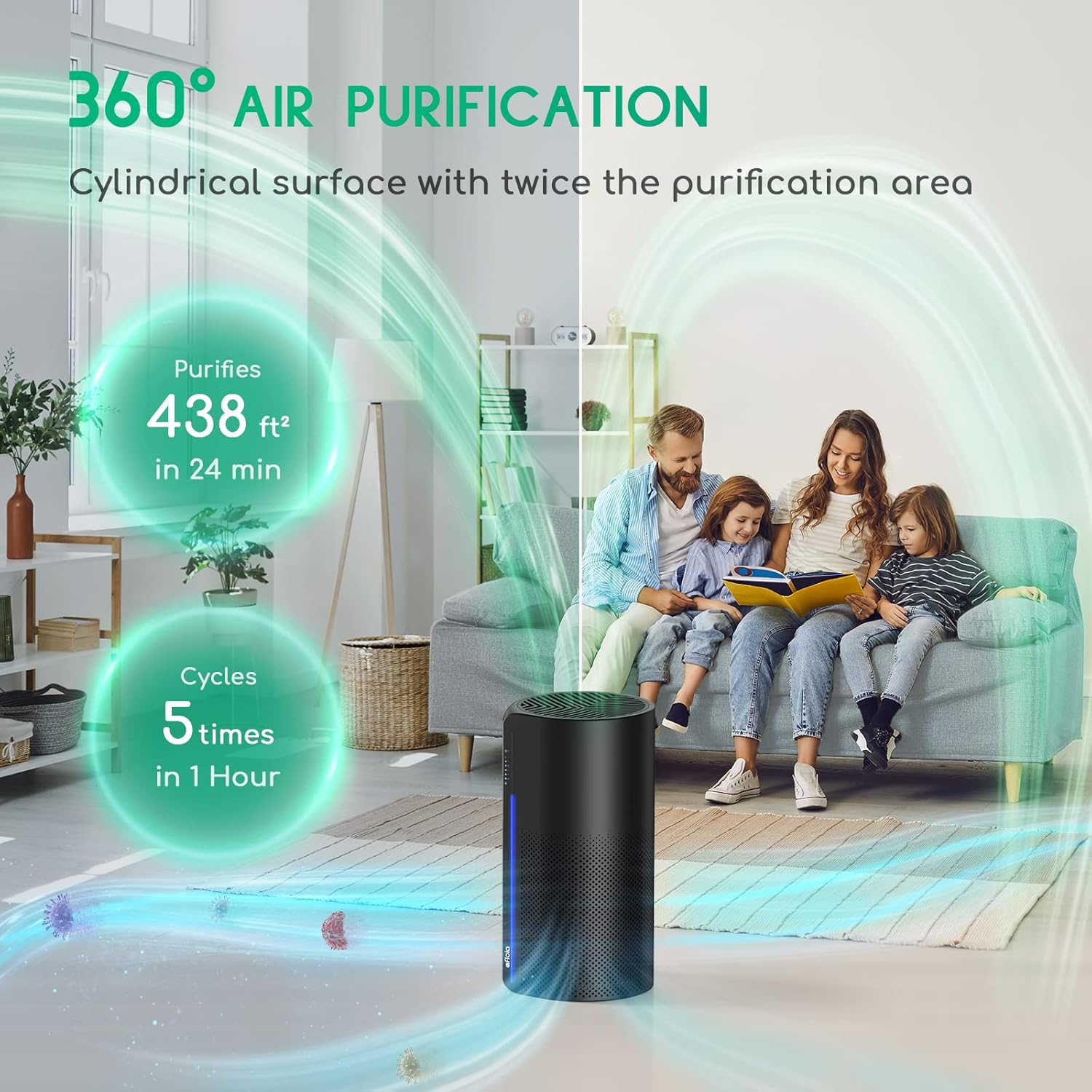
- Advanced 3-in-1 Filtration System: Features a pre-filter, activated carbon filter, and a high-efficiency filter to capture particles as small as 0.3 microns. This system purifies air in spaces up to 219 ft² every 12 minutes and refreshes air 5 times an hour in rooms up to 438 ft².
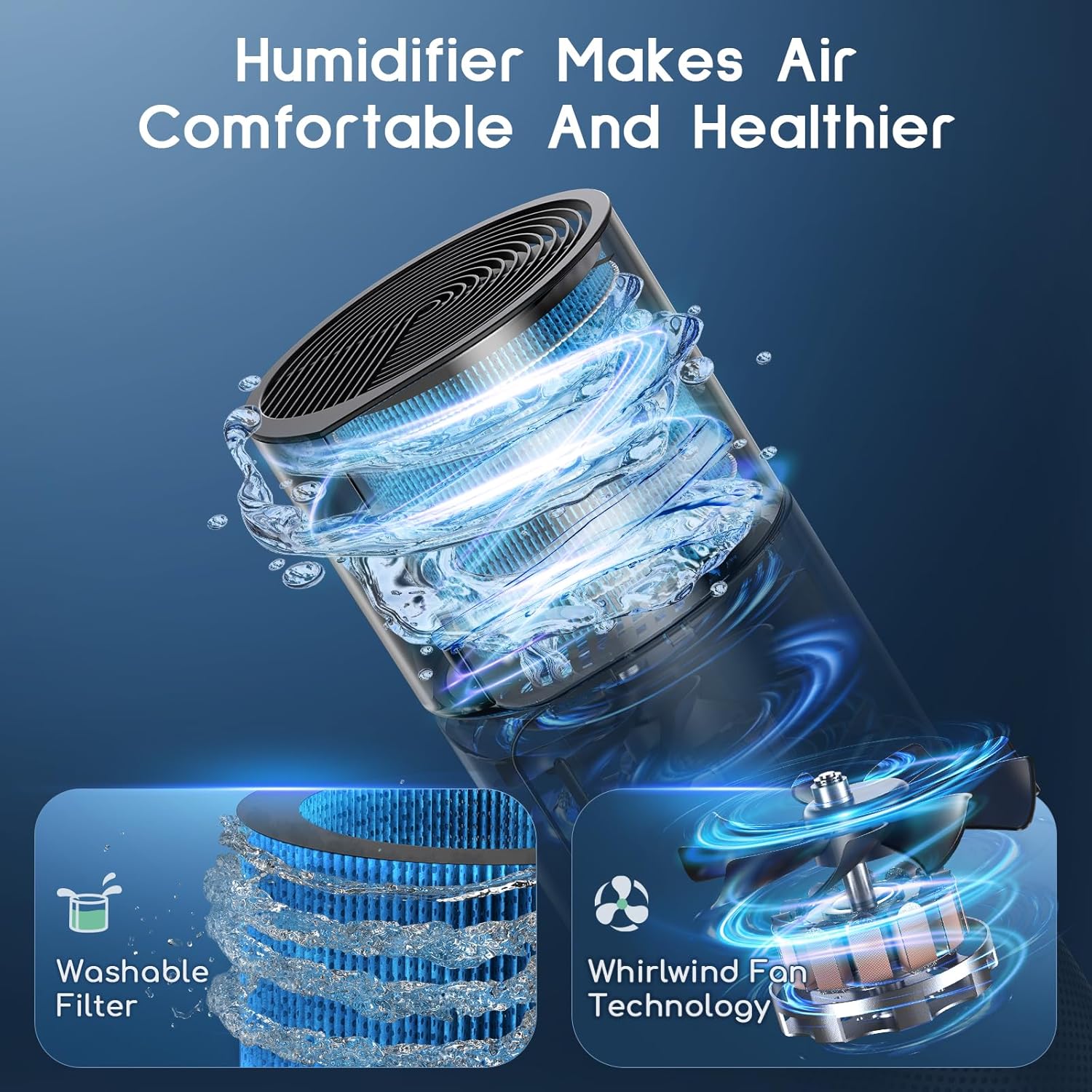
- Mist-Free Humidification Technology: Utilizes evaporative technology to transform water into nano-sized molecules, providing clean, dust-free humidification without visible mist or water leakage.
- Dynamic Ambient Lighting: Offers seven vibrant light modes, including a color cycle and customizable fixed colors. The light can be turned off for undisturbed rest.
- Intelligent Filter Replacement Alert: A red LED indicator alerts users when the filter needs replacement to maintain optimal performance.

Setup Instructions
Unpacking and Initial Placement
- Carefully remove the Afloia Miro Pro from its packaging.
- Place the unit on a flat, stable surface, ensuring adequate space around it for optimal airflow.
- Remove all protective packaging materials from the unit and filters.
Filter Installation
The unit comes with a 3-in-1 air filter and a humidifier filter. Ensure both are correctly installed before first use.
- Air Purifier Filter: The 3-in-1 filter (pre-filter, activated carbon, high-efficiency) is typically pre-installed but may have protective plastic that needs removal. Refer to the maintenance section for detailed filter access.
- Humidifier Filter: This filter is located within the humidifier module. Ensure it is properly seated.
Assembling the Humidifier Module (Optional)
To use the 2-in-1 function, attach the humidifier module to the top of the air purifier unit.
- Align the humidifier module with the top of the air purifier.
- Gently press down until it securely locks into place via the precision-engineered bottom serration design.
Filling the Water Tank
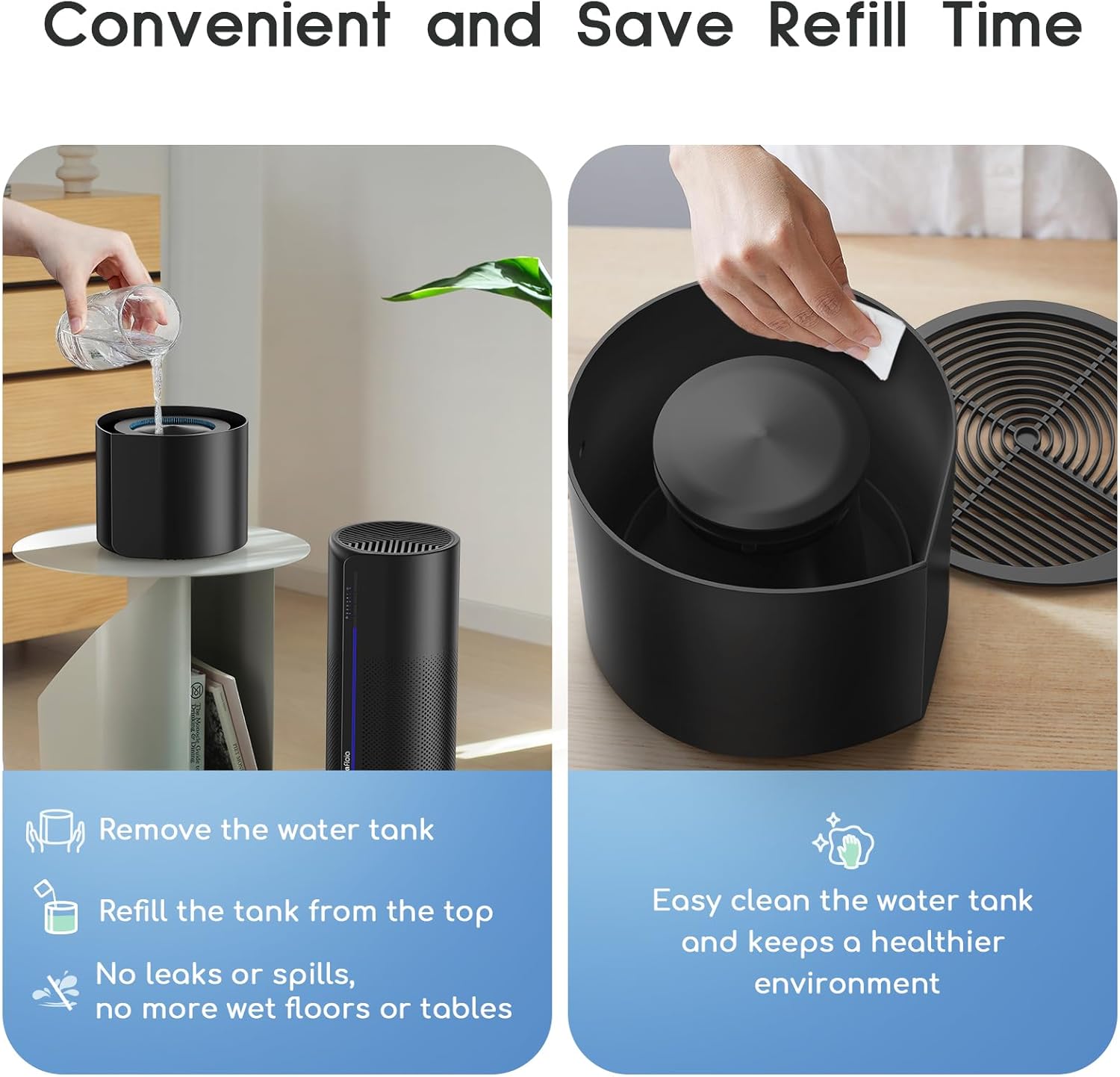
For humidification, fill the water tank of the humidifier module.
- Remove the top cover of the humidifier module.
- Pour clean tap water directly into the water tank. Do not exceed the maximum fill line.
- Replace the top cover securely.
Power Connection
Plug the power cord into a suitable electrical outlet.
Operating Instructions
Power On/Off
- Press the power button on the control panel to turn the unit on or off.
Air Purification Modes
The unit offers multiple fan speeds for air purification. Adjust as needed for your environment.
- Press the fan speed button to cycle through available speeds (e.g., Low, Medium, High, Sleep).
- In Sleep Mode, the unit operates at its lowest noise level (24 dB) for quiet operation.

Humidification Function
If the humidifier module is attached and the water tank is filled, the humidification function will operate in conjunction with the air purifier.
- Ensure the humidifier module is correctly installed and the water tank is filled.
- The unit will automatically begin mist-free humidification.
Ambient Lighting
The unit features a 7-color LED light for ambient illumination.
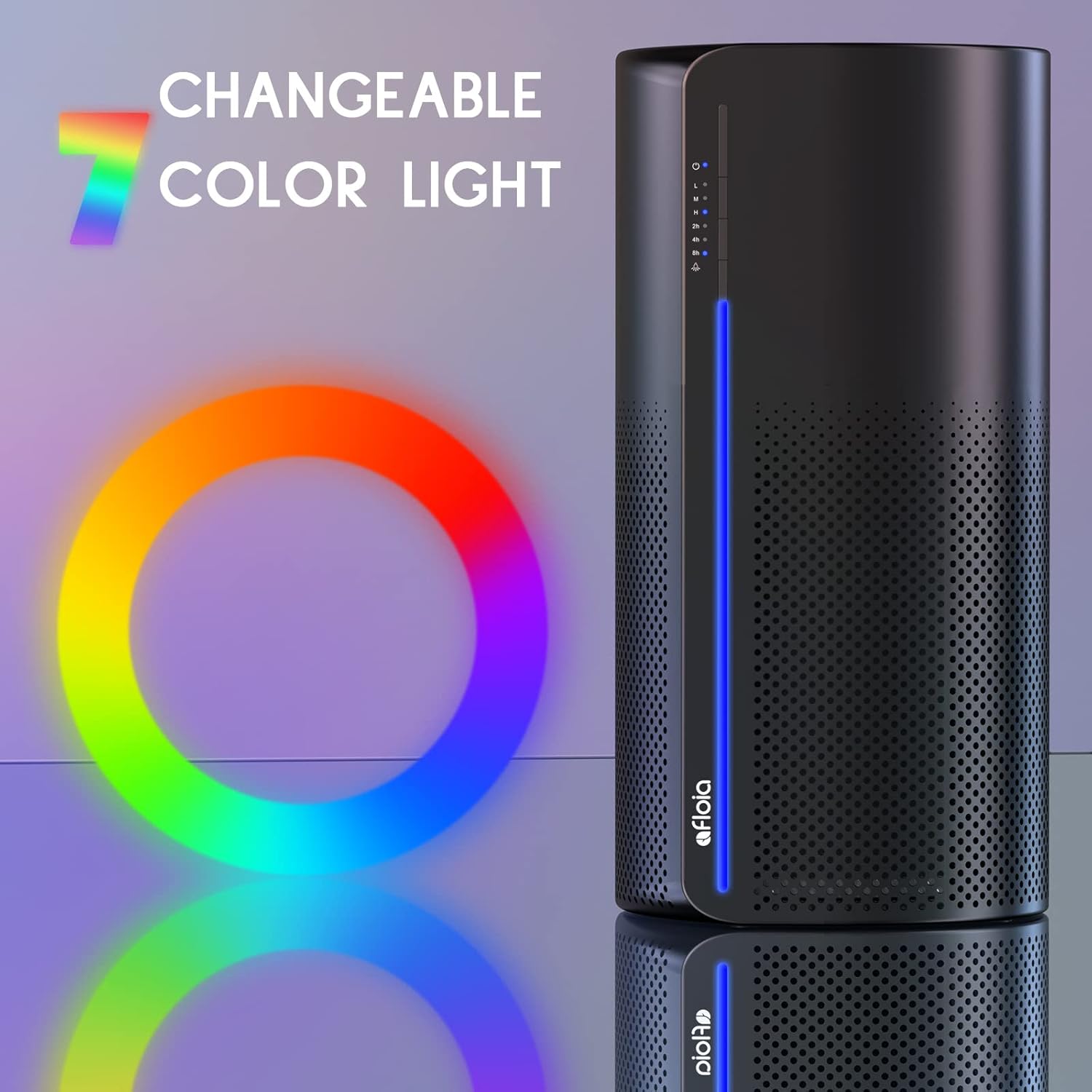
- Press the light button to cycle through different light modes: 7-color cycle, fixed color selection, or turn off the light.
- To turn off the light for sleep, press the light button until the illumination is off.
Timer Function
Set the unit to operate for a specific duration using the timer function.
- Press the timer button to select desired operating times (e.g., 2, 4, or 8 hours). The unit will automatically shut off after the selected time.
Maintenance
Filter Replacement
The unit features an intelligent filter replacement alert. A red LED will flash when the filter reaches its saturation point. Replace the Afloia filter element every 3-6 months for optimal performance.

- When the machine blinks a red light, it indicates the filter needs replacement.
- Open the base of the unit and carefully take out the used filter.
- Install the new Afloia Original Filter (compatible filter: B08CVFXPMC).
- Turn on the machine.
- Press and hold the power button for 15 seconds to reset the filter indicator.
- The red light will turn off, indicating a successful reset.

Humidifier Filter Cleaning and Replacement
The humidifier filter is washable. Regular cleaning is recommended to maintain hygiene and performance. Replace the humidifier filter (compatible filter: B08L98WGCH) as needed, typically every 3-6 months depending on usage and water quality.

- Remove the humidifier module and access the humidifier filter.
- Soak the filter in a solution of vinegar and water.
- Gently clean the filter with a soft brush.
- Rinse thoroughly under running water to remove any residue.
- Allow the filter to air dry completely before reinstallation.

Water Tank Cleaning
Regular cleaning of the water tank prevents mineral buildup and ensures healthy humidification.

- Remove the water tank from the unit.
- Wipe the interior of the tank with a soft cloth. For stubborn deposits, use a mild descaling solution or a vinegar-water mixture.
- Rinse the tank thoroughly with clean water before refilling.
Troubleshooting
This section addresses common issues you might encounter with your Afloia Miro Pro.
| Problem | Possible Cause | Solution |
|---|---|---|
| Unit does not turn on. | No power supply; power cord not connected; unit damaged. | Check power connection and outlet. Ensure the power button is pressed. If issue persists, contact customer support. |
| Red LED filter indicator is flashing. | Air filter needs replacement. | Replace the 3-in-1 air filter and reset the filter indicator by pressing and holding the power button for 15 seconds. |
| No humidification or low mist output. | Water tank empty; humidifier module not properly installed; humidifier filter dirty or damaged. | Refill the water tank. Ensure the humidifier module is securely attached. Clean or replace the humidifier filter. |
| Unusual noise during operation. | Unit not on a flat surface; foreign object inside; filter not properly installed. | Place the unit on a stable, flat surface. Check for any obstructions. Reinstall filters correctly. |
| Air quality does not seem to improve. | Filter is dirty or expired; unit size is too small for the room; windows/doors are open. | Replace the air filter. Ensure the unit is used in an appropriately sized, enclosed room. |
Specifications
| Feature | Detail |
|---|---|
| Brand | Afloia |
| Model Number | Miro Pro |
| Color | Black |
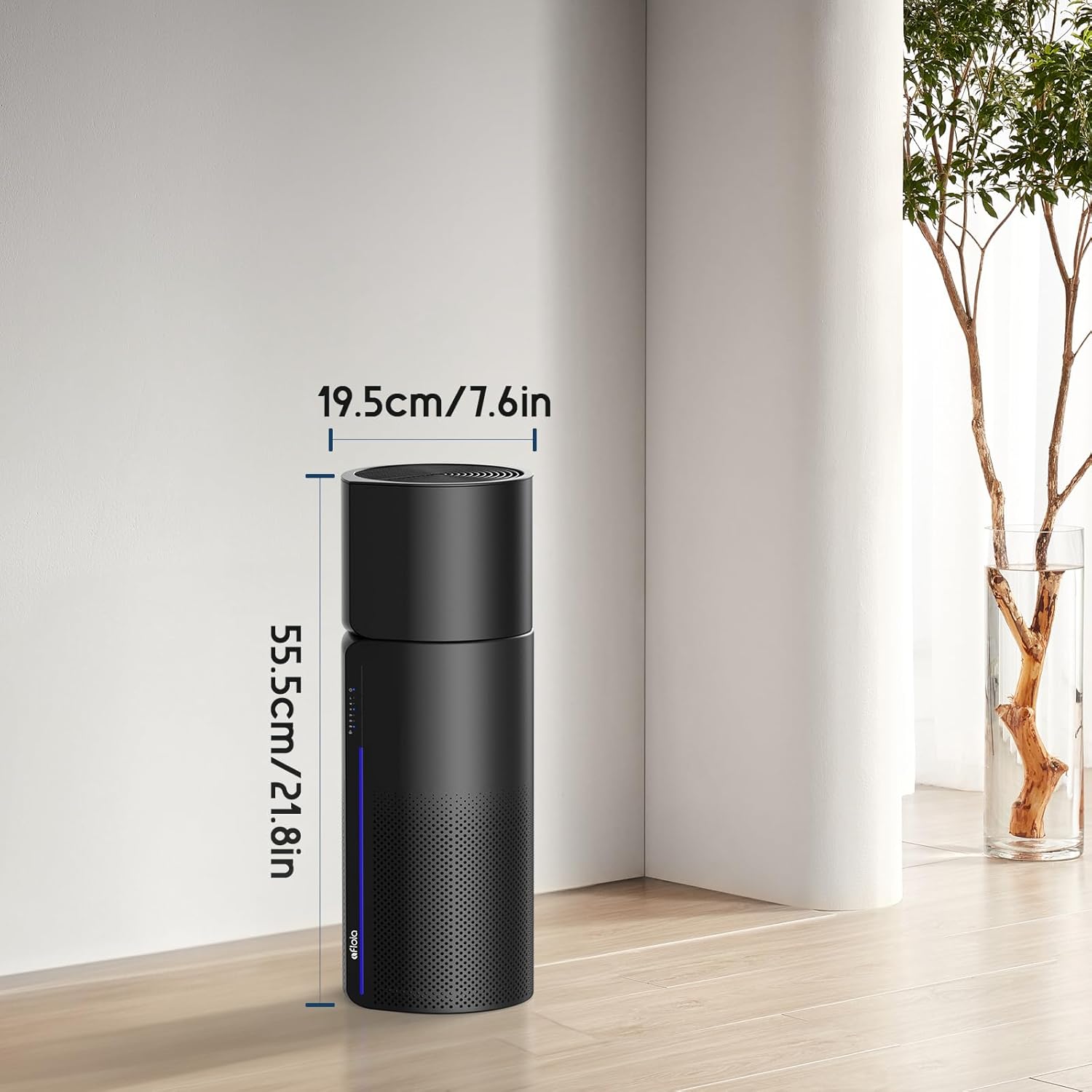
| Product Dimensions | 7.6"D x 7.6"W x 21.79"H |
| Item Weight | 7 Pounds |
| Floor Area Coverage | Up to 438 ft² (air refresh 5 times/hour) |
| Filter Class | 3-in-1 Filtration System (Pre-filter, Activated Carbon Filter, High-efficiency Filter) |
| Noise Level | 24 Decibels (Sleep Mode) |
| Controller Type | Button Control |
| Wattage | 26 watts |
| Power Source | DC |
| Certifications | CE Certified, EPA Certified, ETL Certified, FCC Certified |
| Compatible Air Filter | Original Filter B08CVFXPMC |
| Compatible Humidifier Filter | Humidifier Filter B08L98WGCH |
Warranty and Support
For warranty information and customer support, please refer to the official Afloia website or contact their customer service directly. Keep your purchase receipt for warranty claims.
Online Support: Visit the Afloia Store on Amazon for product information and support resources.

