
1. Introduction
The MeLE PCG02 Pro is a compact, fanless stick PC designed for a variety of applications, from home and office use to industrial IoT solutions. It comes pre-installed with Windows 11 Pro and offers robust performance with its Intel N100 processor and ample memory.
Key Features:
- Unleash Your Productivity with Blazing Fast Performance: Powered by Quad-Core Alder Lake 12th N100, offering up to 3.4 GHz, 10nm process technology, and pre-installed Windows 11 Pro. Supports Linux and Ubuntu.
- Connect Seamlessly, Work Effortlessly: Multiple versatile connectivity options including USB3.2*2, USB-C*2, Micro-SD Slot*1, HDMI*2, and Gigabit Ethernet port. Supports USB PD3.0 for flexible power sources (24W+, 12V-23V).
- Effortlessly Store with Original New Memory and Storage: Features 8GB 4266MHz LPDDR4 memory and 128GB storage, expandable up to 2TB via Micro SD.
- Smart Features and Unlock BIOS: Includes Kensington Security Lock Slot, Wake on LAN/PXE/Auto Power on/RTC Wake support. Unlocked BIOS for fine-tuning.
- Elegant Fanless Cooling Design: Silent operation with a passive cooling system, preventing overheating and ensuring 24/7 stability. Dust resistant.
2. What's in the Box
This section details the contents of your MeLE PCG02 Pro package.
Official unboxing video for the MeLE PCG02 Pro Fanless Mini PC.

Image showing the complete contents of the MeLE PCG02 Pro package.
Package Contents:
- MeLE PCG02 Pro x1
- VESA Mount x1
- User Manual x1
- UL Plug x1
- Power Adapter x1
3. Product Overview and Features
3.1. Design and Dimensions
The PCG02 Pro features a sleek, ultra-slim design, making it highly portable and easy to integrate into any setup. Its fanless construction ensures silent operation.

The MeLE PCG02 Pro's ultra-slim profile, ideal for portability and discreet placement.
3.2. Processor and Performance
Equipped with the Intel N100 processor, the PCG02 Pro delivers efficient performance for daily computing tasks, offering significant improvements over previous generations.

Detailed comparison of Intel N100 processor performance in multi-core and single-core tasks.
3.3. Connectivity and Ports
The PCG02 Pro offers a comprehensive set of ports for wide compatibility with various peripherals and displays.

Diagram illustrating the various ports and their compatibility with different devices.
- USB 3.2 (10Gbps): Two ports for high-speed data transfer.
- USB Type-C (10Gbps): One port for data transfer and power delivery (PD3.0).
- HDMI 2.0 (4K@60Hz): Two ports for dual display output.
- Gigabit Ethernet (LAN): For stable wired network connection.
- Micro SD Slot: Supports storage expansion up to 2TB.
- 3.5mm Audio Jack: For audio output.
- Kensington Security Lock Slot: For physical security.
- Reset Button: For BIOS reset.
- Power Button: For one-touch startup.
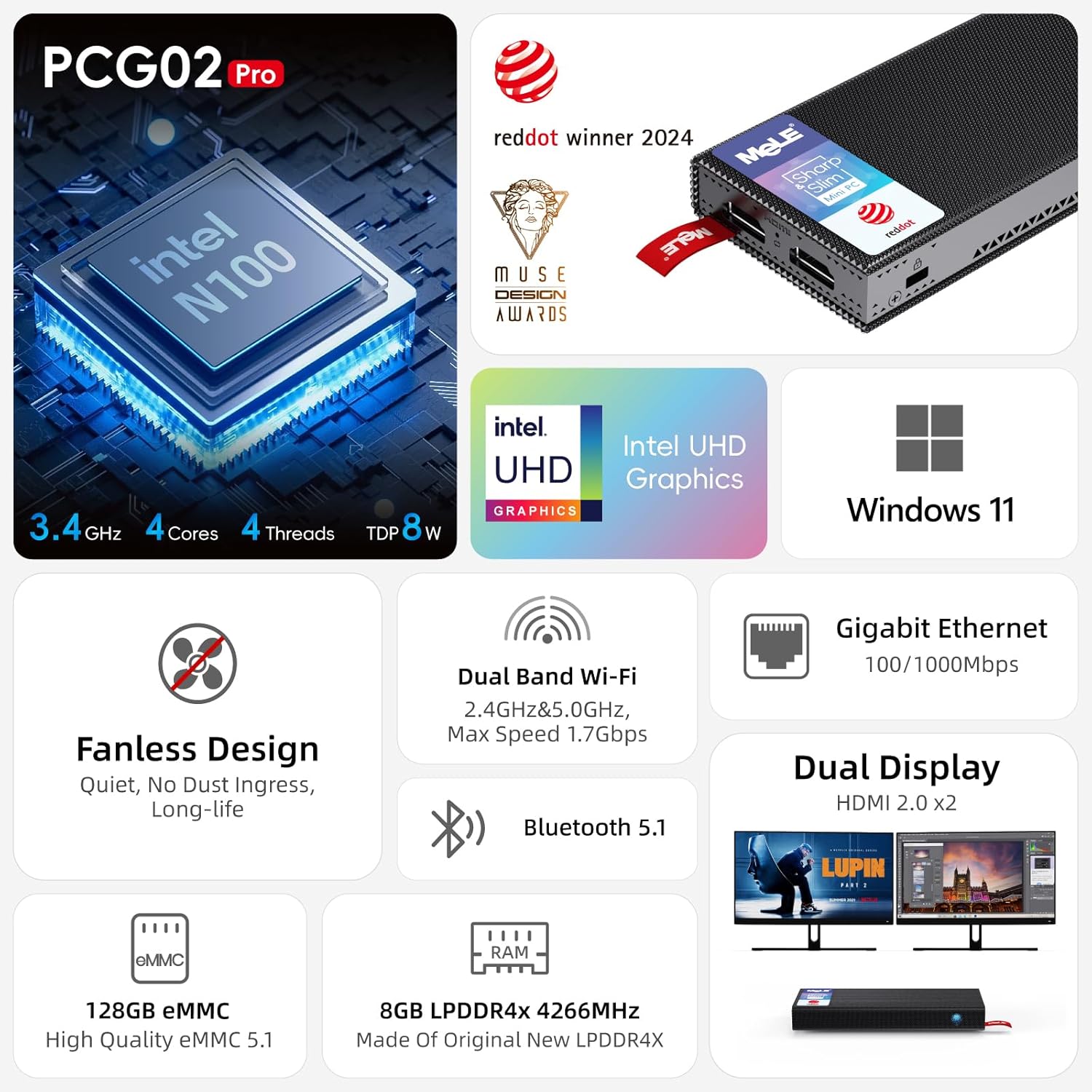
Overview of the MeLE PCG02 Pro highlighting its fanless design, dual-band Wi-Fi, Bluetooth 5.1, and dual display capabilities.
3.4. Display Capabilities
The PCG02 Pro supports dual 4K UHD displays, making it suitable for multitasking, presentations, and immersive media consumption.
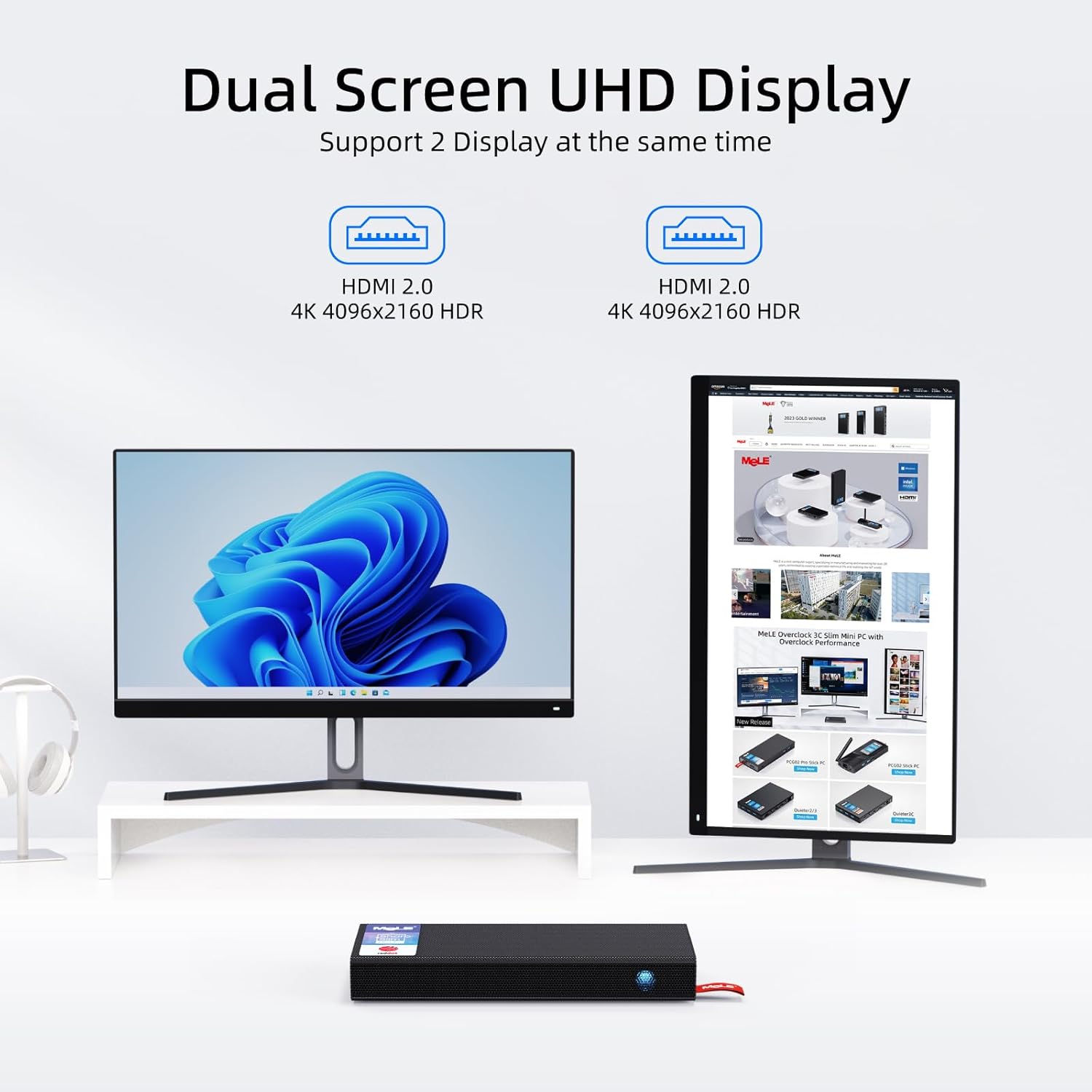
Illustration of the MeLE PCG02 Pro connected to two UHD displays for extended desktop use.
4. Setup Guide
4.1. Initial Connection
- Connect the power adapter to the USB Type-C port (12V/2A) on the PCG02 Pro and plug it into a power outlet.
- Connect your monitor(s) to the HDMI 2.0 ports on the PCG02 Pro using HDMI cables.
- Connect your keyboard and mouse to the available USB 3.2 ports.
- (Optional) For wired internet, connect an Ethernet cable to the Gigabit Ethernet port.
Video demonstrating the unboxing and initial connection of the MeLE PCG02 Pro.
4.2. Operating System Setup
The MeLE PCG02 Pro comes with Windows 11 Pro pre-installed. Upon first boot, follow the on-screen instructions to complete the Windows setup process. The device also supports other operating systems like Linux and Ubuntu, allowing for flexible deployment.
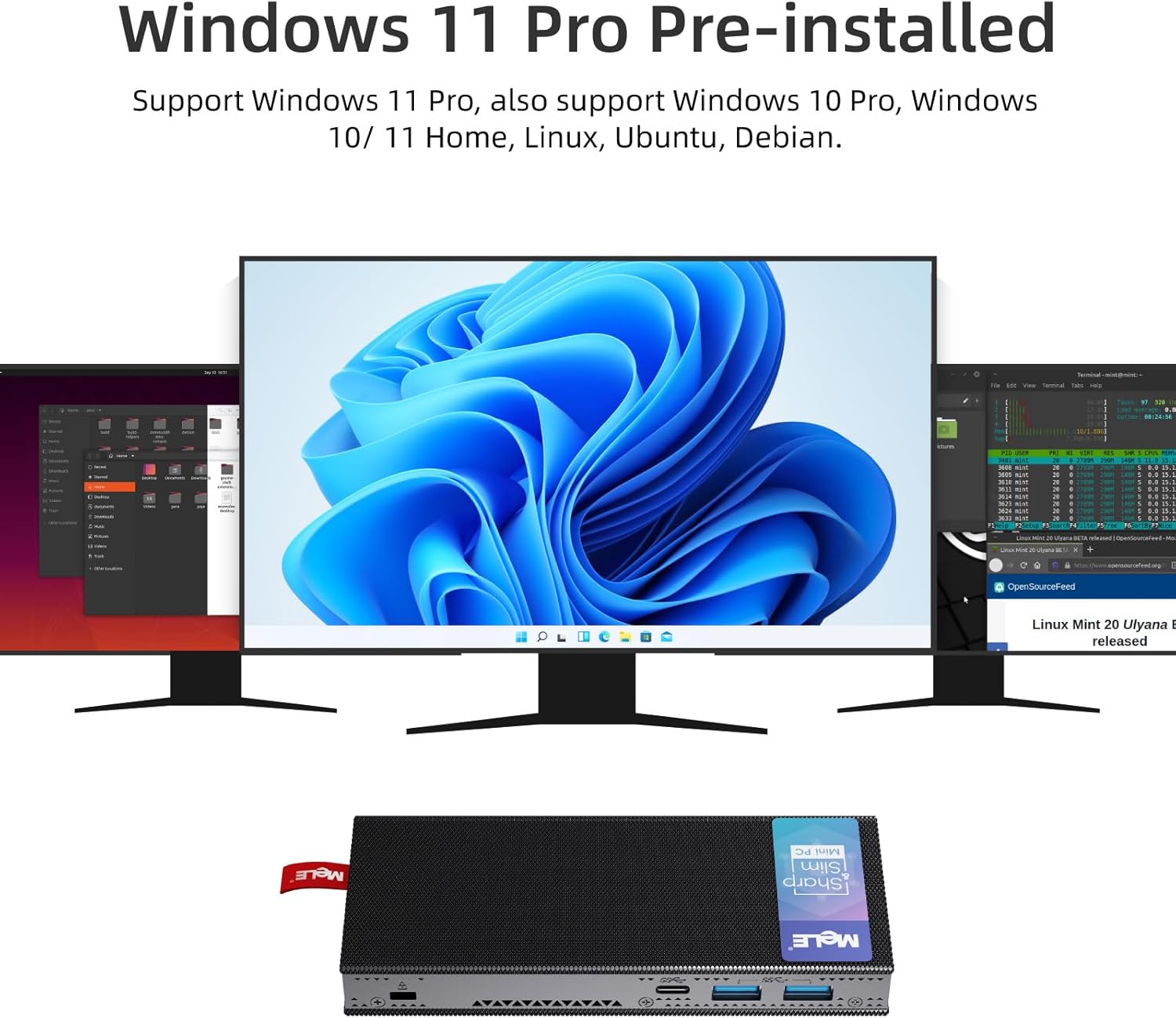
Screenshot showing Windows 11 Pro desktop environment, indicating pre-installed OS.
5. Operating Instructions
5.1. Power On/Off
- To power on, press the power button located on the front of the device.
- To power off, use the standard Windows shutdown procedure (Start Menu > Power > Shut down).
5.2. Typical Applications
The PCG02 Pro is optimized for a range of applications, including:
- Document Editing: Seamlessly work on documents, spreadsheets, and presentations.
- Web Browsing: Enjoy smooth and responsive internet browsing.
- Media Playback: Stream 4K content and enjoy multimedia with ease.
- Business and Office: Ideal for daily office tasks, video conferencing, and light productivity.
- IoT and Digital Signage: Its fanless design and unlocked BIOS make it suitable for continuous operation in various environments.
Video showcasing the MeLE PCG02 Pro's performance in document editing and web browsing.
6. Maintenance
The MeLE PCG02 Pro's fanless design minimizes maintenance requirements. There are no moving parts to collect dust, ensuring long-term reliability and silent operation.
- Dust Resistance: Due to its fanless design, the device is inherently more resistant to dust accumulation, which can prolong its lifespan.
- Operating Temperature: The unique passive cooling design allows the surface temperature to range from 55°C to 70°C under load, which is within safety standards (IEC62368-1:2018). Ensure adequate airflow around the device and avoid covering its ventilation surfaces.
- Cleaning: Use a soft, dry cloth to clean the exterior of the device. Avoid liquid cleaners.
7. Troubleshooting
If you encounter issues with your MeLE PCG02 Pro, refer to the following common troubleshooting steps:
- No Power:
- Ensure the power adapter is securely connected to both the device and a working power outlet.
- Verify the power outlet is functional.
- Check if the power adapter meets the required specifications (12V/2A or 24W+ PD3.0).
- No Display:
- Ensure HDMI cables are securely connected to both the PCG02 Pro and the monitor(s).
- Verify the monitor input source is set correctly (e.g., HDMI1, HDMI2).
- Try connecting to a different HDMI port or monitor.
- System Unresponsive:
- If the system becomes unresponsive, press and hold the power button for 5-10 seconds to force a shutdown. Then restart the device.
- Use the BIOS reset button (located between the HDMI ports) if necessary to restore default settings.
- Network Connectivity Issues:
- For wired connections, ensure the Ethernet cable is properly connected and your router/modem is working.
- For Wi-Fi, check Wi-Fi settings in Windows, ensure the correct network is selected, and enter the password correctly.
8. Technical Specifications
| Feature | Specification |
|---|---|
| Processor | Intel N100 (Quad-Core Alder Lake 12th Gen, 0.8 GHz base, up to 3.4 GHz) |
| RAM | 8 GB LPDDR4 (4266MHz) |
| Storage | 128 GB eMMC (expandable up to 2TB via Micro SD) |
| Operating System | Windows 11 Pro (also supports Linux, Ubuntu) |
| Graphics | Intel UHD Graphics |
| HDMI Ports | 2 x HDMI 2.0 (supports Dual 4K@60Hz) |
| USB Ports | 2 x USB 3.2 (10Gbps), 1 x USB Type-C (10Gbps, PD3.0) |
| Ethernet | Gigabit Ethernet (1GbE) |
| Wireless Connectivity | WiFi5, Bluetooth 5.1 |
| Power Input | 12V/2A DC-in, USB Type-C PD3.0 (24W+, 12V-23V) |
| Dimensions | 6.5 x 3.23 x 2.52 inches (Package Dimensions) |
| Weight | 15 ounces |
| Special Features | Fanless Design, Kensington Lock, Wake on LAN/PXE/Auto Power on/RTC Wake, Unlocked BIOS |
9. Warranty and Support
MeLE is committed to providing high-quality products and excellent customer service. Your PCG02 Pro comes with comprehensive support.
- Warranty: The product includes a 12-month warranty.
- Lifetime Service: MeLE offers lifetime service for its mini PCs.
- Free Replacement: Enjoy 3 months of free replacement service.
- Service Contact: For any inquiries or support, please contact:
- Email: service@mele.cn
- Phone: +86-0755-8636 3200
- Maintenance Points: Maintenance points are provided for exchange or repair during the warranty period.
For more information and to explore other MeLE products, visit the official MeLE store on Amazon: MeLE Official Store.


