
1. Overview
The Muayb Mini Body Camera VD02 is a compact and versatile device designed for capturing high-quality video and photos in various environments. Its small size, durable construction, and array of mounting options make it ideal for outdoor activities, personal security, and capturing everyday moments hands-free. Featuring 1080P Full HD video recording, IPX7 waterproofing, and built-in storage, this camera is a reliable companion for your adventures.
2. What's in the Box
Upon unboxing your Muayb Mini Body Camera VD02, you will find the following components:
- Mini body camera with 64GB built-in SD Card (1x)
- Charging Case (1x)
- 180° Rotatable Hat Clip (1x)
- Magnetic Lanyard (1x)
- Bicycle Mount (1x)
- Data Cable (1x)
- Reset Pin (1x)
- User Manual (1x)
- Black pet elastic strap (1x)
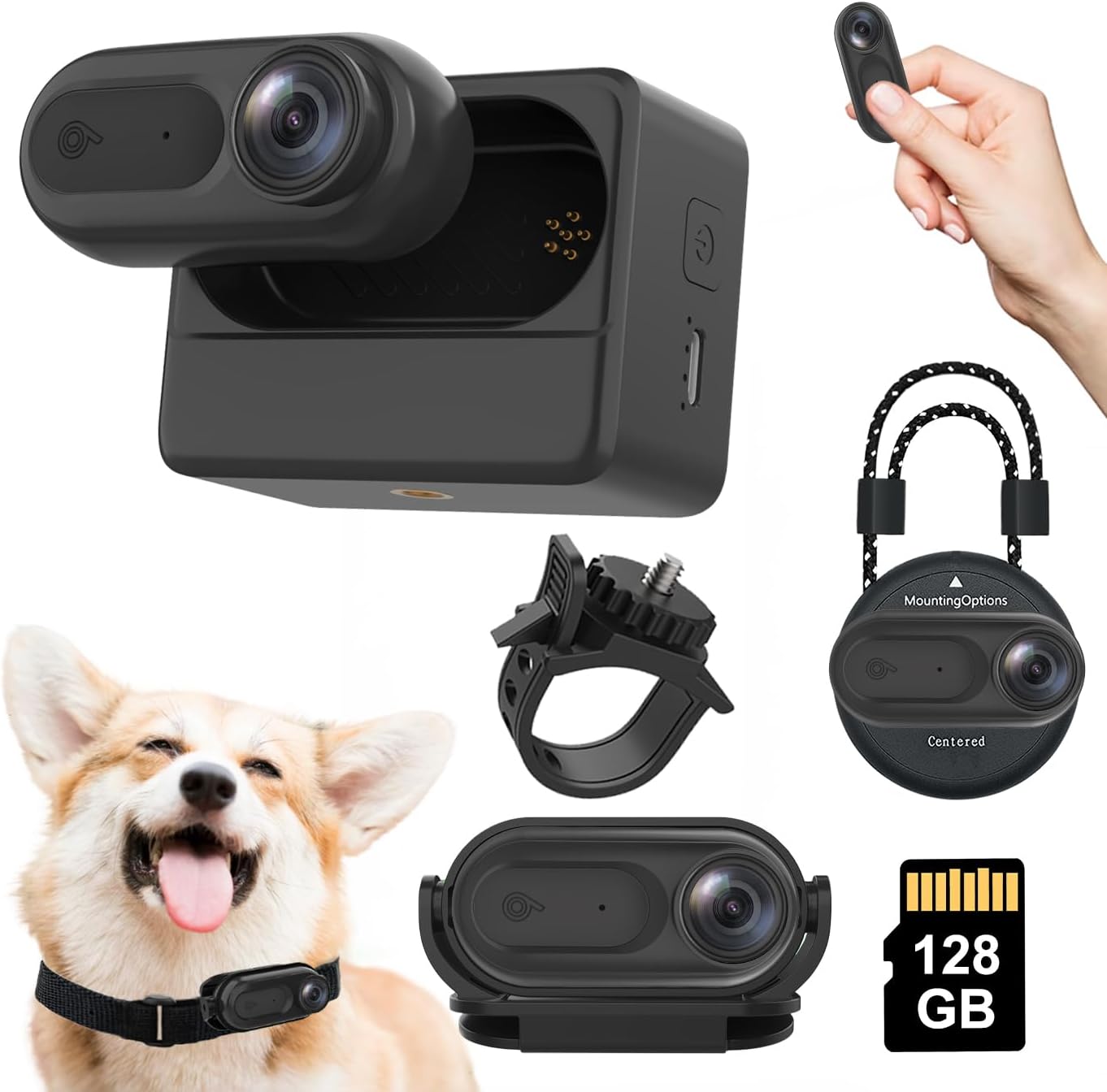
Image: All components included in the Muayb Mini Body Camera VD02 package.
Video: An unboxing and display of the Muayb VD02 Mini Body Camera and its accessories.
3. Product Features
- IPX7 Waterproof & Underwater Shooting: This compact camera is rated IPX7 waterproof, allowing it to be submerged up to 2 meters deep. It is suitable for capturing moments during water sports or in rainy conditions.
- Full HD 1080P Video Recording: Capture clear and sharp footage with 1080P resolution, suitable for various recording needs from daily activities to outdoor adventures.
- 64GB Built-in Storage & Auto Loop Recording: The camera comes with a generous 64GB internal memory, eliminating the need for external memory cards. Automatic loop recording ensures continuous operation by overwriting older files when storage is full.
- Long-lasting Power & Convenient Charging: The camera features a 400mAh battery (100-120 minutes recording time) and comes with a separate 2500mAh charging compartment, allowing for extended use and convenient charging on the go.
- Magnetic Lanyard & Versatile Uses: Equipped with a magnetic suction design and a strong magnetic lanyard, the camera can be securely attached to metal surfaces or worn around the neck for hands-free recording.
- Wi-Fi Connectivity: The camera supports Wi-Fi functionality, enabling connection to a mobile phone via a companion app for live viewing, managing footage, and adjusting settings.
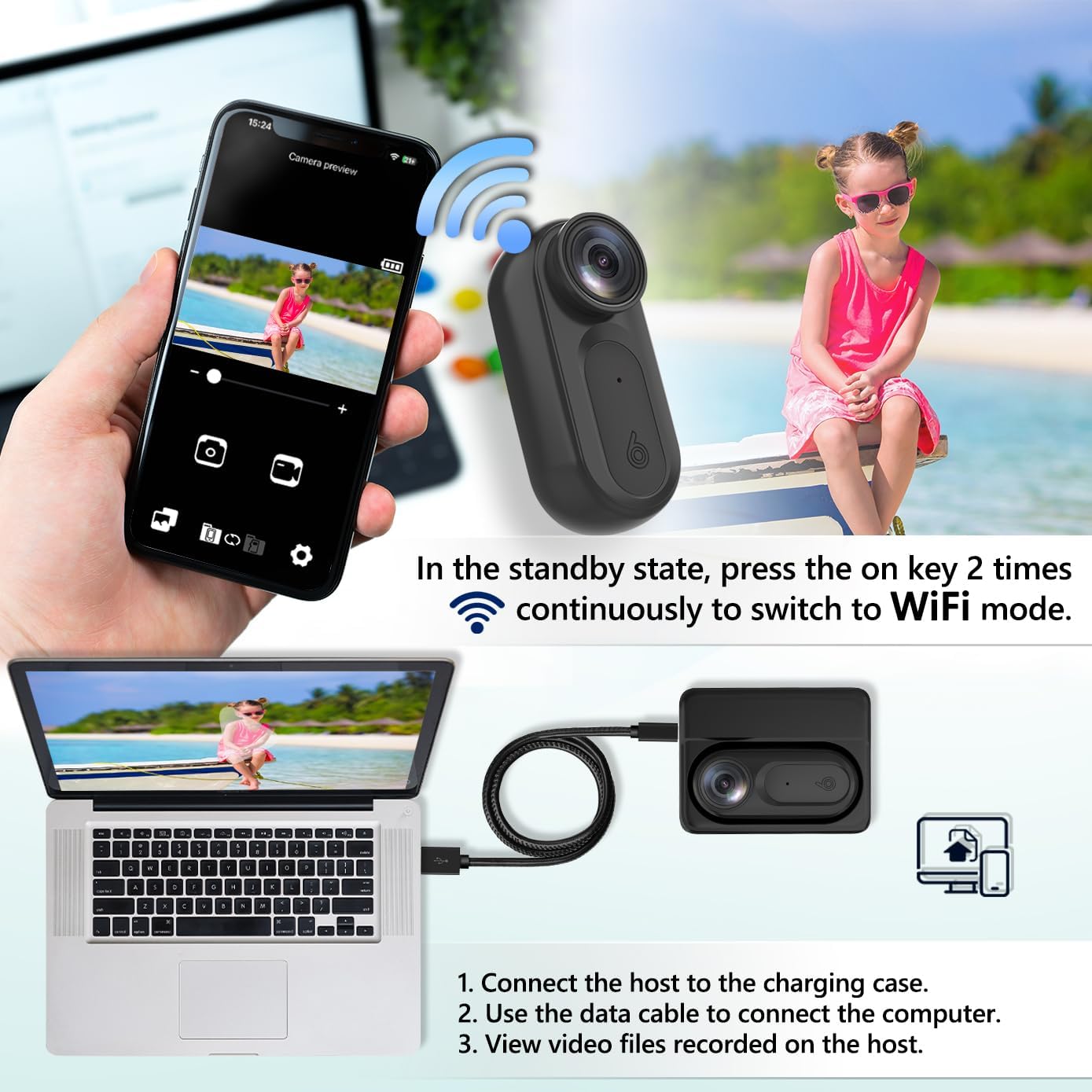
Image: The camera is shown submerged in water, highlighting its IPX7 waterproof capability.
Video: A demonstration of the 1080P Portable Mini Body Camera's IPX7 waterproof feature.

Image: Visual representation of the camera's 1080P video recording capability.

Image: The camera and its charging case, illustrating the extended battery life.

Image: The camera attached to a magnetic lanyard, demonstrating hands-free use.
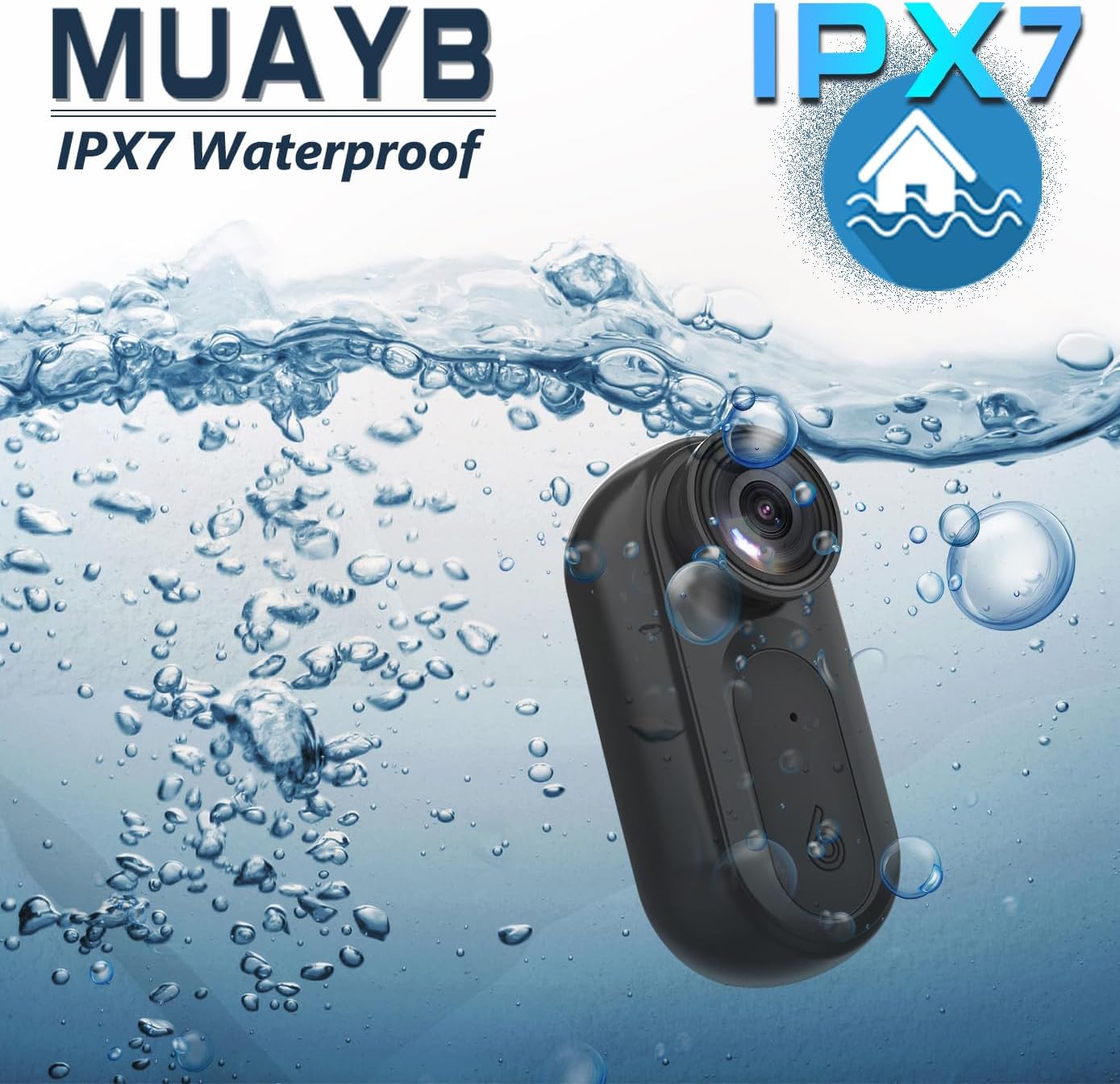
Image: A smartphone displaying the camera's live view via Wi-Fi connectivity.
4. Setup
4.1 Initial Charging
Before first use, fully charge the Mini Body Camera and its charging case. Connect the data cable to the charging case and a power source. The indicator lights on the charging case will show charging status.
4.2 Accessing Stored Files
The camera has 64GB of built-in storage. To access recorded files, connect the camera (or its charging case with the camera inserted) to a computer using the provided data cable. The device will appear as a removable drive, allowing you to copy or view files.
4.3 Wi-Fi App Connection
To connect the camera to your mobile device via Wi-Fi:
- Ensure the camera is powered on.
- Double-press the power button on the camera to activate Wi-Fi mode. The indicator light will blink red and blue.
- On your mobile device, go to Wi-Fi settings and connect to the camera's Wi-Fi network (usually named something like

