1. Introduction
This manual provides detailed instructions for the setup, operation, maintenance, and troubleshooting of your CLOKOWE Mini Projector, Model T800. Please read this manual thoroughly before using the projector to ensure proper function and to maximize your viewing experience.
2. What's in the Box
Upon opening the package, please verify that all the following items are included:
- CLOKOWE Mini Projector
- HDMI Cable
- Remote Control
- Power Cord
- User Manual (this document)
3. Safety Information
To ensure safe operation and prolong the lifespan of your projector, please observe the following safety precautions:
- Do not block the ventilation openings. Ensure adequate airflow around the projector.
- Do not look directly into the projector lens when the lamp is on. The bright light can cause eye damage.
- Keep the projector away from water or any liquids. Do not operate in damp environments.
- Use only the provided power cord and adapter.
- Avoid placing the projector on unstable surfaces.
- Unplug the projector during lightning storms or when unused for long periods.
4. Product Features
The CLOKOWE Mini Projector offers a range of advanced features for a versatile entertainment experience:
- Advanced Display Technology: Equipped with LCD screen technology, supporting Full HD 1080P and 4K resolution for vivid details and colors. Features 10000 lumens brightness and a 10000:1 contrast ratio.
- Smart Android TV 11 OS: Built-in Android TV 11 operating system provides access to over 8000 applications, including popular streaming platforms like Netflix, Prime Video, and YouTube.
- Integrated Galaxy & Night Light Modes: Features 6 distinct galaxy projection modes and 7 ambient night light colors (with lens cover) to create various atmospheric effects.
- 270° Rotatable Stand: The flexible stand allows for projection onto various surfaces, including walls and ceilings, offering greater positioning versatility.
- High-Speed Connectivity: Supports the latest WiFi 6 (5G and 2.4G dual-band) for fast and stable content transmission, and Bluetooth 5.2 for effortless pairing with external audio devices.
- Automatic Image Correction: Features automatic keystone correction for quick adjustment of tilted images, ensuring a perfectly aligned picture.
- Wide Compatibility: Equipped with HDMI, USB, and audio ports for seamless connection to laptops, TV sticks, game consoles, smartphones, tablets, and USB drives.

Image: The CLOKOWE Mini Projector, highlighting its key features such as 4K support, galaxy projection, 270-degree adjustability, WiFi 6, Bluetooth 5.2, and integrated streaming apps.

Image: Visual representation of the projector's Full HD 1080P capability, emphasizing sharper images and brighter colors compared to standard projectors.
5. Setup
5.1 Physical Setup
Follow these steps to set up your projector for the first time:
- Placement: Position the projector on a stable, flat surface. Utilize the 270° rotatable stand to adjust the projection angle as needed. The projector can project onto walls, screens, or ceilings.
- Power Connection: Connect the power cord to the projector's power input and then plug it into a power outlet.
- Remote Control: Insert two AAA batteries (not included) into the remote control.
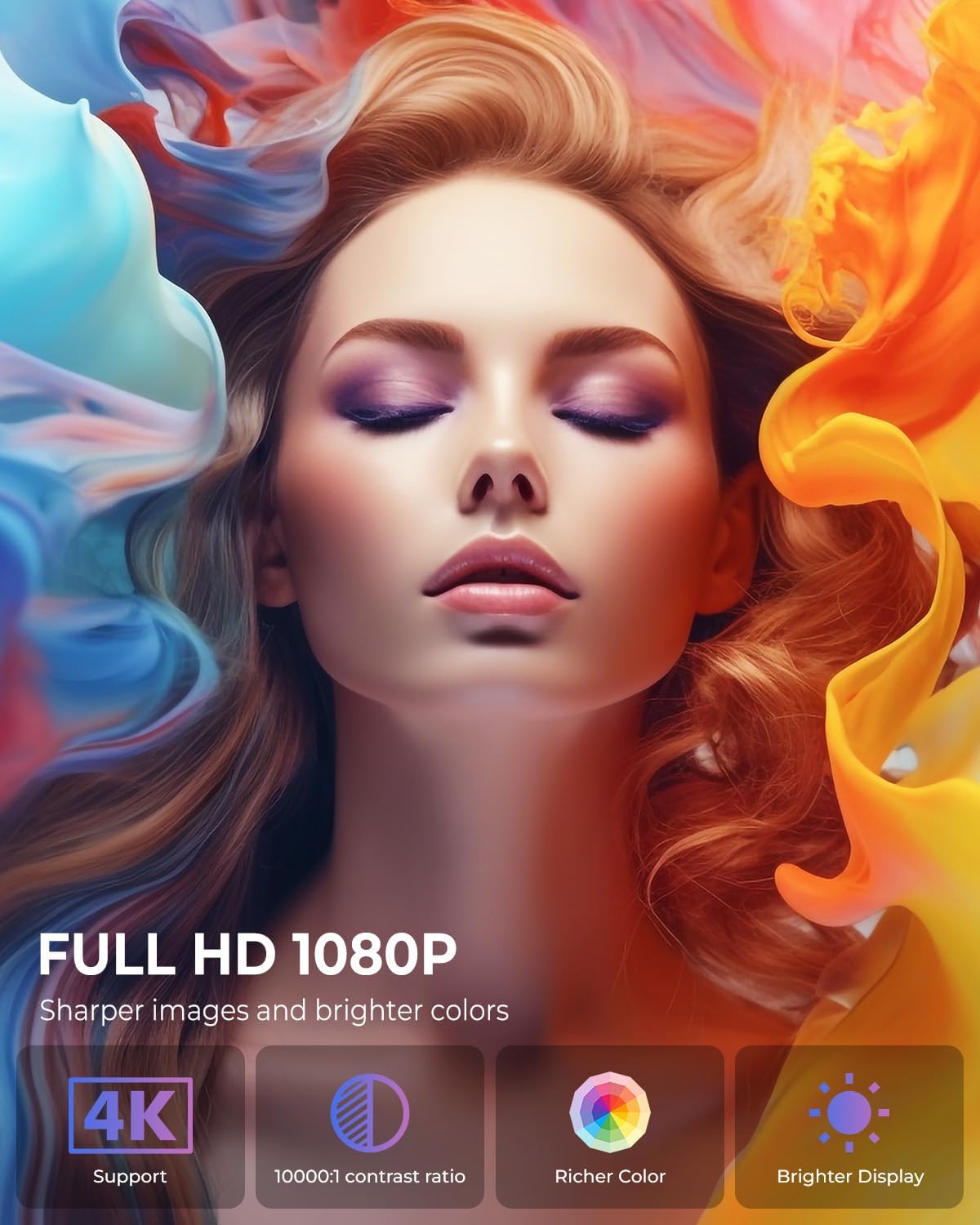
Image: The projector positioned to project galaxy patterns onto a ceiling, illustrating the flexibility of its 270-degree rotatable stand and its galaxy projection feature.

Image: An example of the projector creating a large 200-inch screen, with a note on recommended projection distances for optimal viewing.
5.2 Initial Configuration
After connecting power, press the power button on the projector or remote control to turn it on. Follow the on-screen prompts for initial setup:
- Language Selection: Choose your preferred language.
- Network Connection: Select your Wi-Fi network and enter the password. The projector supports both 2.4G and 5G networks.
- Account Login: Log in with your Google account to access the Android TV OS features and app store.
6. Operating Instructions
6.1 Basic Operation
- Power On/Off: Press the power button on the remote or projector.
- Navigation: Use the arrow keys on the remote to navigate menus and select options. The 'OK' button confirms selections, and the 'Back' button returns to the previous screen.
6.2 Connectivity
The projector offers various connectivity options:
- Wi-Fi Connection: Access network settings to connect to a Wi-Fi network. The projector supports Wi-Fi 6 for faster and more stable streaming.
- Bluetooth Connection: Go to Bluetooth settings to pair with external Bluetooth speakers, headphones, or other compatible devices for enhanced audio.
- HDMI Input: Connect devices like laptops, gaming consoles, or TV sticks using an HDMI cable. Select the HDMI input source from the projector's menu.
- USB Input: Insert a USB drive to play media files directly from the drive.
- Audio Output: Use the 3.5mm audio jack to connect wired headphones or external speakers.
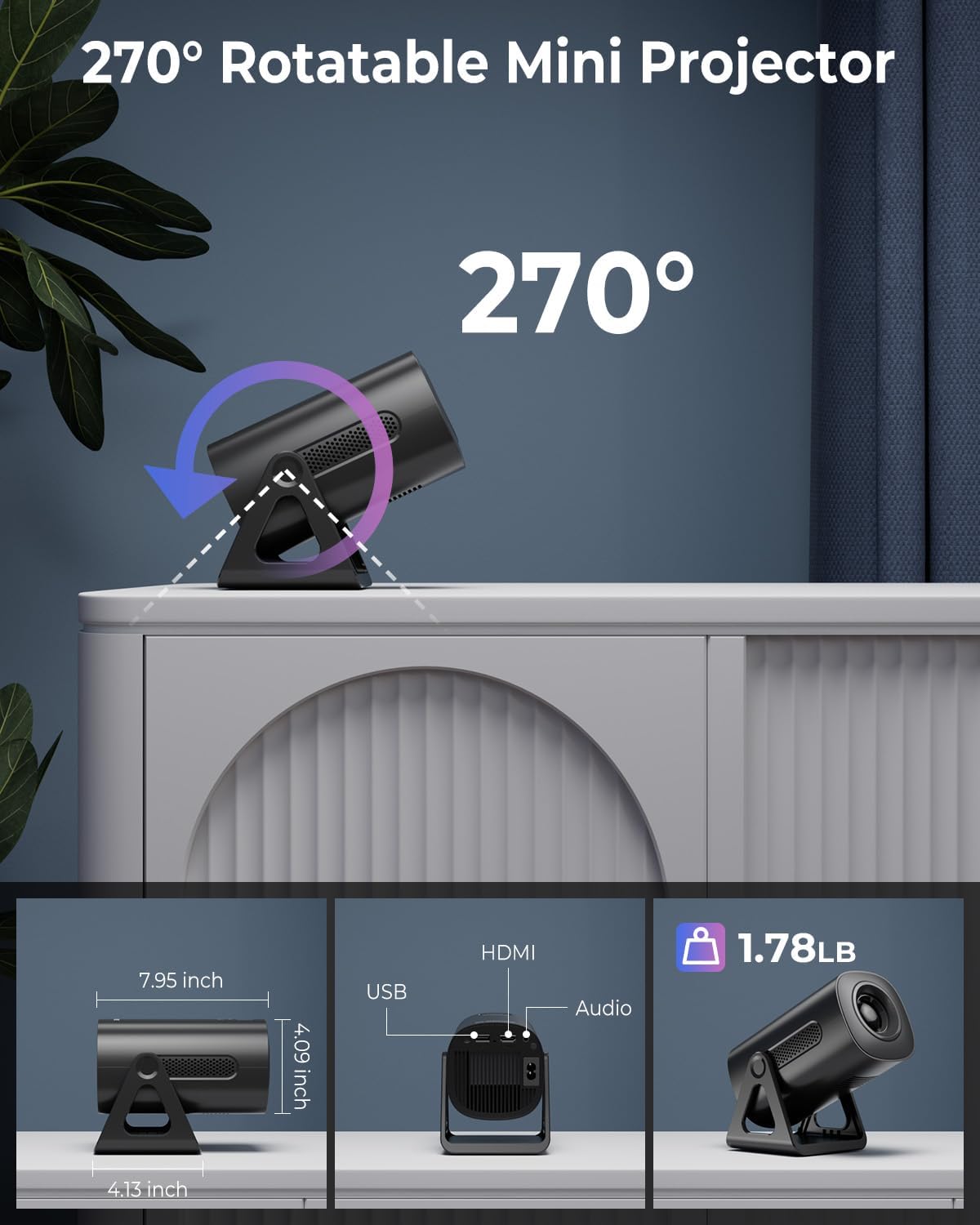
Image: Illustration of the projector's dual-band Wi-Fi 6 and Bluetooth 5.2 capabilities, demonstrating seamless wireless connectivity for streaming and audio.

Image: A visual guide to the projector's various input/output ports, including HDMI, USB, and audio, along with examples of compatible devices.
6.3 App Usage (Android TV OS)
With Android TV 11, you can access a wide range of applications:
- Accessing Apps: From the home screen, navigate to the 'Apps' section to view pre-installed applications or download new ones from the Google Play Store.
- Streaming Services: Enjoy content from pre-installed apps like Netflix, Prime Video, and YouTube. Ensure you are logged into your respective accounts.

Image: The projector's interface showcasing its built-in smart apps, providing direct access to popular streaming services without external devices.
6.4 Projection Modes
- Galaxy Projection Modes: Activate the galaxy projection feature to display various cosmic patterns. There are 6 distinct modes to choose from.
- Night Light Modes: When the lens cover is applied, the projector can function as an ambient night light with 7 different color options.
6.5 Image Adjustment
- Auto Keystone Correction: The projector automatically corrects vertical image distortion. If manual adjustment is needed, navigate to the image settings.
- Zoom Function: Adjust the projection size from 60% to 100% via the settings menu to fit your screen or wall perfectly.

Image: A demonstration of the projector's automatic vertical keystone correction, which ensures a rectangular image even when the projector is placed at an angle.
7. Maintenance
Regular maintenance helps ensure optimal performance and longevity of your projector:
- Lens Cleaning: Use a soft, lint-free cloth specifically designed for optical lenses to gently wipe the projector lens. Do not use abrasive cleaners or excessive force.
- Ventilation: Periodically check that the ventilation openings are clear of dust and debris. Use a soft brush or compressed air to clean them.
- Storage: When not in use, store the projector in a cool, dry place, away from direct sunlight and extreme temperatures.
8. Troubleshooting
If you encounter issues with your projector, refer to the following common problems and solutions:
| Problem | Possible Cause | Solution |
|---|---|---|
| No Power | Power cord not connected; Power outlet faulty; Projector off. | Ensure power cord is securely connected. Test outlet with another device. Press power button. |
| No Image | Input source incorrect; Cable loose; Lens cap on. | Select correct input source (HDMI, USB). Check cable connections. Remove lens cap. |
| Blurry Image | Focus not adjusted; Keystone incorrect; Projector too close/far. | Adjust focus ring. Check auto keystone correction or manually adjust. Adjust projection distance. |
| No Sound | Volume too low; Muted; External audio device not connected/paired. | Increase volume. Unmute. Ensure Bluetooth device is paired or wired device is connected. |
| Wi-Fi Connection Issues | Incorrect password; Router too far; Network interference. | Verify Wi-Fi password. Move projector closer to router. Restart router and projector. |
9. Specifications
Detailed technical specifications for the CLOKOWE Mini Projector (Model T800):
- Model Number: T800
- Brand: ClokoWe
- Display Resolution: 1280 x 720 (Supports 1080P and 4K input)
- Connectivity Technology: Bluetooth 5.2, Wi-Fi 6 (2.4G/5G Dual-Band), USB, HDMI, 3.5mm Audio Jack
- Special Feature: Portable, 270° Rotatable Stand, Android TV 11 OS, Galaxy Projector
- Recommended Uses: Education, Home Cinema, Gaming, Business
- Item Weight: 2.38 pounds
- Package Dimensions: 9.29 x 6.61 x 5.24 inches
- Manufacturer: ClokoWe
10. Warranty and Support
For warranty information and technical support, please refer to the contact details provided on the product packaging or the official ClokoWe website. Keep your purchase receipt for warranty claims.
For further assistance, you may also visit the ClokoWe Store on Amazon.


