
Introduction
The iWALK Magnetic Portable Charger (Model MXB018) is an ultra-slim 5000mAh power bank designed for convenient wireless and wired charging of compatible iPhone models (16/15/14/13/12 Series). Featuring a comfortable grip and an intuitive LED power display, this power bank ensures you stay charged on the go, whether traveling, working, or during leisure time.
Key Features
- Ultra-Slim & Lightweight Design: With a 5000mAh capacity, this power bank is only 0.37 inches (9.5mm) thick and weighs 4oz (113.5g). Its aviation aluminum alloy shell provides a sleek, star-like sparkle and comfortable grip.
- SenseForce Temperature Control: Equipped with iWALK's exclusive SenseForce Temperature Control Technology Chip, it maintains an optimal charging temperature of 35.8℃, ensuring safe and comfortable product usage.
- Strong Magnetic Charging: Supports iPhone 7.5W wireless charging with a powerful 12N (2.65LB) magnetic suction, securely attaching to your device with or without a magnetic phone case.
- PD 18W Input & Output: The built-in USB-C bi-directional port supports Power Delivery (PD) 18W input and output, allowing the power bank to fully charge in just 1.5 hours and also provide fast wired charging to your mobile phone.
- LED Battery Display: The clear LED digital display visually shows the remaining power of the magnetic battery backup, providing real-time battery status.
Setup
1. Charging the Power Bank
Before initial use, ensure your iWALK Magnetic Portable Charger is fully charged. Connect the provided USB-C cable to the power bank's USB-C port and plug the other end into a compatible USB power adapter (not included). The LED display will show the charging progress, indicating 100% when fully charged.

Figure 1: The LED display indicates the power bank's charge level.
2. Preparing Your Phone for Magnetic Charging
For optimal magnetic attachment and wireless charging, ensure your iPhone (16/15/14/13/12 Series) is either used without a case or with a MagSafe-compatible magnetic case. Non-magnetic or thick cases may interfere with the secure connection.
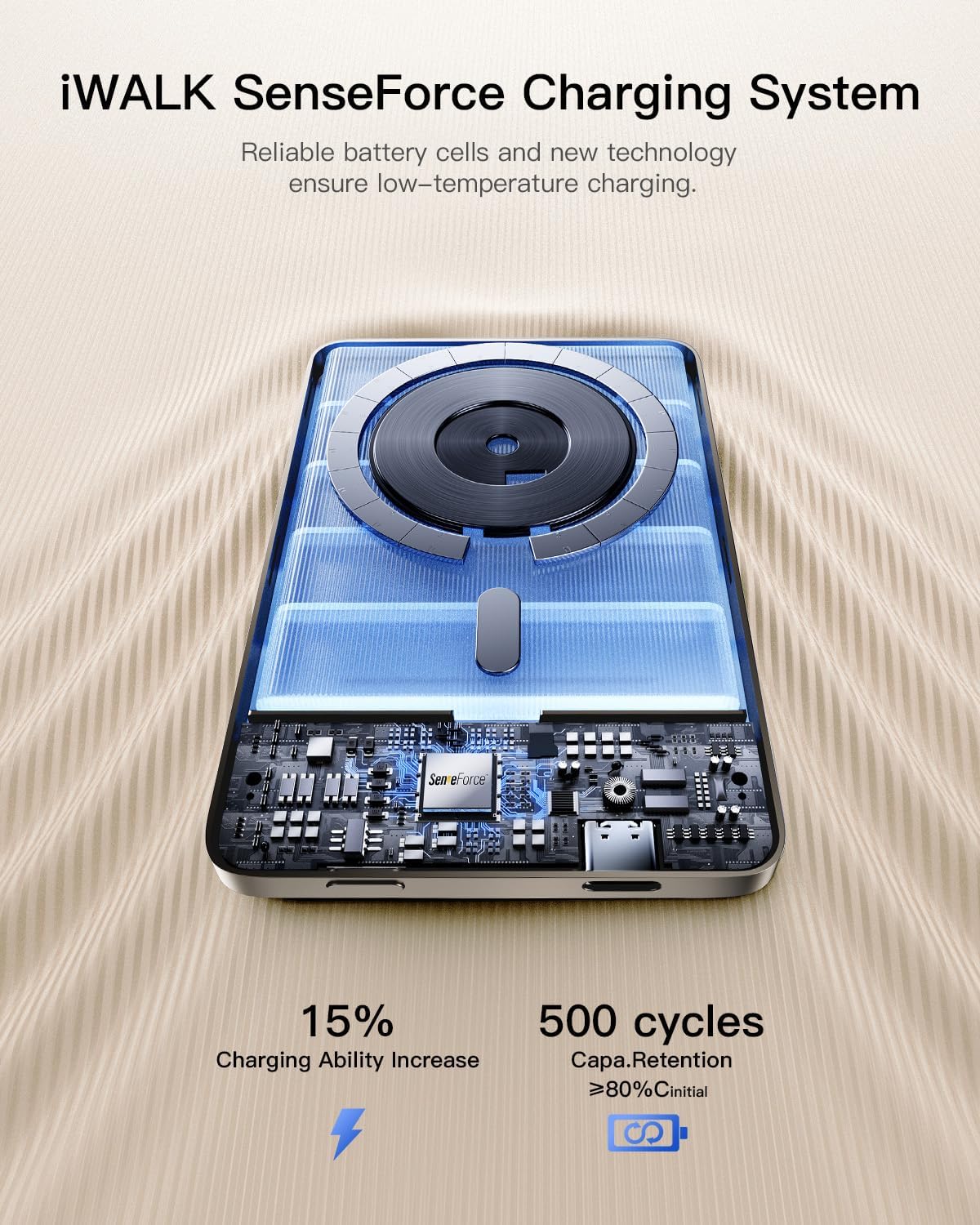
Figure 2: Securely attaching the power bank to your iPhone via magnetic connection.
Operating Instructions
1. Wireless Charging
Align the iWALK Magnetic Portable Charger with the back of your compatible iPhone. The strong magnetic suction will securely attach the power bank. Wireless charging will commence automatically. The LED display on the power bank will show its remaining charge, and your iPhone will indicate its charging status.
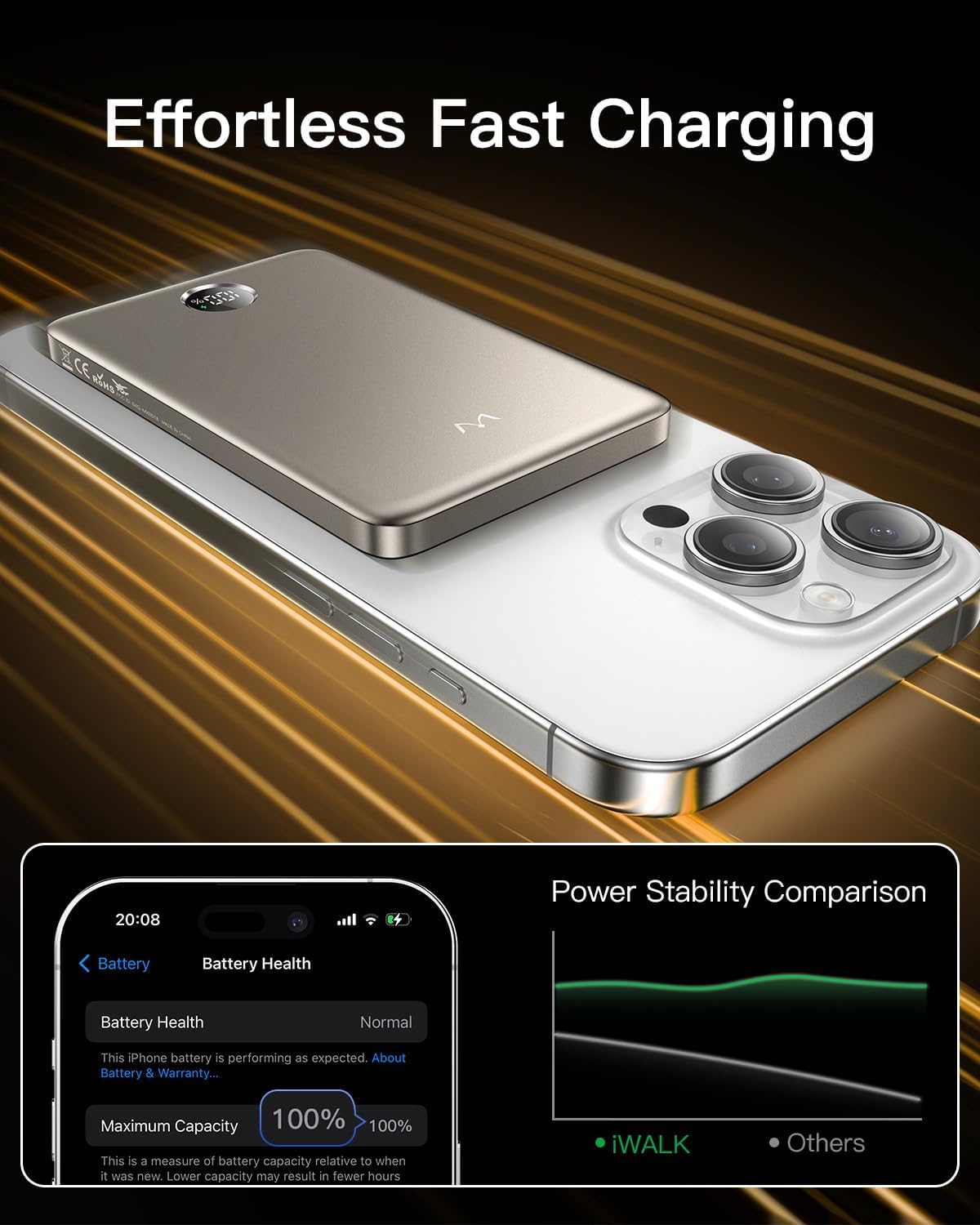
Figure 3: Wireless charging in progress, indicated by the phone's display.
2. Wired Charging (USB-C)
For wired charging, connect your device to the USB-C port on the power bank using a compatible USB-C to USB-C cable. This port supports PD 18W input and output, allowing for rapid charging of your device or the power bank itself.
3. Checking Battery Level
The integrated LED digital display on the power bank provides a precise readout of the remaining battery percentage. This allows you to monitor the power bank's charge level at a glance, ensuring you are always aware of its capacity.
Maintenance
- Keep the power bank dry and away from moisture to prevent damage.
- Avoid exposing the device to extreme temperatures (hot or cold) as this can affect battery life and performance.
- Clean the surface with a soft, dry cloth. Do not use abrasive cleaners or harsh chemicals.
- Store the power bank in a cool, dry place when not in use for extended periods.
- Do not attempt to disassemble, modify, or repair the device yourself, as this will void the warranty and may cause harm.
Troubleshooting
Power Bank Not Charging
- Ensure the USB-C cable is securely connected to both the power bank and the power adapter.
- Verify that the power adapter is functioning correctly and plugged into a live electrical outlet.
- Try using a different USB-C cable or power adapter to rule out cable/adapter issues.
Phone Not Charging Wirelessly
- Confirm your iPhone is a compatible model (iPhone 16/15/14/13/12 Series) and supports wireless charging.
- Ensure the power bank has sufficient charge remaining, as indicated by the LED display.
- Check for proper alignment between the power bank and your iPhone's magnetic charging area. The magnets should snap firmly into place.
- Remove any non-MagSafe cases or excessively thick cases that may obstruct the magnetic connection or wireless charging.
- Restart your iPhone and attempt to charge again.
Overheating During Charging
- While the SenseForce chip actively manages temperature, a slight warmth during charging is normal. If the device becomes excessively hot, disconnect it immediately.
- Ensure proper ventilation around the device and avoid charging in direct sunlight or confined spaces.
Specifications
| Feature | Detail |
|---|---|
| Model Number | MXB018 |
| Battery Capacity | 5000mAh |
| Product Dimensions | 4.09 x 0.37 x 2.56 inches |
| Item Weight | 4 ounces (113.5g) |
| Wireless Charging Output | 7.5W (for iPhone) |
| USB-C Input/Output | PD 18W |
| Material | Aviation Aluminum Alloy |
| Special Features | Digital Display, Lightweight, Slim, Fast Charging, Wireless Charging, SenseForce Temperature Control |
| Compatibility | iPhone 16/15/14/13/12 Series (without case or with magnetic case) |
Official Product Videos
Watch these official videos for a visual guide on using your iWALK Magnetic Portable Charger:
iWALK Portable charger (Slim and compact)
Description: This video highlights the ultra-slim and compact design of the iWALK portable charger, demonstrating its small form factor compared to other power banks and its seamless magnetic attachment to an iPhone for wireless charging.
iWALK Magnet Portable Charger for iPhone
Description: This video showcases the magnetic attachment and wireless charging capabilities of the iWALK power bank specifically for iPhones, emphasizing its ease of use and secure connection.
Warranty and Support
For detailed warranty information, technical support, or customer service inquiries, please refer to the contact details provided in your product packaging or visit the official iWALK website. It is recommended to retain your purchase receipt for any warranty claims.
- Manufacturer: U2O GLOBAL CO.,LTD.
- Country of Origin: China


