
1. Introduction
This manual provides detailed instructions for the safe and efficient use of your global-ptt G8plus PoC and UHF Analog Two-Way Radio. Please read this manual thoroughly before operating the device to ensure optimal performance and to prevent damage.
2. Product Overview
2.1 Key Features
- Nationwide Coverage: Utilizes public network connectivity with SIM card support for unlimited range.
- Dual Mode Operation: Combines Push-to-Talk over Cellular (PoC) and UHF Analog functionality.
- High Definition Audio: Equipped with AI noise reduction for clear communication.
- Digital Display & Keypad: Features a 1.77-inch full-color screen and a full keypad for precise control.
- Extended Battery Life: Large capacity battery with convenient Type-C charging.
- Durable Design: Robust, drop-resistant housing suitable for various environments.
2.2 Included Components
The global-ptt G8plus package typically includes the following items:
- global-ptt G8plus Radio Unit
- Antenna
- Belt Clip
- Charger (Type-C)
- Lanyard
- Pre-installed SIM card (with 1-year data plan)
2.3 Radio Components and Controls

Figure 1: Front view of the global-ptt G8plus radio with labels for its components including long antenna, volume knob, public network PTT, simulate PTT, side key, A/B key, menu key, keypad, headphone jack, speaker, microphone, LCD display screen, V/M key, escape key, select key, and Type-C charging port.
3. Setup
3.1 Battery Charging
Before first use, fully charge the radio's battery. Connect the provided Type-C charger to the charging port on the radio and plug it into a power source. The charging indicator on the display will show the charging status. A full charge typically takes several hours.

Figure 2: The Type-C charging port on the global-ptt G8plus radio, highlighting its convenient and efficient design.
3.2 SIM Card Installation
The G8plus radio comes with a pre-installed SIM card for PoC functionality. Ensure the SIM card is securely seated in its slot. If replacing or installing a new SIM card, carefully open the SIM card cover, insert the card as indicated, and close the cover securely.
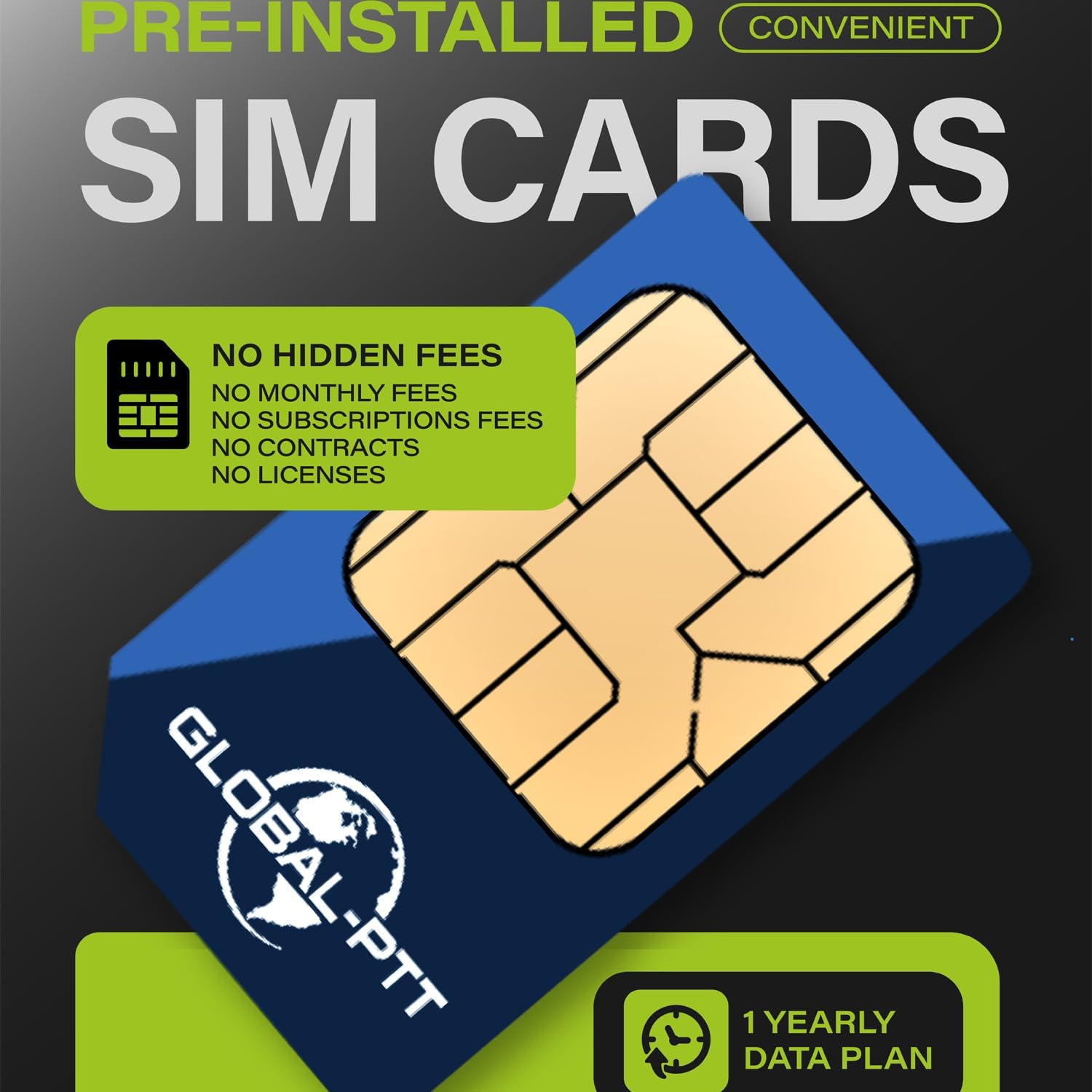
Figure 3: A global-ptt SIM card, emphasizing its pre-installed nature and included data plan for immediate use.
3.3 Antenna Attachment
Screw the provided antenna clockwise onto the antenna connector at the top of the radio until it is finger-tight. Do not overtighten.
3.4 Belt Clip and Lanyard
Attach the belt clip to the back of the radio for convenient carrying. The lanyard can be attached to the designated loop for added security.
4. Operating Instructions
4.1 Power On/Off
To power on the radio, rotate the volume knob clockwise until you hear a click and the display illuminates. To power off, rotate the volume knob counter-clockwise until it clicks.
4.2 Volume Adjustment
Adjust the audio output level by rotating the volume knob. Clockwise increases volume, counter-clockwise decreases it.
4.3 Mode Selection (PoC / UHF Analog)
The G8plus supports both PoC (Push-to-Talk over Cellular) and UHF Analog modes. Use the designated buttons (e.g., 'A/B' key or a menu option) to switch between these modes. The display will indicate the currently active mode.

Figure 4: The dual mode intercom capability of the G8plus, allowing communication via public cellular networks (PoC) and traditional analog radio.
4.4 Transmitting and Receiving
To transmit, press and hold the Push-to-Talk (PTT) button on the side of the radio. Speak clearly into the microphone. Release the PTT button to receive. Ensure you are in the correct channel or group for communication.
4.5 Keypad and Menu Navigation
Use the full keypad to enter frequencies, channel numbers, or navigate through menu options. The 'MENU' button accesses the main menu, and the arrow keys allow navigation. 'EXIT' or 'ESC' typically returns to the previous screen or exits the menu.
4.6 Display Information
The 1.77-inch full-color display shows essential information such as current channel/frequency, signal strength, battery level, and active mode. Refer to the display for operational status.

Figure 5: The 1.77-inch full-color display of the G8plus, providing multiple information displays for clear communication.
4.7 High Definition Sound and Noise Reduction
The radio is equipped with advanced audio processing and AI noise reduction to ensure clear sound quality, even in noisy environments.

Figure 6: The G8plus radio's capability for high definition sound and AI noise reduction, ensuring clear communication in challenging outdoor settings.
5. Maintenance
5.1 Cleaning
Wipe the radio's exterior with a soft, damp cloth. Do not use harsh chemicals or abrasive cleaners. Ensure the charging port and other openings are free from dust and debris.
5.2 Battery Care
To prolong battery life, avoid fully discharging the battery frequently. Store the radio in a cool, dry place when not in use for extended periods. Recharge the battery periodically if stored for a long time.
5.3 Storage
When storing the radio, ensure it is powered off and disconnected from the charger. Keep it away from extreme temperatures, direct sunlight, and moisture.
6. Troubleshooting
- Radio does not power on:
- Check if the battery is charged. Connect the charger and attempt to power on.
- Ensure the battery is properly installed. - No signal or poor reception in PoC mode:
- Verify that the SIM card is active and has a data plan.
- Check for cellular network coverage in your area.
- Ensure the antenna is securely attached. - No signal or poor reception in UHF Analog mode:
- Ensure the antenna is securely attached.
- Check if you are within range of another UHF radio or repeater.
- Verify that the frequency/channel settings are correct. - Poor audio quality:
- Adjust the volume level.
- Ensure the microphone and speaker are not obstructed.
- Move to an area with better signal strength. - Keypad unresponsive:
- Check if the keypad lock feature is activated. Refer to the menu for unlocking options.
- Power cycle the radio (turn off and on again).
7. Specifications
| Specification | Value |
|---|---|
| Brand | global-ptt |
| Model Number | g8plus |
| Item Weight | 2.23 pounds |
| Package Dimensions | 10.83 x 7.76 x 2.13 inches |
| Number of Channels | 16 |
| Special Features | Digital Display, Dual Band, Keypad Lock, Long Range, Rechargeable |
| Frequency Range | 4G LTE (PoC), 350-520MHz (UHF Analog) |
| Talking Range Maximum | 5000 Kilometer (PoC) |
| Water Resistance Level | Water Resistant |
| International Protection Rating | IP54 |
| Compatible Devices | Analog Walkie Talkies, Global-PTT Radios |
8. Warranty and Support
8.1 Product Warranty
The global-ptt G8plus radio comes with a 1-year limited warranty from the date of purchase. This warranty covers manufacturing defects and malfunctions under normal use. It does not cover damage caused by misuse, accidents, unauthorized modifications, or improper maintenance.
8.2 Customer Support
For technical assistance, warranty claims, or further inquiries, please contact global-ptt customer support through their official channels. Refer to the product packaging or the global-ptt website for contact information.


