
1. Introduction
Thank you for purchasing the Jishane ASS-1 Selfie Stick. This device combines a selfie stick and a tripod, offering versatility for capturing photos and videos. It features an extendable design, a universal phone holder, and a detachable Bluetooth remote for convenient operation. Please read this manual carefully before use to ensure proper setup and operation.
2. Product Overview
The Jishane ASS-1 is designed for portability and ease of use, constructed from durable aluminum alloy and nylon. It features a stable tripod base with non-slip silicone cushions and an extendable shaft.

Figure 2.1: Durable and sturdy tripod base with non-slip silicone cushions for enhanced stability.
The selfie stick extends up to 61 inches, providing greater flexibility for various shooting angles and group photos.

Figure 2.2: The selfie stick fully extended, demonstrating its maximum height of 61 inches.
It includes a detachable Bluetooth remote control with a range of up to 33 feet, allowing for convenient remote photo capture.
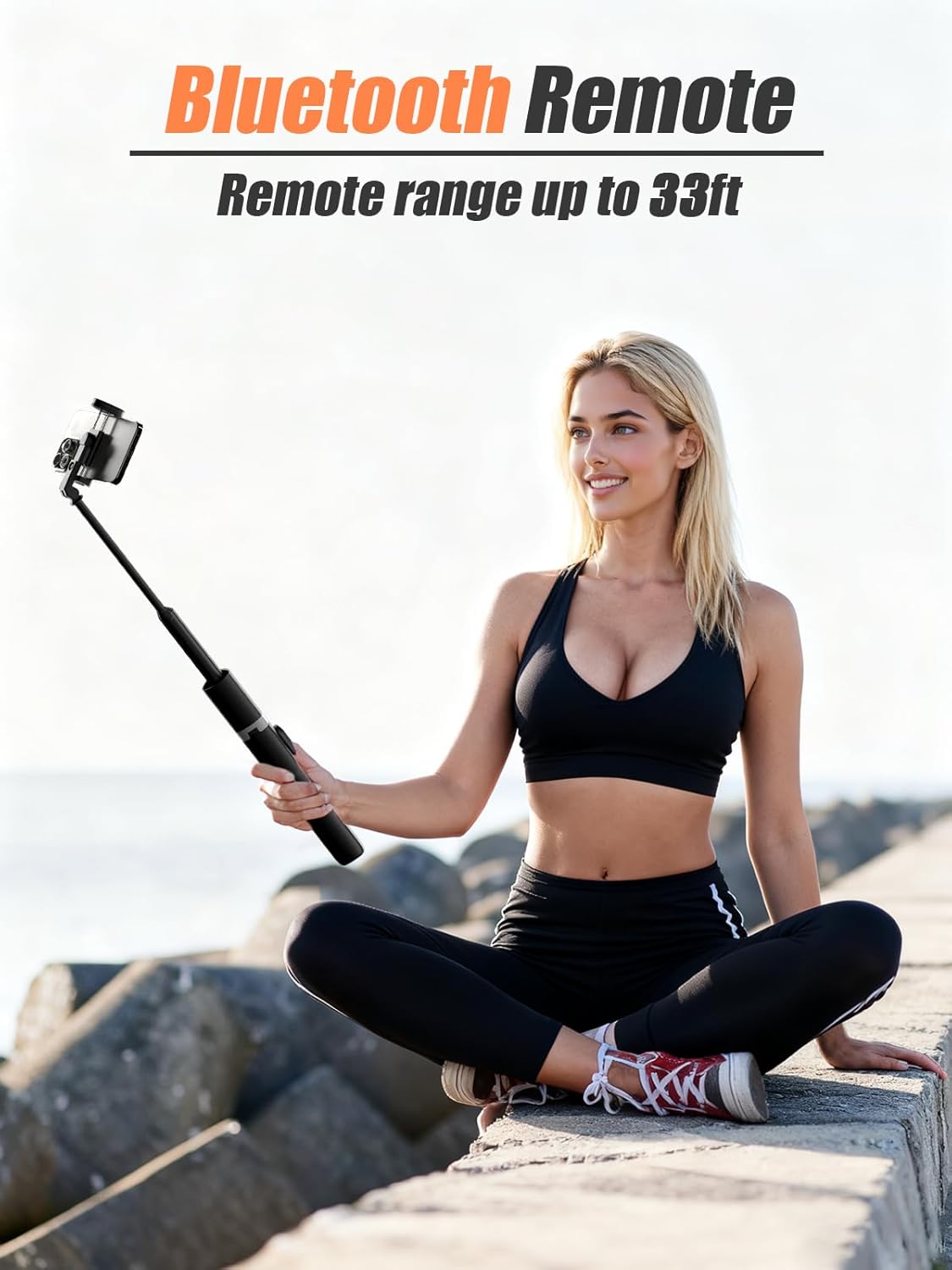
Figure 2.3: The detachable Bluetooth remote control, used for triggering photos and videos wirelessly.
The universal phone holder is compatible with most smartphones (up to 3.7 inches wide) and features a cold shoe mount for attaching accessories like mini microphones, flash units, or LED lights.

Figure 2.4: Universal phone holder showing compatibility with various smartphones and the integrated cold shoe mount for accessories.
Weighing only 0.88 lbs (approximately 400g), the device is lightweight and portable, making it easy to carry during travel.

Figure 2.5: The compact and lightweight design of the selfie stick, suitable for travel.
3. Setup Instructions
- Unpack the Device: Carefully remove the selfie stick and all accessories from the packaging.
- Extend the Selfie Stick: Gently pull the top section upwards to extend the stick to your desired length. To use as a tripod, spread the legs at the base until they are fully open and stable on a flat surface.
- Mount Your Phone:
- Open the phone clamp by pulling the top section upwards.
- Insert your smartphone into the clamp, ensuring it is securely held. The clamp is designed to accommodate phones up to 3.7 inches wide.
- Adjust the phone's angle as needed.
- Pair the Bluetooth Remote:
- Remove the remote control from its slot on the stick.
- Press and hold the button on the remote until the indicator light starts flashing, indicating it is in pairing mode.
- On your smartphone, go to Bluetooth settings and search for available devices.
- Select "Jishane ASS-1" (or similar name) from the list to pair. The indicator light on the remote will stop flashing once successfully paired.
- The remote will automatically reconnect to your phone if it was previously paired and Bluetooth is enabled on both devices.
4. Operating Instructions
The Jishane ASS-1 offers three primary modes of operation: Selfie Stick Mode, Handheld Mode, and Tripod Mode.

Figure 4.1: Visual representation of the three operating modes: Selfie Stick, Tripod, and Handheld.

Figure 4.2: Close-up illustrations of the selfie stick in various configurations for different uses.
- Selfie Stick Mode:
- Extend the stick to your desired length.
- Hold the handle firmly.
- Use the Bluetooth remote to capture photos or start/stop video recording.
- Handheld Mode:
- Keep the stick retracted or slightly extended.
- Hold the device directly in your hand.
- This mode is ideal for close-up shots or when you need more control over the camera angle.
- Tripod Mode:
- Extend the tripod legs fully and place the device on a stable, flat surface.
- Adjust the stick's height and phone's angle as needed.
- Use the Bluetooth remote to take group photos, time-lapse videos, or stable shots from a distance.
5. Maintenance
- Cleaning: Wipe the device with a soft, dry cloth. Do not use abrasive cleaners or solvents.
- Storage: Store the selfie stick in a cool, dry place away from direct sunlight and extreme temperatures. Ensure the stick is fully retracted and the tripod legs are folded for compact storage.
- Battery: The Bluetooth remote uses a small button cell battery. If the remote stops responding, replace the battery. Refer to the remote's casing for battery type.
6. Troubleshooting
- Remote not pairing:
- Ensure the remote is charged or has a fresh battery.
- Make sure Bluetooth is enabled on your phone.
- Turn off and on both the remote and your phone's Bluetooth.
- Forget the device in your phone's Bluetooth settings and try pairing again.
- Phone not fitting in clamp:
- Ensure your phone's width does not exceed 3.7 inches.
- Remove any bulky phone cases that might prevent a secure fit.
- Selfie stick or tripod unstable:
- Ensure all sections of the stick are fully extended and locked into place (if applicable).
- For tripod mode, ensure the legs are fully spread on a flat, stable surface.
- Do not exceed the maximum recommended weight for the device (0.88 lbs).
7. Specifications
| Feature | Specification |
|---|---|
| Brand | Jishane |
| Model | ASS-1 |
| Compatible Devices | Mobile Phones |
| Item Weight | 0.88 Pounds (approx. 400g) |
| Maximum Recommended Weight | 0.88 Pounds |
| Maximum Extension Length | 61 Inches |
| Recording Function | No |
8. Warranty and Support
For warranty information or technical support, please refer to the product packaging or contact your retailer. Keep your purchase receipt as proof of purchase.


