
Introduction
Thank you for choosing the VALUE Wall Mount TV Bracket. This manual provides essential information for the safe and correct installation, operation, and maintenance of your TV wall mount. Please read this manual thoroughly before installation and keep it for future reference.
This bracket is designed for mounting flat-panel televisions ranging from 13 to 43 inches and weighing up to 20 kg. It offers flexible viewing angles with tilt, swivel, and rotation capabilities.
Safety Information
WARNING: Failure to read and follow these instructions may result in serious personal injury, property damage, or voiding of your warranty.
- Ensure the mounting surface can safely support the combined weight of the mount and the TV.
- Do not exceed the maximum load capacity of 20 kg (44 lbs).
- This product is intended for indoor use only.
- Use only the provided hardware. If any parts are missing or damaged, contact customer support.
- Always use a qualified professional for installation if you are unsure about the process.
- Keep children and pets away during installation.
- Periodically check all screws and connections to ensure they remain secure.
Package Contents
Please verify that all components are present and undamaged before beginning installation.
- Wall Plate Assembly
- VESA TV Plate
- Mounting Hardware Kit (screws, anchors, washers, spacers)
- Instruction Manual
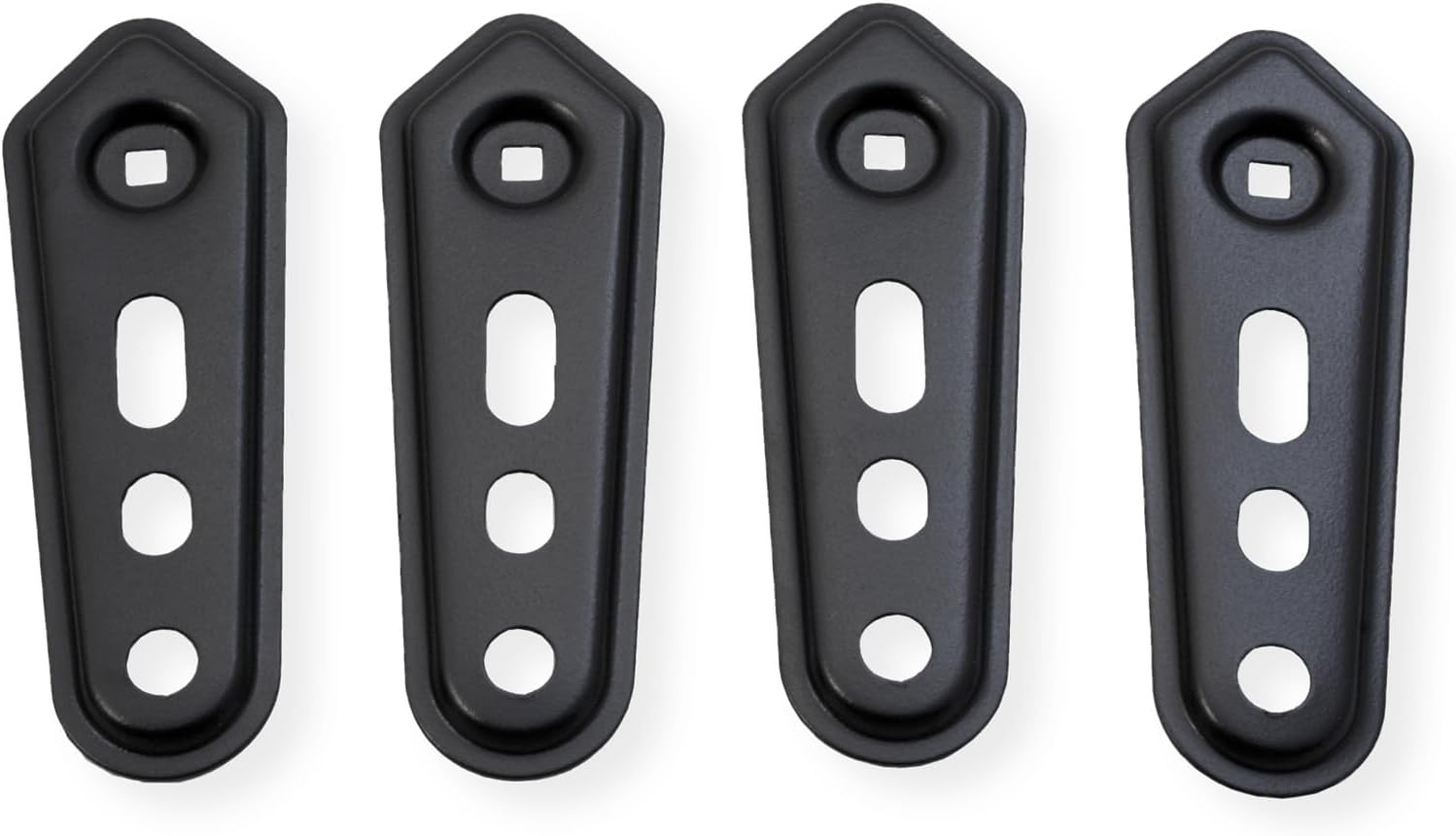
Figure 1: Overview of the VALUE TV Wall Mount components. This image displays the main wall plate, the VESA TV plate, and various screws and accessories that come with the product.
Setup and Installation
Before installation, identify your wall type (wood stud, concrete, brick) and ensure you have the necessary tools (drill, level, stud finder, screwdriver, wrench).
Step 1: Attach VESA Plate to TV
- Carefully place your TV face down on a soft, clean surface.
- Identify the VESA mounting holes on the back of your TV.
- Select the appropriate screws, washers, and spacers from the hardware kit that fit your TV's VESA pattern (75x75, 100x100, 100x200, 200x100, 200x200).
- Attach the VESA TV plate to the back of your TV using the selected hardware. Ensure it is securely fastened but do not overtighten.

Figure 2: The detachable extension plate allows for compatibility with larger VESA patterns. This image highlights how the extensions can be added to the main VESA plate to accommodate different TV sizes.
Step 2: Mount Wall Plate to Wall
- Determine the desired height and position for your TV. Use a stud finder to locate wood studs if applicable.
- Mark the drilling locations on the wall using the wall plate as a template.
- Drill pilot holes at the marked locations. For wood studs, drill appropriate size holes. For concrete/brick, use a masonry drill bit and insert wall anchors.
- Attach the wall plate assembly to the wall using the provided lag bolts and washers. Tighten securely.
- Use a level to ensure the wall plate is perfectly horizontal.
Step 3: Hang TV on Wall Plate
- With assistance, carefully lift the TV (with the VESA plate attached) and hook it onto the wall plate arm.
- Ensure the VESA plate is securely seated on the arm.
- Tighten any safety screws or locking mechanisms to prevent accidental dislodgement.
Operating Instructions
This TV wall mount offers flexible adjustments for optimal viewing comfort.
- Tilt Adjustment: The screen can be tilted from +5° to -15°. Loosen the tilt adjustment knobs, set to the desired angle, and retighten.
- Swivel Adjustment: The arm allows for a swivel range of +90° to -90°. Gently push or pull the TV to the desired left or right angle.
- Screen Rotation: The TV can be rotated from +5° to -90°. This allows for minor horizontal leveling adjustments or portrait orientation if desired.
- Cable Management: Utilize the integrated cable management clips or channels on the arm to route and organize your TV cables, keeping them tidy and secure.

Figure 3: This diagram shows the various adjustable movements of the TV mount, including tilt (+5° to -15°), swivel (up to ±90° as per specifications), and rotation (+5° to -90°). It also highlights the cable management feature to keep wires organized.
Maintenance
Regular maintenance ensures the longevity and safe operation of your TV wall mount.
- Cleaning: Wipe the mount with a soft, dry cloth. Do not use abrasive cleaners or solvents.
- Inspection: Periodically (e.g., every 6 months) check all mounting screws and connections to ensure they are tight and secure. Retighten if necessary.
- Lubrication: Moving parts are designed for smooth operation and generally do not require lubrication. If movement becomes stiff, consult customer support.
Troubleshooting
| Problem | Possible Cause | Solution |
|---|---|---|
| TV is not level after installation. | Wall plate not level, or screen rotation needs adjustment. | Check wall plate with a level and adjust if necessary. Use the screen rotation feature (+5° to -90°) to fine-tune the TV's horizontal alignment. |
| Mount feels loose or wobbly. | Mounting screws are not tight enough, or wall anchors are not secure. | Immediately remove TV. Re-tighten all wall mounting screws. If using anchors, ensure they are properly installed and secure. Consult a professional if unsure. |
| Difficulty adjusting tilt/swivel. | Adjustment knobs/bolts are too tight. | Loosen the relevant adjustment knobs/bolts slightly, make the adjustment, then retighten to secure the position. |
Specifications
- Model Number: 17991233
- Brand: Value
- Material: Steel
- Color: Black
- Compatible Screen Sizes: 13 - 43 inches (33 - 109 cm)
- Maximum Load Capacity: 20 kg (44 lbs)
- VESA Compatibility: 75x75, 100x100, 100x200, 200x100, 200x200 mm
- Tilt Range: +5° to -15°
- Swivel Range: +90° to -90°
- Screen Rotation: +5° to -90°
- Max. Arm Extension: 19.8 cm (7.8 inches)
- Mounting Type: Wall Mount

Figure 4: Detailed dimensions of the VALUE TV Wall Mount, including arm length, VESA plate measurements, and ranges for tilt, swivel, and rotation.
Warranty and Support
This VALUE TV Wall Mount is covered by a 2-year manufacturer's warranty from the date of purchase. This warranty covers defects in materials and workmanship under normal use.
For warranty claims, technical support, or any questions regarding this product, please contact your retailer or the manufacturer's customer service. Please have your model number (17991233) and proof of purchase ready.
Manufacturer: VALUE


