
AGXOV AGXOV M302
User Manual: 144GB MP3 Player with Bluetooth and WiFi
Model: AGXOV M302 | Brand: AGXOV
Overview
Product Description
The AGXOV M302 MP3 Player is a versatile device offering both Bluetooth and WiFi connectivity, designed for enhanced convenience and functionality. It allows seamless connection to WiFi networks for online music streaming, audiobook downloads, and software updates. Bluetooth connectivity facilitates wireless connection to headphones, speakers, and other compatible devices, ensuring an enjoyable audio experience in various settings.

Front and back view of the AGXOV M302 MP3 Player, showcasing its sleek design and physical buttons.
Setup
Initial Charge
Before first use, fully charge the device using the provided USB-C cable and a compatible power adapter. A full charge typically takes approximately 3 hours.
Powering On/Off
To power on, press and hold the power button located on the side until the screen illuminates. To power off, press and hold the power button, then select 'Power off' from the on-screen options.
Connecting to Wi-Fi
Navigate to 'Settings' > 'Network & Internet' > 'Wi-Fi'. Turn on Wi-Fi, select your desired network from the list, and enter the password if prompted. The device will connect automatically.
Connecting to Bluetooth Devices
Go to 'Settings' > 'Connected devices' > 'Bluetooth'. Turn on Bluetooth. Ensure your Bluetooth headphones or speakers are in pairing mode. Select your device from the 'Available devices' list to connect.
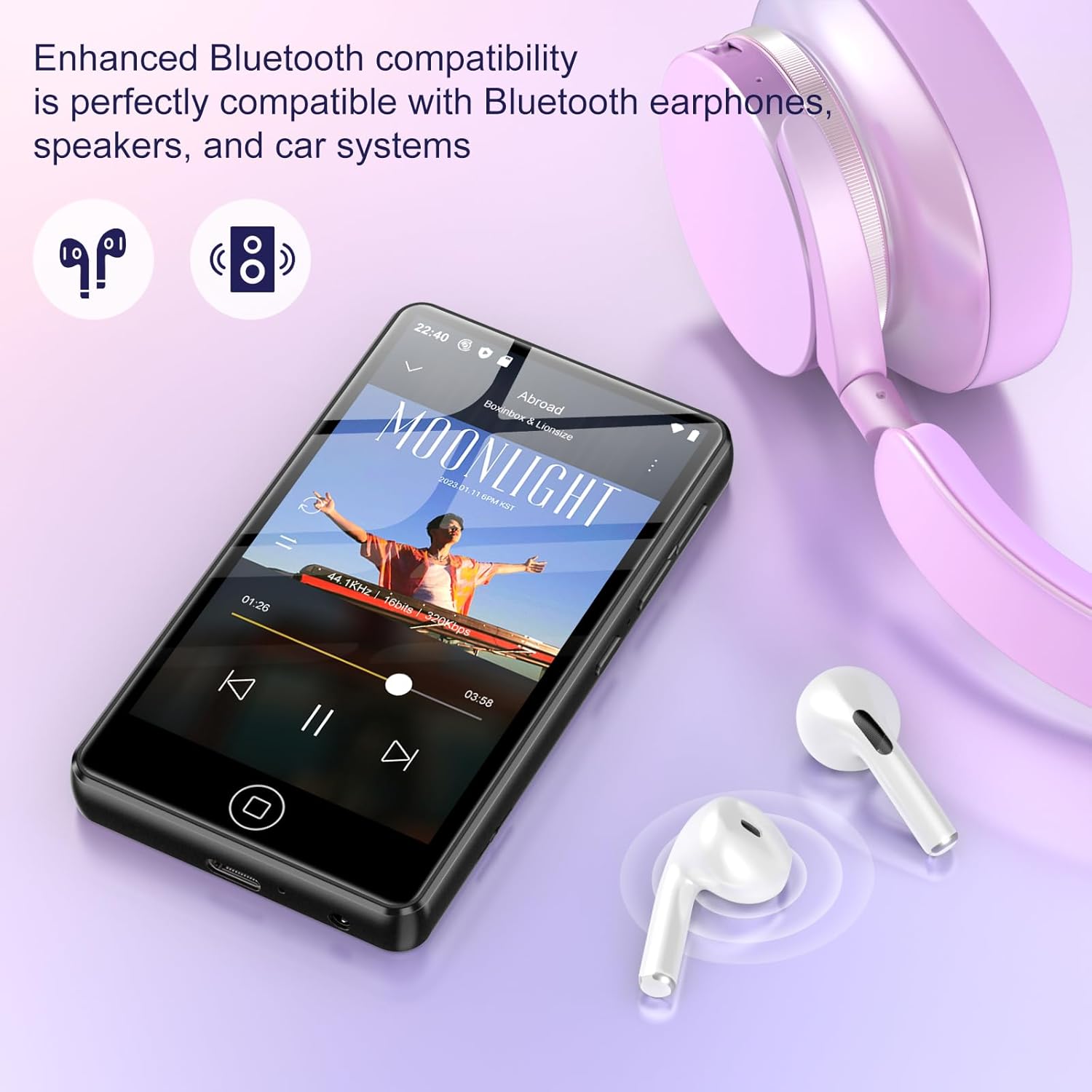
The MP3 player demonstrating its enhanced Bluetooth compatibility with various audio devices.
Operating Instructions
Navigating the Interface
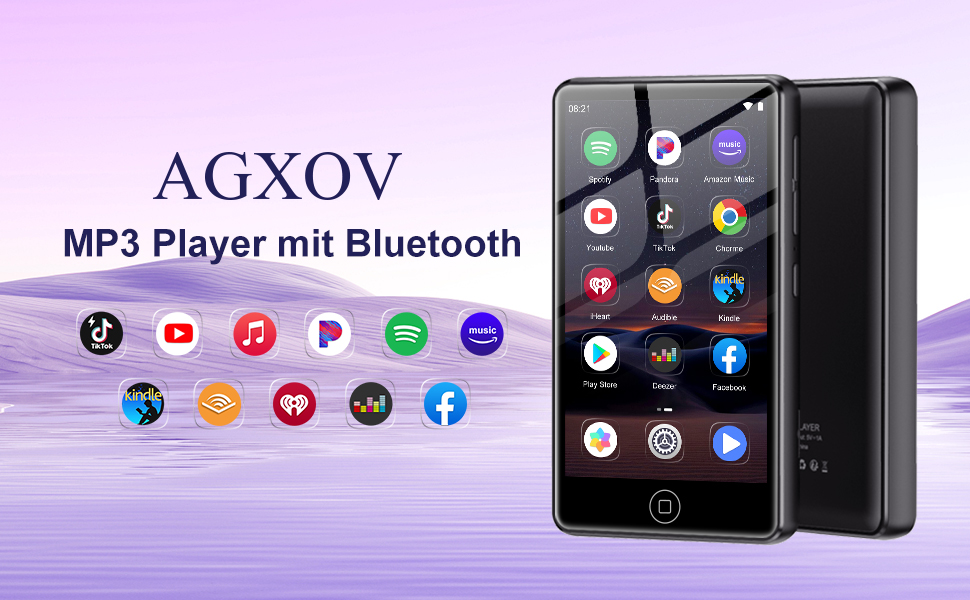
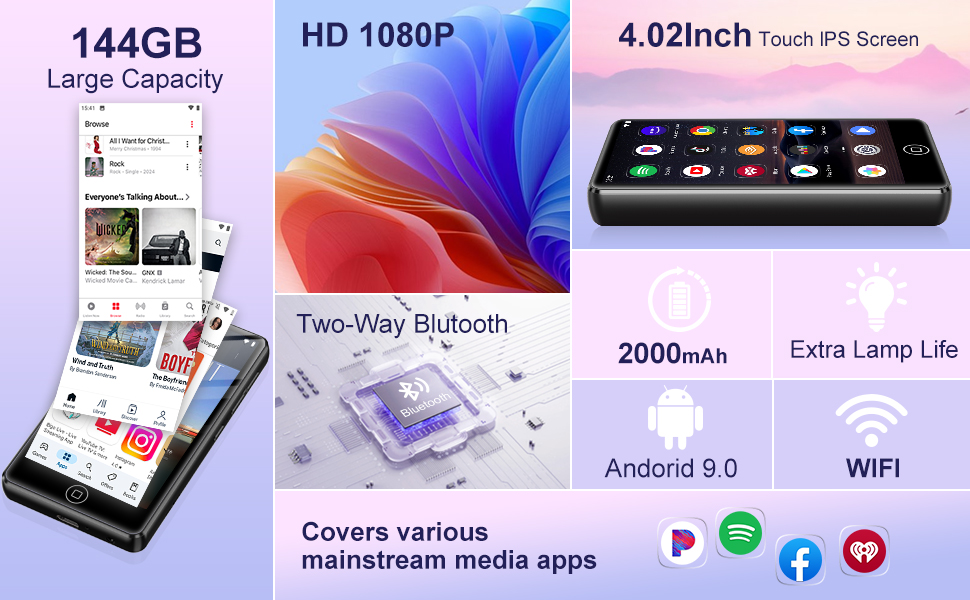
The device features a 4.02-inch HD touchscreen for intuitive navigation. Swipe left or right to access different home screens, tap icons to open applications, and use the back button or gesture for navigation.
The MP3 player's interface showing pre-installed applications and the ability to customize with additional apps.
Music Playback
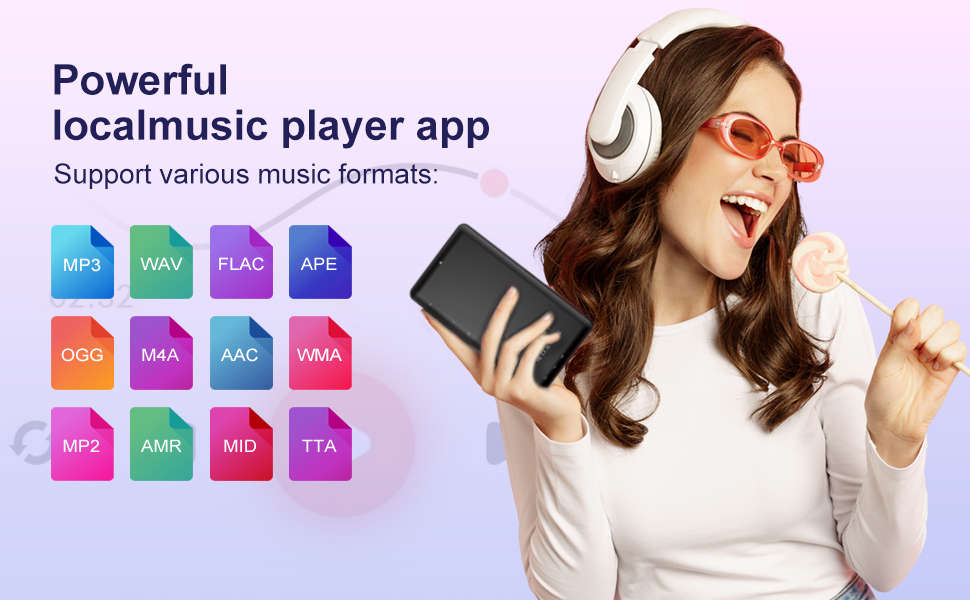
The player supports a wide range of music formats including MP3, WAV, FLAC, APE, OGG, M4A, AAC, WMA, and more. Utilize the pre-installed music player app or download your preferred streaming service from the Play Store for a near-HIFI sound experience.
Visual representation of the various audio formats supported by the MP3 player.
Video Playback
The 4.02-inch HD touchscreen supports both 720p and 1080p video playback, providing an immersive visual experience for your multimedia content.
The MP4 player screen showcasing its capability for excellent 1080P video viewing.
App Installation
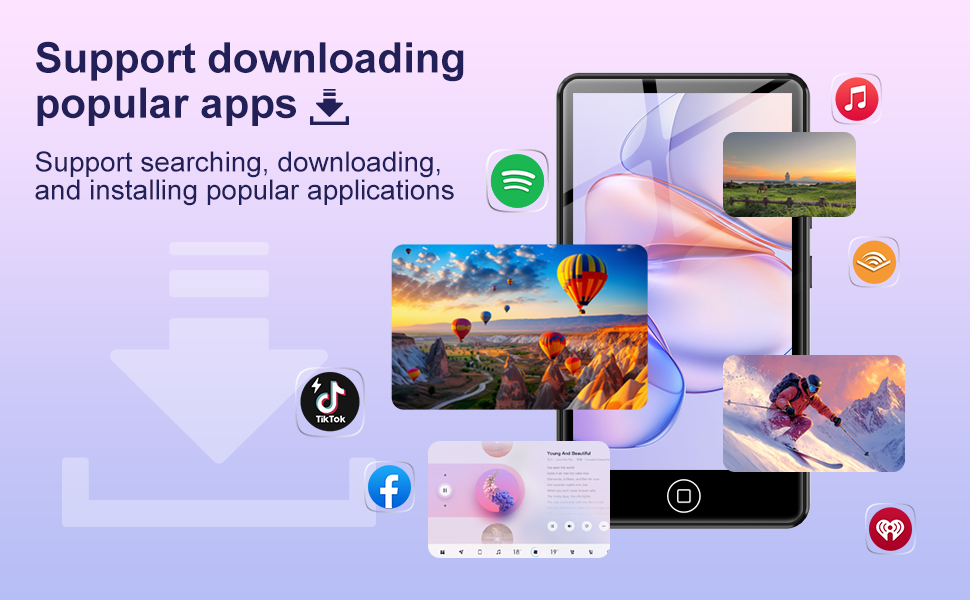
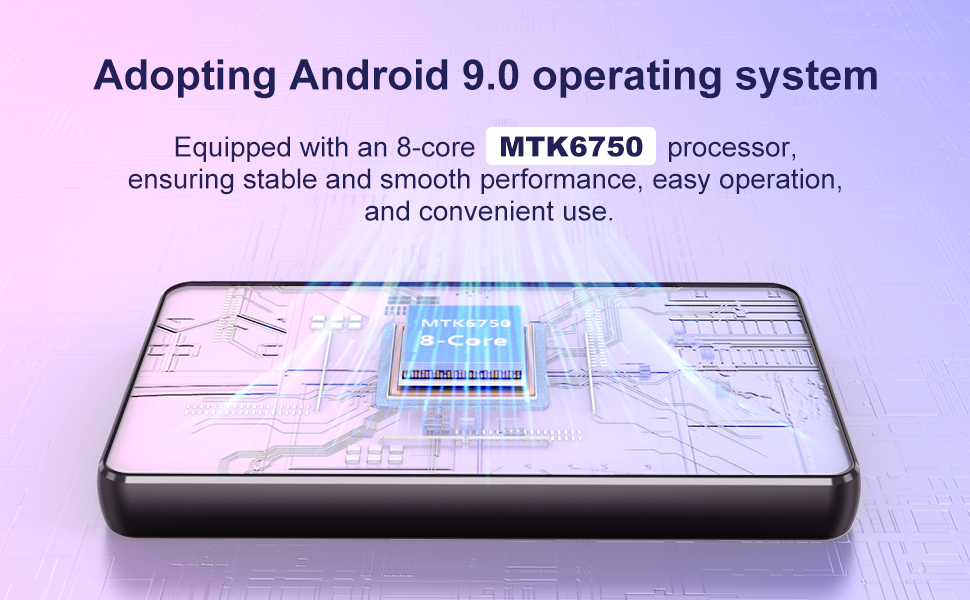
Powered by Android 9.0, the device allows access to the Google Play Store. You can download and install a plethora of applications for personalization and an enhanced experience, including popular music streaming services like Spotify, Pandora, Audible, and Amazon Music.
Official product video demonstrating the AGXOV MP3 Player's features, including app compatibility and connectivity.
Maintenance
Cleaning
Use a soft, lint-free cloth to clean the screen and body of the device. Avoid using abrasive cleaners or solvents that may damage the surface.
Storage
Store the device in a cool, dry place away from direct sunlight and extreme temperatures. If storing for an extended period, ensure the battery is charged to approximately 50% to preserve its lifespan.
Battery Care
The 2000mAh high-capacity battery is designed for extended playback. To maximize battery life, avoid fully discharging the device frequently and try to keep it within a charge range of 20% to 80% when possible. The player can continuously play music for up to 30 hours or videos for up to 8 hours on a full charge.
An illustration highlighting the 2000mAh battery capacity for long-lasting performance.
Troubleshooting
| Issue | Possible Solution |
|---|---|
| Device won't turn on or is unresponsive. | Ensure the device is fully charged. If unresponsive, perform a soft reset by pressing and holding the power button for 10-15 seconds. |
| Cannot connect to Wi-Fi. | Verify Wi-Fi password. Restart the device and your router. Ensure the device is within range of the Wi-Fi signal. |
| Bluetooth device disconnects frequently or won't connect. | Ensure the Bluetooth device is in pairing mode and fully charged. Forget the device in Bluetooth settings and re-pair. Reduce distance between devices. |
| Low battery life. | Reduce screen brightness. Close unused background applications. Limit streaming over Wi-Fi. Ensure proper charging habits. |
| Device is slow or lagging. | Close unnecessary applications. Clear cache of frequently used apps. Consider performing a factory reset if issues persist (backup data first). |
System Updates
The device supports manual system updates to improve functional compatibility, bug fixes, and security patches. To check for updates, navigate to 'Settings' > 'System' > 'System updates'.
The system update screen on the MP3 player, indicating options for checking and applying updates.
Specifications
| Feature | Detail |
|---|---|
| Product Dimensions | 0.5 x 2.5 x 3.5 inches |
| Item Weight | 7.8 ounces |
| Manufacturer | AGXOV |
| Item Model Number | AGXOV M302 |
| Batteries | 1 A batteries required (included) |
| Date First Available | March 10, 2025 |
| Model Name | M302 |
| Special Features | Built-In Speaker, FM Radio, Touch Screen, Video Playback |
| Connectivity Technology | Wi-Fi, Bluetooth |
| Memory Storage Capacity | 16GB built-in (expandable up to 512GB with TF card) |
| Color | Deep Black |
| Screen Size | 4.02 Inches |
| Compatible Devices | Personal Computer, Smartphone, Speaker |
| Media Type | SD Card |
What's in the Box
- Mp3 Player x 1
- 128GB SD card x 1
- Wired headphones x 1
- USB-C cable x1
- User Manual x1

All components included in the AGXOV M302 MP3 Player package.
Warranty and Support
Specific warranty details are not provided in this manual. For warranty information, technical support, or service inquiries, please refer to the contact information provided on the product packaging or the official AGXOV website.
Related Documents - AGXOV M302
 |
AGXOV P20 User Manual User manual for the AGXOV P20 MP3 player, featuring Bluetooth, WiFi, Spotify, a 4.02-inch touchscreen, speakers, and expandable storage up to 512GB. |
 |
AGXOV P40 HiFi MP3 Player User Manual Comprehensive user manual for the AGXOV P40 HiFi MP3 Player, covering features, operation, specifications, and troubleshooting. Learn how to use your device for music playback, Bluetooth connectivity, and file management. |
 |
AGXOV M302 MP3 Player User Manual User manual for the AGXOV M302 MP3 Player, detailing setup, button functions, customization, specifications, song download, system updates, formatting, security, troubleshooting, and product support. |