
Introduction
Thank you for choosing the Monster Bluetooth Speaker. This portable wireless speaker is designed to deliver high-quality audio with robust bass and clear sound, suitable for various environments including home, beaches, and outdoor activities. Its IPX8 waterproof rating ensures durability in wet conditions, and advanced Bluetooth 5.4 technology provides seamless connectivity. This manual provides essential information for setting up, operating, and maintaining your speaker.
Package Contents
Please check the package for the following items:
- Monster Bluetooth Speaker (Model: MS62116)
- 3.5mm data cable
- Locking Climbing Carabiner Clips
- Quick Start Guide
- Detachable suction cup
Product Overview

Figure 1: Monster Bluetooth Speaker, showcasing its waterproof design with water splashes.
The Monster Bluetooth Speaker features a compact, round design with a durable fabric grille and integrated controls. It includes a lanyard for portability and a detachable suction cup for versatile mounting. The speaker is equipped with a built-in microphone for hands-free calls.
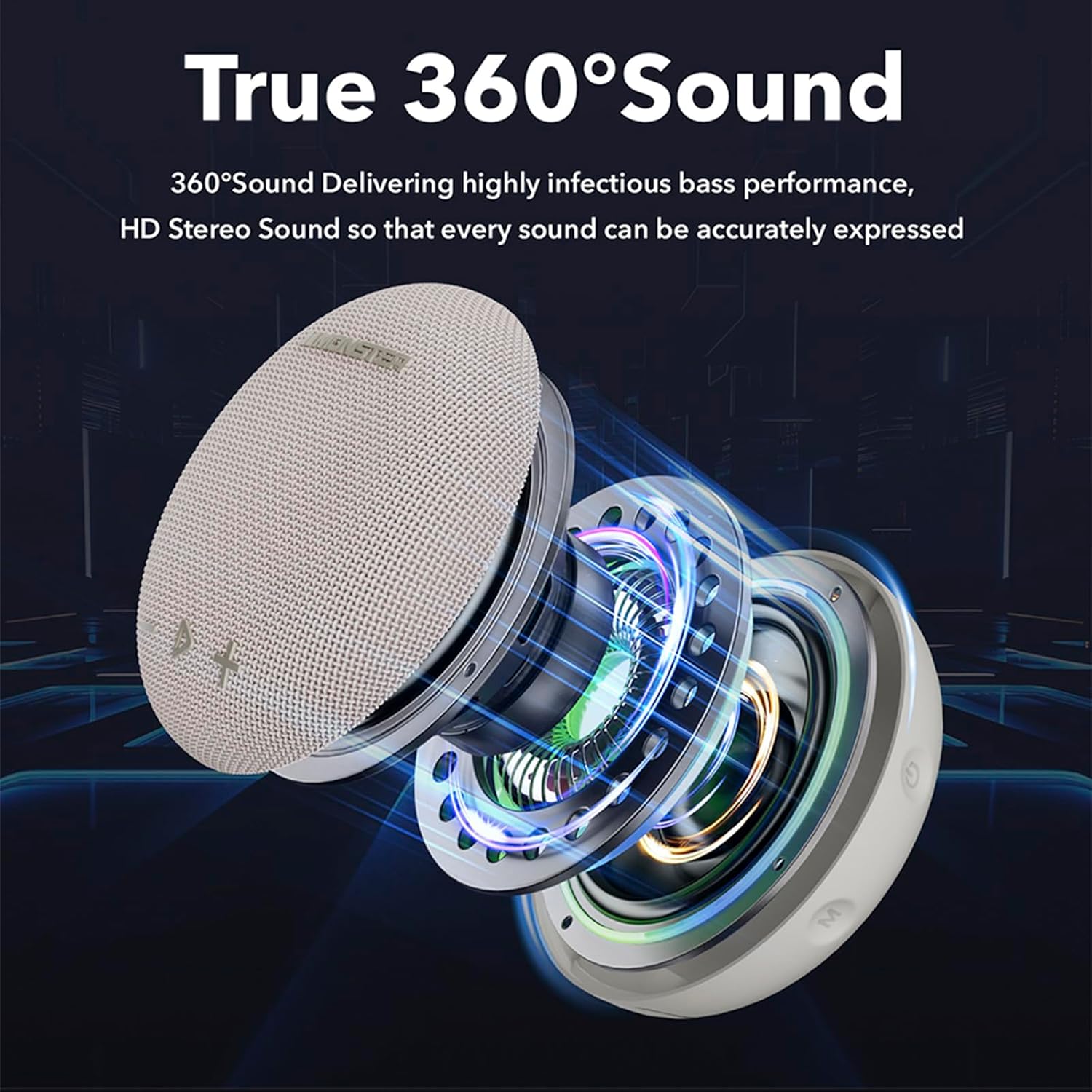
Figure 2: Internal components of the Monster Bluetooth Speaker, illustrating its 360-degree sound architecture.
Setup
1. Charging the Speaker
Before first use, fully charge the speaker. Connect the provided 3.5mm data cable to the speaker's charging port and the other end to a USB power adapter (not included) or a computer's USB port. The charging indicator light will show the charging status and turn off when fully charged.
2. Powering On/Off
- To power on: Press and hold the Power button for approximately 3 seconds until you hear an audible prompt.
- To power off: Press and hold the Power button for approximately 3 seconds until you hear an audible prompt.
3. Bluetooth Pairing
- Ensure the speaker is powered on and in pairing mode (indicated by a flashing LED light).
- On your device (smartphone, tablet, laptop), enable Bluetooth.
- Search for available Bluetooth devices and select "Monster Round One" from the list.
- Once connected, the speaker will provide an audible confirmation, and the LED light will become solid.
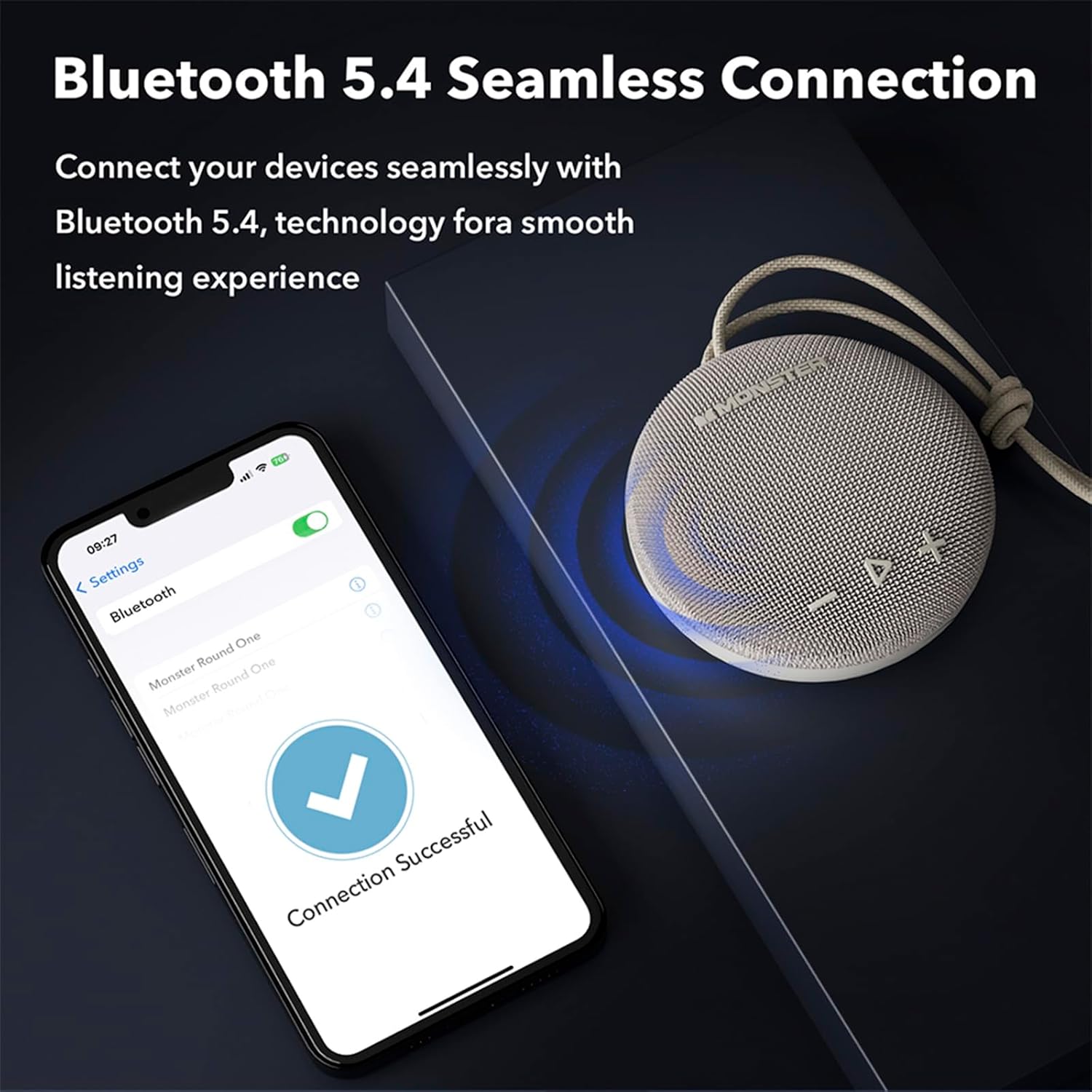
Figure 3: Seamless Bluetooth 5.4 connection process.
Operating the Speaker
Basic Controls
- Play/Pause: Press the Play/Pause button once to play or pause audio.
- Volume Up: Press the '+' button to increase volume.
- Volume Down: Press the '-' button to decrease volume.
- Next Track: Press and hold the '+' button for 2 seconds.
- Previous Track: Press and hold the '-' button for 2 seconds.
- Answer/End Call: Press the Play/Pause button once during an incoming call to answer or end it.
- Reject Call: Press and hold the Play/Pause button for 2 seconds during an incoming call to reject it.
Waterproof Usage (IPX8)
The Monster Bluetooth Speaker is IPX8 rated, meaning it can be fully immersed in water up to 1 meter (3.3 feet) for up to 30 minutes. This makes it ideal for use in showers, by the pool, or at the beach. Ensure the charging port cover is securely closed before exposing the speaker to water.
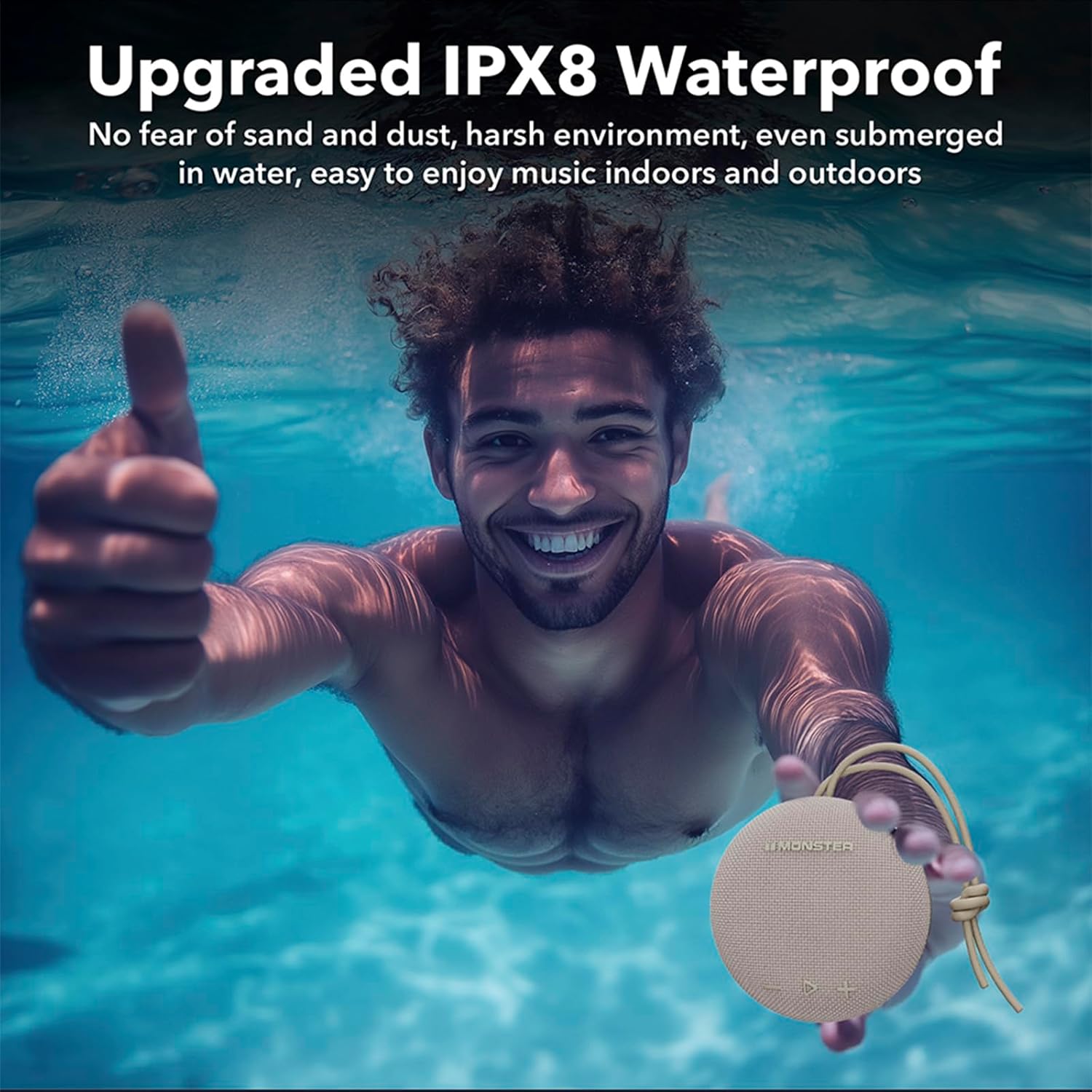
Figure 4: The speaker's IPX8 waterproof capability allows for use even when fully submerged.

Figure 5: Using the detachable suction cup to mount the speaker in a shower environment.
Portability and Mounting Options
The speaker comes with a lanyard, a detachable suction cup, and a carabiner clip for various mounting options:
- Use the lanyard to hang the speaker from hooks or branches.
- Attach the detachable suction cup to smooth surfaces like bathroom tiles or mirrors.
- Utilize the carabiner clip to attach the speaker to backpacks, bicycles, or other gear.
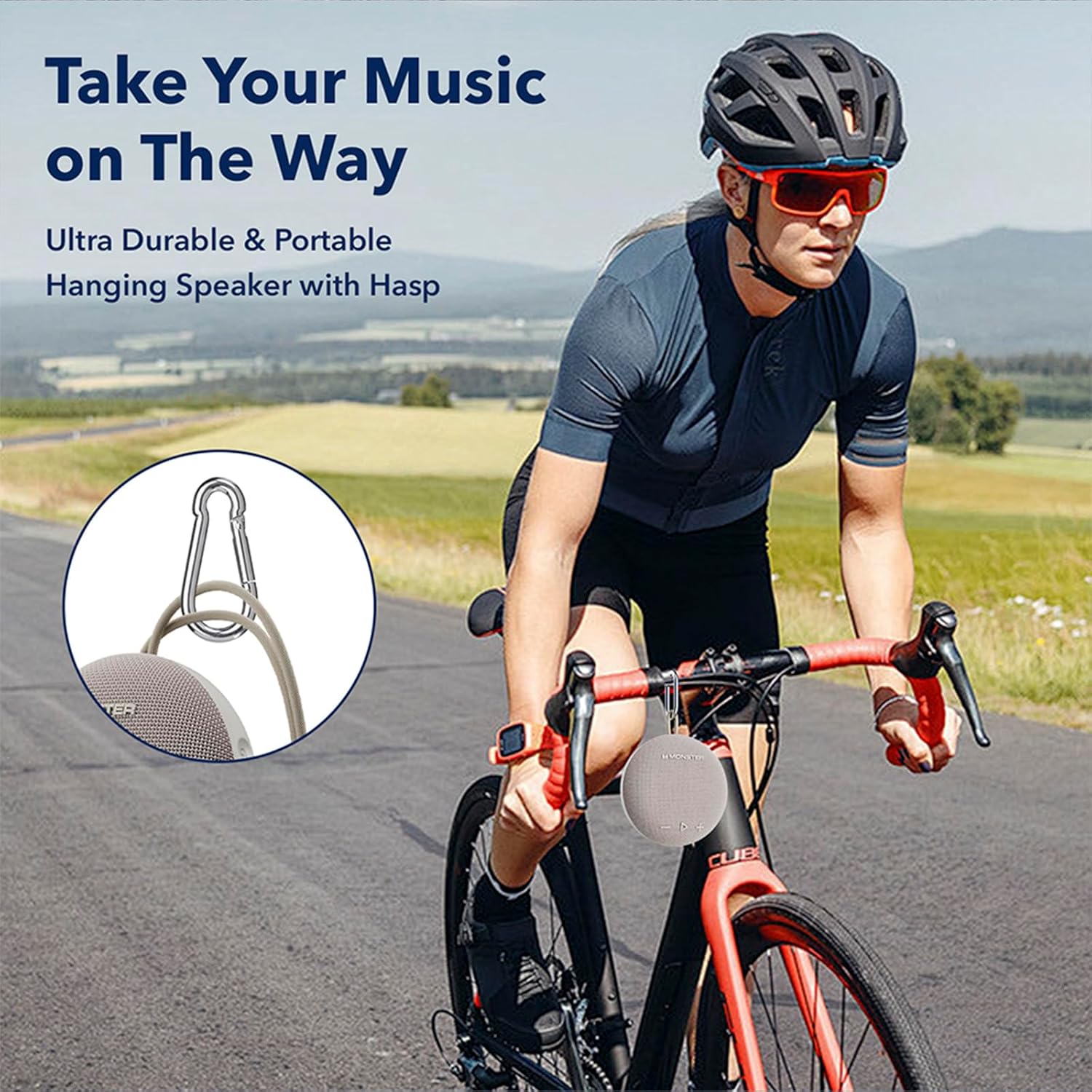
Figure 6: The speaker's portability with the carabiner clip, ideal for outdoor activities like cycling.
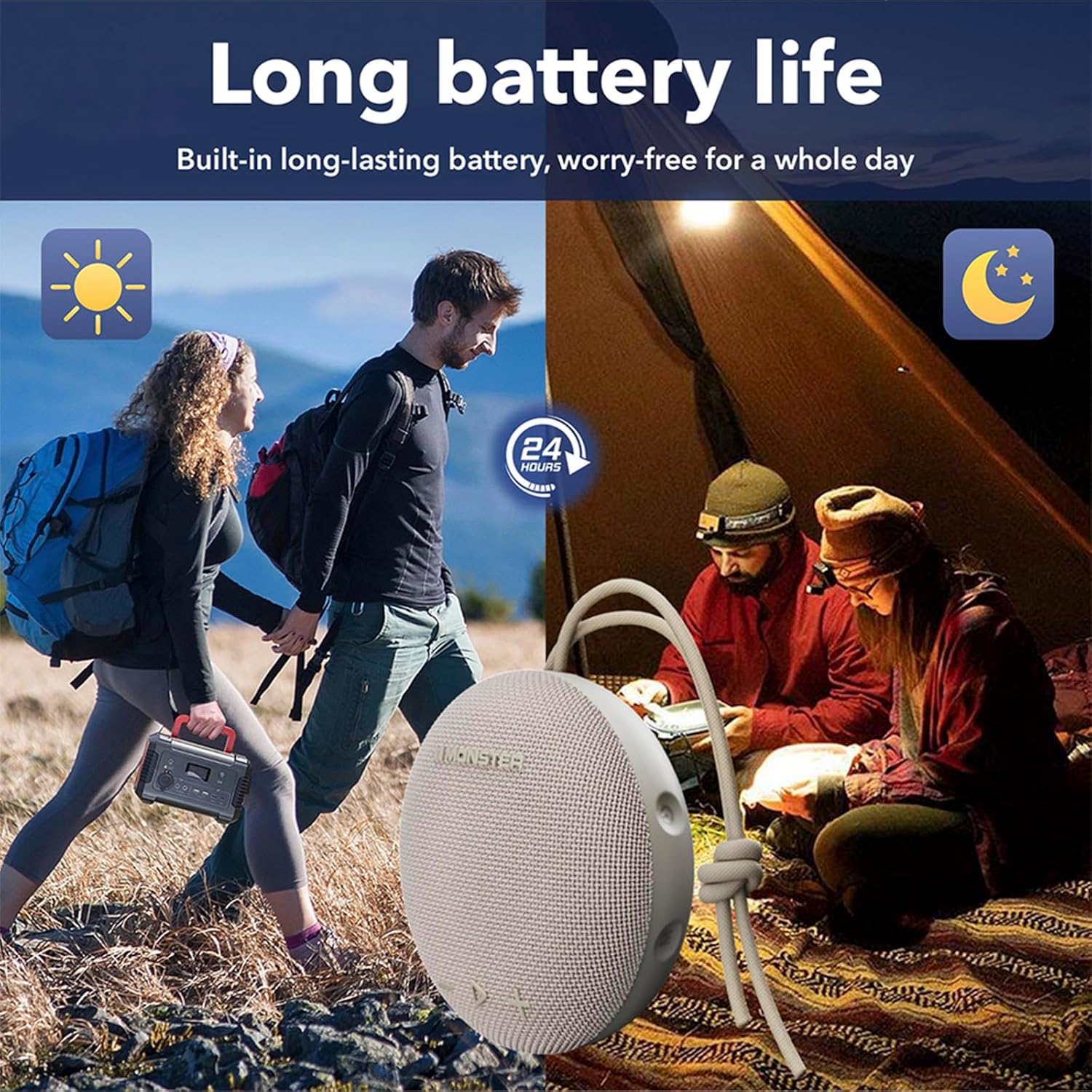
Figure 7: The speaker's long battery life supports extended outdoor use.
Maintenance
Cleaning
To clean the speaker, wipe it with a soft, damp cloth. Do not use abrasive cleaners, alcohol, or chemical solvents, as these may damage the surface or internal components. Ensure the charging port is dry before charging.
Storage
When not in use for extended periods, store the speaker in a cool, dry place away from direct sunlight and extreme temperatures. It is recommended to fully charge the speaker before storing it for a long time to preserve battery health.
Troubleshooting
| Problem | Possible Cause | Solution |
|---|---|---|
| Speaker does not power on. | Battery is depleted. | Charge the speaker using the provided cable. |
| Cannot pair with Bluetooth device. | Speaker is not in pairing mode; Bluetooth is off on device; device is too far. | Ensure speaker is in pairing mode (flashing LED). Turn Bluetooth on your device. Move device closer to speaker (within 10 meters). |
| No sound or low volume. | Volume too low on speaker or device; speaker not connected. | Increase volume on both speaker and connected device. Re-establish Bluetooth connection. |
| Sound distortion. | Volume too high; device too far; interference. | Reduce volume. Move device closer. Avoid strong electromagnetic interference. |
Specifications
| Feature | Detail |
|---|---|
| Model Name | MS62116 |
| Brand | Monster |
| Speaker Type | Portable Speaker |
| Connectivity Technology | Bluetooth 5.4 |
| Waterproof Rating | IPX8 |
| Battery Life | Up to 24 Hours |
| Power Source | Battery Powered (1 CR5 battery included) |
| Speaker Maximum Output Power | 15 Watts |
| Frequency Response | 10 KHz |
| Product Dimensions (D x W x H) | 3.9" x 1.7" x 3.9" |
| Item Weight | 13.4 ounces |
| UPC | 810079705726 |
Warranty Information
The Monster Bluetooth Speaker comes with a limited warranty. Monster provides 12 months of worry-free service from the date of purchase. This warranty covers manufacturing defects and workmanship under normal use. It does not cover damage caused by misuse, accidents, unauthorized modifications, or natural disasters. Please retain your proof of purchase for warranty claims.
Customer Support
If you have any questions, concerns, or require technical assistance with your Monster Bluetooth Speaker, please refer to the contact information provided in your Quick Start Guide or visit the official Monster website for support resources.


