
Introduction
This manual provides instructions for the safe and effective use of your Generic USB Charging Wire, designed for Power Craze Shift 24 RC Cars. Please read this manual thoroughly before use and retain it for future reference.
Product Overview
The USB Charging Wire is designed to provide efficient power delivery to compatible RC car batteries. It features a standard USB connector for power input and a specific connector for the RC car.
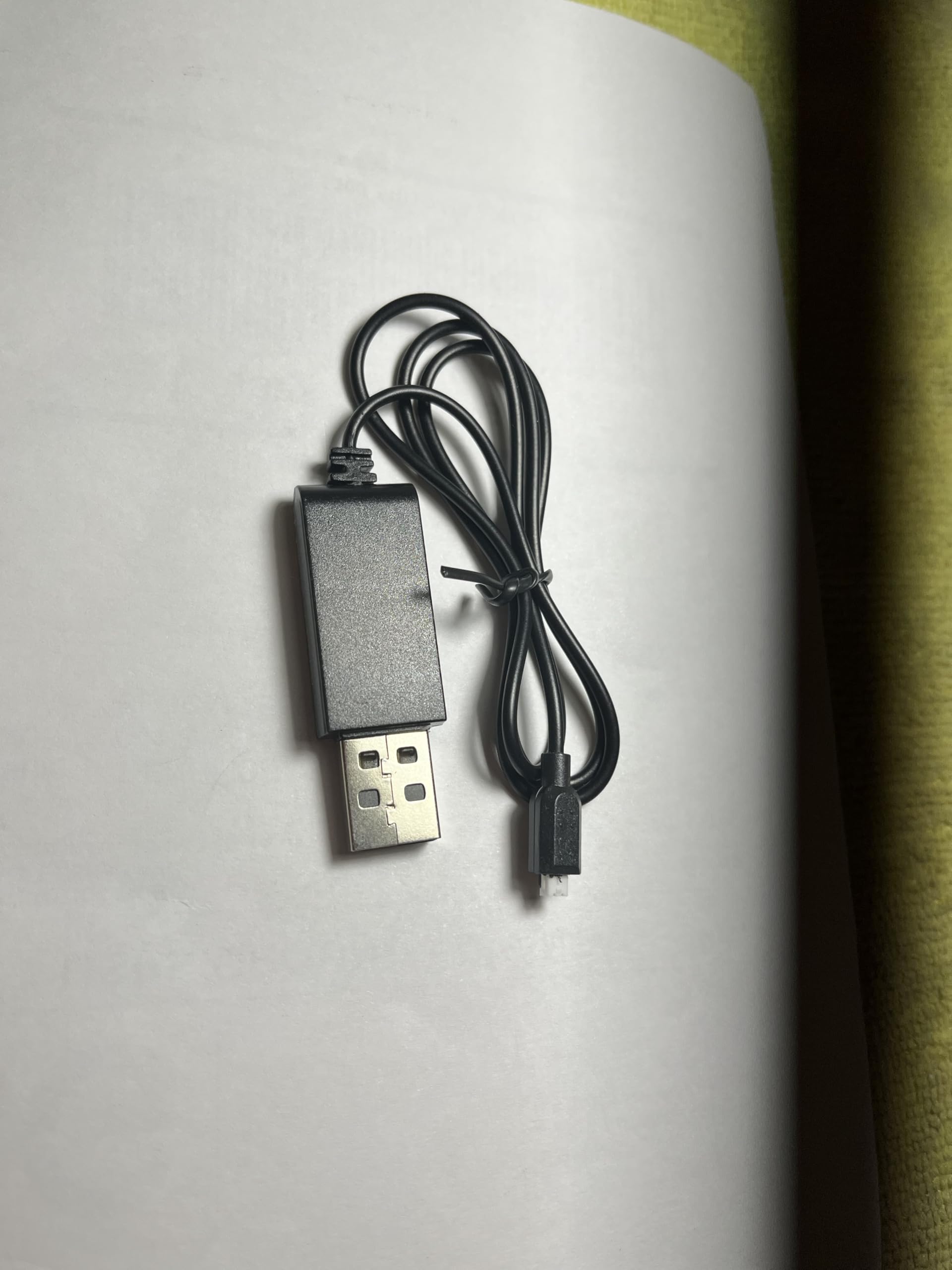
Image: The Generic USB Charging Wire, showing both ends of the cable.
Setup Instructions
Identify the Charging Port: Locate the charging port on your Power Craze Shift 24 RC Car. This port is typically found on the underside or side of the vehicle.
Connect the Charging Wire to the RC Car: Carefully insert the small connector end of the USB charging wire into the charging port of your RC car. Ensure a secure and firm connection.
Image: A hand connecting the small end of the USB charging wire to the charging port located on the underside of an RC car.
Connect to a Power Source: Plug the standard USB-A end of the charging wire into a compatible USB power source. This can be a USB wall adapter (5V), a computer USB port, or a power bank.
Image: A close-up of the USB-A connector end of the charging wire, held between fingers.
Operating Instructions
Initiate Charging: Once both ends of the charging wire are securely connected, the charging process will begin automatically. The indicator light on the charging wire (if present) will illuminate, typically red, to show that charging is in progress.
Monitor Charging: Allow the RC car battery to charge fully. Charging times may vary depending on the battery's capacity and its current charge level. Refer to your RC car's manual for specific charging duration recommendations.
Charging Completion: The indicator light on the charging wire may change color (e.g., turn green) or turn off once the battery is fully charged. Disconnect the charging wire from both the power source and the RC car once charging is complete.
Important Safety Information
- Do not leave charging batteries unattended.
- Use only with compatible Power Craze Shift 24 RC Cars.
- Avoid charging in extreme temperatures.
- Keep the charging wire away from water and moisture.
Video: How to Use the Charging Wire
Video: This video demonstrates the process of connecting the USB charging wire to the RC car and a power source, showing the indicator light during charging. Duration: 0:48.
Video: Detailed Usage Guide
Video: A concise guide illustrating the steps for using the charging wire with an RC car. Duration: 0:17.
Maintenance
- Storage: Store the charging wire in a cool, dry place away from direct sunlight and extreme temperatures.
- Cleaning: Use a soft, dry cloth to clean the wire and connectors. Do not use liquid cleaners or solvents.
- Handling: Avoid bending or twisting the wire excessively, especially near the connectors, to prevent internal damage. Do not pull the wire by the cable itself when disconnecting; always grasp the connector.
Troubleshooting
- Problem: RC car is not charging.
- Solution 1: Ensure both ends of the charging wire are securely connected to the RC car and the power source.
- Solution 2: Verify that the USB power source is functional. Try plugging another device into the same USB port or using a different USB power adapter.
- Solution 3: Check the charging port on the RC car for any obstructions or damage.
- Problem: Indicator light is not illuminating.
- Solution 1: Confirm that the charging wire is properly connected and the power source is active.
- Solution 2: Some charging wires may not have an indicator light, or it may only illuminate under specific conditions (e.g., only when actively charging, not when fully charged).
Specifications
| Feature | Detail |
|---|---|
| Brand | Generic |
| Model | 1 |
| Connector Type | USB (Input), Specific RC Car Connector (Output) |
| Cable Type | USB |
| Compatible Devices | Power Craze Shift 24 RC Cars, Charging Adapter |
| Special Feature | Fast Charging |
| Number of Pins | 4 |
| Maximum Voltage | 5 volts |
| Item Length | 2 inches |
| Indoor/Outdoor Usage | Indoor, Outdoor |
Support
For further assistance or inquiries regarding your Generic USB Charging Wire, please refer to the documentation provided with your Power Craze Shift 24 RC Car or contact the manufacturer of your RC car directly.


