
NineSky C1
NineSky C1 Dehumidifier Instruction Manual
Model: C1
Product Overview
The NineSky C1 Dehumidifier is designed to efficiently remove excess moisture from small to medium-sized spaces, improving air quality and comfort. It features quiet operation, automatic shut-off, and customizable ambient lighting.
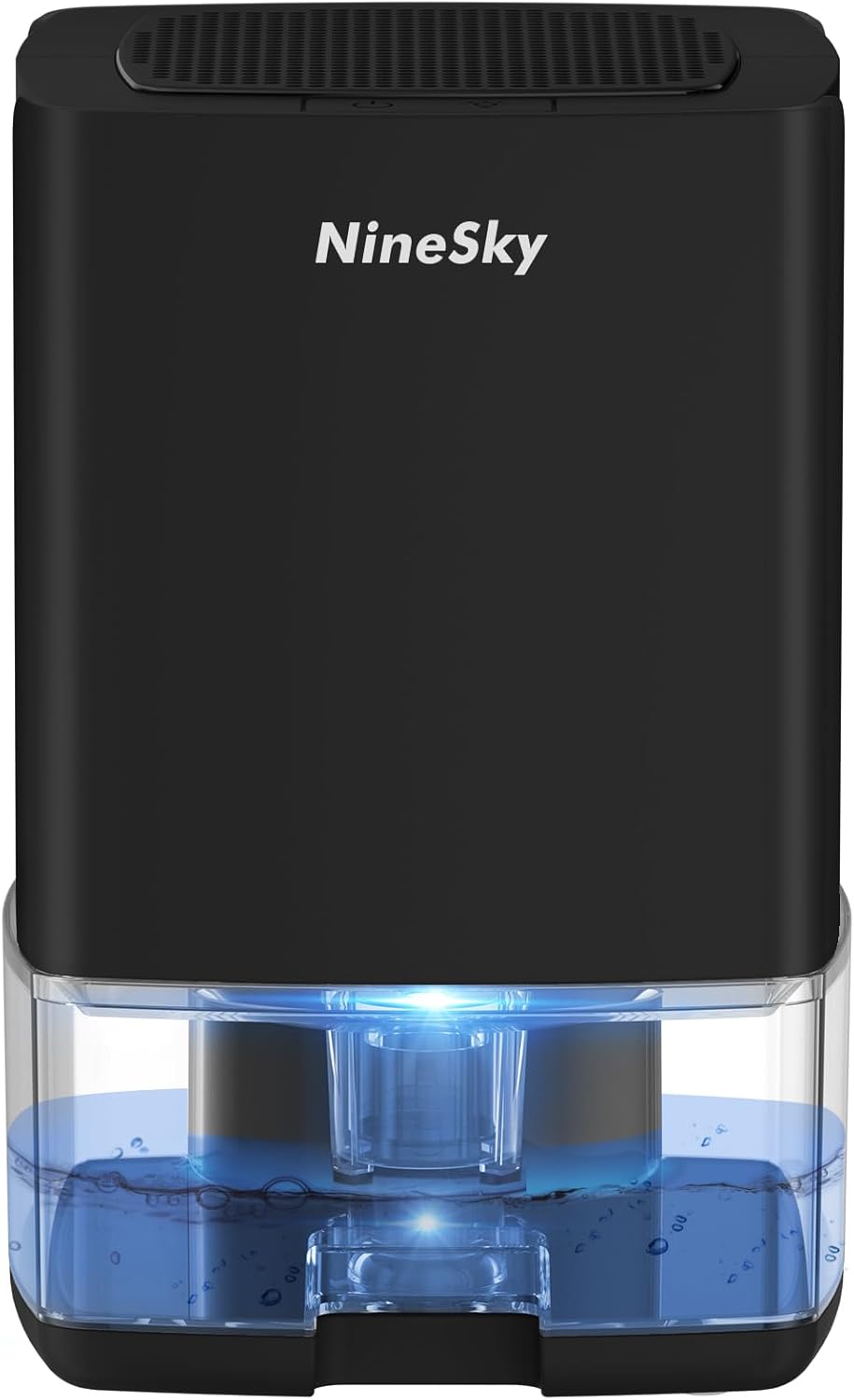
Image: Front view of the NineSky C1 Dehumidifier, showcasing its compact design and the illuminated water tank.
Key Features:
- High Efficiency: Removes up to 350ml of water per day (at 86°F, 90% RH) in areas up to 300 sq.ft.
- Ultra-Quiet Operation: Operates at a low noise level of 28 dB, suitable for bedrooms and quiet environments.
- 7 Colorful LED Lights: Features automatic ambient lighting with 7 color options, which can be set to a single color or turned off.
- Automatic Shut-Off: Automatically powers off when the 35oz water tank is full or improperly placed, with a red indicator light.
- User-Friendly Design: Includes an ergonomic handle for portability, a visual water tank for easy monitoring, and a washable filter for simple maintenance.
- Compact and Portable: Measures 6.1"L x 6.1"W x 9.25"H and weighs 3.2 lbs, making it easy to place in various small spaces.
Safety Instructions
- Always place the dehumidifier on a stable, level surface.
- Ensure proper ventilation around the unit; do not block air inlets or outlets.
- Do not immerse the unit in water or other liquids.
- Keep out of reach of children and pets.
- Unplug the unit before cleaning or performing any maintenance.
- Do not use if the power cord or plug is damaged.
- Avoid placing the unit near heat sources or in direct sunlight.
Setup
- Unpack the Dehumidifier: Carefully remove the dehumidifier and all accessories from the packaging. Retain packaging for future storage or transport.
- Place the Unit: Position the dehumidifier on a flat, stable surface in the desired room. Ensure there is at least 4 inches of space around the unit for proper airflow.
- Connect Power: Insert the power adapter into the DC input port on the back of the dehumidifier, then plug the adapter into a standard electrical outlet.
Video: Unboxing and initial setup of the NineSky C1 Dehumidifier, demonstrating how to remove it from the box, connect the power, and prepare it for use.
Operating Instructions
- Power On/Off: Press the power button (⏻) on the top panel to turn the dehumidifier on or off. The unit will start operating in dehumidification mode.
- Adjust LED Lights: Press the light button (💡) to cycle through the 7 ambient light colors.
- Press once to pause on the current color.
- Press twice to turn off the light.
- Press three times to resume auto-cycling through colors.
- Automatic Shut-Off: The dehumidifier will automatically stop operating and flash a red light when the water tank is full or incorrectly installed. Empty the water tank and reinsert it correctly to resume operation.
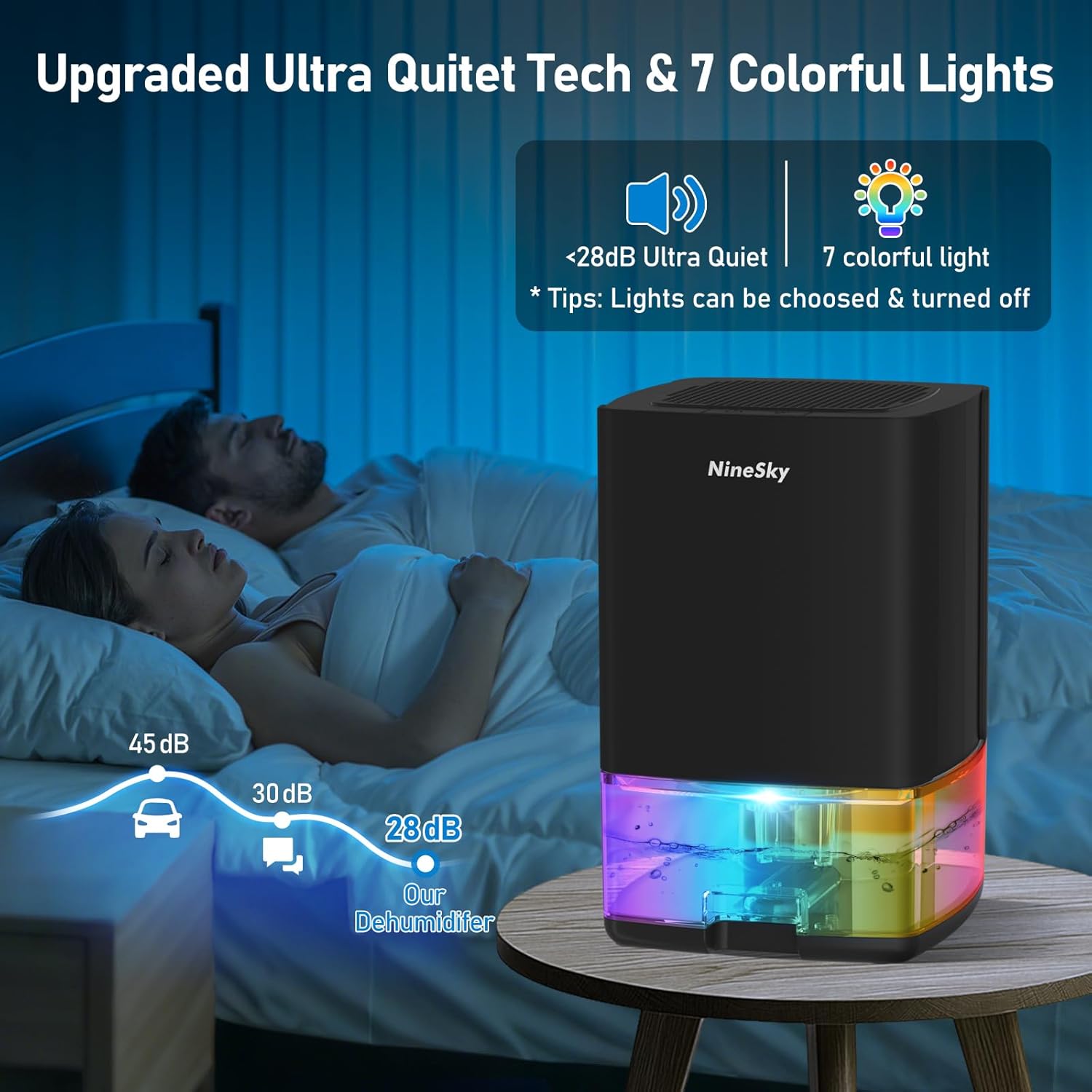
Image: The dehumidifier operating quietly in a bedroom, with its ambient lights creating a soothing atmosphere.
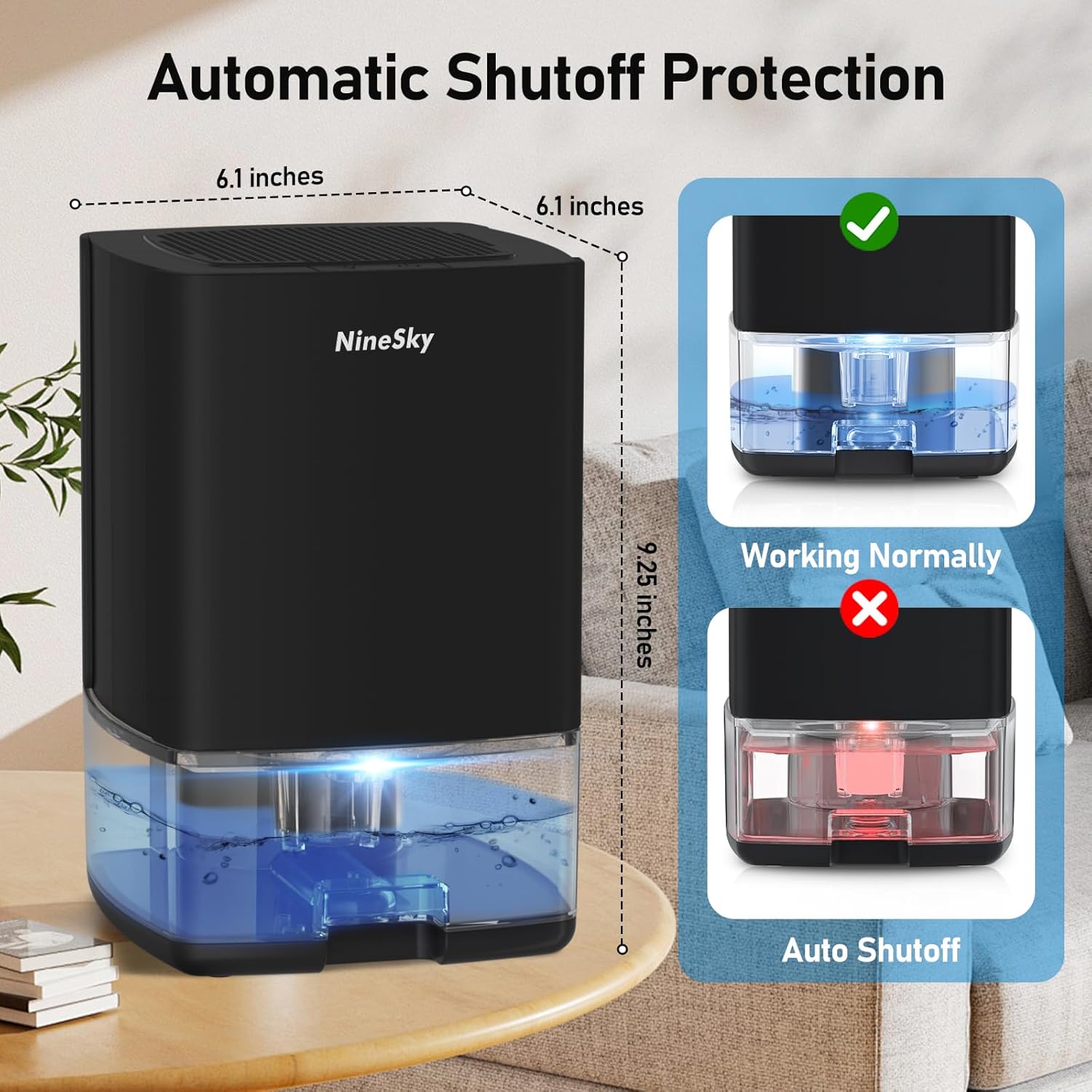
Image: Illustration of the automatic shut-off function, showing the unit with a full water tank and a red warning light.
Maintenance
Emptying the Water Tank:
- When the water tank is full, the dehumidifier will automatically shut off and the indicator light will turn red.
- Gently pull out the water tank from the front of the unit using the designated handle.
- Carefully pour out the collected water.
- Slide the empty water tank back into the dehumidifier until it clicks into place. The unit will resume operation.
Cleaning the Filter:
- Unplug the dehumidifier from the power outlet.
- Locate the washable filter, typically at the back or side of the unit (refer to product diagram for exact location).
- Remove the filter and rinse it under running water to remove dust and debris.
- Allow the filter to air dry completely before reinserting it into the unit.
- Regular cleaning (every 2-4 weeks, depending on usage) helps maintain optimal performance.

Image: Close-up view of the dehumidifier's ergonomic handle, visual water tank, and accessible washable filter for easy maintenance.
Troubleshooting
| Problem | Possible Cause | Solution |
|---|---|---|
| Dehumidifier not turning on. | No power, power adapter not connected, water tank full or improperly placed. | Check power connection. Ensure water tank is empty and correctly seated. |
| Dehumidifier not collecting water. | Room humidity is too low, ambient temperature is too low, air filter is blocked. | Ensure room conditions are within operating range (above 41°F and 45% RH). Clean the air filter. |
| Unit is making unusual noise. | Unit is not on a level surface, fan obstruction. | Place the unit on a flat, stable surface. Check for any obstructions in the fan or air vents. |
| Red indicator light is flashing. | Water tank is full or improperly placed. | Empty the water tank and reinsert it correctly. |
Specifications
- Brand: NineSky
- Model Name: C1
- Color: Black
- Dehumidification Capacity: Up to 350ml (11.8 oz) per day
- Water Tank Volume: 35 oz (1000ml)
- Coverage Area: Up to 300 sq.ft.
- Product Dimensions: 6.1" (L) x 6.1" (W) x 9.25" (H)
- Item Weight: 3.2 lbs
- Operation Mode: Automatic
- Special Feature: Automatic Shutoff, 7 Colorful Lights
- Material: Plastic
Warranty and Support
For warranty information or technical support, please refer to the contact details provided with your product packaging or visit the official NineSky website. Keep your purchase receipt as proof of purchase for warranty claims.
You can also visit the NineSky Store on Amazon for more product information and support resources.
Ask a question about this manual
Ask about setup, troubleshooting, compatibility, parts, safety, or missing instructions. Manuals+ will review the question and use this page’s manual context to help answer it.