Product Overview
The Feit Electric Smart WiFi Dimmer Switch with Remote offers advanced control over your home lighting. This versatile dimmer allows you to adjust brightness levels for non-smart dimmable bulbs from any location, whether through the intuitive Feit Electric App, voice commands via Alexa or Google Assistant, or direct manual operation. It supports single-pole, 3-way, and 4-way configurations, making it adaptable to various home wiring setups. The included wireless remote provides additional flexibility, allowing you to place a control point wherever it's most convenient without the need for complex wiring. Designed for ease of use and installation, this dimmer switch enhances your lighting experience with smart features like scheduling and grouping, while supporting up to 600W incandescent or 200W LED lighting.
Important Safety Information
⚠ WARNING: Ingestion Hazard
This product contains a button cell or coin battery.
- DEATH or serious injury can occur if ingested.
- A swallowed button cell or coin battery can cause Internal Chemical Burns in as little as 2 hours.
- KEEP new and used batteries OUT OF REACH OF CHILDREN.
- Seek immediate medical attention if a battery is suspected to be swallowed or inserted inside any part of the body.
What's Included
Your Feit Electric Smart WiFi Dimmer Switch package includes the following components:
- Smart WiFi Dimmer Switch
- Wireless Wall-Mount Remote
- Decorative Wall Plate
- Wire Nuts
- Mounting Screws
- Adhesive Strips (for remote mounting)

Image: All components included in the product package, laid out on a white surface.
Specifications
| Feature | Detail |
|---|---|
| Product Dimensions | 4.7 x 1.2 x 3 inches; 4.8 ounces |
| Item Model Number | DIM/BUTTON/WIFI |
| Manufacturer | Feit Electric |
| Country of Origin | China |
| Operation Mode | ON-OFF |
| Current Rating | 2 Amps |
| Operating Voltage | 120 Volts |
| Contact Type | Normally Open |
| Connector Type | Clamp |
| Terminal | Screw |
| Circuit Type | Single-Pole/3-Way/4-Way |
| Contact Material | Plastic |
| Max Incandescent Wattage | 600W |
| Max Dimmable LED Wattage | 200W |

Image: Detailed specifications including dimensions, compatible wiring (Single Pole, 3-way), voltage (120V-60Hz), wattage max (600W incandescent, 200W dimmable LED), and compatible light bulbs (Incandescent, Halogen, Dimmable LED).
Installation and Setup
Neutral Wire Requirement
A neutral wire is required for the installation of the wired dimmer switch. This is crucial for proper operation.

Image: A wiring diagram highlighting the neutral wire (white) connection within a wall box.
How to Check for a Neutral Wire:
- Turn power off at your breaker box.
- Take off the wall plate over your existing switch.
- Remove the screws from your switch and pull out the existing switch to look at the wires.
- If you see a white wire (or group of them), it is very LIKELY that you have a neutral in that switch box.
- If you do not have a neutral wire, this dimmer will not work.
Wiring Configurations
The Feit Electric Smart WiFi Dimmer Switch supports various wiring configurations, including single-pole, 3-way, and 4-way setups. The included wireless remote allows for flexible control options.

Image: Illustrations of various control setups: Switch & Dimmer, Dimmer & Companion Remote, Multiple Dimmers, and Single Dimmer.
Wireless Remote Installation
The wireless remote can be mounted anywhere using adhesive or mounting screws, providing convenient access to dimming control without additional wiring.

Image: A hand placing the wireless remote into its wall-mounted docking plate, indicating easy integration.

Image: Two options for securing the wireless remote: using adhesive backing for quick placement or mounting screws for a more permanent fixture.
Operating Instructions
Manual Control
The dimmer switch features intuitive buttons for manual control of your lighting.
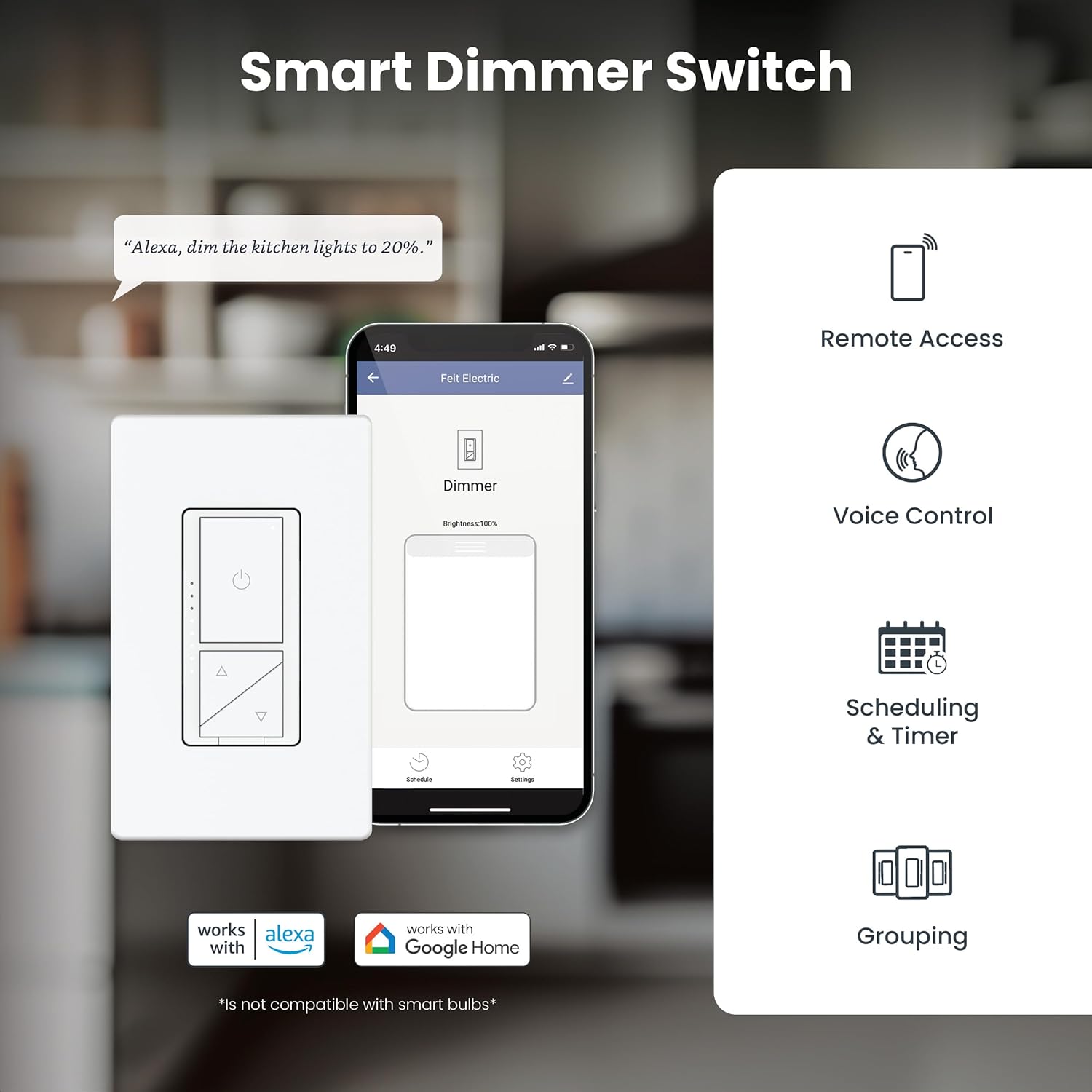
Image: A detailed diagram labeling the Max Brightness Button, Min. Brightness Button, Status Indicator, Brightness Indicator, Power Button, Dimming Button (Up), Dimming Button (Down), and Air-gap Switch Tab.
- Press the Power Button to turn lights ON or OFF.
- Use the Dimming Buttons (Up/Down) to adjust brightness levels.
- The Brightness Indicator LEDs show the current dimming level.
- The Air-gap Switch Tab can be pulled out to completely cut power for maintenance.
Smooth Dimmability
The dimmer provides smooth, flicker-free dimming for compatible incandescent and LED bulbs. You can fine-tune the dimming range to suit your preference.

Image: A room with lights dimming from bright to very dim, illustrating the smooth dimmability feature.

Image: A living room scene with lighting adjusted to a comfortable dimmed level, emphasizing flicker-free operation.
App Control (Feit Electric App)
Control your lights from anywhere using the free Feit Electric App, available for Android and iOS devices. The app allows for remote access, scheduling, grouping, and more.

Image: A smartphone displaying the Feit Electric app, showing options for remote access, voice control, scheduling & timer, and grouping.

Image: A smartphone displaying the Feit Electric app's scheduling interface, highlighting features like remote access, grouping, dimming, voice control, scheduling, and device sharing.
Voice Control
Integrate your smart dimmer switch with Amazon Alexa or Google Assistant for convenient voice control of your lighting.

Image: An Amazon Echo Dot, illustrating that the dimmer switch works with Alexa and Hey Google when connected through the Feit app.
Maintenance
The Feit Electric Smart WiFi Dimmer Switch is designed for long-lasting performance with minimal maintenance. Ensure the device is kept clean and free from dust. For any cleaning, disconnect power at the circuit breaker first and use a soft, dry cloth.
The device includes overheat protection for safety and durability.
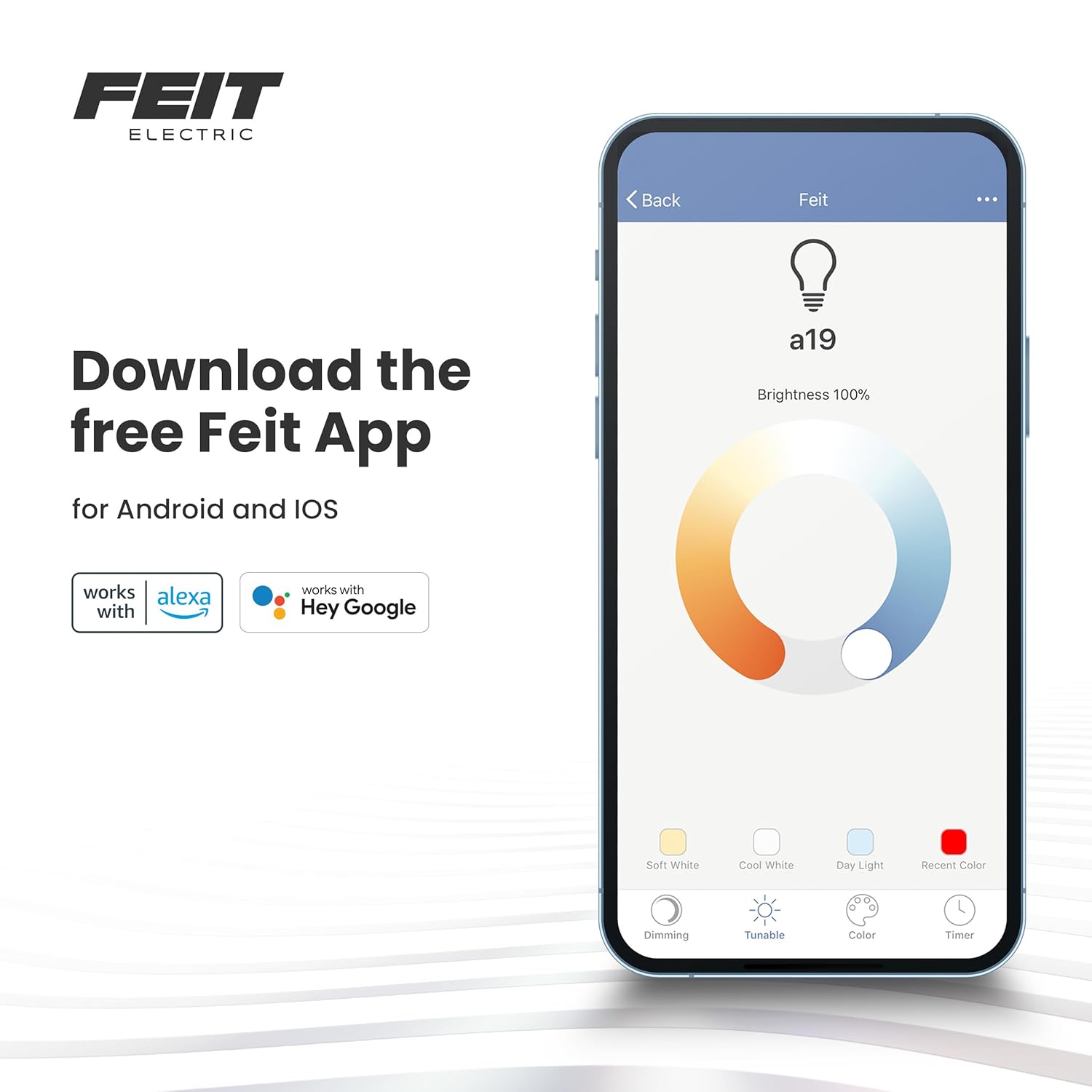
Image: A bedroom with a bedside lamp, indicating the product includes overheat protection and supports up to 600W incandescent or 200W LED lighting.
Troubleshooting
If you encounter any issues with your Feit Electric Smart WiFi Dimmer Switch, please refer to the following common troubleshooting tips:
- No Power/Not Responding: Ensure the circuit breaker is ON and the air-gap switch tab on the dimmer is fully pushed in. Verify that a neutral wire is correctly connected.
- Flickering Lights: Ensure your bulbs are dimmable. Adjust the minimum brightness level setting within the Feit Electric app if available.
- Wi-Fi Connectivity Issues: Ensure your Wi-Fi network is 2.4 GHz. Check your Wi-Fi signal strength at the switch location. Try restarting your router and the dimmer switch.
- App Control Not Working: Ensure your phone is connected to the internet and the Feit Electric app is updated to the latest version.
- Voice Control Not Working: Verify that the Feit Electric skill/service is linked correctly in your Alexa or Google Home app. Ensure your voice commands are clear and precise.
For more detailed troubleshooting or persistent issues, please contact Feit Electric customer support.
Warranty and Support
Manufacturer Warranty
This Feit Electric Smart WiFi Dimmer Switch comes with a 1-year manufacturer warranty, ensuring reliability and performance. This warranty covers defects in materials and workmanship under normal use.
Customer Support
For 24/7 customer support and additional resources, please visit the Feit Electric help center:

Image: A graphic promoting 24/7 customer support, directing users to feit.com/help via a QR code.


