
TCL 40V5C
TCL V5C Series Full HD Smart QLED TV User Manual
Model: 40V5C
1. Introduction
This user manual provides comprehensive instructions for the setup, operation, and maintenance of your TCL V5C Series Full HD Smart QLED TV. Please read this manual thoroughly before using your television to ensure proper and safe operation. Keep this manual for future reference.

Figure 1.1: Front view of the TCL 40V5C QLED TV.
2. Package Contents
Before proceeding with the setup, verify that all components are present in the packaging:
- 1N LED TV
- 1N Audio Cable
- 1N Stand
- 1N Power cord
- 1N Remote Control
- 2N Batteries (AAA)

Figure 2.1: Illustration of items included in the product box.
3. Setup
3.1 Assembling the Stand
If you are not wall-mounting the television, attach the included stand to the bottom of the TV. Ensure the stand is securely fastened with the provided screws to prevent instability.
3.2 Connecting Peripherals
Connect your external devices such as set-top boxes, gaming consoles, or sound systems to the appropriate ports on the TV. Refer to the port diagram below for connection points.

Figure 3.1: Rear view of the TCL TV showing various input/output ports.
- 1. USB 2.0 Port: For connecting USB storage devices.
- 2. LAN Port: For wired internet connection.
- 3. ANTENNA/CABLE INPUT: For connecting an antenna or cable TV signal.
- 4. SATELLITE INPUT: For connecting a satellite dish.
- 5. DIGITAL AUDIO OUT (OPTICAL): For connecting to external audio systems.
- 6. HDMI 1 Port: For connecting HDMI-enabled devices.
- 7. HDMI 2 (ARC) Port: For connecting HDMI-enabled devices, supports Audio Return Channel.
- 8. AV IN Adapter: For connecting older devices using an AV cable.
- 9. HEADPHONE Port: For connecting headphones.
3.3 Power Connection
Connect the power cord to the TV and then to a suitable power outlet. The TV is designed to operate on 240 Volts AC power.
4. Operating Instructions
4.1 Initial Setup and Google TV
Upon first power-on, the TV will guide you through the initial setup process, including language selection, network connection (Wi-Fi 4 supported), and Google account sign-in. The Google TV operating system provides a personalized experience, aggregating content from various streaming services.

Figure 4.1: The Google TV interface displaying available applications.
4.2 Remote Control Usage
The smart remote control features dedicated hotkeys for quick access to popular streaming services and a built-in microphone for Google Assistant voice commands. Ensure the included AAA batteries are inserted correctly.

Figure 4.2: The smart remote control for the TCL V5C TV.
4.3 Display and Audio Features
The TCL V5C TV features a Full HD QLED panel with HDR 10 support, offering vibrant colors and enhanced contrast. The 24 Watts Dolby Audio output provides an immersive sound experience. Multiple viewing modes are available to optimize picture and sound for different content types (e.g., Game Mode, Sports Mode, Movie Mode).

Figure 4.3: QLED technology provides vivid and accurate colors.
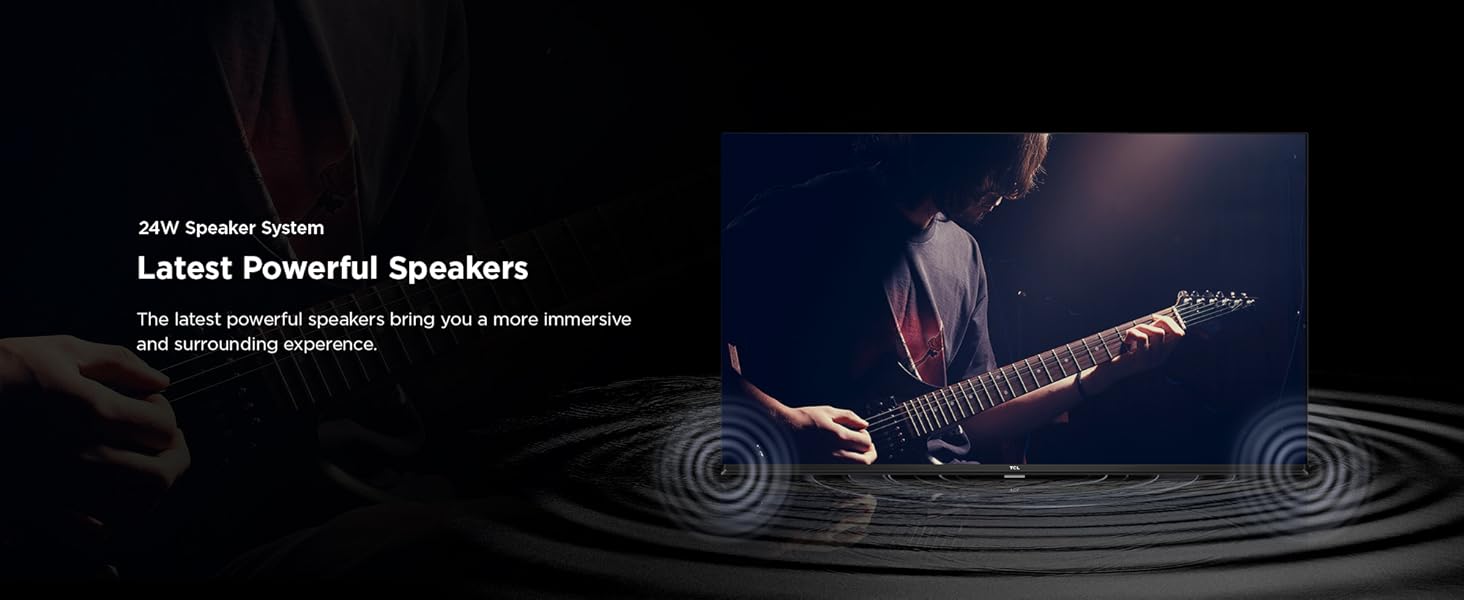
Figure 4.4: Dolby Audio enhances the sound experience.
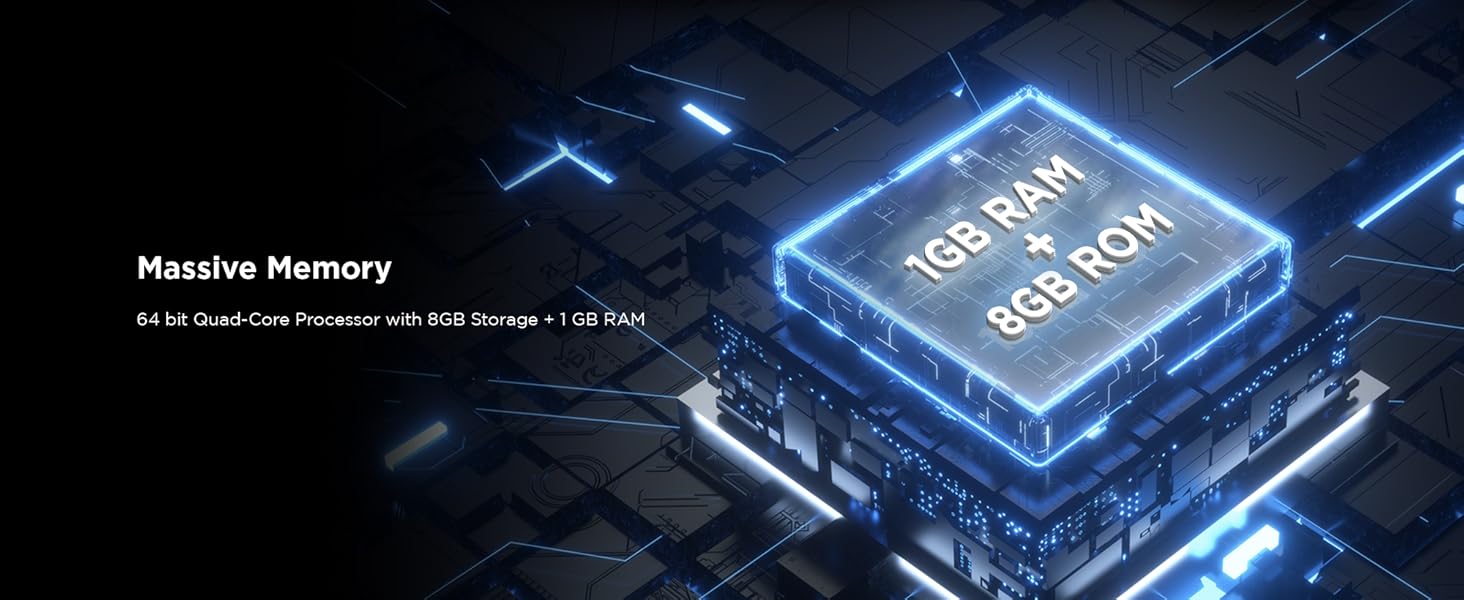
Figure 4.5: HDR 10 provides enhanced detail and contrast.
5. Maintenance
5.1 Cleaning the Screen
To clean the screen, gently wipe it with a soft, lint-free cloth. For stubborn marks, slightly dampen the cloth with water or a specialized screen cleaner. Avoid using harsh chemicals or abrasive materials.
5.2 General Cleaning
Wipe the TV's frame and stand with a dry, soft cloth. Ensure all vents are free from dust accumulation to maintain proper airflow and prevent overheating.
6. Troubleshooting
This section addresses common issues you might encounter. If the problem persists, please contact customer support.
| Problem | Possible Cause | Solution |
|---|---|---|
| No Power | Power cord disconnected; Power outlet issue. | Ensure power cord is securely connected. Check if the power outlet is working by plugging in another device. |
| No Signal | Incorrect input source selected; Loose cable connection. | Press the "Source" button on the remote to select the correct input. Check all cable connections (HDMI, Antenna, etc.). |
| Remote Control Not Responding | Dead batteries; Obstruction between remote and TV. | Replace batteries with new AAA batteries. Ensure no objects are blocking the remote's signal path to the TV's IR receiver. |
| Picture Quality Issues (e.g., blurry, distorted) | Low-quality source; Incorrect display settings. | Ensure the input source is high-definition. Adjust picture settings (brightness, contrast, sharpness) in the TV menu. |
| Audio Issues (e.g., no sound, distorted sound) | Volume too low/muted; External audio system issues. | Increase volume and check if TV is muted. If using external audio, ensure it's powered on and correctly connected. |
7. Specifications
| Feature | Detail |
|---|---|
| Brand | TCL |
| Model | 40V5C |
| Screen Size | 40 Inches (101 cms) |
| Resolution | Full HD (1920 x 1080) |
| Display Technology | QLED, HDR 10 |
| Refresh Rate | 60 Hertz |
| Operating System | Google TV |
| Processor | 64-bit Quad Core Processor |
| RAM | 1 GB |
| Internal Storage | 8 GB |
| Audio Output | 24 Watts, Dolby Audio |
| Connectivity | 2 HDMI Ports, 1 USB Port, 1 LAN, Wi-Fi 4, Bluetooth |
| Viewing Angle | 178 Degrees |
| Power Consumption (On-mode) | 80 Watts |
| Annual Energy Consumption | 95 kWh |
| Product Dimensions (with stand) | 89.2 x 18.4 x 55.8 cm |
| Item Weight | 4.58 kg |

Figure 7.1: Physical dimensions and weight of the TCL 40V5C TV.

Figure 7.2: Energy efficiency label for the TCL 40V5C TV.
8. Warranty and Support
The TCL V5C Series TV comes with a 1-year warranty provided by the manufacturer from the date of purchase. To avail warranty services, please retain your purchase invoice.
For technical support or service requests, please contact TCL India customer service. User manuals and additional product details can often be found on the official TCL website.
Manufacturer: TTE ELECTRONICS INDIA PRIVATE LIMITED
Country of Origin: India
Related documents40V5C


Ask a question about this manual
Ask about setup, troubleshooting, compatibility, parts, safety, or missing instructions. Manuals+ will review the question and use this page’s manual context to help answer it.