
Devo G6
Devo G6 Fingerprint Smart Lock User Manual
Model: G6 | Brand: Devo
Introduction
This manual provides comprehensive instructions for the installation, operation, and maintenance of your Devo G6 Fingerprint Smart Lock. The Devo G6 offers a secure and convenient keyless entry solution with multiple unlocking methods, built-in Wi-Fi, and long battery life. Please read this manual thoroughly before installation and use to ensure optimal performance and safety.
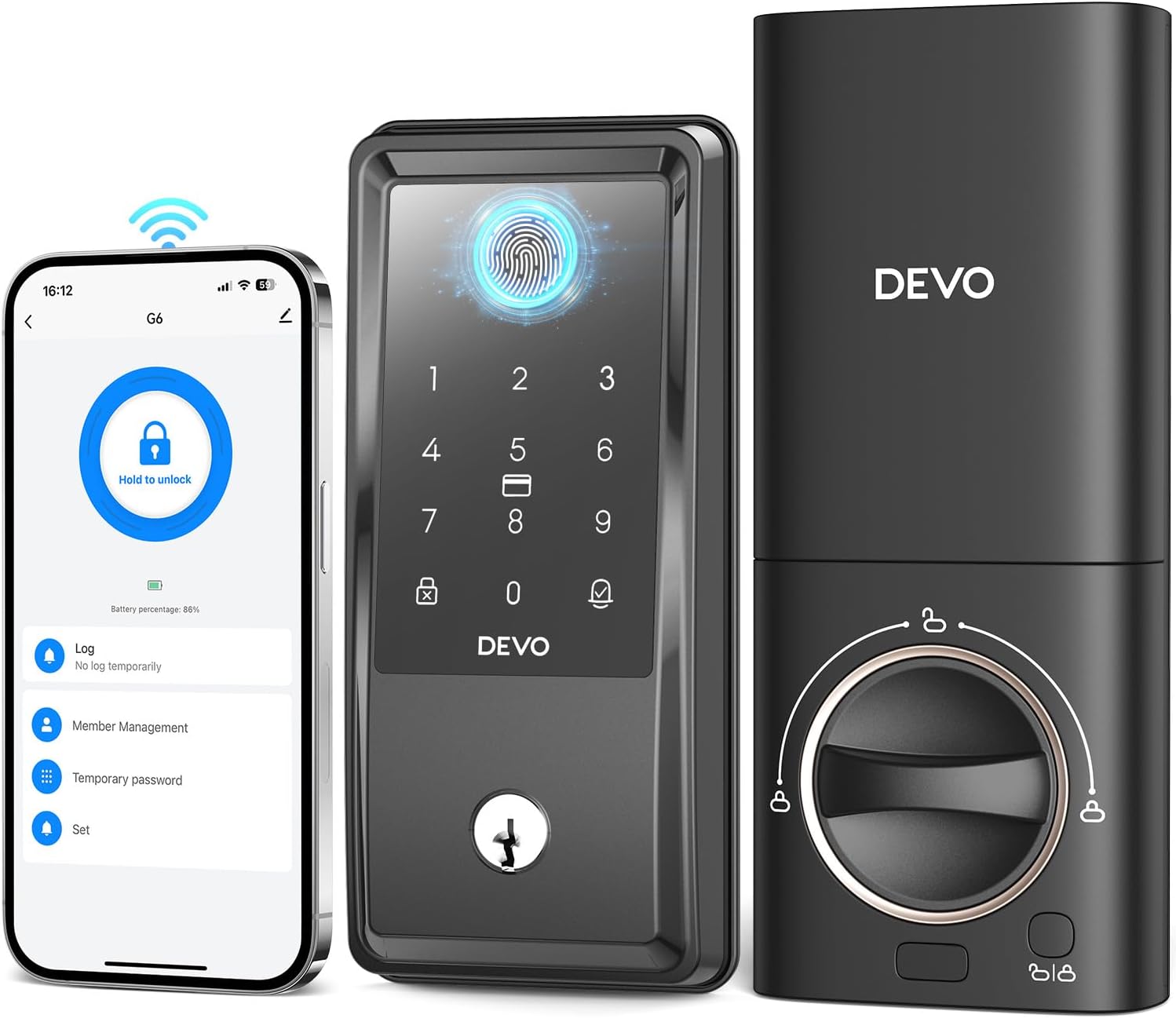
Image: The Devo G6 Smart Lock, showcasing its sleek design, integrated keypad, fingerprint sensor, and a smartphone displaying the accompanying mobile application for remote control.
Product Overview
Key Features
- AI Fingerprint Recognition: Equipped with advanced AI fingerprint recognition for precise and swift access in under 0.3 seconds, supporting up to 100 fingerprints with 99% accuracy.
- Built-in Wi-Fi & APP Control: No bridge required. Control your deadbolt smart lock from anywhere using the Tuya app, receiving real-time notifications, managing users, generating temporary passwords, and viewing event history.
- 6-in-1 Keyless Entry: Multiple unlocking options including AI fingerprint, app remote control, IC card, voice control (Alexa/Google Assistant), password, and traditional key.
- Strong Security Features: Includes auto-lock (5s-15min), one-touch lock, and error input restrictions. Low battery alarm and IP54 waterproof rating for durability.
- Excellent Battery Life: Powered by 8 AA batteries (not included), the lock can operate for up to 8 months.
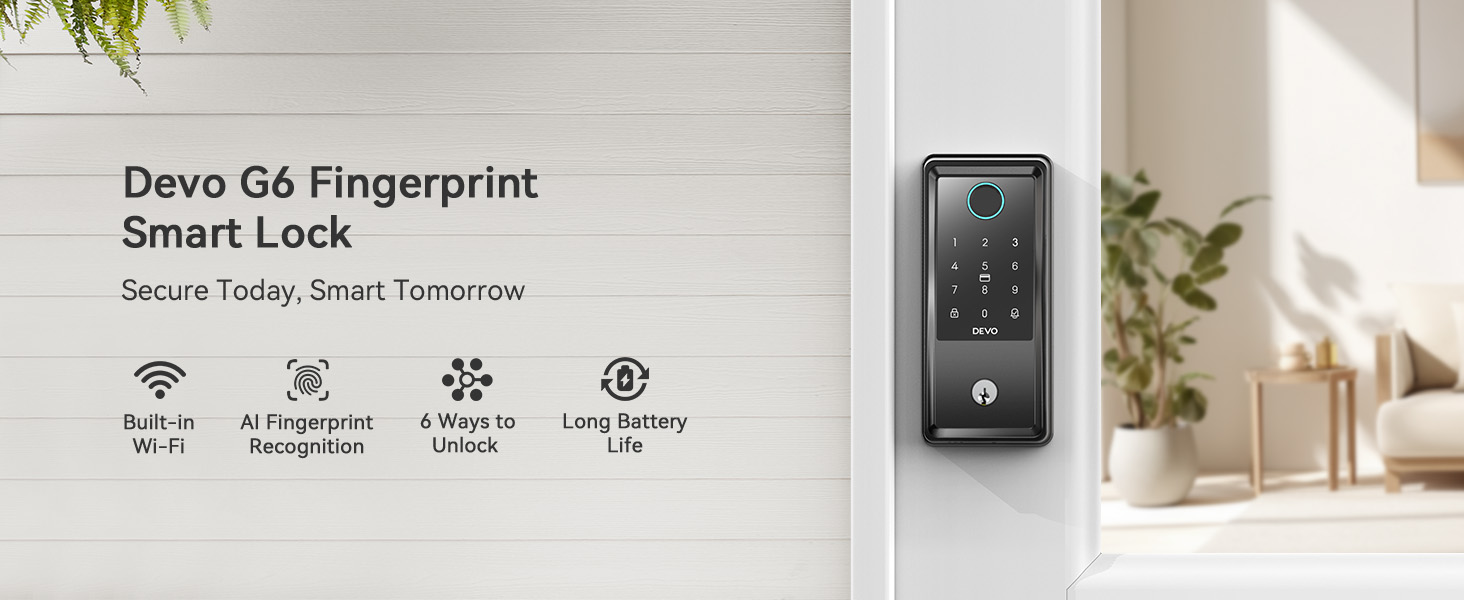
Image: An overview graphic highlighting the main features of the Devo G6 Smart Lock: Built-in Wi-Fi, AI Fingerprint Recognition, 6 Ways to Unlock, and Long Battery Life.
Setup
Installation
The Devo G6 Smart Lock is designed for easy installation and can be set up in minutes with a screwdriver. It is compatible with most US standard doors.

Image: A person installing the Devo G6 Smart Lock on a door with a screwdriver, illustrating the ease of installation. Examples of suitable locations like home, garage, office, and apartment are shown.
Door Compatibility
Before installation, ensure your door meets the following specifications:
- Cross Bore Diameter: 1.5/2.1 inches (38/54 mm)
- Backset: 2.4/2.8 inches (60/70 mm)
- Door Thickness: 1.4-2.2 inches (35-55 mm)
- Compatible with single cylinder deadbolts. Not compatible with mortise/integrated locks.

Image: A diagram illustrating the required door dimensions (cross bore diameter, backset, door thickness) and compatible latch hole types (chiseled, not chiseled) and lock types (single cylinder) for the Devo G6 Smart Lock.
App Setup (Tuya App)
The Devo G6 Smart Lock features built-in Wi-Fi, allowing direct connection to your home network without a separate bridge. Download the Tuya app to manage your lock remotely.

Image: The Devo G6 Smart Lock on a door, with a Wi-Fi signal icon pointing to a router, indicating its direct Wi-Fi connectivity (2.4GHz only, 5GHz not supported).
Operating the Smart Lock
Unlocking Methods
The Devo G6 Smart Lock offers six convenient ways to unlock your door:
- Fingerprint Unlock: Use your registered fingerprint for quick access. The lock features AI fingerprint recognition for fast and accurate identification. Up to 100 fingerprints can be stored.

Image: A hand touching the fingerprint sensor on the Devo G6 Smart Lock, illustrating the quick fingerprint unlock feature with details on 0.25s biometrics identification, AI chip self-learning, and 100 fingerprint capacity.
- APP Remote Control: Unlock your door from anywhere using the Tuya app on your smartphone. You can also manage users, view logs, and receive notifications.

Image: A hand holding a smartphone displaying the Tuya app interface for the Devo G6 Smart Lock, showing options for lock/unlock, real-time notifications, user management, log record, low battery warning, and temporary password generation.
- IC Card Unlock: Use the provided IC cards to unlock the door by touching them to the lock's screen. Two IC cards are included.

Image: A hand using an IC card to unlock the Devo G6 Smart Lock, demonstrating the IC card entry method.
- Voice Control: Integrate with Amazon Alexa or Google Assistant to unlock the smart lock using voice commands.

Image: A person in a kitchen interacting with a smart speaker, demonstrating voice control for the Devo G6 Smart Lock via Amazon Alexa or Google Assistant.
- Password Unlock: Enter a numerical password on the keypad. The lock supports anti-peeping virtual passwords to enhance security. You can set different passwords for various users and change them as needed.

Image: A hand entering a password on the Devo G6 Smart Lock keypad, illustrating the anti-peeping password feature with random digits surrounding the correct password.
- Traditional Key Unlock: For backup, use the physical key provided to unlock the deadbolt. Two mechanical keys are included.
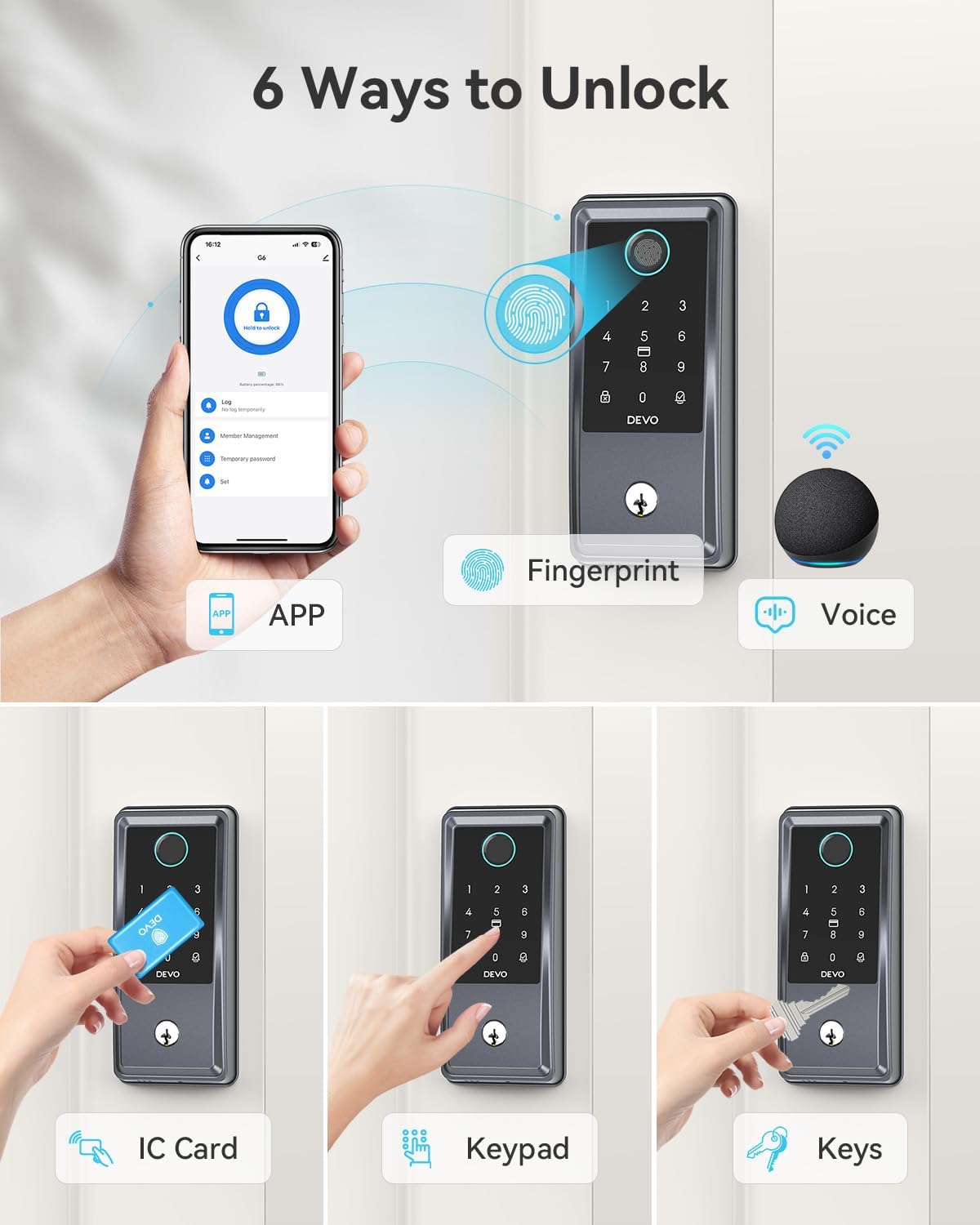
Image: A composite image showing all six unlocking methods for the Devo G6 Smart Lock: App, Fingerprint, Voice, IC Card, Keypad, and Physical Keys.
Auto-Lock and One-Touch Lock
The Devo G6 Smart Lock features an auto-lock function that can be customized to automatically lock the door after a set period (5 seconds to 15 minutes). You can also use the one-touch lock feature for immediate locking.

Image: A person and a dog standing outside a door with the Devo G6 Smart Lock, illustrating the auto-lock feature with customizable time settings (5 sec, 30 sec, 1 min, 5 min, 15 min) and one-touch lock capability.
Official Product Video: How to use Devo G6 Smart Lock
Video: An official demonstration video from the seller, "How to use Devo G6 Smart Lock," showing various unlocking methods including fingerprint, app, IC card, password, and key. This video provides a visual guide to operating the lock's features.
Maintenance
Battery Life
The Devo G6 Smart Lock is powered by 8 AA batteries (not included) and offers an impressive 8 months of battery life, reducing the need for frequent battery changes. The Tuya app will notify you in advance when the battery is running low.

Image: A view of the Devo G6 Smart Lock's internal battery compartment, highlighting its 8-month battery life and the use of 8 AA batteries.
Weather Resistance
The Devo G6 Smart Lock has an IP54 waterproof rating, making it resistant to rain and snow. It operates effectively in a temperature range of 5°F to 122°F (-15°C to 50°C).

Image: A visual representation of the Devo G6 Smart Lock's IP54 waterproof rating, showing it in a rainy outdoor environment and highlighting its operating temperature range.
Troubleshooting
If you encounter any issues with your Devo G6 Smart Lock, please refer to the following common troubleshooting steps:
- Lock not responding: Check battery levels. Replace batteries if low. Ensure the lock is properly installed and aligned.
- Fingerprint not recognized: Ensure your finger is clean and dry. Re-register your fingerprint if issues persist.
- App connectivity issues: Verify your Wi-Fi network is 2.4GHz and stable. Restart your router and the lock. Ensure the Tuya app is updated to the latest version.
- Password not working: Double-check the entered password. Ensure the lock is not in a locked-out state due to too many incorrect attempts.
- Auto-lock not engaging: Verify the auto-lock timer setting in the app.
For more detailed troubleshooting or persistent issues, please contact customer support.
Specifications
| Attribute | Value |
|---|---|
| Brand | Devo |
| Model Name | G6 Smart Lock |
| Lock Type | Deadbolt |
| Material | Aluminum |
| Item Dimensions (L x W x H) | 9.5 x 7.3 x 3.8 inches |
| Item Weight | 2.6 pounds |
| Special Features | Auto-Lock, Fingerprint, One-Touch Lock, Touchscreen, Weather Resistant |
| Connectivity Protocol | Wi-Fi (2.4GHz) |
| Control Method | App, Remote, Touch, Voice |
| Controller Type | Amazon Alexa, Google Assistant |
| Power Source | 8 AA Batteries (not included) |
| Included Components | G6 Smart Door Lock * 1, IC Card * 2, Installation Accessories, Mechanical Key * 2, User Manual |
| Operating Temperature | 5°F - 122°F (-15°C - 50°C) |
| Waterproof Rating | IP54 |
| Certifications | BHMA GRADE 3 |

Image: A detailed diagram showing the dimensions of the Devo G6 Smart Lock and the required cross bore diameter, backset, and door thickness for installation.
Warranty & Support
Devo provides a 12-month warranty for the G6 Smart Lock. For any questions, technical assistance, or warranty claims, please feel free to contact Devo customer service. Refer to the product packaging or the official Devo website for contact information.
Related documentsG6


Ask a question about this manual
Ask about setup, troubleshooting, compatibility, parts, safety, or missing instructions. Manuals+ will review the question and use this page’s manual context to help answer it.