Introduction
This manual provides comprehensive instructions for the setup, operation, and maintenance of your CNBRO Smart Ring. Please read this manual thoroughly before using the device to ensure proper function and to maximize your user experience. Keep this manual for future reference.
Package Contents
- 1x CNBRO Smart Ring
- 1x Charging Cable
- 1x User Manual
Product Overview
The CNBRO Smart Ring is a wearable device designed to monitor various health and fitness metrics, featuring a built-in display for quick access to information.
Key Features:
- Integrated Touch Screen Display
- 24-hour Heart Rate Monitoring
- Automatic Sleep Tracking
- Pedometer (Steps, Calories, Distance)
- Multiple Sport Modes
- Gesture Control for Remote Camera and Music
- IP68 Waterproof Rating
- Free Companion App (JRING)

Figure 1: CNBRO Smart Ring, showing the ring itself, its charging case, and the companion app interface on a smartphone.
Setup
1. Charging the Smart Ring
Before first use, fully charge your Smart Ring. Connect the provided charging cable to a USB power source and attach the magnetic end to the charging contacts on the ring. The display will indicate charging status.
2. App Installation and Pairing
- Download the "JRING" app from your smartphone's app store (compatible with iOS 10.0+ and Android 9.0+).
- Open the JRING app and follow the on-screen instructions to create an account or log in.
- Ensure your phone's Bluetooth is enabled.
- Within the app, search for your Smart Ring and select it to pair.
- Confirm the pairing request on both your phone and the ring if prompted.
3. Determining Your Ring Size
For accurate data tracking and comfortable wear, ensure the ring fits correctly. The ring should be worn on the index finger for optimal operation with thumb gestures.

Figure 2: Instructions for measuring your finger to determine the correct ring size. It shows wrapping a paper strip around the finger, marking it, and then measuring the length with a ruler. It also indicates wearing the ring on the index finger for ease of use with the thumb.
Measurement Steps:
- Take a long non-elastic rope or paper strip and wrap it around your finger.
- Mark the junction part on the rope or paper.
- Lay the rope or paper flat and measure its length. It is recommended to measure multiple times for accuracy.
Refer to the size chart below to find your corresponding ring size:
| Size | Diameter (Dia) | Perimeter |
|---|---|---|
| 8# | 18.1mm/0.71in | 56.9mm/2.24in |
| 9# | 18.9mm/0.74in | 59.5mm/2.34in |
| 10# | 19.8mm/0.78in | 62.1mm/2.44in |
| 11# | 20.6mm/0.81in | 64.6mm/2.54in |
| 12# | 21.4mm/0.84in | 67.2mm/2.64in |
Operating Instructions
1. Display Functions
The Smart Ring features a touch screen display that shows real-time data. You can view the current time, steps taken, heart rate, and sleep duration directly on the ring without needing to access the app.

Figure 3: The Smart Ring's display showing various metrics such as blood oxygen percentage, heart rate in beats per minute, and sleep duration in hours and minutes.
2. Heart Rate Monitoring
The ring continuously monitors your heart rate throughout the day. This data is accessible on the ring's display and in more detail within the JRING app. The app provides historical data and analysis to help you understand your heart health.
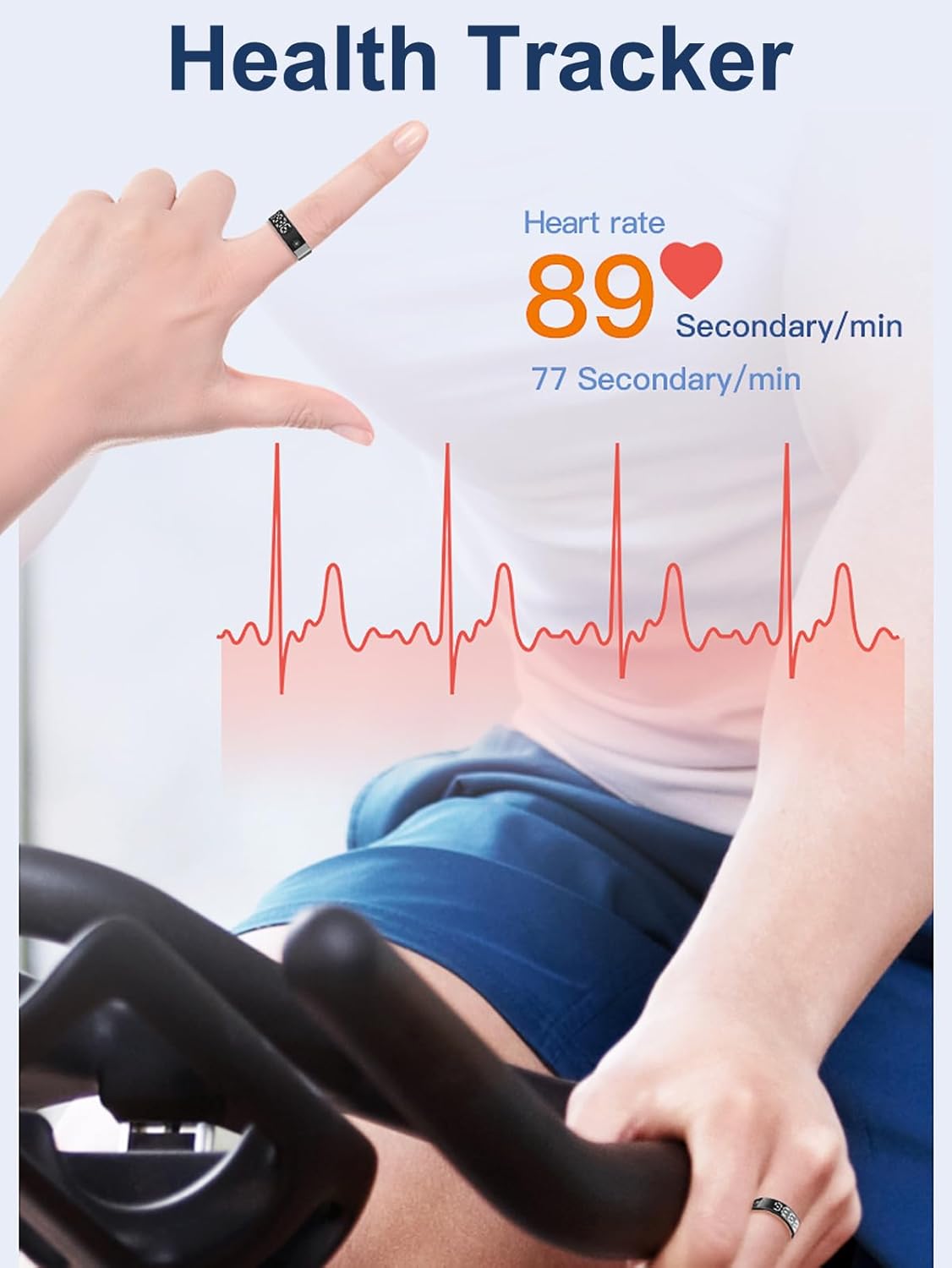
Figure 4: A person wearing the Smart Ring while exercising, with an overlay showing heart rate data and a heart rate graph, indicating continuous monitoring.
3. Sleep Tracking
The Smart Ring automatically tracks your sleep patterns, including duration of deep sleep, light sleep, and wake-up times. This information is synchronized with the JRING app, offering insights into your sleep quality.

Figure 5: The Smart Ring placed on a nightstand next to a sleeping person, with graphics indicating different sleep stages (fall asleep, light sleep, deep sleep, wake up) and their recorded times.
4. Activity Tracking and Sport Modes
The ring functions as a pedometer, automatically tracking your steps, calories burned, and distance traveled. For more detailed workout analysis, activate specific sport modes within the JRING app. This will record your route, activity time, and heart rate during exercise.

Figure 6: A smartphone screen showing the JRING app interface with activity data such as steps, calories, and distance. Icons for various sport modes like running, skiing, golf, and swimming are also visible.
5. Gesture Control
The Smart Ring supports gesture interactions, allowing you to control certain smartphone functions remotely. These include:
- Remote Camera: Trigger your phone's camera shutter.
- Music Control: Play, pause, or skip tracks.
- Short Video Scrolling: Navigate through short video platforms like TikTok.
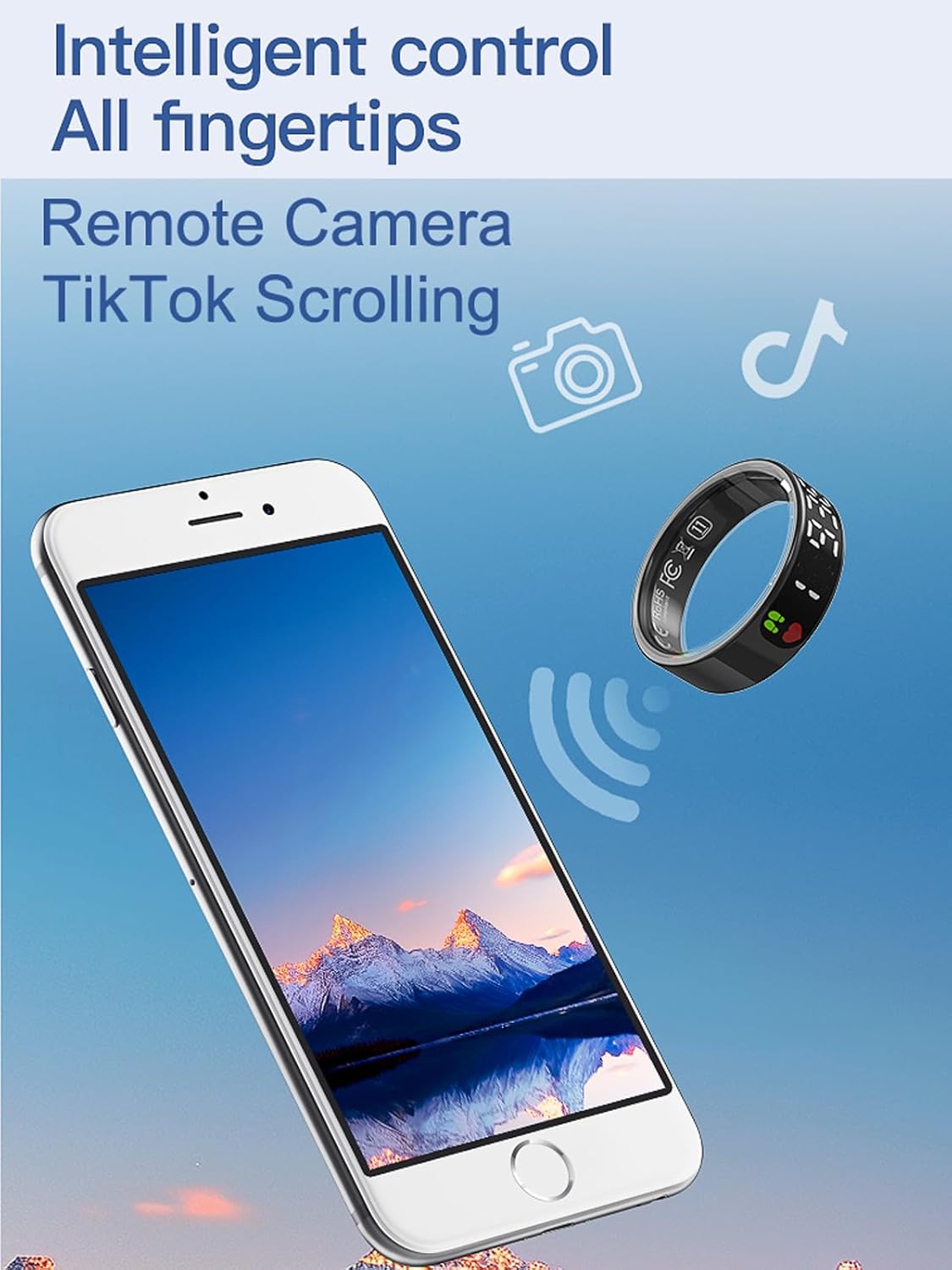
Figure 7: An illustration depicting the Smart Ring wirelessly controlling a smartphone, with icons representing remote camera and TikTok scrolling functions.
Maintenance
1. Water Resistance
The CNBRO Smart Ring has an IP68 waterproof rating, making it suitable for cold showering, washing hands, and exposure to rain. Do not use the ring in hot water, saunas, or steam rooms, as this can compromise the waterproof seals.
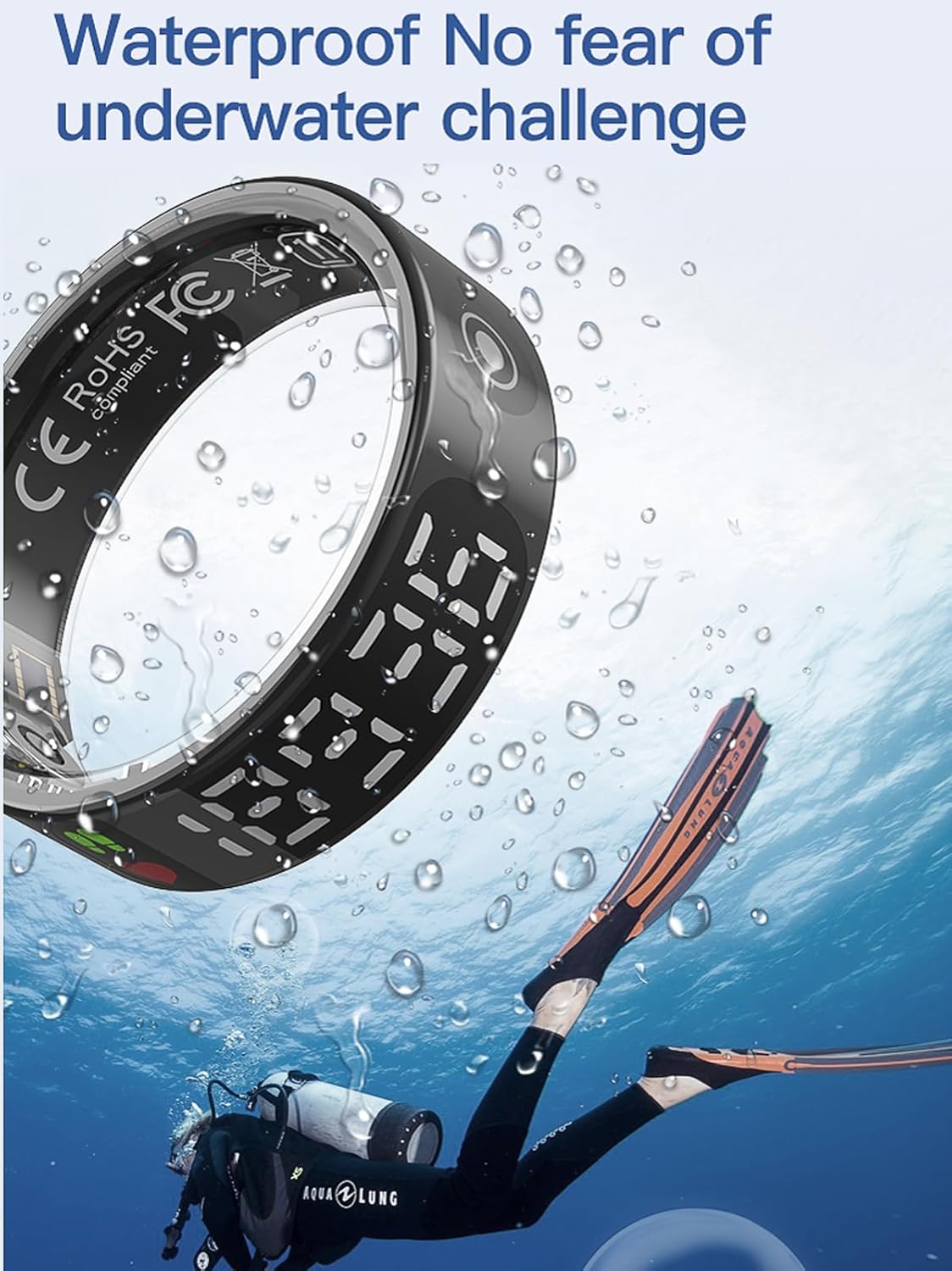
Figure 8: The Smart Ring shown underwater with a diver, illustrating its waterproof capabilities for activities like swimming or diving in cold water.
2. Cleaning
To clean your Smart Ring, gently wipe it with a soft, damp cloth. Avoid using abrasive cleaners or harsh chemicals, which can damage the device's finish or internal components.
3. Battery Care
To prolong battery life, avoid fully discharging the ring frequently. Charge the device regularly, especially if it will be stored for an extended period.
Troubleshooting
- Ring not turning on: Ensure the ring is fully charged. Connect it to the charging cable and a power source.
- Cannot pair with app:
- Make sure Bluetooth is enabled on your smartphone.
- Ensure the ring is within range of your smartphone.
- Restart both the ring (if possible) and your smartphone.
- Reinstall the JRING app.
- Inaccurate data:
- Ensure the ring is worn correctly and snugly on your finger.
- Clean the sensors on the inside of the ring.
- Update the JRING app to the latest version.
- Display not responding: Ensure the ring is charged. If the issue persists, try restarting the ring by placing it in its charging case for a few moments and then removing it.
If you encounter issues not covered here, please refer to the support section or contact customer service.
Specifications
| Feature | Detail |
|---|---|
| Bluetooth Version | 5.3 |
| Charging Type | Magnetic Charging |
| Ring Battery Capacity | 17mAh (Lithium Polymer) |
| Compatibility | iOS 10.0 or above, Android 9.0 or above |
| Waterproof Rating | IP68 |
| Companion App | JRING (No subscription fees) |
| Item Weight | 100 Grams (approx. 3.53 ounces) |
Warranty and Support
For warranty information and customer support, please refer to the documentation included with your purchase or visit the official CNBRO website. If you have any questions or require assistance, please contact our customer service team.
Contact information is typically found on the product packaging or within the JRING application's settings menu.