
ZDK B0DZHB1S3S
ZDK Portable Projector User Manual
Model: B0DZHB1S3S
1. Introduction
Thank you for choosing the ZDK Portable Projector. This manual provides essential information for setting up, operating, and maintaining your projector to ensure optimal performance and longevity. The ZDK Portable Projector offers a versatile viewing experience with its native 1080P resolution, 4K support via HDMI, and extensive connectivity options including WiFi and Bluetooth.

Image 1: Front view of the ZDK Portable Projector, showcasing its compact design and lens.
2. Package Contents
Please check the package contents upon unboxing to ensure all items are present:
- ZDK Portable Projector
- Power Cable
- Remote Control
- User Manual (this document)
- (May include HDMI cable or AV cable, depending on specific package)
3. Product Features

3.1. Dual-Band WiFi Connectivity
The projector supports both 2.4G and 5G WiFi for seamless screen mirroring from iOS and Android devices. This allows for faster, smoother, and lower-latency projection of your mobile content.
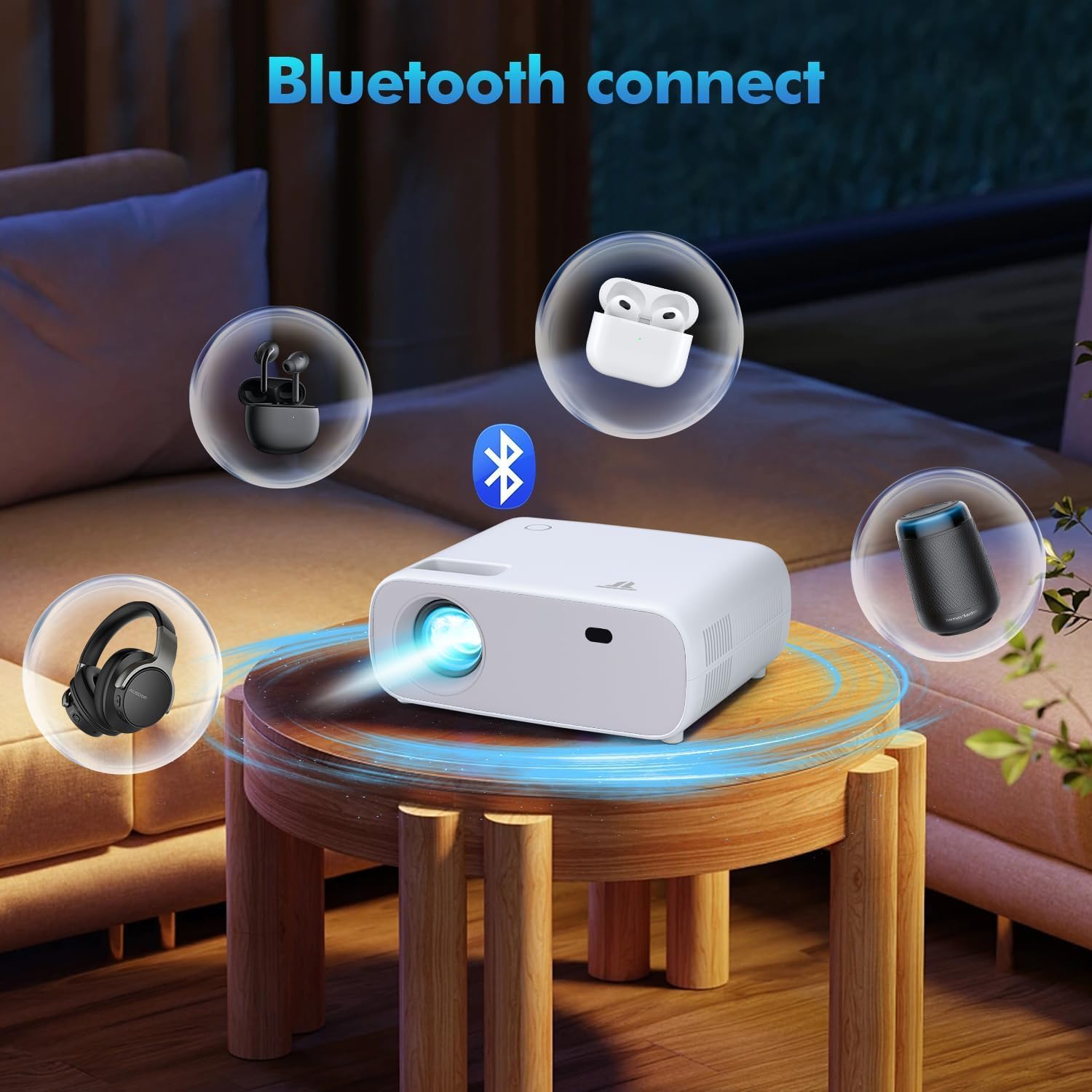
3.2. Bluetooth Audio Output
Equipped with Bluetooth, the projector can connect wirelessly to external speakers or headphones for an enhanced audio experience. While it has built-in stereo speakers, Bluetooth provides flexibility for superior sound.
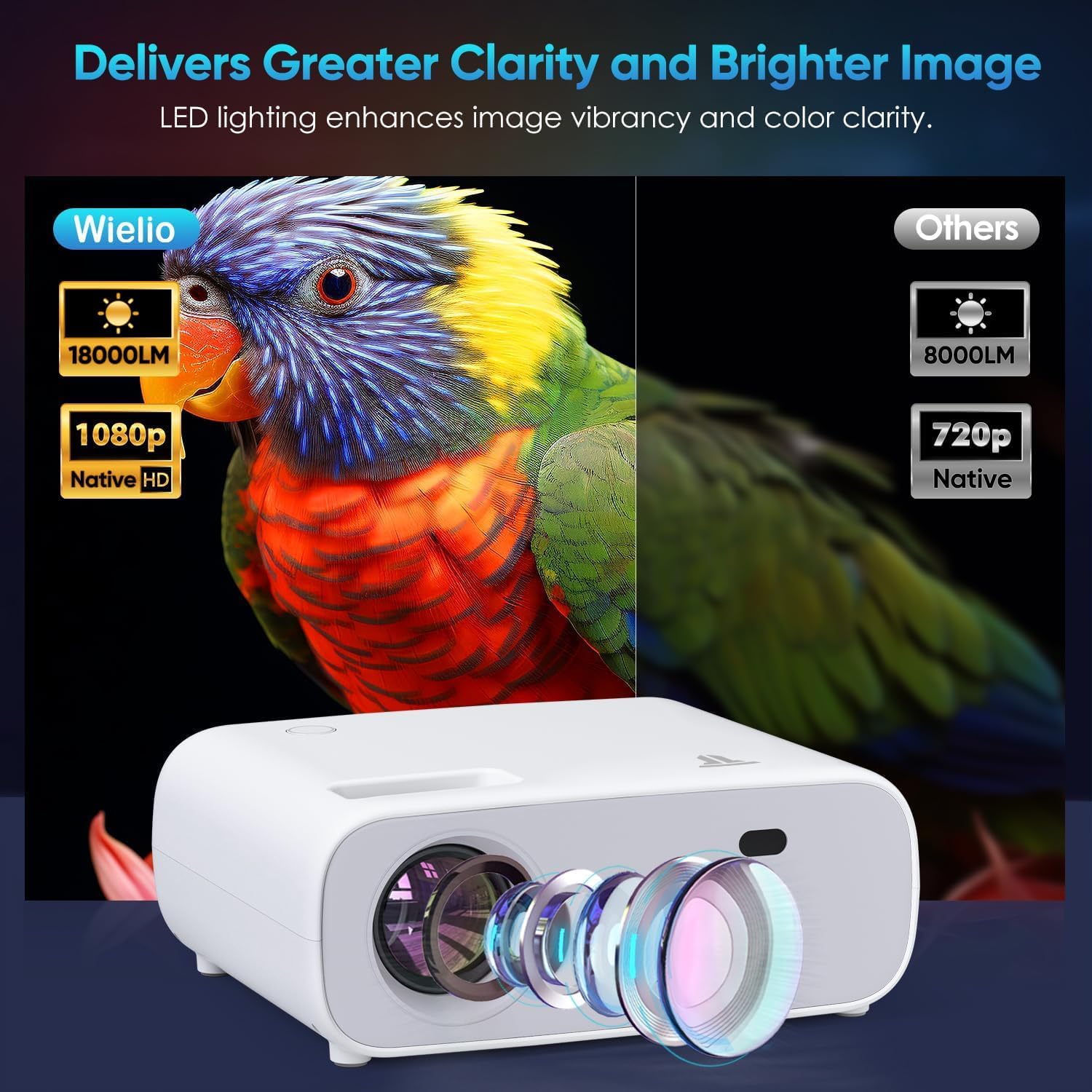
3.3. High-Quality Native 1080P Resolution
Experience crystal-clear images with native 1080P resolution. The projector also supports 4K resolution input via HDMI, ensuring every detail is accurately restored for a vibrant viewing effect. It features a 500 ANSI strong light source and a 50,000-hour lamp life.

3.4. Adjustable Projection Size
The projector offers a flexible projection screen display, adjustable from 30 to 200 inches, making it suitable for various environments from small rooms to large outdoor settings.

3.5. Wide Device Compatibility
Connect seamlessly with a variety of devices including TV Sticks, iPhones, Android phones, tablets, laptops, PCs, USB flash disks, PS4, and other gaming consoles. Note: Due to copyright, streaming services like Netflix, Hulu, Amazon Prime may require an HDMI connection for screen mirroring from laptops.
4. Setup Guide
4.1. Powering On
Connect the power cable to the projector and a power outlet. Press the power button on the projector or the remote control to turn it on. The projector lamp will illuminate, and the startup screen will appear.
4.2. Focus Adjustment
To achieve a clear image, adjust the focus ring located near the lens until the projected image is sharp. This may need to be done each time the projector's distance from the screen changes.
4.3. Placement and Projection Size
Place the projector on a stable, flat surface. The distance from the projection surface (wall or screen) will determine the image size. Adjust the distance to achieve your desired screen size (30-200 inches). Ensure the projector is positioned to project directly onto the surface for best results.
5. Operating Instructions
5.1. Connecting Devices
The ZDK Portable Projector offers various ways to connect your devices:
- WiFi Screen Mirroring: For iOS and Android devices, navigate to the WiFi projection menu on the projector. Connect your mobile device to the same WiFi network as the projector, then select the projector from your device's screen mirroring options.
- Bluetooth Audio: To connect external Bluetooth speakers or headphones, go to the Bluetooth settings on the projector, enable Bluetooth, and pair with your desired audio device.
- HDMI: Use an HDMI cable to connect devices like TV Sticks, laptops, gaming consoles (PS4, Xbox, Switch), or Blu-ray players. Select the HDMI input source on the projector.
- USB: Insert a USB flash drive into the USB port to play media files (photos, videos, music).
- AV: Use an AV cable (not included) to connect older devices with AV output.
Video 1: Demonstrates the ZDK Portable Projector's power-on sequence, projection quality, multi-device connectivity including WiFi and Bluetooth, focus adjustment, and usage in home theater and gaming scenarios.
6. Maintenance
- Cleaning the Lens: Use a soft, lint-free cloth specifically designed for optical lenses. Do not use abrasive cleaners or cloths that could scratch the lens.
- Cleaning the Projector Body: Wipe the exterior with a soft, dry cloth. Avoid using liquid cleaners directly on the projector.
- Ventilation: Ensure the projector's ventilation vents are not blocked to prevent overheating. Do not place the projector on soft surfaces that could obstruct airflow.
- Storage: When not in use for extended periods, store the projector in a cool, dry place, ideally in its original packaging or a protective case.
- Lamp Life: The projector lamp has a life expectancy of 50,000 hours. Regular maintenance helps maximize its lifespan.
7. Troubleshooting
| Problem | Possible Cause | Solution |
|---|---|---|
| No image projected | Power cable loose, incorrect input source, lens cap on. | Check power connection, select correct input source (HDMI, USB, WiFi), remove lens cap. |
| Image is blurry | Focus not adjusted, projector too close/far from screen. | Adjust the focus ring. Adjust projector distance from the screen. |
| No sound | Volume too low, external speaker not connected/paired, audio format not supported. | Increase volume. Ensure Bluetooth speaker is paired or wired speaker is connected. Check audio format compatibility. |
| WiFi screen mirroring issues | Network instability, device compatibility, incorrect setup. | Ensure both devices are on the same stable WiFi network. Restart projector and device. Check device's screen mirroring settings. |
8. Specifications
- Brand: ZDK
- Model: B0DZHB1S3S
- Display Resolution: Native 1920 x 1080 (Supports 4K via HDMI)
- Brightness: 500 ANSI Lumens
- Connectivity Technology: Bluetooth, WiFi (2.4G + 5G), HDMI, USB, AV
- Special Feature: Built-In Speaker
- Recommended Uses: Home Cinema, Outdoor Activities, Presentations, Gaming
- Lamp Life: 50,000 hours
- Projection Size: 30-200 inches
- Item Weight: 2.83 pounds
- Package Dimensions: 10 x 9.57 x 4.41 inches
- Color: White
9. Warranty and Support
The ZDK Portable Projector comes with a 2-year warranty from the date of purchase, ensuring your satisfaction. If you encounter any issues or have questions regarding your projector, please do not hesitate to contact our customer support team. We are committed to providing 100% satisfaction and will respond to inquiries within 12 hours.
For support, please refer to the contact information provided on the product packaging or the official ZDK website.
Related documentsB0DZHB1S3S


Ask a question about this manual
Ask about setup, troubleshooting, compatibility, parts, safety, or missing instructions. Manuals+ will review the question and use this page’s manual context to help answer it.