
Monster AC390
Monster Open Ear AC390 Headphones User Manual
Model: AC390 | Brand: Monster
1. Introduction
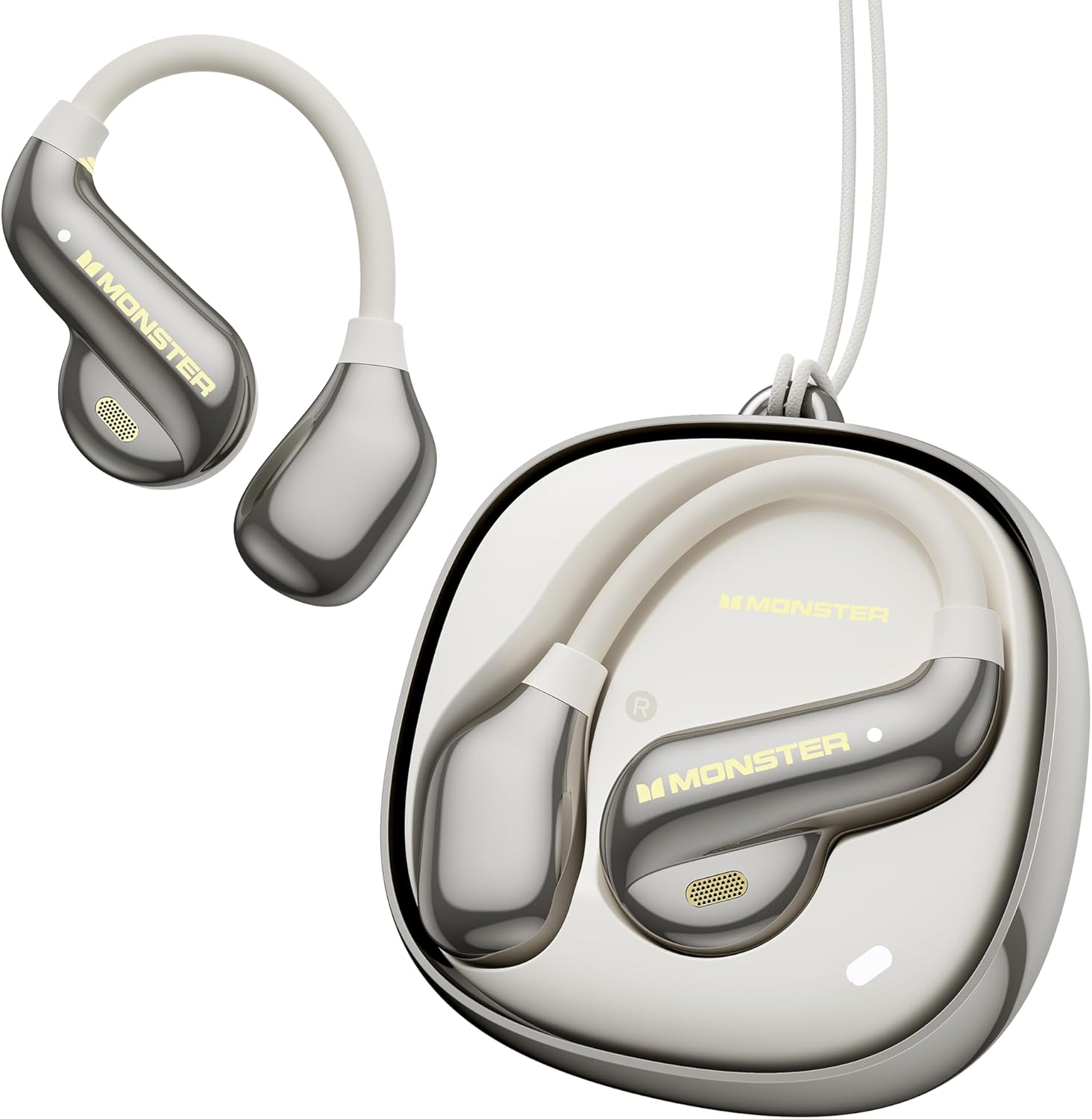
Image: The Monster Open Ear AC390 headphones and their charging case.
This manual provides comprehensive instructions for the safe and efficient use of your Monster Open Ear AC390 Headphones. Please read this manual thoroughly before using the product and retain it for future reference.
1.1 What's in the Box?
- Monster Open Ear AC390 Wireless Earbuds (x2)
- Wireless Charging Case (x1)
- USB-C Charging Cable (x1)
- User Instructions (x1)
- Detachable Hanging Rope (x1)

Image: All components included in the Monster Open Ear AC390 package.
2. Setup and Initial Use
2.1 Charging the Device
Before first use, fully charge the earbuds and the charging case. Connect the provided USB-C charging cable to the charging port on the case and the other end to a USB power source (e.g., computer, wall adapter). The charging indicator lights on the case will show the charging status. A full charge takes approximately 2 hours.

Image: Illustration of the charging process and battery life.
2.2 Pairing with a Bluetooth Device
- Ensure the earbuds are in the charging case and the case has sufficient power.
- Open the charging case. The earbuds will automatically enter pairing mode, indicated by a flashing LED light on the earbuds.
- On your device (smartphone, tablet, laptop), enable Bluetooth and search for available devices.
- Select "Monster AC390" from the list of found devices.
- Once connected, the LED indicator on the earbuds will stop flashing, and you will hear an audible confirmation.
The AC390 utilizes Bluetooth 6.0 technology for faster pairing and stable connections.

Image: Representation of the Bluetooth 6.0 technology within the earbuds.
3. Operating the Headphones
3.1 Wearing the Earbuds
The Monster Open Ear AC390 headphones feature an ultra-lightweight, open-ear design with soft silicone ear-hooks for a secure and comfortable fit. Gently place the earbud over your ear, ensuring the speaker portion is positioned near your ear canal without entering it, allowing for situational awareness.

Image: A user wearing the Open Ear AC390 headphones, highlighting the design.
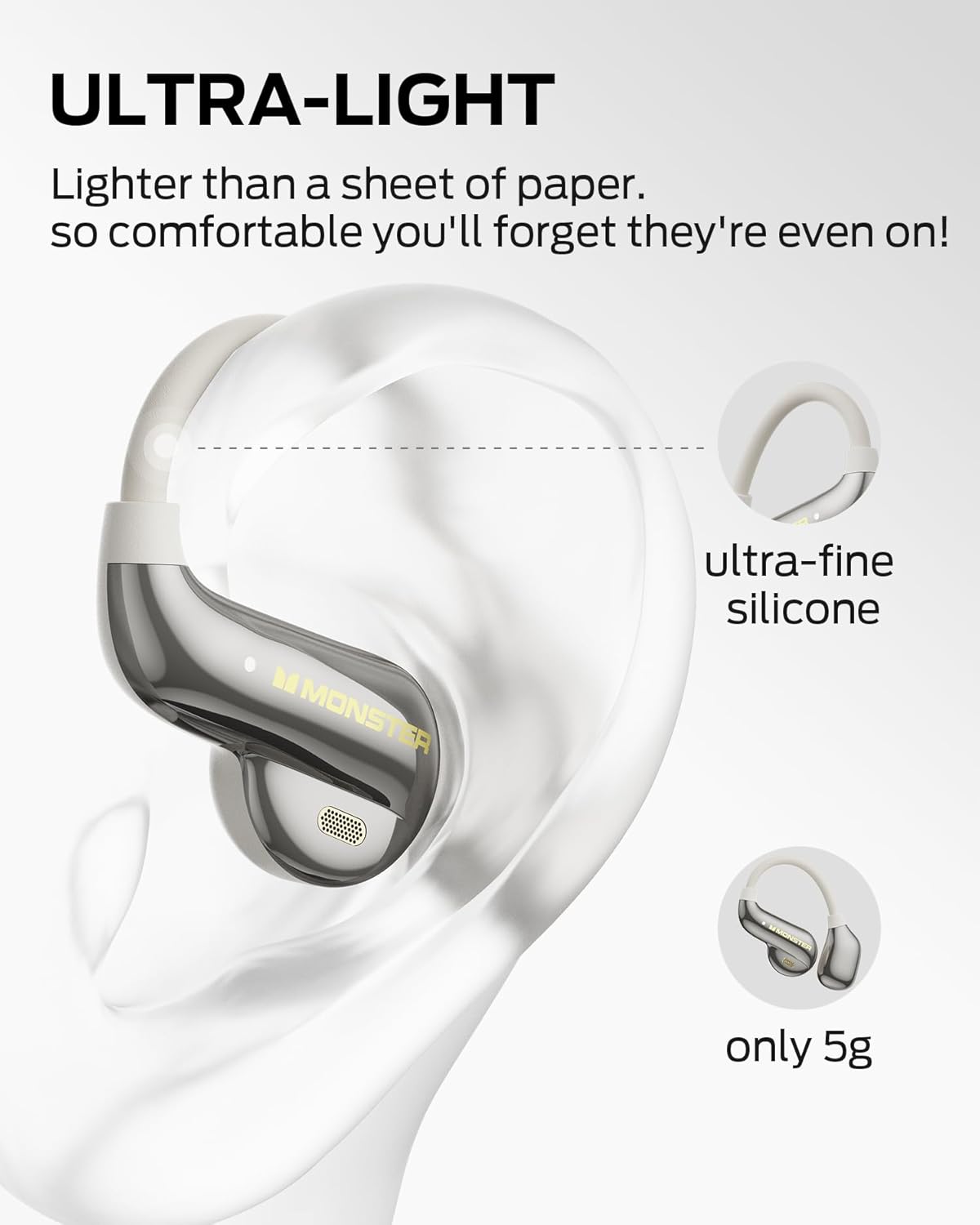
Image: Close-up of an earbud on an ear, illustrating its lightweight design and silicone material.
3.2 Touch Controls
The AC390 headphones are equipped with touch-sensitive controls on each earbud. Refer to the following table for common functions:
| Action | Function |
|---|---|
| Single Click (Right Earbud) | Volume Up |
| Single Click (Left Earbud) | Volume Down |
| Double Click (Either Earbud) | Answer/End Call, Play/Pause Music |
| Triple Click (Either Earbud) | Previous/Next Track |
| Press and Hold (2 seconds) | Reject Call |

Image: Visual guide to earbud touch controls.
4. Key Features
4.1 Pure Monster Sound
Equipped with a 13mm PU titanium diaphragm driver, the AC390 headphones deliver a balanced audio profile with crisp highs, full mids, and deep bass, providing a rich listening experience.
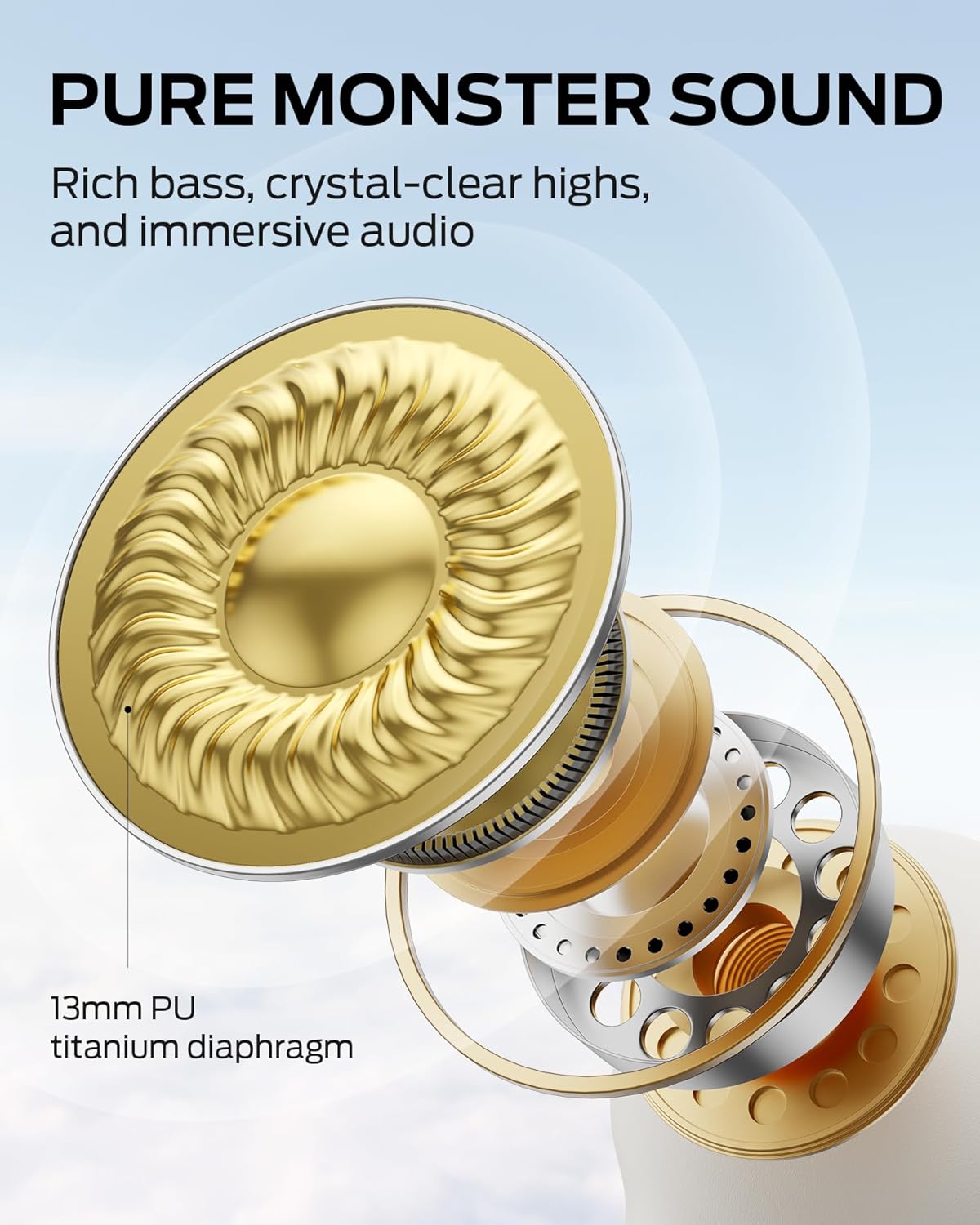
Image: Internal view of the 13mm PU titanium diaphragm driver.
4.2 Dynamic Noise Cancellation (DNC) for Calls
The advanced DNC technology effectively reduces environmental noise during calls, ensuring clear and uninterrupted voice transmission for both the user and the listener.
4.3 Rotating Charging Case
The innovative charging case features a rotating design for easy access to the earbuds. It provides an additional 16 hours of playtime, extending the total battery life to 24 hours.

Image: The rotating mechanism of the charging case.
4.4 IPX5 Water Resistance
With an IPX5 rating, these headphones are resistant to sweat and light rain, making them suitable for workouts and outdoor activities. They are not designed for submersion in water.

Image: Earbud demonstrating water resistance.
5. Maintenance and Care
- Cleaning: Use a soft, dry, lint-free cloth to clean the earbuds and charging case. Do not use abrasive cleaners, alcohol, or chemical solvents.
- Storage: When not in use, store the earbuds in their charging case to protect them from dust and damage. Store in a cool, dry place away from extreme temperatures.
- Battery Care: To prolong battery life, avoid fully discharging the battery frequently. Charge the device regularly, even if not in active use.
- Water Exposure: While IPX5 rated, avoid direct exposure to strong jets of water or submersion. Dry thoroughly if exposed to moisture before placing back in the charging case.
6. Troubleshooting
| Problem | Possible Cause | Solution |
|---|---|---|
| Earbuds not pairing | Low battery; not in pairing mode; device Bluetooth off. | Charge earbuds and case. Ensure earbuds are in case and lid is opened to initiate pairing. Turn on Bluetooth on your device. Forget "Monster AC390" from your device's Bluetooth list and re-pair. |
| No sound from earbuds | Volume too low; not connected; media paused. | Increase volume on both earbuds and connected device. Ensure earbuds are connected. Check if media is playing. |
| Intermittent connection | Too far from device; interference; low battery. | Move closer to the connected device (within 10 meters). Avoid strong electromagnetic interference. Charge earbuds and case. |
| Charging case not charging | Cable issue; power source issue. | Ensure USB-C cable is securely connected. Try a different USB port or power adapter. |
7. Product Specifications
| Feature | Detail |
|---|---|
| Model Name | Monster Open Ear AC390 Headphones |
| Connectivity Technology | Wireless (Bluetooth 6.0) |
| Ear Placement | Open Ear |
| Driver Size | 13mm PU Titanium Diaphragm |
| Noise Control | Dynamic Noise Cancellation (DNC) for calls |
| Water Resistance Level | IPX5 |
| Battery Life (Earbuds) | Up to 8 hours (single charge) |
| Total Playtime (with Case) | Up to 24 hours |
| Charging Time | Approx. 2 hours |
| Control Type | Touch Control |
| Frequency Range | 20 Hz - 20,000 Hz |
| Earbud Weight | Approx. 5g per earbud |
| Battery Cell Composition | Lithium Ion |
8. Warranty and Support
Monster products are designed and manufactured to the highest quality standards. For information regarding warranty coverage, technical support, or service inquiries, please refer to the warranty card included with your product or visit the official Monster website.
Please retain your proof of purchase for warranty claims.
Related documentsAC390


Ask a question about this manual
Ask about setup, troubleshooting, compatibility, parts, safety, or missing instructions. Manuals+ will review the question and use this page’s manual context to help answer it.