
1. Introduction
Thank you for choosing the Portronics Flux 2 15W Qi2 Certified Wireless Charger. This device is designed to provide efficient and safe wireless charging for your compatible smartphones and other Qi-enabled devices. Please read this manual carefully before using the product to ensure proper operation and to maximize its lifespan.
2. Product Overview
2.1 Key Features
- 15W Fast Wireless Charging: Delivers rapid charging speeds for compatible devices.
- MagSafe Compatibility: Ensures perfect magnetic alignment and secure attachment for iPhone 12, 13, 14, 15, and 16 series.
- Qi2 Certified: Guarantees advanced wireless charging technology and broad compatibility with Qi-enabled devices.
- Type-C Input: For stable and efficient power delivery.
- Premium Metal Shell: Constructed from durable aluminum alloy for enhanced heat dissipation and longevity.
- Portable Design: Lightweight and slim, suitable for various environments.
- Advanced Safety Features: Includes over-temperature, over-voltage, and short-circuit protection.
2.2 Package Contents
- Portronics Flux 2 Wireless Charger
- User Manual
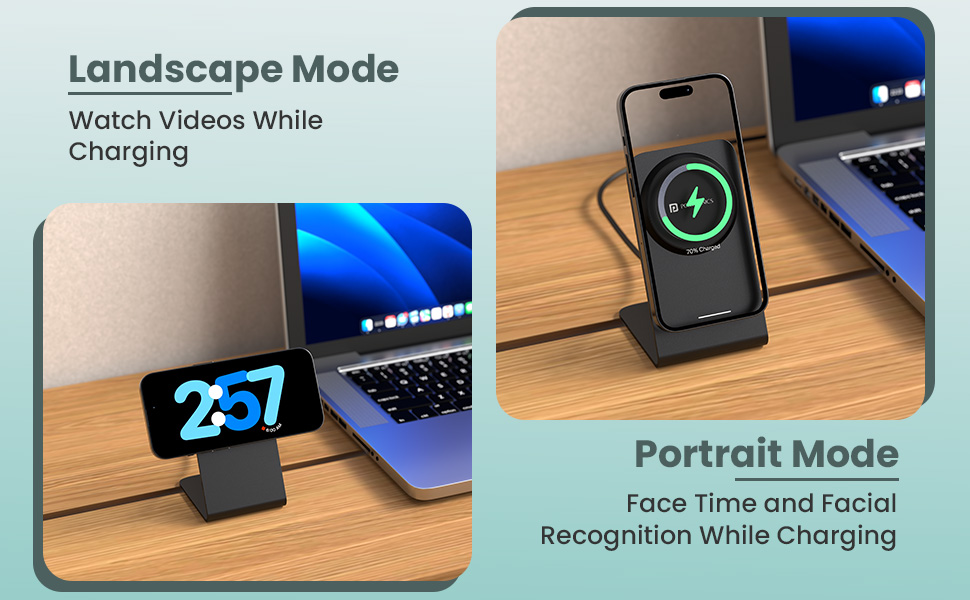
Image: The Portronics Flux 2 wireless charger, highlighting its Qi2 certification and sleek design.
3. Setup Instructions
- Connect to Power: Insert the USB Type-C cable (not included) into the charging port of the Portronics Flux 2. Connect the other end of the cable to a compatible power adapter (a 15W or higher power adapter is recommended for optimal fast charging).
- Power On: Once connected to a power source, the charger is ready for use. There are no power buttons to press.
- Placement: Place the charger on a stable, flat surface.
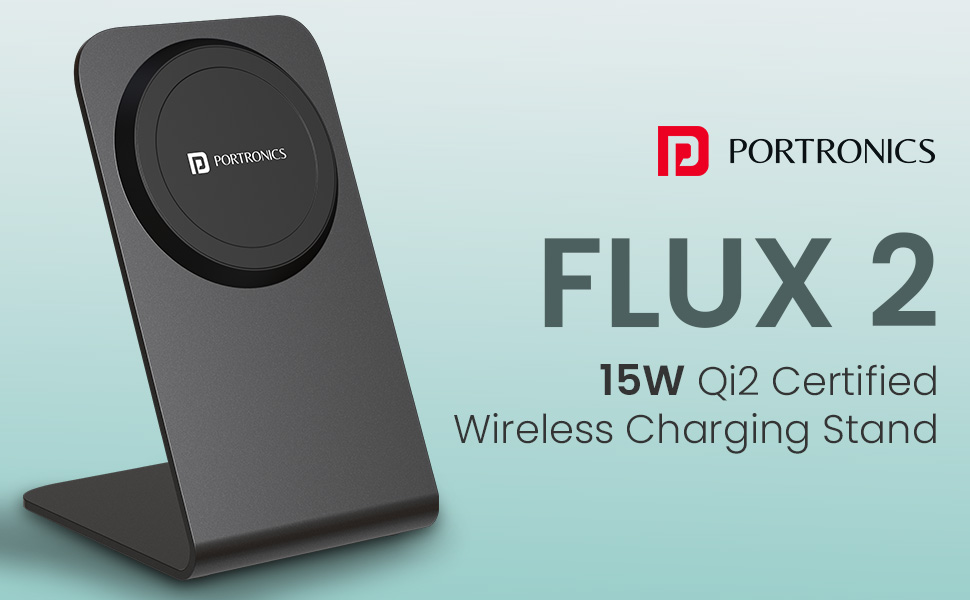
Image: The Portronics Flux 2 charger with a USB-C cable connected, illustrating the power input.
4. Operating Instructions
4.1 Charging Your Device
- Ensure Compatibility: Verify that your device supports wireless charging and is MagSafe compatible for magnetic attachment. For non-MagSafe devices, ensure they are Qi-enabled.
- Place Device: Carefully place your smartphone or other compatible device onto the charging pad. For MagSafe compatible iPhones, the magnetic connection will automatically align the device for optimal charging.
- Confirm Charging: Your device's screen should indicate that it is charging. If not, adjust the device's position on the pad until charging begins.
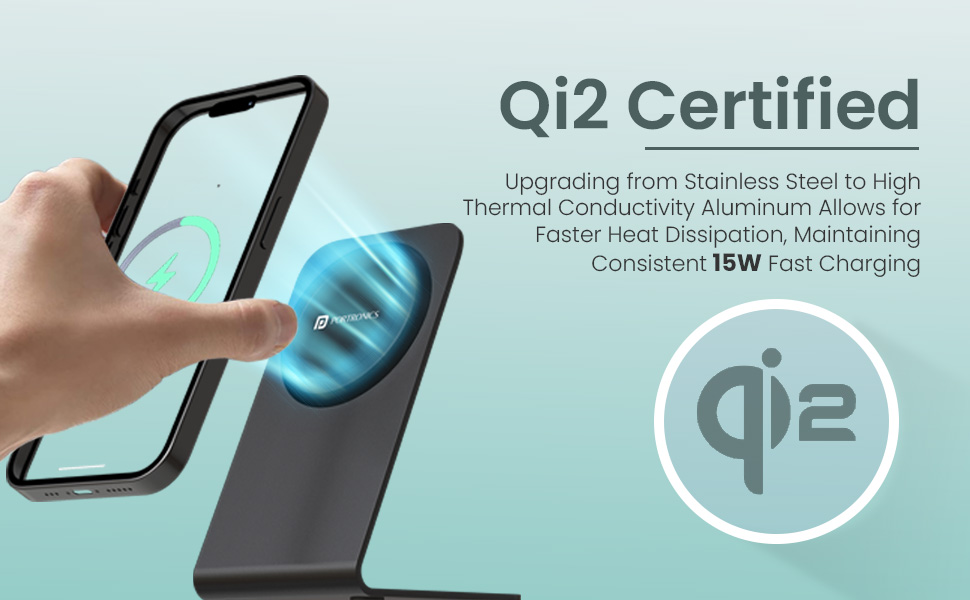
Image: An iPhone magnetically attached and charging on the Portronics Flux 2 stand, demonstrating MagSafe alignment.
4.2 Using with Cases
For optimal magnetic attachment and charging efficiency, use your iPhone directly or with a good-quality MagSafe compatible case. Non-MagSafe cases may hinder magnetic connection and charging performance.
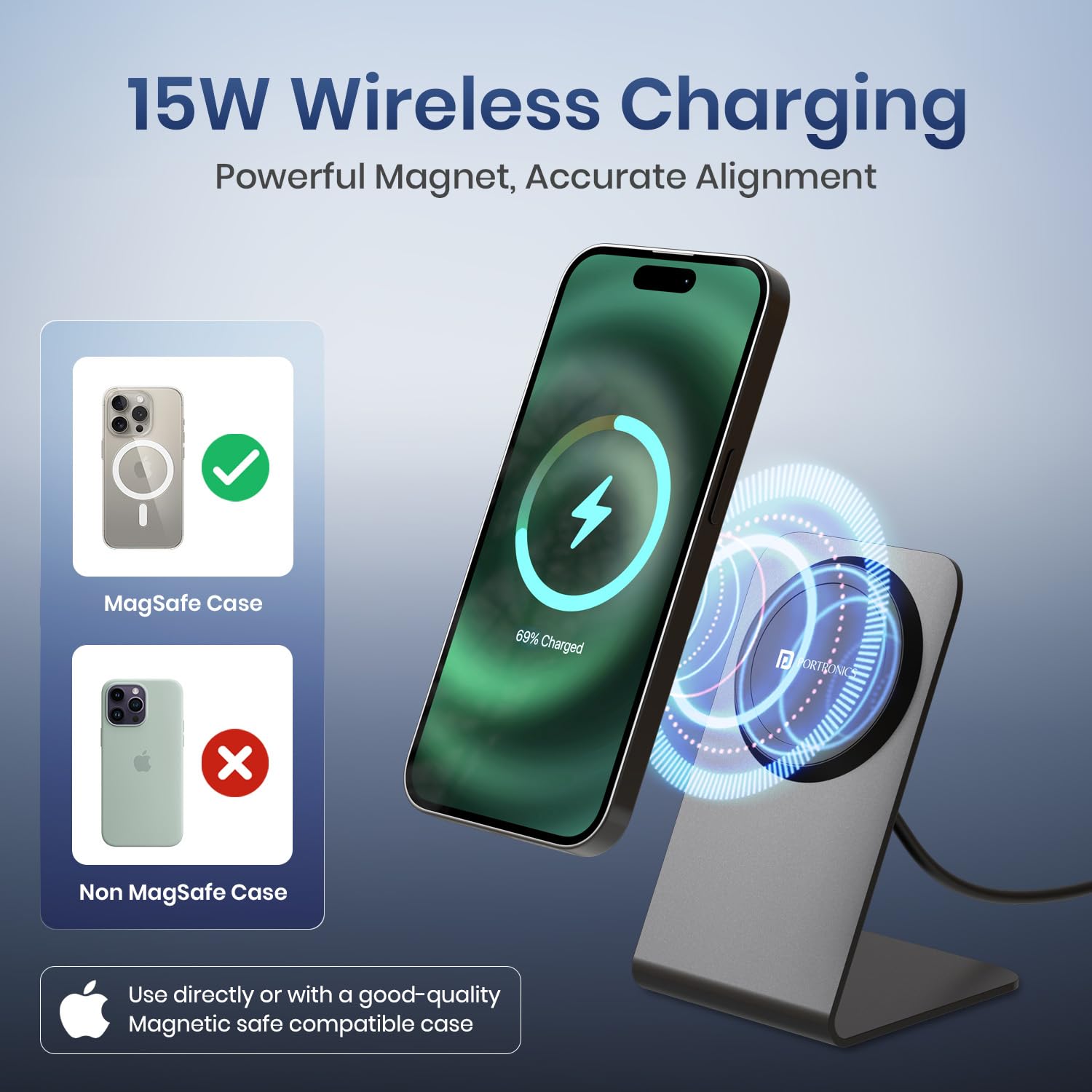
Image: Illustration showing the difference in compatibility between a MagSafe case and a non-MagSafe case for wireless charging.
4.3 Portrait and Landscape Modes
The Portronics Flux 2 allows for charging in both portrait and landscape orientations, enabling convenient viewing for video calls, media consumption, or utilizing features like iPhone's StandBy mode while charging.

Image: A smartphone displayed on the charger in both portrait mode for video calls and landscape mode for watching videos.
5. Maintenance
- Cleaning: Use a soft, dry cloth to clean the surface of the charger. Do not use abrasive cleaners, solvents, or immerse the device in water.
- Storage: Store the charger in a cool, dry place away from direct sunlight and extreme temperatures when not in use.
- Handling: Avoid dropping or subjecting the charger to strong impacts, as this may damage internal components.
6. Troubleshooting
- Device not charging:
- Ensure the charger is properly connected to a working power outlet.
- Verify that your device is placed correctly and centered on the charging pad.
- Remove any thick or metallic cases from your device that might interfere with wireless charging.
- Confirm your device is wireless charging compatible.
- Slow charging:
- Ensure you are using a power adapter that supports 15W output. Lower wattage adapters will result in slower charging.
- Check for proper alignment of your device on the charging pad.
- Close unnecessary background applications on your device.
- Charger or device overheating:
- The Portronics Flux 2 features an Exclusive Temp° Guard and efficient heat dissipation. However, if excessive heat is observed, ensure the charger is placed in a well-ventilated area.
- Remove any thick cases from your device.
- If overheating persists, discontinue use and contact support.
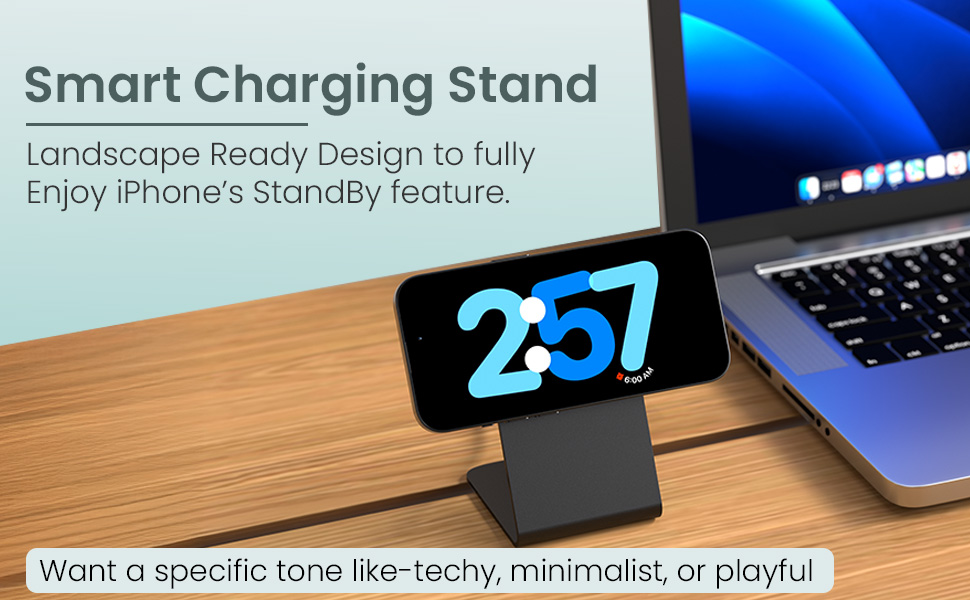
Image: Diagram illustrating the advanced safety features of the Portronics Flux 2, such as efficient heat dissipation and various protections.
7. Specifications
| Feature | Specification |
|---|---|
| Model Number | POR-2135 |
| Product Dimensions | 14 x 10 x 8.5 cm |
| Item Weight | 150 g |
| Connectivity Technologies | Wireless |
| Special Features | 15W Wireless Output, MagSafe Compatible, Metal Shell Body, Qi2 Certified |
| Colour | Black |
| Input Voltage | 5 Volts |
| Wattage | 15 Watts |
| Output Current | 3 Amps |
| Compatible Devices | Cellular Phones (Qi2 Compatible Wireless Charging) |
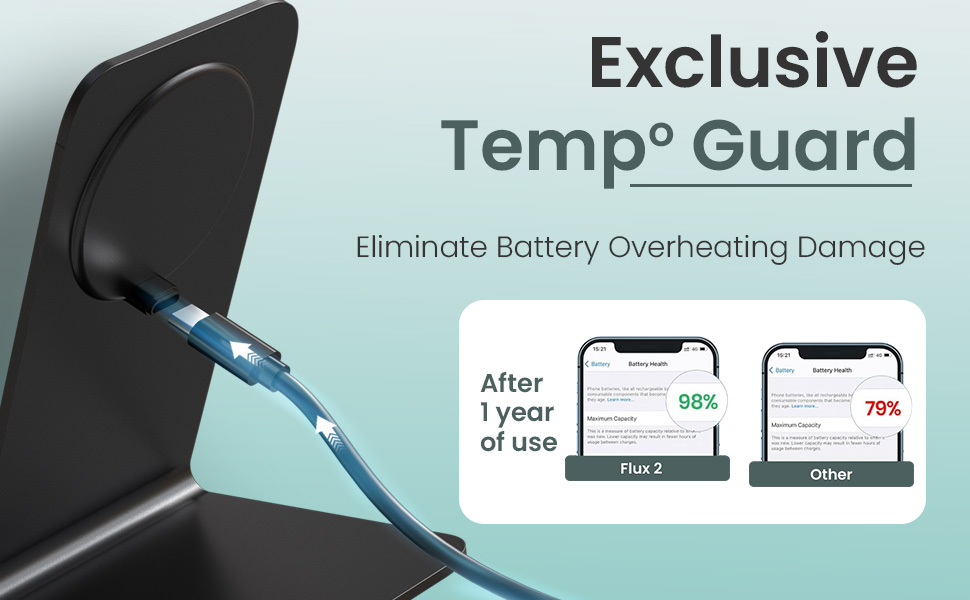
Image: A visual guide to compatible iPhone models, including iPhone 12, 13, 14, 15, and 16 series, and wireless charging earbuds.
8. Warranty Information
Portronics products are manufactured with high-quality standards. This product typically comes with a standard manufacturer's warranty against defects in materials and workmanship. For specific warranty terms and conditions, please refer to the warranty card included with your product or visit the official Portronics website.
Note: An extended warranty may be available for purchase separately.
9. Support
If you encounter any issues or have questions regarding your Portronics Flux 2 Wireless Charger, please contact our customer support team:
- Email: help@portronics.com
- Phone: +91 9555-245-245
- Manufacturer Address: First Floor Property No D 8 Upper Basement Sector 8 Noida Uttar Pradesh 201301, India