
Introduction
The Eureka J15 Ultra is an advanced self-emptying robot vacuum and mop system designed for comprehensive home cleaning with minimal effort. It features powerful 19,000 Pa suction, an innovative Flex-Arm mop design for edge cleaning, and an 8-in-1 base station that handles hot water mop washing (167°F) and hot air drying (131°F). Equipped with IntelliView AI Dirt Detection, LiDAR, and LED headlights, it offers intelligent obstacle avoidance and precise navigation, ensuring a spotless home.
What's Included
- Eureka J15 Ultra Robot Vacuum
- 8-in-1 Self-Emptying Base Station
- Instruction Guide
- Dust Bag (pre-installed in base station)
- Mop Pads (2)
- Roller Brush (pre-installed)
- Side Brush (1)
- Cleaning Tool
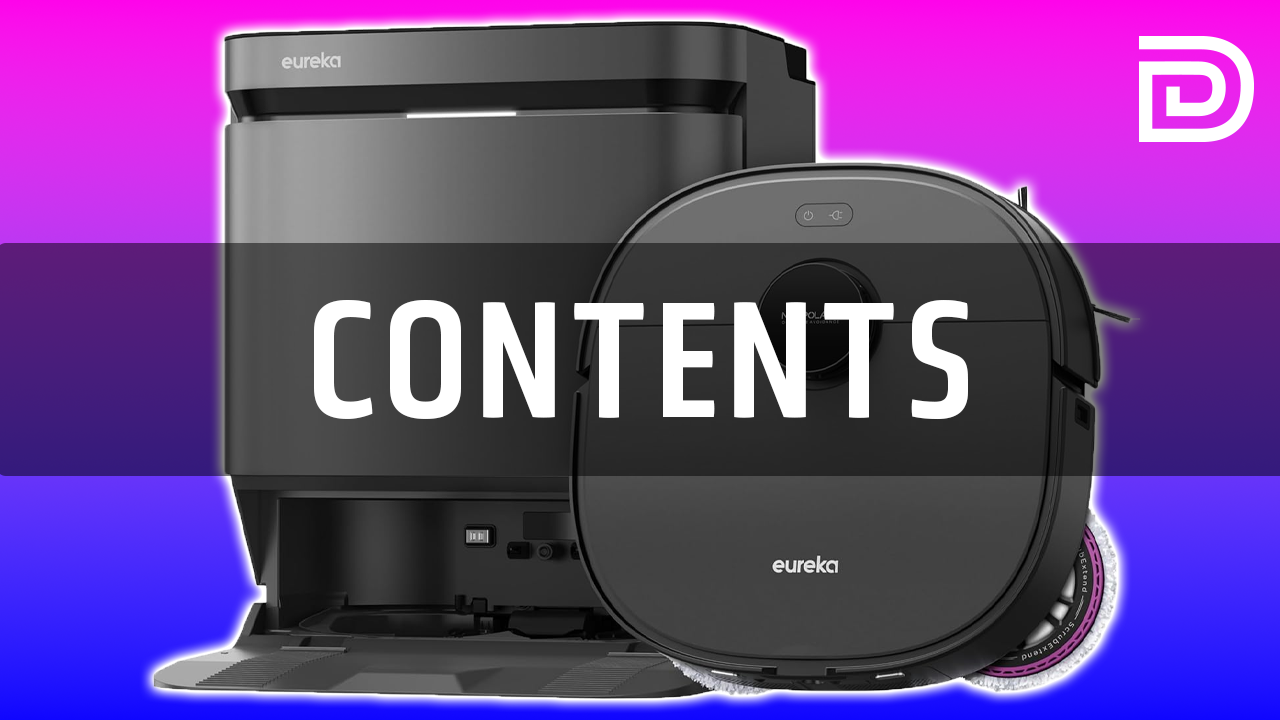
Image: All components included with the Eureka J15 Ultra Robot Vacuum.
Video: A detailed look at the contents included in the Eureka J15 Ultra package.
Setup
- Unpack and Place: Carefully remove all packaging materials. Place the 8-in-1 self-emptying base station against a wall with adequate clear space around it for the robot to maneuver. Ensure it's near a power outlet.
- Power On and Charge: Plug in the base station. Place the Eureka J15 Ultra robot vacuum onto the charging contacts of the base station. The robot will begin charging automatically. Ensure it is fully charged before first use (approximately 4-6 hours).
- Fill Water Tanks: Open the top covers of the base station. Remove the clean water tank and fill it with clean tap water. Replace the tank. The dirty water tank should be emptied as needed.
- Download and Connect App: Download the Eureka Robot app from your smartphone's app store (available for iOS and Android). Follow the in-app instructions to connect your J15 Ultra to your home Wi-Fi network.
- Initial Mapping: Once connected, initiate the mapping process through the app. The robot will navigate your home to create a detailed map, identifying different rooms, floor types, and obstacles. Ensure the floor is clear of small items during this initial run.

Image: The Eureka J15 Ultra robot vacuum docked with its self-emptying base station.
Video: Overview of the Eureka J15 Pro Ultra robot vacuum and its self-emptying base station, demonstrating its features and setup.
Operating the Eureka J15 Ultra
Vacuuming
The J15 Ultra provides powerful vacuuming with up to 19,000 Pa suction, effectively removing dust, debris, and pet hair from various floor types, including carpets and hard floors. Its FlexiRazor™ anti-tangle brush is designed to cut hair as it vacuums, preventing tangles and maintaining optimal suction. The IntelliView™ AI Dirt Detection system identifies dry messes and adjusts cleaning modes accordingly.

Image: The Eureka J15 Ultra showcasing its powerful 19,000 Pa suction.

Image: The FlexiRazor™ anti-tangle brush actively cutting hair to prevent wraps.
Mopping
For mopping, the J15 Ultra utilizes a Flex-Arm mop design and a square-round body to ensure precise edge cleaning, covering up to 99.95% of edges. It features 167°F hot water mop washing and 131°F hot air drying at the base station, ensuring the mop pads are thoroughly cleaned and dried after each session to prevent mold and odors. The IntelliView™ AI also detects wet messes and adjusts the mopping strategy.

Image: The Eureka J15 Ultra's Flex-Arm mop design for advanced edge cleaning.

Image: The base station's 167°F hot water mop washing and 131°F hot air mop drying.
Smart Features & Navigation
The J15 Ultra uses advanced AI obstacle avoidance, combining LiDAR, cameras, and LED headlights to recognize and avoid over 150 types of objects, even in the dark. Control the robot via the Eureka Robot app, where you can view the mapped layout of your home, set cleaning schedules, define no-go zones, and adjust cleaning preferences. It also supports voice control through Amazon Alexa, Google Home, and Siri.

Image: The Eureka J15 Ultra utilizing AI for advanced obstacle avoidance.

Image: The Eureka J15 Ultra supports voice control with Alexa, Google Assistant, and Siri.
Maintenance
Regular maintenance ensures optimal performance of your Eureka J15 Ultra. The 8-in-1 base station provides up to 75 days of hands-free cleaning by automatically emptying the robot's dustbin into a 3-liter dust bag, refilling the water tank, and washing/drying the mop pads.
- Dust Bag Replacement: The 3-liter dust bag in the base station needs replacement approximately every 75 days, depending on usage. Open the front cover of the base station to access and replace the bag.
- Water Tank Cleaning: Periodically empty and rinse the dirty water tank in the base station. The clean water tank should be refilled with fresh water as needed.
- Mop Pad Cleaning: The base station automatically washes and dries the mop pads. For deeper cleaning, the mop pads can be removed and hand-washed.
- Roller Brush & Side Brush Cleaning: Regularly check and clean the main roller brush and side brush for tangled hair or debris. The FlexiRazor™ feature helps minimize hair tangles on the roller brush.
- Filter Cleaning: The HEPA filter in the robot's dustbin should be cleaned regularly and replaced every 3-6 months, depending on usage.
- Sensor Cleaning: Wipe the robot's sensors (LiDAR, camera, cliff sensors) with a soft, dry cloth to ensure accurate navigation and obstacle avoidance.

Image: The Eureka J15 Ultra returning to its self-emptying base station for automatic maintenance.
Troubleshooting
If you encounter issues with your Eureka J15 Ultra, refer to the following common troubleshooting tips:
- Robot Not Charging: Ensure the base station is plugged in and the robot is correctly aligned with the charging contacts. Clean the charging contacts on both the robot and the base station.
- No Suction/Poor Cleaning: Check if the dustbin is full or the dust bag in the base station needs replacement. Clean the roller brush and side brush for any tangled hair or debris. Ensure the filter is clean and properly installed.
- Mopping Issues: Verify that the clean water tank is filled and the mop pads are correctly attached. Check if the dirty water tank is full. Ensure the mop pads are clean and not overly worn.
- Navigation Errors/Getting Stuck: Clear any obstacles or loose cables from the cleaning path. Wipe the robot's sensors (LiDAR, camera, cliff sensors) with a dry cloth to remove dust or debris.
- App Connectivity Issues: Ensure your Wi-Fi network is stable and the robot is within range. Restart both the robot and your router. Try re-pairing the robot with the app if the issue persists.
- Unusual Noises: Check the roller brush and side brush for any foreign objects or excessive tangles. Ensure all removable parts are securely in place.
For more detailed troubleshooting or persistent issues, please consult the full instruction guide or contact Eureka customer support.
Specifications
| Feature | Specification |
|---|---|
| Brand | Eureka |
| Model Name | J15 Ultra Robot Vacuum and Mop with Self Emptying Base |
| Special Feature | Intelligent Mop Lifting, Self-Refilling, Dirt Detection Sensor, Obstacle Avoidance, Self-Emptying |
| Color | Jet Black |
| Product Dimensions | 15.55"L x 18.03"W x 18.3"H |
| Included Components | Instruction Guide, Dust Bag, Mop Pad, Roller Brush, Side Brush |
| Filter Type | Cloth |
| Battery Life | 240 minutes |
| Cleaning Path Width | 7.8 Inches |
| Voltage | 14.4 Volts (DC) |
| Capacity | 3 Liters |
| Power Source | Battery Powered |
| Are Batteries Included | Yes |
| Control Method | App, Push Button, Voice |
| Compatible Devices | Smartphones, Amazon Echo, Google Home |
| Form Factor | Robotic |
| UPC | 840296514870 |
| Item Weight | 32.3 pounds |
| Manufacturer | Eureka |
| ASIN | B0DZ2GQ4VQ |
| Country of Origin | China |
| Item model number | J15 Ultra |
| Batteries | 1 AAA batteries required. (included) |
| Batteries required | Yes |
Warranty and Support
The Eureka J15 Ultra comes with standard manufacturer's warranty. For extended coverage, 2-Year and 3-Year Protection Plans are available for purchase.
For any product inquiries, technical support, or warranty claims, please contact Eureka customer service through their official website or the contact information provided in your instruction guide.


