
IROK MG68 Max
IROK MG68 Max Tri-Mode Gaming Keyboard User Manual
Model: MG68 Max | Brand: IROK
1. Introduction
The IROK MG68 Max is a high-performance 65% TKL (Tenkeyless) gaming keyboard designed for enthusiasts and competitive gamers. It features a full aluminum alloy body, tri-mode connectivity (USB-C wired, 2.4GHz wireless, and Bluetooth), and advanced magnetic switches for precise and low-latency input. This manual provides comprehensive instructions for setting up, operating, maintaining, and troubleshooting your IROK MG68 Max keyboard.

Figure 1: IROK MG68 Max Tri-Mode Gaming Keyboard (White)
2. Key Features
- 65% Layout & Full Metal Body: Compact TKL design with a durable aluminum alloy construction for stability and a premium feel.
- Tri-Mode Connectivity: Supports USB-C wired (8KHz polling rate), 2.4GHz wireless (8KHz polling rate), and Bluetooth 5.0 for versatile connection options.
- Large 10000mAh Battery: Provides up to 50 hours of continuous battery life in wireless modes.
- Customizable Keystrokes Travel: Magnetic switches allow for precise actuation point adjustment from 0.01mm to 3.5mm.
- Ultra-Low Latency: Achieves a response time as low as 0.125ms with an 8KHz polling rate for competitive gaming.
- Advanced Magnetic Switches: Utilizes Hall effect technology for highly accurate and durable keystrokes (rated for 100 million presses).
- KME Function: Quick tap mode for prioritizing the last input between two selected keys without releasing the previous one, enhancing response time.
- Customizable ARGB Backlight: Features 16.8 million colors with independent LED chips and a 500Hz refresh rate for vibrant and smooth lighting effects.
- Hot-Swappable Design: Allows for easy replacement of magnetic switches and keycaps without soldering.
- Proprietary Driver: Supports web driver and one-stop HUB driver for easy customization and management.
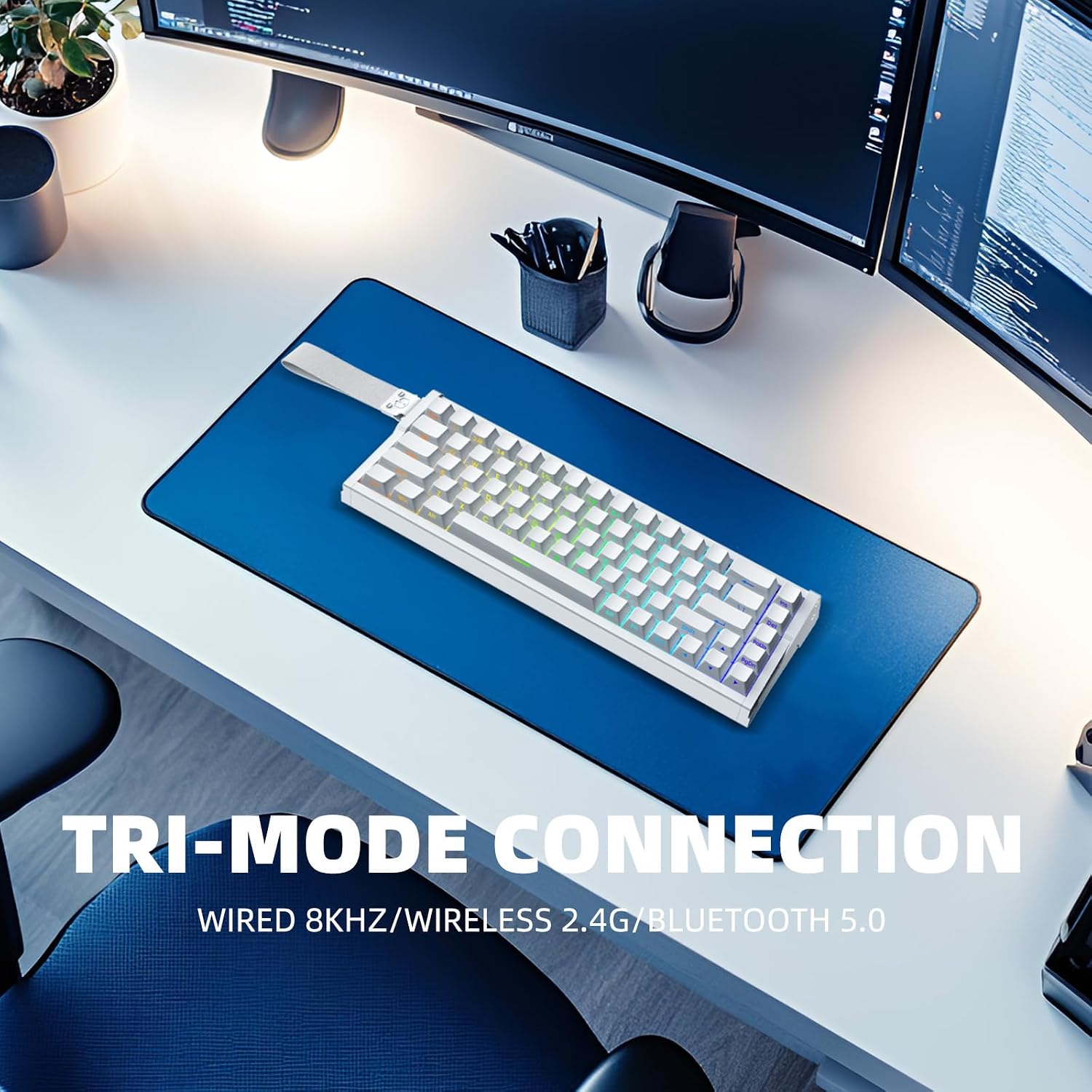
Figure 2: Tri-Mode Connectivity of the MG68 Max

Figure 3: Flagship MCU Chip for High Performance

Figure 4: All Aluminum Alloy CNC Body Construction

Figure 5: 8000Hz Polling Rate for Rapid Response

Figure 6: Ultra-Low Latency of 0.125ms
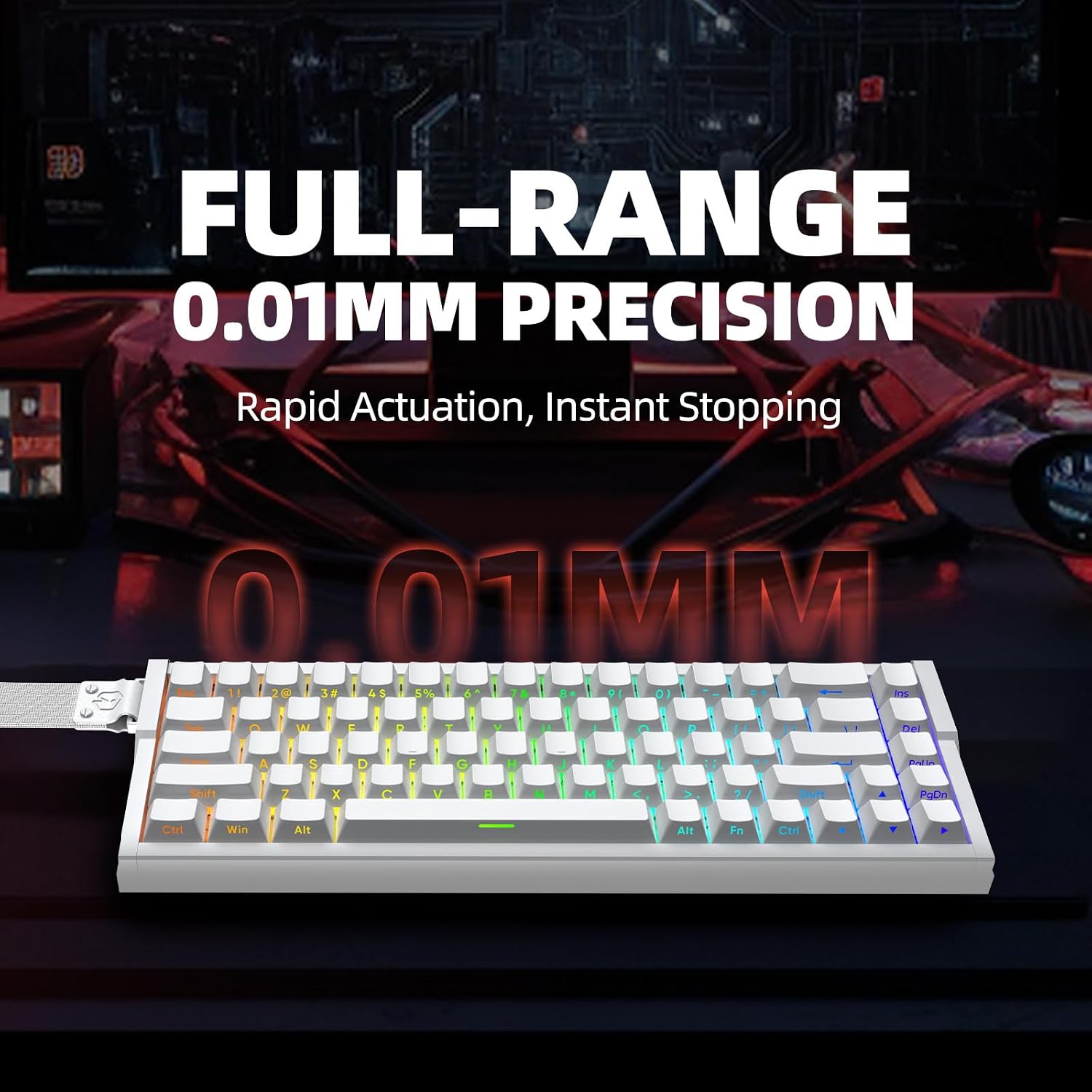
Figure 7: 0.01mm Precision for Actuation Point Adjustment

Figure 8: Customizable ARGB Backlight

Figure 9: Internal Structure and Components
Figure 10: Advanced Magnetic Switches
3. Setup Guide
3.1 Connectivity Options
The IROK MG68 Max offers three modes of connection:
- USB-C Wired Mode: Connect the provided USB-C cable from the keyboard to your computer's USB port. This mode offers the lowest latency and an 8KHz polling rate.
- 2.4GHz Wireless Mode: Insert the 2.4GHz USB dongle into your computer's USB port. Switch the keyboard to 2.4GHz mode using the switch located on the keyboard. This mode also supports an 8KHz polling rate.
- Bluetooth 5.0 Mode: Switch the keyboard to Bluetooth mode. On your computer or device, search for Bluetooth devices and select "IROK MG68 Max" to pair. Refer to your device's Bluetooth pairing instructions for specific steps.
3.2 Driver Installation
To unlock the full customization potential of your IROK MG68 Max keyboard, including adjustable actuation points, RGB lighting effects, and key remapping, it is recommended to install the proprietary driver software.
- Visit the official IROK website: www.irok.cc (or refer to the link provided in your product packaging).
- Navigate to the "Support" or "Downloads" section.
- Locate and download the driver software for the "MG68 Max" model.
- Follow the on-screen instructions to complete the installation.
- Once installed, launch the driver software to customize your keyboard settings.

Figure 11: IROK Web Driver Interface
4. Operating Instructions
4.1 Customizable Keystrokes Travel
The magnetic switches on the MG68 Max allow you to adjust the actuation point of each key. This means you can set how far down a key needs to be pressed before it registers an input. This feature is particularly useful for gaming, allowing for faster actuation or more deliberate presses.
- Open the IROK driver software.
- Navigate to the "Keystrokes Travel" or "Actuation Point" settings.
- Adjust the actuation depth for individual keys or groups of keys within the range of 0.01mm to 3.5mm.
- Save your settings to apply the changes.
4.2 ARGB Backlight Customization
The keyboard features per-key ARGB lighting with 16.8 million colors and various effects. You can customize the lighting through the driver software.
- Launch the IROK driver software.
- Go to the "Lighting" or "RGB" section.
- Choose from preset lighting effects, adjust brightness, speed, and direction, or create your own custom lighting profiles.
- The 500Hz refresh rate ensures smooth and flicker-free lighting.
4.3 KME Function (Quick Tap Mode)
The KME function, also known as Quick Tap Mode, is designed to improve response time in specific scenarios, particularly in gaming. It allows the keyboard to register the last input between two selected keys without requiring the release of the first key.
- Access the KME settings within the IROK driver software.
- Configure which keys or key combinations will utilize this quick tap functionality.
- This feature can be beneficial for rapid successive inputs in games.
5. Maintenance
Proper maintenance ensures the longevity and optimal performance of your IROK MG68 Max keyboard.
- Cleaning: Regularly clean the keyboard with a soft, dry cloth. For dust and debris between keycaps, use compressed air. For stubborn stains, a slightly damp cloth with mild soap can be used, ensuring no liquid enters the keyboard.
- Keycap and Switch Replacement: The hot-swappable design allows for easy replacement of keycaps and magnetic switches. Use the provided keycap puller and switch puller (if included) to carefully remove components. Ensure proper alignment when reinserting.
- Battery Care: To maximize battery life, avoid fully discharging the keyboard frequently. For long-term storage, charge the battery to around 50% and store in a cool, dry place.
6. Troubleshooting
If you encounter issues with your IROK MG68 Max keyboard, refer to the following common troubleshooting steps:
| Problem | Possible Cause / Solution |
|---|---|
| Keyboard not responding (Wired) |
|
| Keyboard not responding (Wireless/Bluetooth) |
|
| Keys not registering or double-typing |
|
| RGB lighting not working or incorrect |
|
| Driver software issues |
|
7. Specifications
| Feature | Detail |
|---|---|
| Model | MG68 Max |
| Brand | IROK |
| Layout | 65% TKL |
| Body Material | Full Aluminum Alloy |
| Connectivity | USB-C Wired, 2.4GHz Wireless, Bluetooth 5.0 |
| Polling Rate | 8KHz (Wired/2.4GHz) |
| Latency | As low as 0.125ms |
| Switches | Magnetic Switches (Hot-swappable) |
| Keystroke Travel | 0.01mm to 3.5mm (Customizable) |
| Switch Lifespan | Approx. 100 million times |
| Battery Capacity | 10000mAh |
| Backlight | Customizable ARGB (16.8 million colors, 500Hz refresh rate) |
| Dimensions (L x W x H) | 12.99" x 4.92" x 1.97" (330mm x 125mm x 50mm) |
| Item Weight | 2.2 pounds (1 kg) |
| Compatible Devices | Laptop, PC |
8. Warranty and Support
For warranty information, please refer to the documentation included with your purchase or visit the official IROK website. IROK is committed to providing high-quality products and customer satisfaction.
For technical support, driver downloads, and frequently asked questions, please visit the IROK official website:
Related documentsMG68 Max


Ask a question about this manual
Ask about setup, troubleshooting, compatibility, parts, safety, or missing instructions. Manuals+ will review the question and use this page’s manual context to help answer it.