
1. Product Overview
The Bolisila EC7850A1072 is a flame amplifier designed for precise flame signal enhancement in industrial burner applications. This device is engineered with heat-resistant components, ensuring durability and reliable performance in extreme temperature environments. It offers real-time monitoring capabilities to ensure optimal safety and operational efficiency within your system.
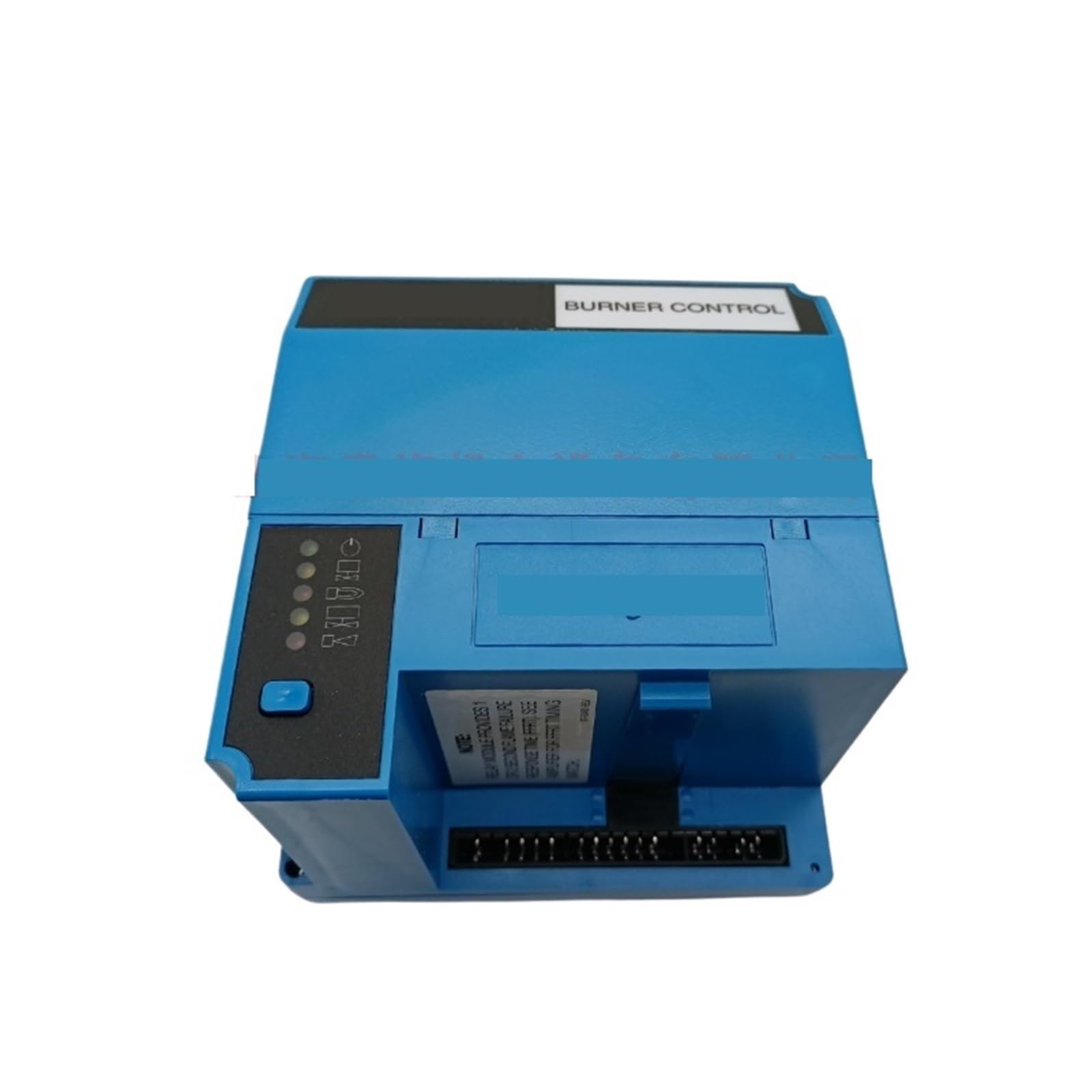
Figure 1: Bolisila EC7850A1072 Flame Amplifier Burner Controller, showing its compact design and connection ports.
2. Setup and Installation
Before beginning installation, ensure all power to the burner system is disconnected. Installation should only be performed by qualified personnel in accordance with local and national electrical codes.
2.1 Safety Precautions
- Always disconnect power before installation or servicing.
- Verify proper grounding to prevent electrical shock.
- Ensure wiring connections are secure and correct according to the system's wiring diagram.
- Do not operate the device if it appears damaged.
2.2 Mounting
Mount the EC7850A1072 in a location free from excessive vibration, moisture, and corrosive atmospheres. Ensure adequate ventilation around the unit to prevent overheating. Use appropriate fasteners to secure the amplifier to a stable surface.
2.3 Wiring
Connect the flame amplifier to the burner control system using the appropriate wiring terminals. Refer to your specific burner control system's wiring diagram for detailed connection instructions. Ensure all connections are tight and insulated properly.
- Connect power supply wires to the designated terminals.
- Connect flame sensor input wires.
- Connect output signal wires to the burner controller.
3. Operating Instructions
Once installed and wired correctly, the EC7850A1072 operates in conjunction with your main burner control system. It amplifies the flame sensor signal, providing a clear and reliable input to the controller for safe and efficient burner operation.
3.1 Initial Power-Up
- After completing all wiring, restore power to the burner system.
- Observe the status indicators on the flame amplifier (if present) and the main burner controller.
- Initiate a burner start-up sequence according to your burner system's operational manual.
3.2 Flame Signal Monitoring
The EC7850A1072 continuously processes the flame sensor signal. The amplified signal is then sent to the burner controller, which uses this information to confirm flame presence and ensure safe operation. Refer to your burner controller's manual for details on monitoring flame signal strength.
4. Maintenance
The Bolisila EC7850A1072 is designed for minimal maintenance. However, periodic checks are recommended to ensure continued reliable operation.
4.1 Routine Inspection
- Annually, or as part of your burner system's maintenance schedule, inspect the unit for any signs of physical damage, corrosion, or loose connections.
- Ensure the mounting remains secure.
- Check wiring for signs of wear or degradation.
4.2 Cleaning
If necessary, gently clean the exterior of the unit with a dry, soft cloth. Do not use abrasive cleaners or solvents. Ensure no moisture enters the unit.
5. Troubleshooting
This section provides guidance for common issues. For complex problems, consult a qualified technician or contact customer support.
| Problem | Possible Cause | Solution |
|---|---|---|
| No flame signal detected by controller |
|
|
| Intermittent flame signal |
|
|
6. Specifications
| Feature | Detail |
|---|---|
| Model Number | EC7850A1072 |
| Brand | Bolisila |
| Package Dimensions | 1.18 x 0.79 x 0.39 inches |
| Item Weight | 4.41 pounds |
| Assembly Required | No |
| Number of Pieces | 1 |
7. Warranty and Support
For warranty information and technical support, please contact the manufacturer, Bolisila, or your authorized distributor. Keep your purchase receipt and product model number (EC7850A1072) handy when contacting support.
For further assistance, please refer to the official Bolisila website or contact their customer service department.