
Mulcort SX-4D
Mulcort 4D Green Laser Level User Manual
Model: SX-4D
Brand: Mulcort
Introduction
This user manual provides detailed instructions for the Mulcort 4D Green Laser Level, Model SX-4D. This advanced self-leveling laser tool is designed for precision in various construction, renovation, and DIY projects, offering 360-degree horizontal and vertical laser lines. Please read this manual thoroughly before operation to ensure safe and effective use of the device.
Package Contents
Verify that all items listed below are included in your package. If any items are missing or damaged, please contact customer support.

Image: The Mulcort 4D Green Laser Level with all its accessories, including the laser tool, tripod, batteries, charger, wall bracket, and remote control.
- 1 x Mulcort 4D Green Laser Level Tool
- 1 x Laser Level Tripod (1/4" thread)
- 2 x 2400mAh Rechargeable Batteries
- 1 x Battery Charger
- 1 x Wall Bracket
- 1 x 1/4 inch to 5/8 inch Tripod Connector
- 1 x 360° Rotating Base (1/4" thread)
- 1 x Iron Board (for wall mounting)
- 1 x Lifting Platform (1/4" thread)
- 1 x Remote Control
- 1 x User Manual (this document)
- 1 x Anti-fall Carrying Bag
Product Features
The Mulcort 4D Green Laser Level offers a range of features designed for accuracy and ease of use:
- 4 x 360° Green Laser Lines: Two 360° horizontal and two 360° vertical lines provide comprehensive coverage for various applications.
- Self-Leveling Mode: Automatically levels within ±3° and alerts the user with a beep and flashing laser if out of range.
- Manual Mode: Allows for customized angle adjustments for non-level projects.
- Pulse Mode: Enhances visibility of laser lines with a separate laser receiver in bright or outdoor conditions.
- APP Control: Control the laser level via a smartphone application for convenience.
- Remote Control: Switch laser lines and adjust brightness remotely.
- Adjustable Laser Brightness: Fine-tune laser intensity for optimal visibility.
- IP54 Waterproof and Dustproof: Durable design protects against splashes and debris.
- Long-lasting Battery: Two 2400mAh rechargeable lithium batteries provide over 12 hours of operation.
- LCD Backlight Display: Clearly shows remaining battery capacity.
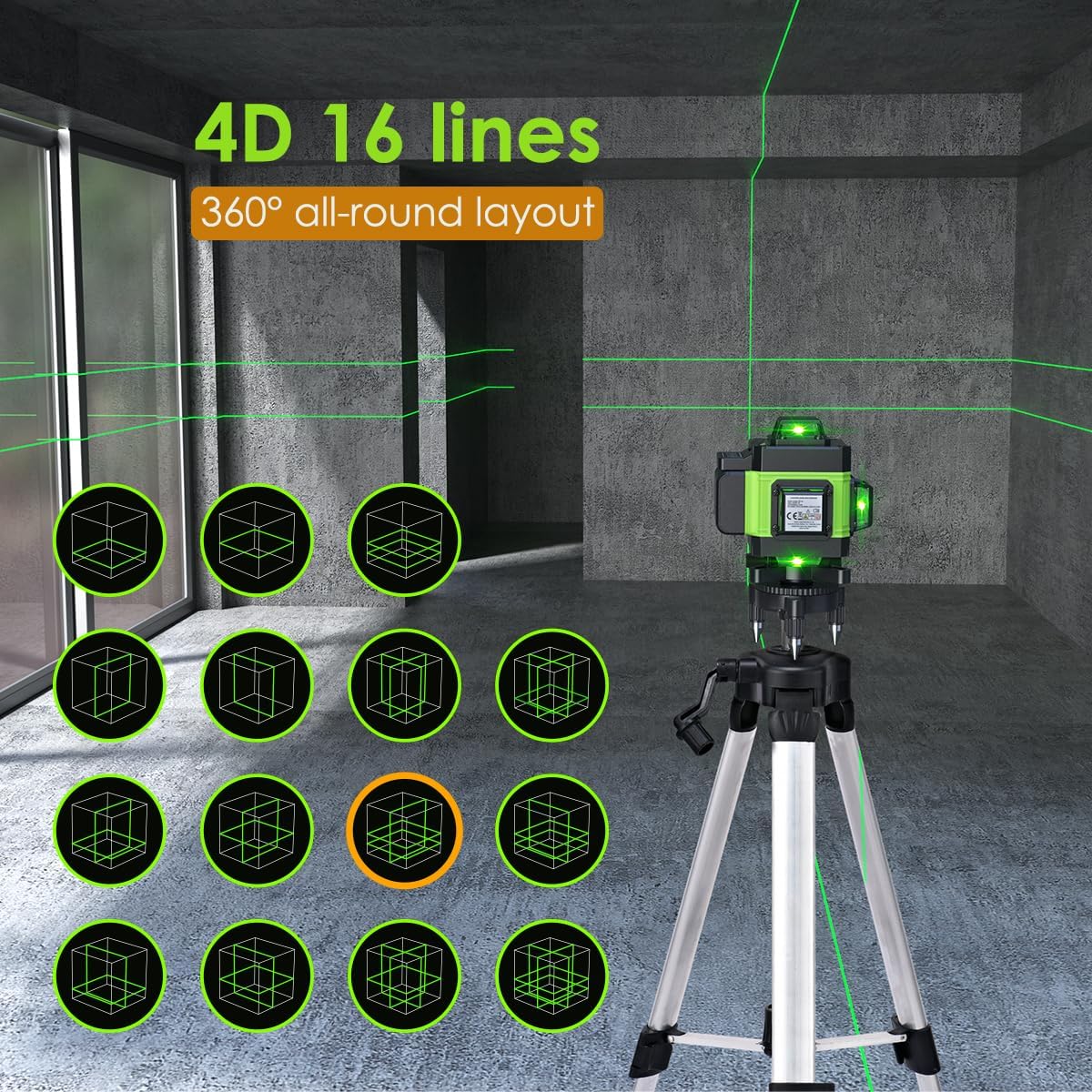
Image: Illustration of the 4D 16-line laser projection, demonstrating the 360-degree all-around layout capabilities of the device.
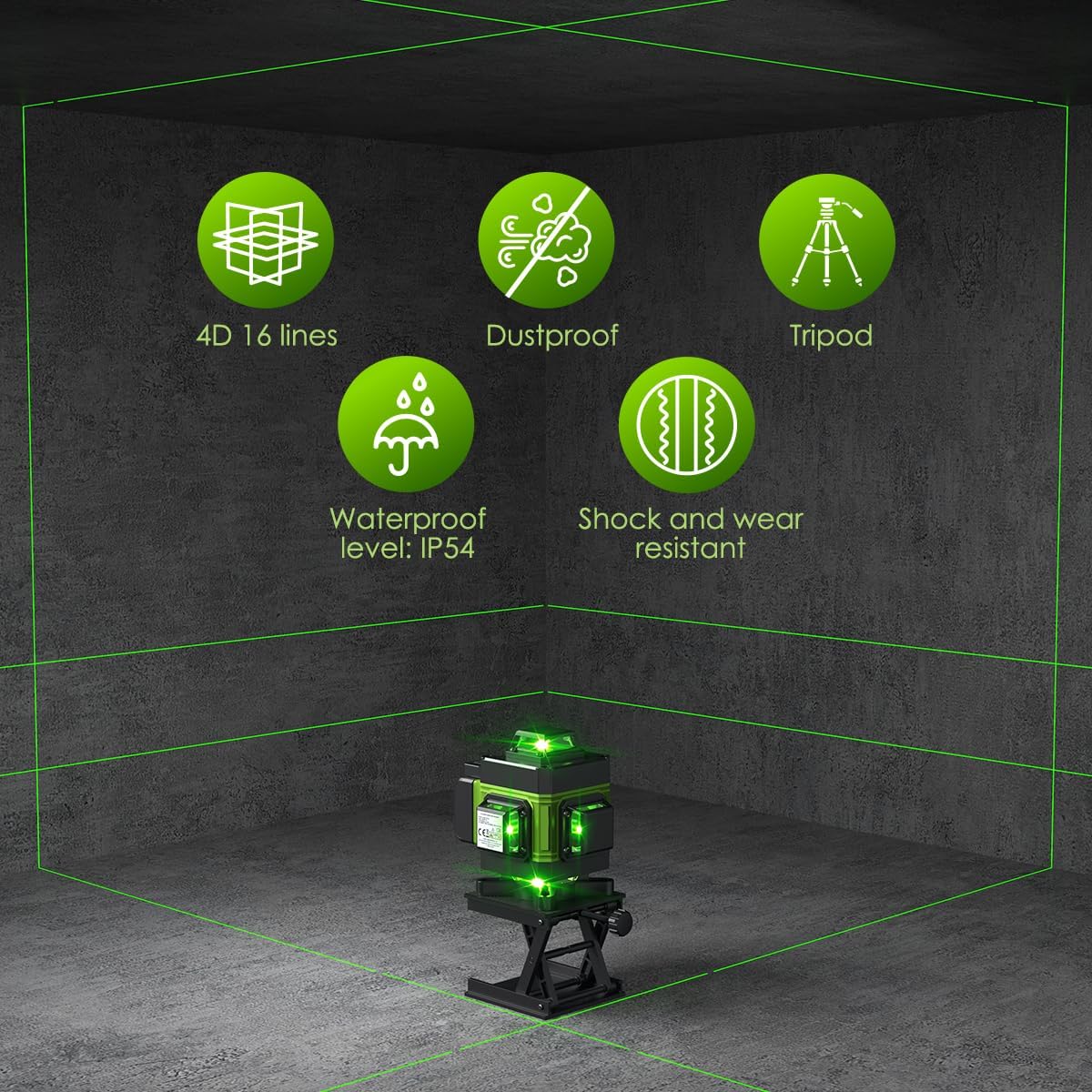
Image: Visual representation of key features including 4D 16 lines, dustproof design, tripod compatibility, IP54 waterproof rating, and shock/wear resistance.
Setup and Battery Installation
Follow these steps to prepare your laser level for use:
- Charge Batteries: Insert the two 2400mAh rechargeable lithium batteries into the provided charger. Connect the charger to a power source. The indicator light on the charger will show charging status. Ensure batteries are fully charged before first use.
- Install Batteries: Locate the battery compartment on the laser level. Insert the charged batteries, ensuring correct polarity. Close the compartment securely.
- Power On: Slide the main power switch to the "ON" position. The laser level will initiate self-leveling.

Image: A transparent view of the laser level highlighting the large capacity lithium battery and its charging connection.
Operating Modes
The Mulcort laser level features three primary operating modes:
1. Self-Leveling Automatic Mode
This mode is ideal for applications requiring precise horizontal and vertical alignment. The device will automatically level itself within a certain range.
- Slide the main switch to the "ON" position.
- The laser level will automatically self-level. If the inclination exceeds ±3°, the laser lines will flash rapidly and an audible alarm will sound, indicating it is out of level. Adjust the position of the laser level until it self-levels.
- Press the "H" button to activate/deactivate horizontal lines.
- Press the "V" button to activate/deactivate vertical lines.
- To turn off, slide the main switch to the "OFF" position.

Image: Visual explanation of the automatic leveling feature, showing how the device self-levels within 3 degrees and alerts when exceeding this range.
2. Manual Mode (Lock Mode)
Manual mode allows you to project laser lines at any desired angle, useful for tasks like installing handrails or decorative patterns.
- Slide the main switch to the "LOCK" position.
- Long-press the power function key (often marked with an outdoor/power icon) for 3 seconds to turn the laser on or off.
- Short-press the "H" or "V" buttons to switch between horizontal, vertical, or cross modes.
- The laser lines will remain locked at the angle you set.
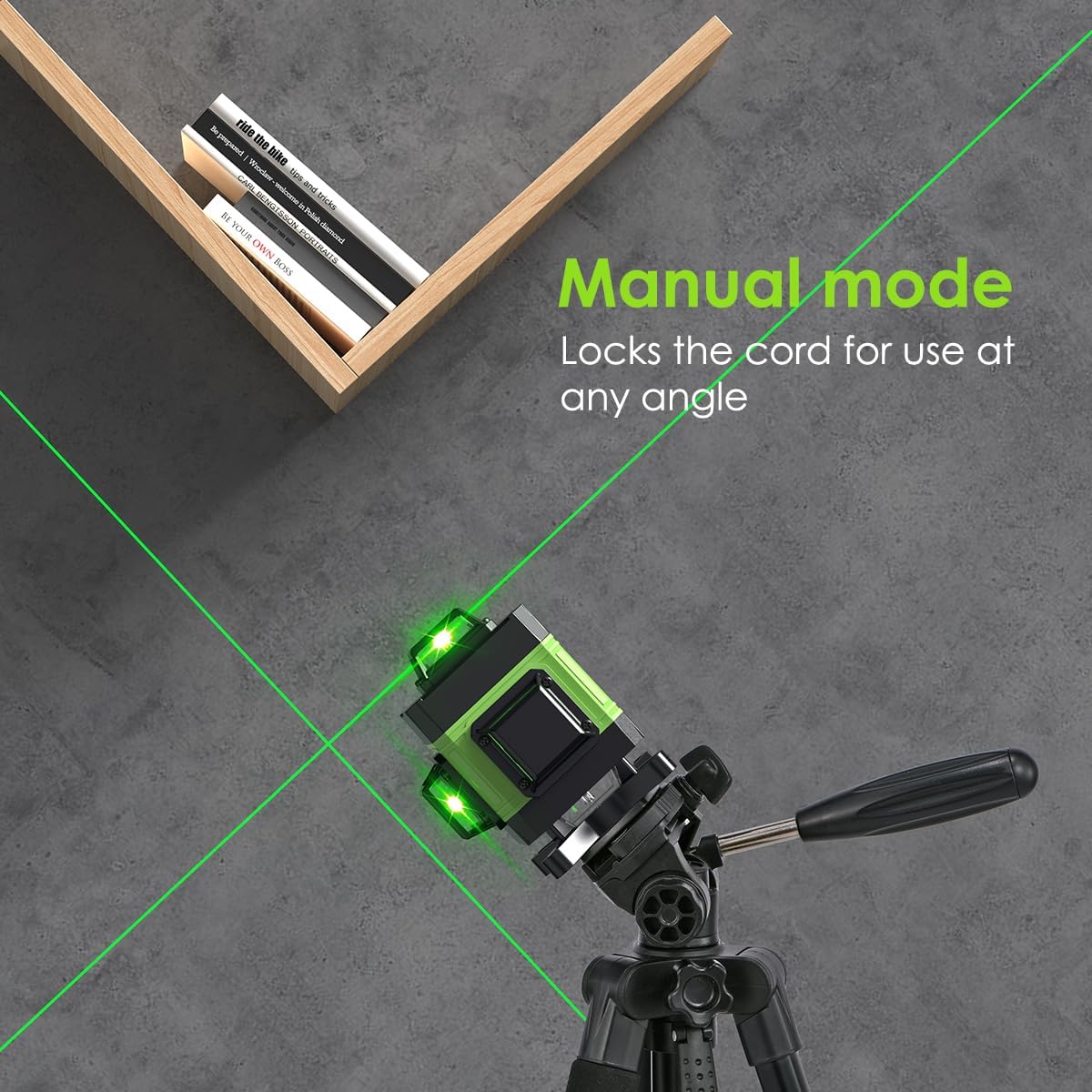
Image: The laser level operating in manual mode, demonstrating its ability to project lines at custom angles for specific applications.
3. Pulse Mode (Outdoor Mode)
Pulse mode is designed for use with a laser receiver (not included) to extend the working range and improve visibility in bright outdoor conditions or over long distances.
- Ensure the laser level is in Self-Leveling Automatic Mode.
- Short-press the power function key (often marked with an outdoor/power icon) to activate pulse mode. The laser lines will become fainter to the naked eye but will be detectable by a compatible laser receiver.
- Press the button again to exit pulse mode.
Controls and Adjustments
On-Device Controls
- Main Power Switch: Located on the side, slides between "ON" (self-leveling) and "LOCK" (manual mode) and "OFF".
- "H" Button: Activates/deactivates horizontal laser lines.
- "V" Button: Activates/deactivates vertical laser lines.
- Power/Outdoor Button: Short press to activate/deactivate Pulse Mode. Long press (in Manual Mode) to turn lasers on/off.
- "+" / "-" Buttons: Adjust laser brightness. Long press "H" or "V" to adjust brightness.
- LCD Display: Shows battery level and current settings.

Image: Close-up of the laser level's backlit LCD screen and control buttons, indicating functions for horizontal, vertical, manual, and outdoor modes.

Image: A series of images demonstrating the four adjustable laser brightness levels, from 25% to 100% intensity.
Remote Control
The included remote control allows for convenient operation from a distance.
- Use the "V" button for vertical lines and "H" button for horizontal lines.
- Press "+" or "-" buttons on the remote to adjust the laser brightness.

Image: Depiction of the two control modes: remote control for switching lines and APP control for comprehensive functions.
APP Control
For enhanced control and functionality, download the Mulcort APP.
- Scan the QR code located on the back of the remote controller to download the official Mulcort APP.
- Connect your smartphone to the laser level via Bluetooth.
- The APP allows you to control laser lines, adjust brightness, view battery status, and access voice control functions.
Using Accessories
The Mulcort laser level comes with several accessories to enhance its versatility:
- Laser Level Tripod: The adjustable tripod can extend up to 47.2 inches (1.2m) and features a rocking bar for height adjustment. It includes a 1/4 inch to 5/8 inch thread connector for compatibility.

Image: Detailed view of the laser level tripod, showing its adjustable height, 360-degree rotation capability, and various connection points.
- 360° Rotating Base (Mini Tripod): This compact base allows for fine 360-degree rotation of the laser level for precise alignment. It has a 1/4 inch thread.

Image: The mini tripod with a 360-degree rotatable base, designed for precise adjustments of the laser level.
- Lifting Platform: Use this platform to adjust the height of the laser level for floor tiling or other low-level applications. It has a 1/4 inch thread.

Image: The mini lift base bracket, showing its compact design and ability to elevate the laser level.
- Wall Bracket and Iron Board: The wall bracket allows for mounting the laser level on a wall. The iron board can be fixed to the wall to provide a magnetic surface for the bracket. The bracket offers height, left/right, and back/forth fine adjustments.

Image: The wall-mounted bracket, illustrating its height, left/right, and back/forth fine adjustment capabilities, along with the iron plate for mounting.

Image: A composite image demonstrating the various ways to use the laser level with its included accessories: on a tripod, wall-mounted, on a lifting platform, and with a swivel base.
Maintenance and Care
- Cleaning: Wipe the device with a soft, damp cloth. Do not use abrasive cleaners or solvents. Keep the laser emission windows clean for optimal performance.
- Storage: Store the laser level and its accessories in the provided anti-fall carrying bag in a dry, cool place, away from direct sunlight and extreme temperatures.
- Battery Care: Fully charge the batteries before long-term storage. If storing for extended periods, recharge them every 3-6 months to maintain battery health.
- Waterproof/Dustproof: While rated IP54, avoid submerging the device in water. Clean off any dust or debris after use, especially in harsh environments.

Image: Visual demonstration of the laser level's IP54 waterproof and dustproof capabilities, showing it in wet and dusty conditions.
Troubleshooting
| Problem | Possible Cause | Solution |
|---|---|---|
| Laser lines are dim or not visible. | Low battery; Bright ambient light; Laser brightness set too low. | Charge batteries; Use Pulse Mode with a receiver in bright conditions; Adjust laser brightness using "+" button. |
| Laser lines are flashing and beeping in Self-Leveling Mode. | Device is out of its self-leveling range (inclination > ±3°). | Place the device on a more level surface or adjust the tripod/platform until it self-levels. |
| Remote control or APP not working. | Remote battery low; Bluetooth not connected; Obstruction between remote/phone and device. | Replace remote battery; Ensure Bluetooth is enabled and connected; Remove obstructions. |
| Device does not power on. | Batteries not installed correctly or discharged; Power switch not fully "ON". | Check battery installation and charge level; Ensure power switch is fully engaged. |
Specifications
| Parameter | Value |
|---|---|
| Laser Class | Class II (IEC/EN60825-1/2014), <1mW power output |
| Line Type | 4 * 360° (2 Horizontal, 2 Vertical) |
| Wavelength | 532nm (Green Laser) |
| Accuracy (Horizontal/Vertical) | ±0.2mm/10m |
| Automatic Leveling Range | ±3° |
| Working Temperature | -5°C to 50°C |
| Waterproof Grade | IP54 |
| Working Distance | 25m (82ft) |
| Battery | 2 * 2400mAh rechargeable lithium battery (included) |
| Tripod Stand Interface | 5/8" or 1/4" |
| Material | Aluminum |
| Item Model Number | SX-4D |

Image: A table summarizing the key product parameters and specifications of the laser level.
Safety Information
WARNING: This is a Class II laser product. Avoid direct eye exposure to the laser beam. Do not stare into the beam. Do not disassemble the device. Repairs should only be performed by authorized personnel.
- Always wear appropriate eye protection when operating laser equipment.
- Do not point the laser beam at people or animals.
- Ensure the work area is clear of reflective surfaces that could redirect the laser beam.
- Keep out of reach of children.
Warranty and Support
Mulcort products are manufactured to high-quality standards. For warranty information or technical support, please refer to the contact details provided on the product packaging or visit the official Mulcort website. Please retain your proof of purchase for warranty claims.
Ask a question about this manual
Ask about setup, troubleshooting, compatibility, parts, safety, or missing instructions. Manuals+ will review the question and use this page’s manual context to help answer it.