
1. Product Overview
The Invisalign Ultrasonic Cleaner, powered by Zima Dental, is designed to provide a quick and effective way to clean your aligners and retainers. It utilizes advanced ultrasonic technology to remove bacteria, plaque, and stains, ensuring your oral appliances remain hygienic and fresh. This device is suitable for daily use and offers a convenient 5-minute cleaning cycle.

Image: The Invisalign Ultrasonic Cleaner, a compact white device with a power button, shown with its lid on.
2. Safety Information
- Important: Avoid using the device if you have a pacemaker.
- Keep the device away from water sources when not in use.
- Ensure the power cable is not damaged before use.
- Do not immerse the main unit in water.
3. Setup
- Unpack the Device: Carefully remove the ultrasonic cleaner and all accessories from the packaging.
- Place on a Stable Surface: Position the cleaner on a flat, stable, and dry surface near a power outlet.
- Connect Power: Plug the power adapter into the device and then into a wall outlet.

Image: The complete package contents including the ultrasonic cleaner, power adapter, and a box of ultrasonic sterilizing tablets.
4. Operating Instructions
- Add Water: Fill the tank with water up to the maximum level indicated.
- Optional Cleaning Crystals: For enhanced cleaning and a fresh mint flavor, you may add one capful (5g) of Invisalign Cleaning Crystals+ to the water.
- Place Aligners/Retainers: Carefully place no more than two aligners or retainers into the tank, ensuring they are inside-up and not stacked.
- Secure Lid: Place the lid securely on the cleaner.
- Start Cleaning Cycle: Tap the power button to begin the 5-minute ultrasonic cleaning cycle. The device will automatically stop once the cycle is complete.

Image: A visual guide showing the steps to add water, place aligners, and start the cleaning cycle in the Invisalign Ultrasonic Cleaner.
How Ultrasonic Cleaning Works:
The ultrasonic cleaner operates through a process called cavitation. Ultrasonic waves generate microscopic bubbles within the cleaning solution. These bubbles rapidly collapse, creating tiny shockwaves that dislodge stains and debris from your aligners or retainers. It is normal for the cleaner to produce some noise during operation due to this process.
Official Product Video: How to Use
Video: A demonstration of how to use the Invisalign Ultrasonic Cleaner, including adding water, placing aligners, and starting the cleaning cycle.
5. Maintenance
- After Each Use: After the cleaning cycle is complete, unplug the device. Carefully remove your aligners/retainers and rinse them thoroughly under running water.
- Empty and Rinse Tank: Dump out the used water from the ultrasonic cleaner's tank. Rinse the tank with clean water and wipe it dry with a soft cloth.
- Storage: Store the cleaner in a clean, dry place when not in use.
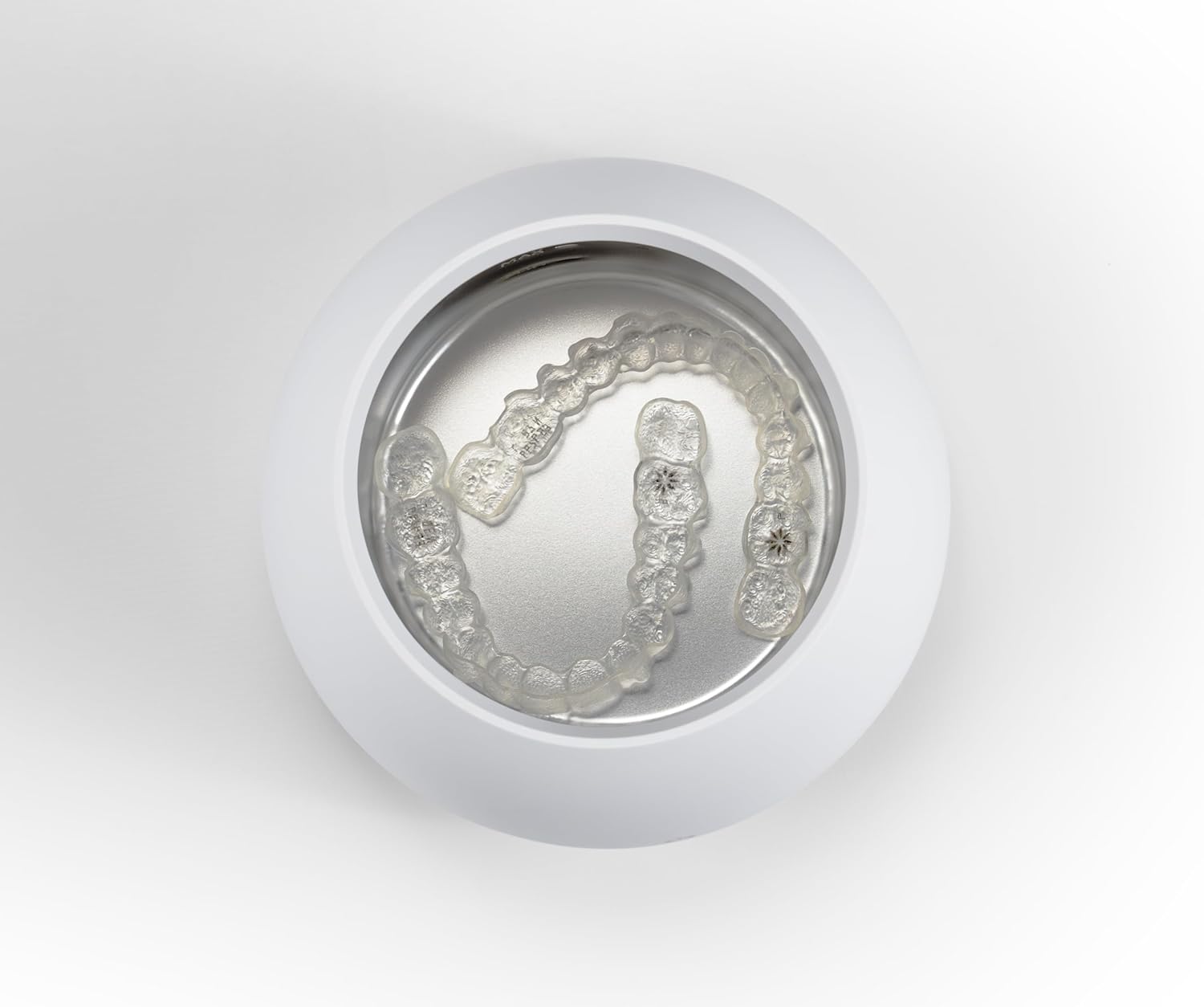
Image: A top-down view of the Invisalign Ultrasonic Cleaner with clear aligners placed inside the cleaning tank.
6. Troubleshooting
- Device Not Powering On: Ensure the power cable is securely connected to both the device and a functional power outlet. Try plugging into a different outlet to rule out an issue with the power source.
- Ineffective Cleaning: Ensure the water level is between the MIN and MAX indicators. For stubborn stains, consider using Invisalign Cleaning Crystals+ as directed.
- Unusual Noise: Some noise is normal during the cavitation process. If the noise is excessively loud or unusual, ensure the device is on a stable surface and that no foreign objects are in the tank.
7. Specifications
| Feature | Detail |
|---|---|
| Package Dimensions | 5.47 x 4.84 x 4.76 inches |
| Weight | 1.34 Pounds |
| UPC | 850065946429 |
| ASIN | B0DYQNF2X5 |
| Manufacturer | ZimaDental |
8. Warranty and Support
The Invisalign Ultrasonic Cleaner is manufactured by ZimaDental for Align Technology, Inc. For warranty claims, technical assistance, or product inquiries, please refer to your product packaging for specific contact details or visit the official Invisalign website for customer support information.
