
1. Introduction
This manual provides detailed instructions for the installation, operation, and maintenance of your Jonsbo ZB-360W PC Case Fan. The ZB-360W features an integrated design with three 120mm ARGB fans, a unique 4-sided infinity mirror effect, and simplified wiring for efficient cooling and aesthetic enhancement of your computer system.
2. Product Features
- Integrated All-in-One Design: A single frame unit houses three 120mm ARGB fans, eliminating the need to connect individual fans and simplifying speed and lighting regulation.
- 4-Sided Infinity Mirror: Features a front thousand-layer mirror illusion and internal/external dual-zone infinity mirror for comprehensive lighting effects.
- Simplified Wiring: A single line connection to the motherboard streamlines cable management and chassis organization.
- ARGB Compatibility: Supports 5V ARGB plug male and female design, allowing for series connection with other lighting devices. Compatible with major motherboard ARGB software (e.g., ASUS Aura Sync, MSI Mystic Light Sync, GIGABYTE RGB Fusion, ASRock Polychrome Sync).
- PWM Control: 4-Pin PWM connector for precise fan speed control.
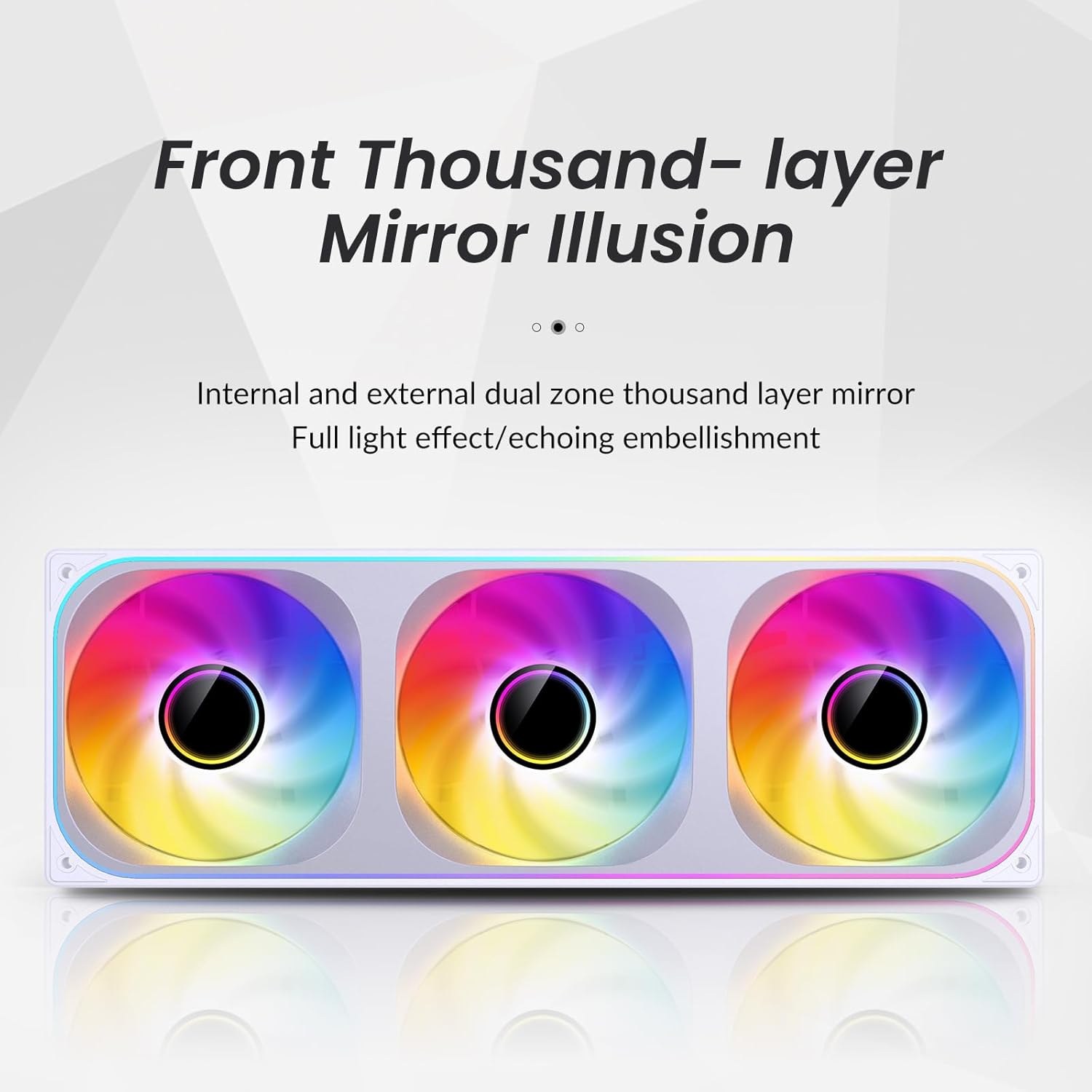
Image: Front Thousand-layer Mirror Illusion. This image displays the intricate mirror effect on the fan's surface, creating a sense of depth and dynamic lighting.
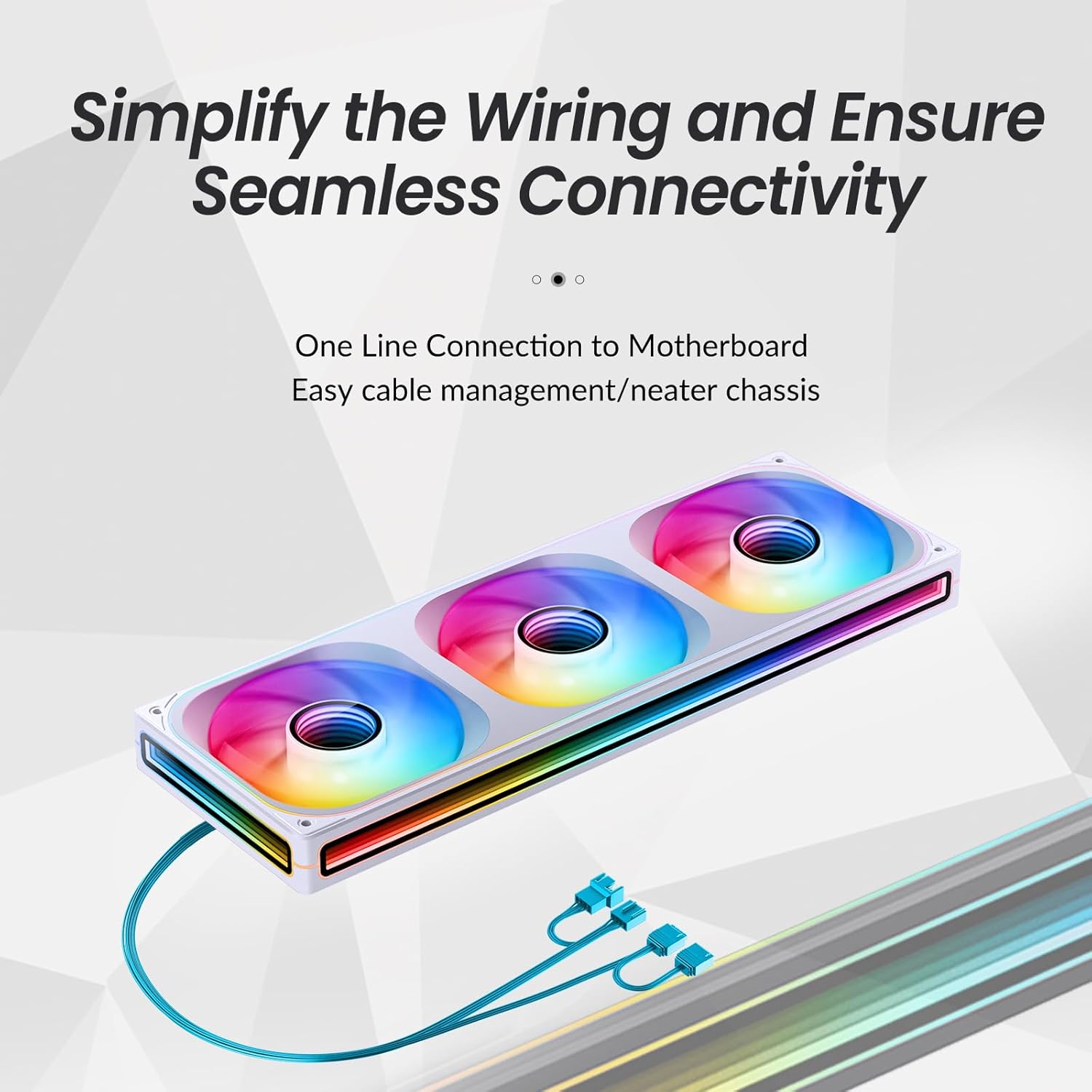
Image: Simplified Wiring. This image illustrates the single cable connection from the fan unit to the motherboard, highlighting the ease of installation and reduced cable clutter.
Video: Official Jonsbo video demonstrating the features and aesthetic appeal of the ZA/ZB series fans, including ARGB lighting and integrated design.
3. Setup
3.1 Package Contents
Verify that your package contains the Jonsbo ZB-360W PC Case Fan unit and any included mounting screws.
3.2 Installation Steps
- Prepare Mounting Location: Identify a suitable 360mm fan mounting location within your PC case (e.g., top, front, or bottom radiator mounts).
- Position the Fan Unit: Place the Jonsbo ZB-360W fan unit into the desired mounting position.
- Secure the Fan: Use the provided screws to firmly attach the fan unit to the PC case. The integrated design simplifies this process, typically requiring only four screws for the entire unit.
- Connect Cables: Locate the single cable extending from the fan unit. This cable typically splits into a 4-Pin PWM connector for fan speed control and a 3-Pin ARGB connector for lighting control.
- Connect to Motherboard:
- Connect the 4-Pin PWM connector to an available CPU_FAN or SYS_FAN header on your motherboard.
- Connect the 3-Pin ARGB connector (5V) to an available 5V ADD_HEADER or ARGB_HEADER on your motherboard. Do not connect to a 12V RGB header, as this can damage the LEDs.
- Optional ARGB Daisy-Chaining: If you have other 5V ARGB devices, you can use the male and female 5V ARGB plugs on the fan unit to daisy-chain them, allowing for synchronized lighting effects.

Image: Jonsbo ZB-360W PC Case Fan. This image shows the complete triple-fan unit with its distinctive ARGB lighting.

Image: Installed Fan Unit. This image demonstrates the fan unit mounted inside a PC case, illustrating its appearance and placement.
4. Operating Instructions
4.1 Fan Speed Control (PWM)
The fan speed is controlled via the 4-Pin PWM connection to your motherboard. You can adjust fan curves and speeds through your motherboard's BIOS/UEFI settings or through compatible software provided by your motherboard manufacturer (e.g., ASUS Fan Xpert, MSI Dragon Center, GIGABYTE SIV, ASRock A-Tuning).
4.2 ARGB Lighting Control
The ARGB lighting effects are controlled via the 3-Pin ARGB connection to your motherboard. Use your motherboard's ARGB synchronization software (e.g., ASUS Aura Sync, MSI Mystic Light Sync, GIGABYTE RGB Fusion, ASRock Polychrome Sync) to customize colors, patterns, and brightness. Ensure the software is up-to-date for optimal functionality.
5. Maintenance
Regular maintenance helps ensure optimal performance and longevity of your Jonsbo ZB-360W PC Case Fan.
- Dust Removal: Periodically clean dust from the fan blades and frame using compressed air or a soft brush. Ensure the PC is powered off and unplugged before cleaning.
- Cable Inspection: Check all cable connections (PWM and ARGB) to ensure they are securely seated and free from damage.
- Avoid Liquids: Do not use liquid cleaners directly on the fan or its components.
6. Troubleshooting
6.1 Fan Not Spinning
- Ensure the 4-Pin PWM connector is securely plugged into a functional fan header on the motherboard.
- Check BIOS/UEFI settings to confirm the fan header is enabled and configured correctly.
- Verify that the power supply is functioning correctly and providing adequate power to the motherboard.
6.2 ARGB Lighting Not Working or Incomplete
- Ensure the 3-Pin ARGB connector (5V) is securely plugged into a 5V ADD_HEADER on your motherboard. Do not connect to a 12V RGB header.
- Important Note for 360mm Models: The ZB-360W fan has a high number of LEDs (68 LEDs around + 27 LEDs in parallel). Some low-end motherboards may have limitations on the number of LEDs a single ARGB header can control. If you experience incomplete illumination, consider adding an external ARGB light controller that supports the required number of LEDs (a single channel should control more than 68 LEDs).
- Update your motherboard's ARGB synchronization software to the latest version. For ASUS motherboards, try adjusting the controllable LED chip quantity through the latest Aura Sync software.
- Check for any physical damage to the ARGB cable or connectors.
6.3 Unusual Noise from Fan
- Check for any obstructions (cables, debris) that might be hitting the fan blades.
- Ensure the fan unit is securely mounted and not vibrating against the PC case.
- Clean any dust buildup on the fan blades.
7. Specifications
| Feature | Specification |
|---|---|
| Model Number | ZB360 W |
| Product Dimensions | 14.25"L x 4.84"W x 1.1"H |
| Material | Plastic |
| Power Connector Type | Fan 4-Pin PWM / LED 3-Pin ARGB |
| Voltage | 12 Volts (Fan) / 5 Volts (LED) |
| Wattage | 4.44 watts (Fan) / 5.80W (LED) |
| Cooling Method | Air |
| Compatible Devices | PC Case |
| Noise Level | 36 Decibels |
| Maximum Rotational Speed | 2400 RPM |
| Air Flow Capacity | 65.26 Cubic Centimeters Per Minute |
| Item Weight | 2.16 pounds |
8. Warranty and Support
8.1 Warranty Information
For specific warranty terms and conditions, please refer to the warranty card included with your product or visit the official Jonsbo website. Warranty coverage typically includes defects in materials and workmanship under normal use.
8.2 Technical Support
If you encounter any issues not covered in this manual or require further assistance, please contact Jonsbo customer support through their official website or the retailer from whom you purchased the product. Please have your product model number and purchase information ready when contacting support.


