
Introduction
This manual provides comprehensive instructions for the ZWP Replacement Remote Control. It covers product features, setup, operation, maintenance, troubleshooting, and specifications to ensure optimal use with your compatible vibration plate exercise machine.
Product Overview
The ZWP Replacement Remote Control is designed to seamlessly operate various vibration plate exercise machines. It offers a reliable and user-friendly experience with advanced infrared technology.
Key Features:
- Compatibility: Designed for SoftGym, SpacEver RC-CFM-V16, Taevno VSL4201, TISSCARE SZJ-BK01, DamKee V16, and DERACY Vibration Plate Exercise Machines. Ensure your original remote matches the appearance of this replacement.
- Advanced Infrared Technology: Provides a strong, stable signal with long transmission distance, 0.2-second fast response, and multi-angle control without obstruction.
- Durable Construction: Made from high-quality ABS material, resistant to falling, and free from peculiar odors, ensuring long-lasting use and safety.
- Easy to Use: No programming or setup is required. Simply insert batteries to begin operation.

Image: The ZWP Replacement Remote Control, emphasizing its long lifespan, safety materials (ABS), advanced chip, and quality assurance.
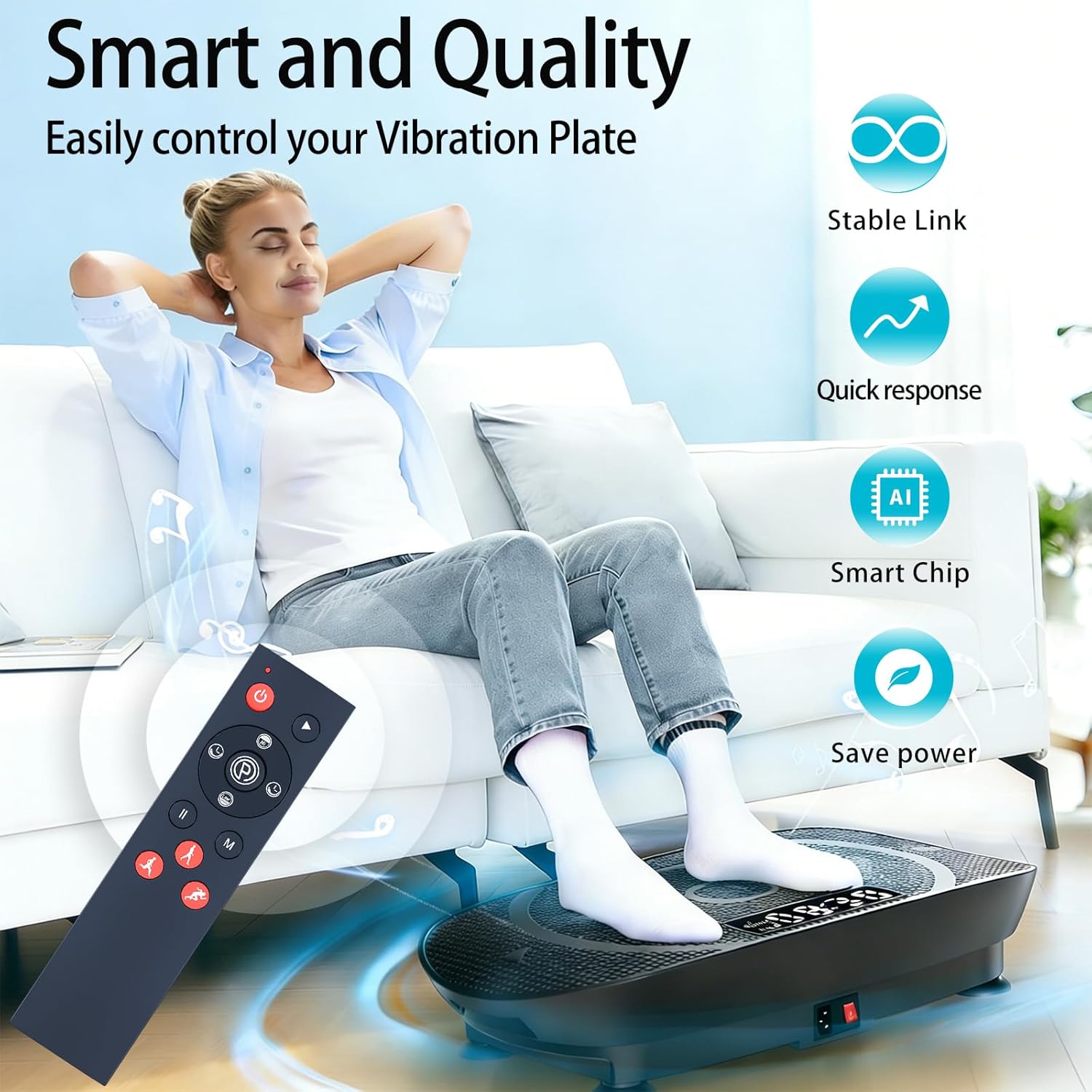
Image: A user comfortably controlling a vibration plate with the ZWP remote, illustrating stable link, quick response, smart chip, and power-saving features.

Image: The ZWP remote control demonstrating an effective operational distance of 8 meters, requiring no prior setup.
Setup
Battery Installation:
- Locate the battery compartment on the back of the remote control.
- Slide the battery cover downwards to open it.
- Insert two (2) 1.5V AAA batteries, ensuring the positive (+) and negative (-) terminals align correctly with the markings inside the compartment.
- Slide the battery cover back into place until it clicks securely.
Note: Batteries are not included with the remote control.

Image: A diagram showing the battery compartment of the ZWP remote control and the correct orientation for inserting two AAA batteries.
Operating Instructions
The ZWP Replacement Remote Control is designed for immediate use without any complex programming. Once batteries are installed, it is ready to operate your compatible vibration plate exercise machine.
Button Functions:
- Power Button (⏻): Turns the vibration plate ON or OFF.
- Play/Pause Button (▶ / ⏸): Starts or pauses the exercise program.
- Speed Up/Down Buttons (▲ / ▼): Adjusts the vibration intensity or speed.
- Mode Button (M): Cycles through different exercise modes or programs.
- Time Up/Down Buttons (⏱): Adjusts the duration of the exercise session.
- Exercise Mode Buttons (🏃): Dedicated buttons for specific exercise types such as Running (Strong), Walking (Relax), and Jogging (Comfortable).
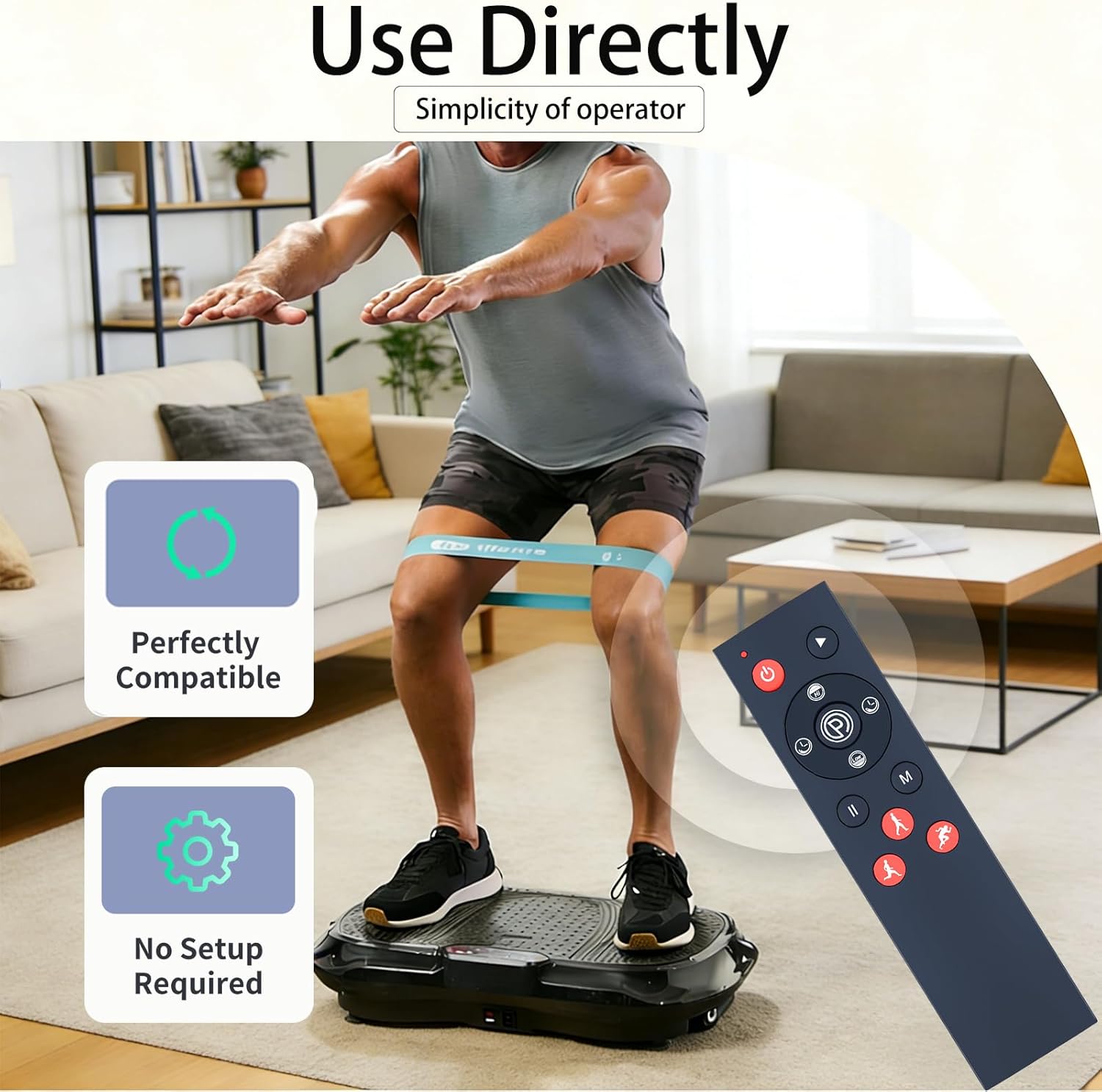
Image: The ZWP remote control emphasizing its direct usability and lack of setup requirements for immediate operation.

Image: The ZWP remote control illustrating how to easily switch between different exercise modes (Running, Walking, Jogging) on a vibration plate without pairing or setup.

Image: A user operating a vibration plate with the ZWP remote, showcasing its 26-foot long-range and 360-degree multi-angle control capabilities.
Maintenance
To ensure the longevity and proper functioning of your ZWP Replacement Remote Control, follow these simple maintenance guidelines:
- Cleaning: Wipe the remote control with a soft, dry cloth. For stubborn dirt, slightly dampen the cloth with water or a mild, non-abrasive cleaner. Avoid using harsh chemicals or abrasive materials.
- Battery Replacement: Replace batteries when the remote's response becomes sluggish or stops working. Always replace both batteries at the same time with new ones of the same type (AAA 1.5V).
- Storage: Store the remote control in a cool, dry place away from direct sunlight and extreme temperatures. If storing for an extended period, remove the batteries to prevent leakage.
- Avoid Drops: While made of durable ABS material, repeated drops can damage internal components. Handle with care.
Troubleshooting
If you encounter issues with your ZWP Replacement Remote Control, please refer to the following common solutions:
| Problem | Possible Cause | Solution |
|---|---|---|
| Remote is not responding. |
|
|
| Buttons are unresponsive or sticky. |
|
|
If the problem persists after trying these solutions, please refer to the Warranty and Support section for further assistance.
Specifications
| Brand | ZWP |
| Special Feature | Ergonomic |
| Color | Black |
| Max Number of Supported Devices | 1 |
| Compatible Devices | Vibration Plate (SoftGym, SpacEver RC-CFM-V16, Taevno VSL4201, TISSCARE SZJ-BK01, DamKee V16, DERACY) |
| Connectivity Technology | Infrared |
| Controller Type | Button Control |
| Maximum Range | 10 Meters (approximately 32.8 feet) |
| Battery Type | 2 x 1.5V AAA Batteries (not included) |
| Item Weight | 0.13 Pounds (approximately 59 grams) |
Warranty and Support
ZWP provides a 1-year warranty return service for this replacement remote control. This warranty covers manufacturing defects and ensures your satisfaction with the product.
If you have any questions about your order, product functionality, or require assistance with troubleshooting that is not covered in this manual, please do not hesitate to contact ZWP customer support directly. We aim to respond to inquiries within 12 hours.
For support, please refer to the contact information provided with your purchase or visit the official ZWP store on Amazon: ZWP Store


