
Introduction
The Monster Open AC601 AI Translation Earbuds are designed to provide seamless communication and audio experience. These 3-in-1 wireless earphones offer real-time language translation, high-quality music playback, and clear phone call capabilities. Featuring advanced AI-driven natural interpretation technology, support for 115 languages, IPX5 water resistance, and an extended battery life, the AC601 is engineered for both professional and daily use.
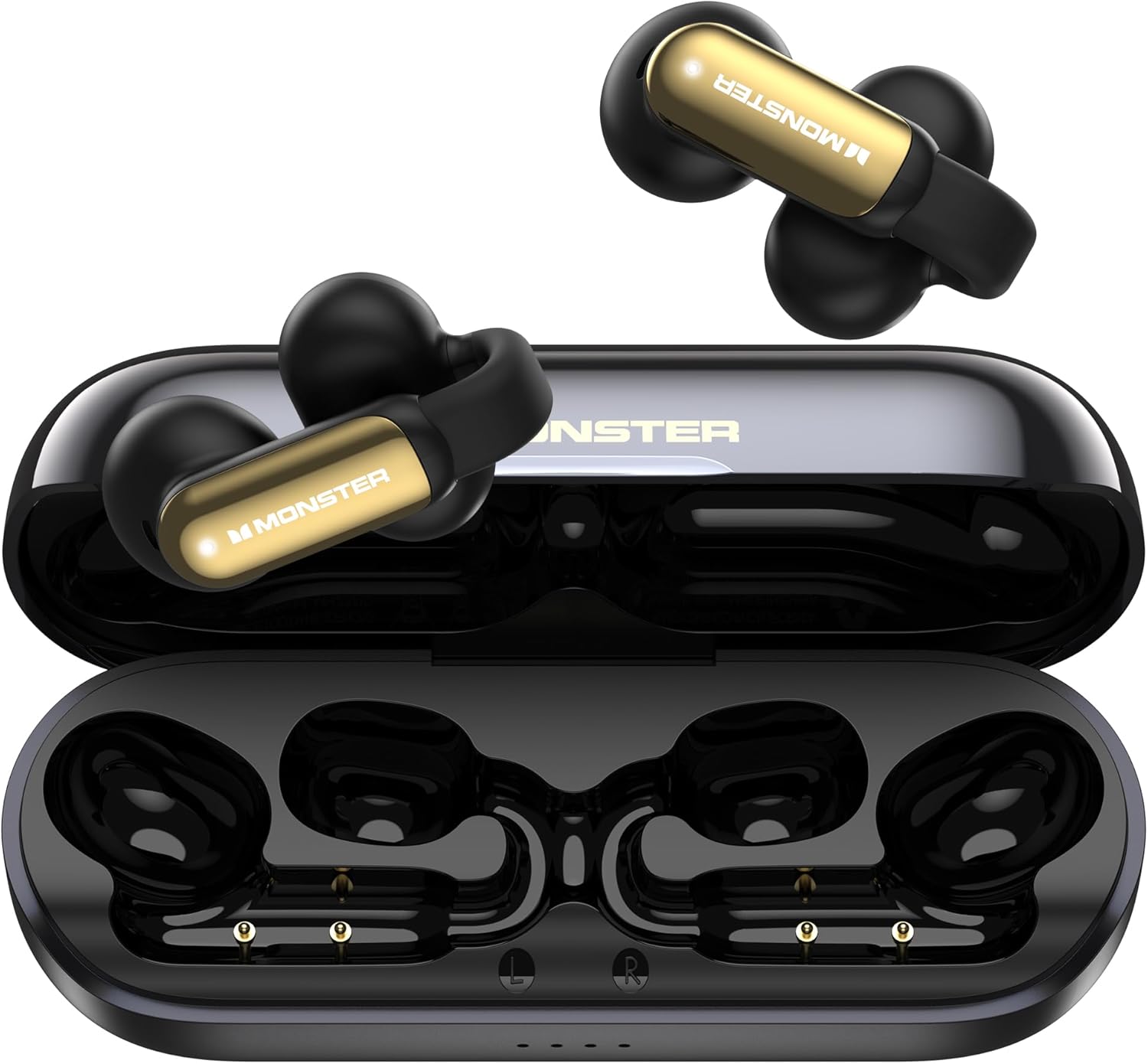
Image: The Monster Open AC601 AI Translation Earbuds, shown with their charging case. The earbuds are black with gold accents, and the case is open, revealing the charging slots.
Setup
Package Contents
Upon opening the package, ensure all components are present:
- Monster Open AC601 AI Translation Earbuds (Left and Right)
- Charging Case
- USB Charging Cable
- User Manual (this document)
Charging the Earbuds and Case
Before first use, fully charge the earbuds and the charging case.
- Place the earbuds into the charging case, ensuring they are correctly seated in their respective L (left) and R (right) slots.
- Connect the USB charging cable to the charging port on the case and the other end to a compatible USB power source (e.g., computer USB port, wall adapter).
- The indicator lights on the charging case will illuminate to show charging status. A full charge typically takes approximately 1 hour for the case.
- The earbuds provide up to 8 hours of listening time on a single charge, and the charging case extends the total playtime to 32 hours.

Image: Visual representation of the Monster Open AC601's battery life: 8 hours for earbuds, 32 hours total with the charging case, and 1 hour fast charging for the case.
Pairing with Your Device
The Monster Open AC601 earbuds utilize Bluetooth 6.0 technology for stable and efficient connection.
- Open the charging case. The earbuds will automatically enter pairing mode.
- On your smartphone or other Bluetooth-enabled device, navigate to the Bluetooth settings.
- Search for "Monster Open AC601" in the list of available devices and select it to connect.
- Once connected, a voice prompt will confirm successful pairing.
- For translation features, download the dedicated Monster translation app from your device's app store.

Image: An illustration highlighting the AI translation capabilities and upgraded Bluetooth 6.0 technology of the Monster earbuds.
Operating Instructions
Wearing the Earbuds
The Monster Open AC601 earbuds feature an open-ear design for comfortable and secure fit. Gently place each earbud into your ear, ensuring the audio component is positioned correctly for optimal sound and microphone pickup.
Touch Controls
The earbuds are equipped with intuitive touch controls for managing calls, music playback, and activating the voice assistant.
- Single Tap (L/R): Answer/End Call
- Double Tap (L/R): Play/Pause Music
- Triple Tap (L/R): Decline Phone Call
- Triple Tap (L): Previous Song
- Triple Tap (R): Next Song
- Single Tap (R): Increase Volume
- Single Tap (L): Reduce Volume
- Press and Hold 2s (L/R): Activate Voice Assistant

Image: A detailed diagram illustrating the various touch control gestures and their corresponding functions on the Monster Open AC601 earbuds.
Translation Modes
The Monster Open AC601 supports three distinct translation modes to suit various communication scenarios. These modes are managed through the dedicated translation application on your smartphone.
- Dual Ear Mode: Both earbuds are used for translation, allowing two individuals to share the earbuds for a direct conversation with real-time translation.
- Simultaneous Interpretation Mode: Ideal for lectures, presentations, or group discussions. The earbuds provide real-time interpretation of spoken language, allowing you to understand conversations as they happen.
- Headphones & Phone Mode: One earbud is used by the wearer, while the other person speaks into the connected smartphone. This mode is suitable for one-on-one conversations where only one person needs the earbud for translation.
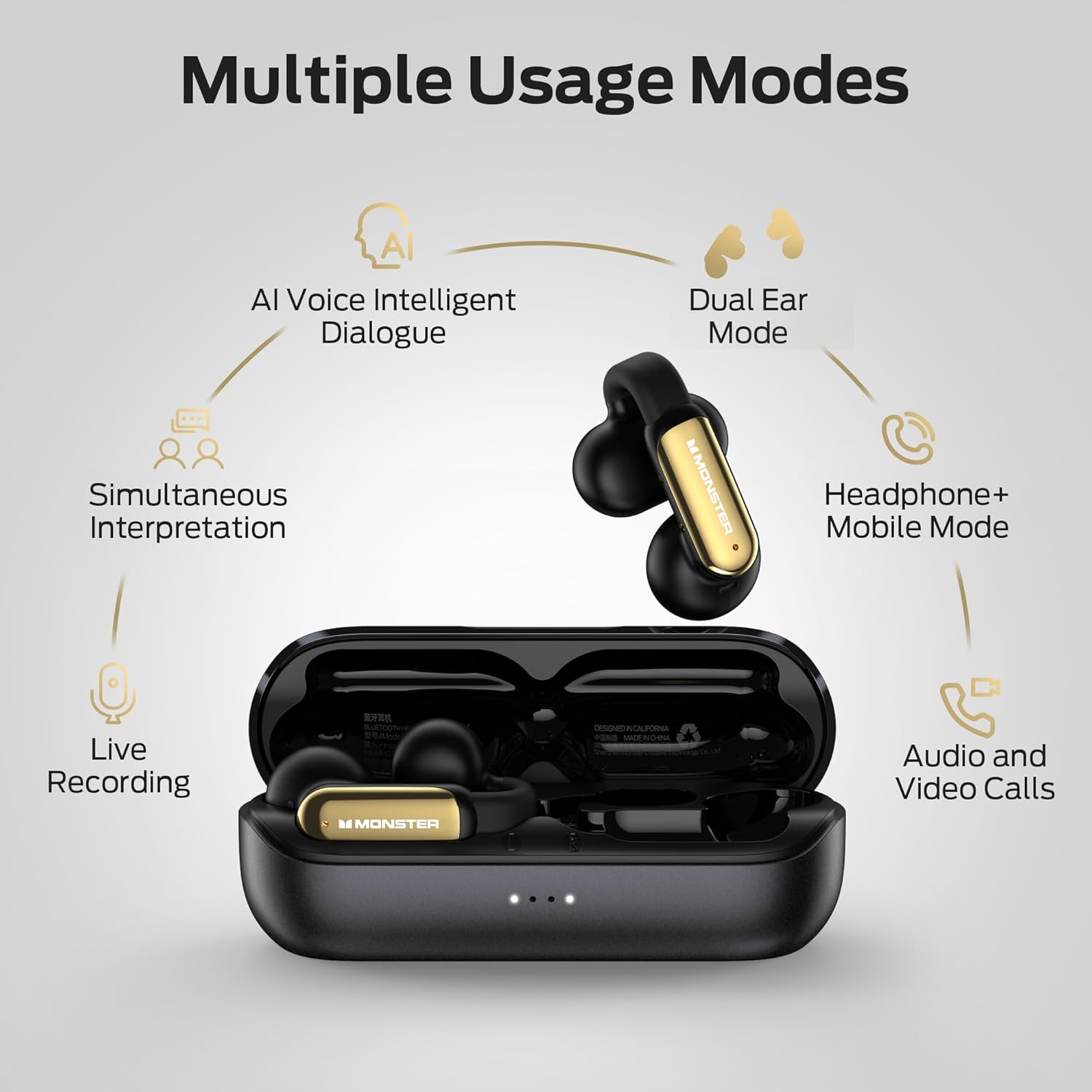
Image: An infographic showing the multiple usage modes of the Monster Open AC601 earbuds, including AI Voice Intelligent Dialogue, Dual Ear Mode, Headphone+ Mobile Mode, Live Recording, and Audio and Video Calls.
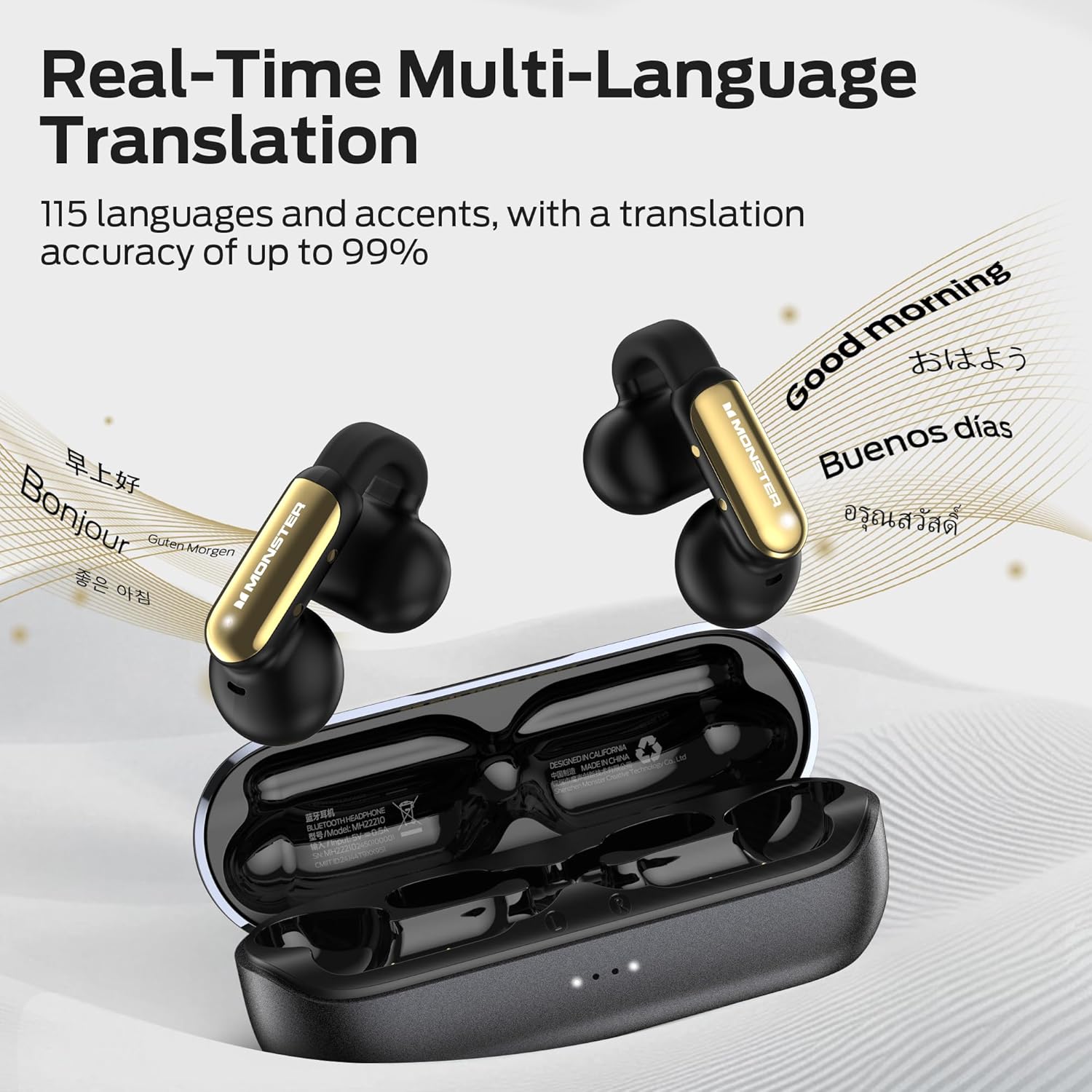
Image: The Monster Open AC601 earbuds demonstrating real-time multi-language translation, supporting 115 languages with high accuracy.
Music Playback and Calls
Beyond translation, the AC601 earbuds function as standard wireless headphones for music and calls. Use the touch controls as described above to manage your audio and communications.
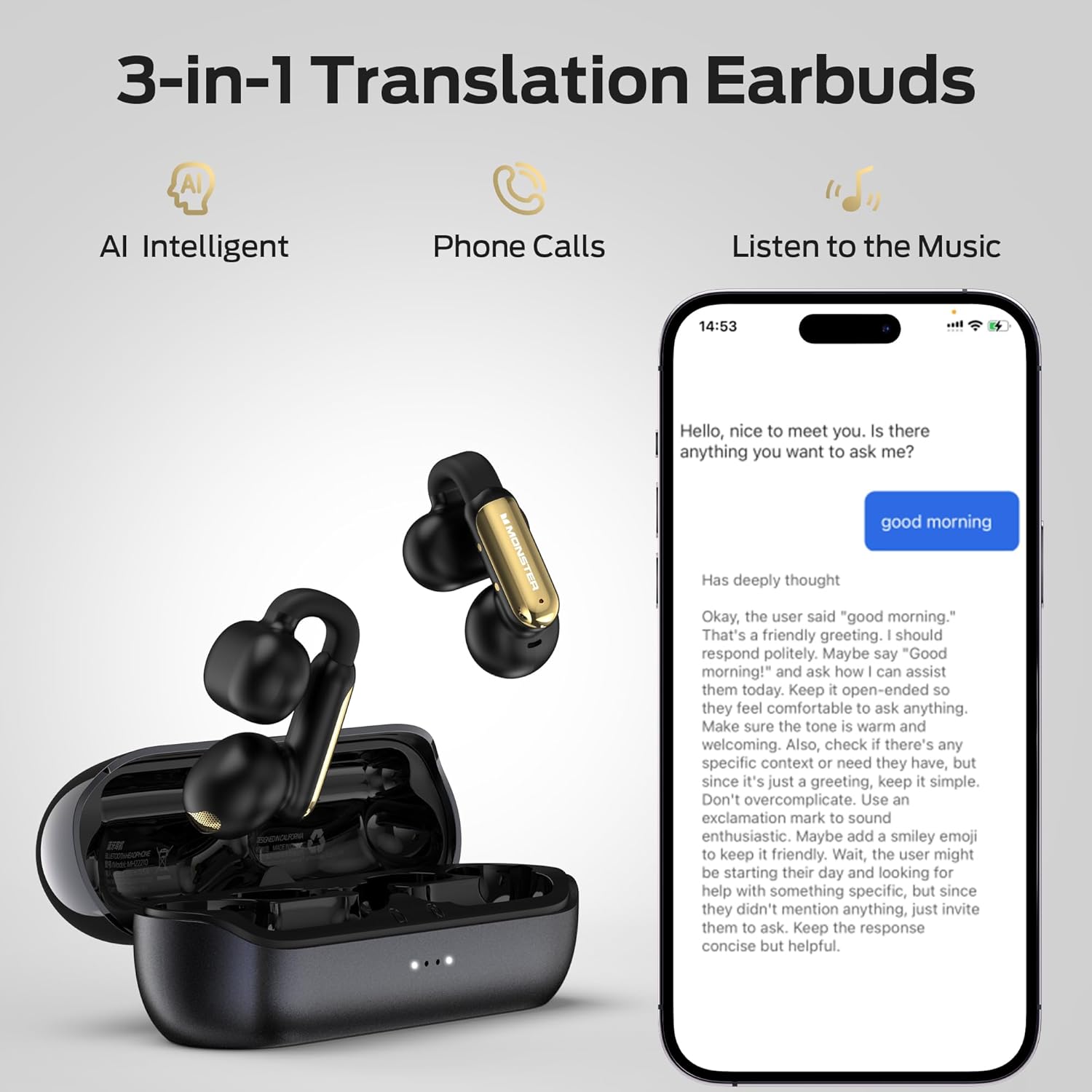
Image: An illustration showing the 3-in-1 functionality of the Monster Open AC601 earbuds: AI Intelligent translation, Phone Calls, and Music Listening, alongside a smartphone displaying a translation interface.
Maintenance
Cleaning
To maintain optimal performance and hygiene, regularly clean your earbuds and charging case.
- Use a soft, dry, lint-free cloth to wipe the earbuds and charging case.
- For stubborn dirt, slightly dampen the cloth with water or a mild, non-abrasive cleaner. Avoid excessive moisture.
- Do not use harsh chemicals, aerosols, or abrasive cleaning agents.
- Ensure charging contacts on both earbuds and case are clean and dry.
Water Resistance (IPX5)
The Monster Open AC601 earbuds are rated IPX5 water-resistant, meaning they can withstand splashes of water from any direction. This makes them suitable for workouts and light rain.
- Do not submerge the earbuds in water.
- Do not expose them to saltwater or other liquids.
- Ensure the earbuds are dry before placing them back into the charging case to prevent damage.
Storage
When not in use, store the earbuds in their charging case to protect them from dust, dirt, and physical damage. Store in a cool, dry place away from extreme temperatures.
Troubleshooting
If you encounter issues with your Monster Open AC601 earbuds, refer to the following common problems and solutions.
| Problem | Possible Cause | Solution |
|---|---|---|
| Earbuds not pairing | Bluetooth off, earbuds not in pairing mode, device too far. | Ensure Bluetooth is on, place earbuds in case and reopen, move device closer, try re-pairing. |
| No sound from earbuds | Low battery, not connected, volume too low, incorrect audio output selected. | Charge earbuds, check Bluetooth connection, increase volume on device, select earbuds as audio output. |
| Translation not working | App not open, internet connection issues, incorrect language settings. | Ensure translation app is open and connected, check internet connection, verify language settings in the app. |
| Charging case not charging | Faulty cable/adapter, dirty charging port. | Try a different USB cable and power adapter, clean the charging port gently. |
Specifications
| Feature | Detail |
|---|---|
| Model Name | Open AC601 |
| Connectivity Technology | Wireless |
| Wireless Communication Technology | Bluetooth |
| Bluetooth Version | 6.0 |
| Compatible Devices | Cellphones, Laptops |
| Water Resistance Level | IPX5 (Water Resistant) |
| Frequency Range | 20 Hz - 20,000 Hz |
| Control Method | Touch |
| Battery Life (Earbuds) | 8 Hours |
| Battery Life (Total with Case) | 32 Hours |
| Audio Driver Type | Dynamic Driver |
| Earpiece Shape | Bud |
| Manufacturer | Monster |
| Item Weight | 4.6 ounces |
| Package Dimensions | 5.28 x 4.53 x 1.85 inches |
Warranty and Support
Monster products are designed and manufactured to the highest quality standards. For information regarding warranty coverage, please refer to the warranty card included in your product packaging or visit the official Monster website.
For technical support, troubleshooting assistance, or to inquire about replacement parts, please contact Monster customer service through their official website or the contact information provided in your product documentation.
Official Monster Website: www.monsterproducts.com


