
Monster Open Ear AC601
Monster AI Translation Earbuds Open AC601 User Manual
Model: Open Ear AC601
Introduction
The Monster AI Translation Earbuds Open AC601 are advanced 3-in-1 wireless earphones designed for seamless communication and audio enjoyment. Featuring real-time AI translation for 115 languages, Bluetooth 6.0 connectivity, and intuitive touch controls, these earbuds offer a versatile solution for travel, business, and daily use. They combine translation capabilities with music playback and call management, all within a comfortable open-ear design.
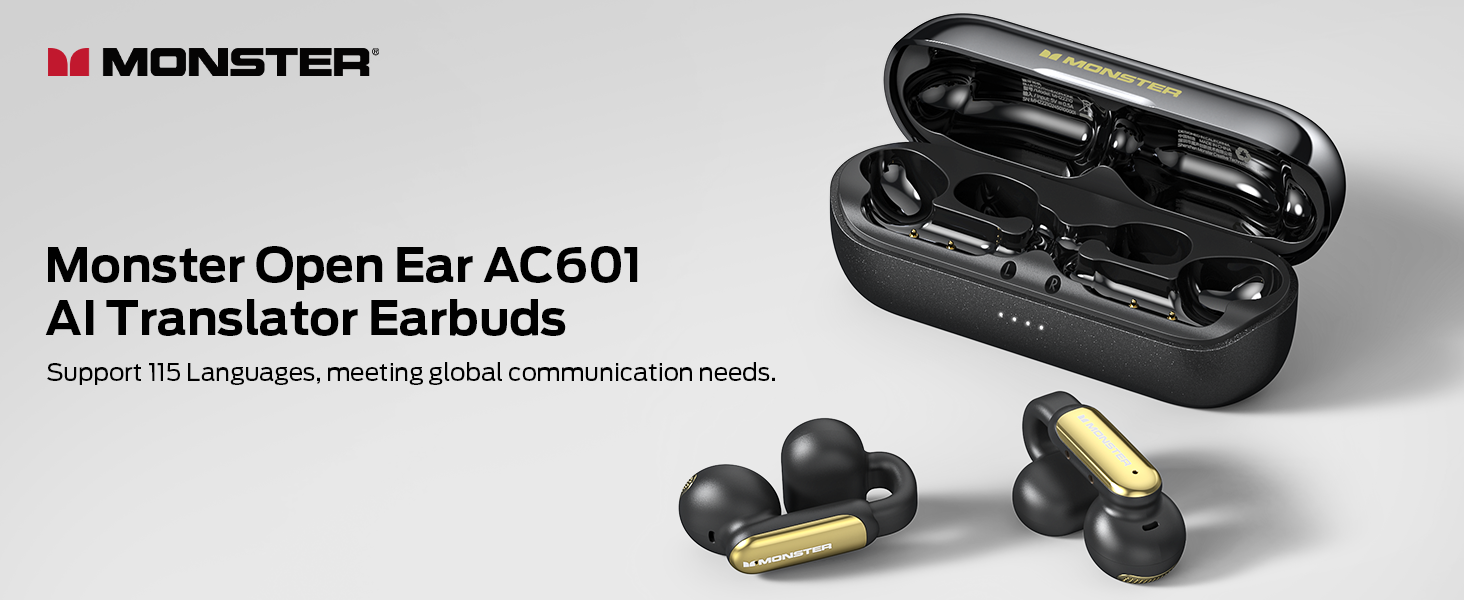
Image: A banner displaying the Monster Open Ear AC601 AI Translator Earbuds, highlighting their support for 115 languages to meet global communication needs.
Package Contents
- Monster Open AC601 AI Translation Earbuds (Left and Right)
- Charging Case
- USB Charging Cable
- User Manual
Product Overview
Familiarize yourself with the components and key features of your Monster Open AC601 earbuds and charging case.

Image: The Monster Open AC601 earbuds, black with gold accents, resting in their sleek black charging case. The earbuds are shown both inside and outside the case, highlighting their design.
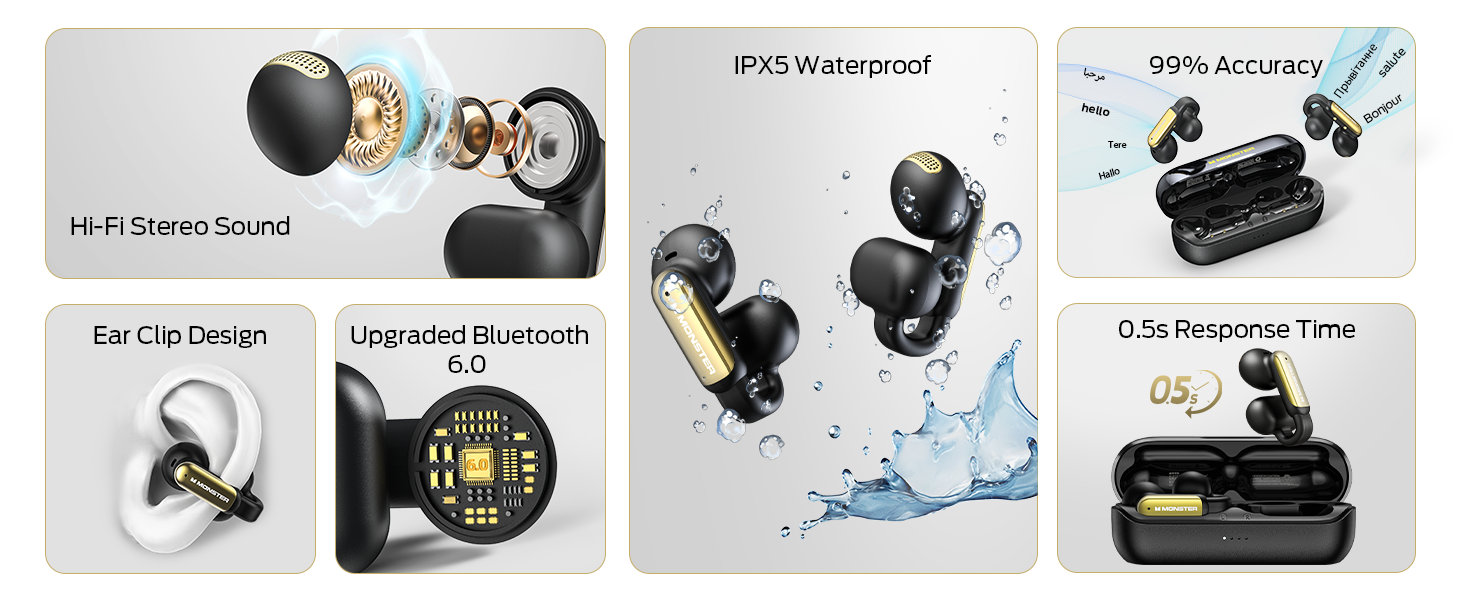
Image: A detailed overview of Monster Open AC601 features including Hi-Fi Stereo Sound, Ear Clip Design, Upgraded Bluetooth 6.0, IPX5 Waterproof rating, 99% translation accuracy, and 0.5s response time.
Earbud Components:
- Touch Control Area: For managing playback, calls, and translation modes.
- Microphone: Captures your voice for calls and translation.
- Speaker: Delivers audio and translated speech.
- Charging Contacts: Connects with the charging case.
Charging Case Components:
- Earbud Charging Slots: Securely holds and charges the earbuds.
- LED Indicators: Shows charging status and battery level.
- USB-C Charging Port: For charging the case.
Setup
1. Charging the Earbuds and Case
Before first use, fully charge the earbuds and the charging case.
- Place the earbuds into the charging case, ensuring they are correctly seated. The LED indicators on the case will illuminate to show charging status.
- Connect the charging case to a USB power source using the provided USB cable.
- The case LEDs will indicate charging progress. A full charge for the case provides up to 32 hours of total playtime, with earbuds offering 8 hours on a single charge.
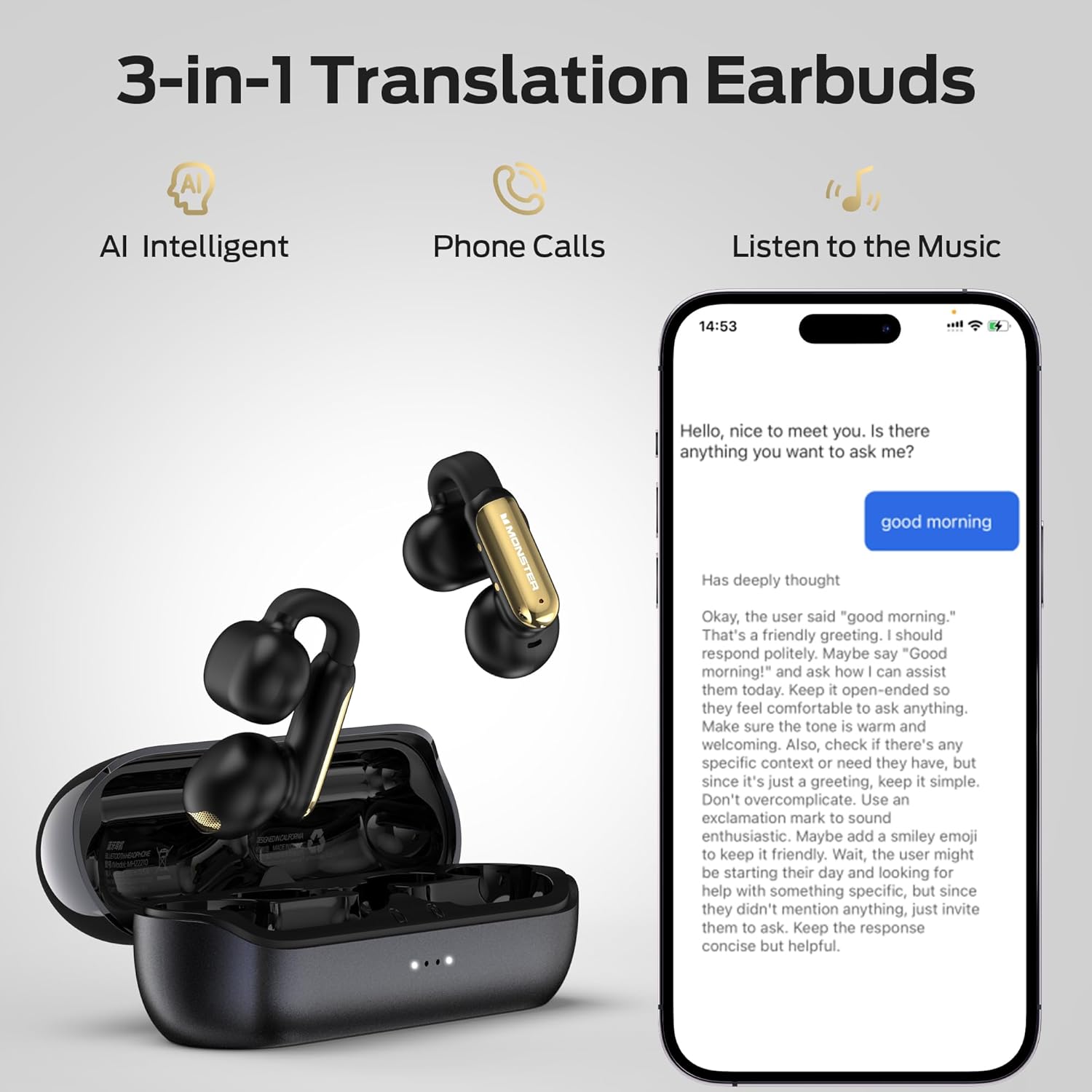
Image: The Monster Open AC601 earbuds and charging case, illustrating the 32-hour total playtime and 8-hour earbud playtime, along with 1-hour fast charging for the case.
2. Bluetooth Pairing
Pair your Monster Open AC601 earbuds with your smartphone or other Bluetooth-enabled device.
- Open the charging case. The earbuds will automatically enter pairing mode.
- On your device, go to Bluetooth settings and enable Bluetooth.
- Select "Monster Open AC601" from the list of available devices.
- Once connected, the earbuds will confirm pairing (e.g., with an audio prompt).
The earbuds feature upgraded Bluetooth 6.0 technology for a stable connection and low latency.
3. App Installation and Setup for Translation
To utilize the AI translation features, download the dedicated Monster translation app.
- Scan the QR code in the product packaging or search for the "Monster Translation" app on your device's app store (Google Play Store for Android, Apple App Store for iOS).
- Install and open the app.
- Follow the in-app instructions to connect your earbuds and set up your preferred languages. The app supports 115 languages.
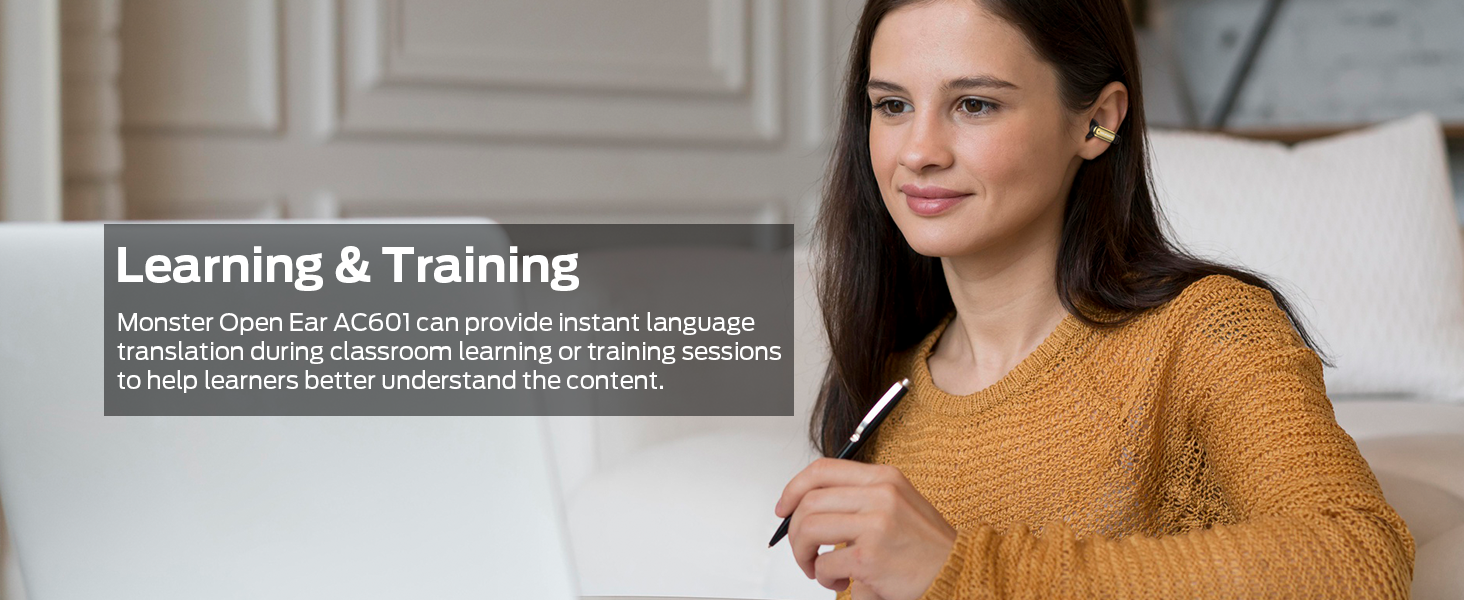
Image: A smartphone screen displaying the Monster translation app interface, showing a language selection menu with English and Chinese as options, and icons for Android, Apple, and Google Play Store, indicating app availability.
Operating Instructions
Basic Touch Controls
The earbuds feature intuitive touch controls for various functions. The specific number of taps or duration of touch may vary slightly; refer to the app for detailed customization.

Image: A visual guide to the touch controls on the Monster Open AC601 earbuds, showing icons for answering/ending calls, play/pause, declining calls, previous/next song, volume control, and voice assistant activation.
| Action | Function |
|---|---|
| Tap x1 (L/R) | Answer/End Call |
| Tap x2 (L/R) | Play/Pause Music |
| Tap x2 (L/R) for 2s | Decline Phone Call |
| Tap x3 (L) | Previous Song |
| Tap x3 (R) | Next Song |
| Tap x1 (R) | Increase Volume |
| Tap x1 (L) | Reduce Volume |
| Tap x2 (L/R) for 2s | Voice Assistant |
Translation Modes
The Monster Open AC601 offers three distinct translation modes to suit various communication scenarios.
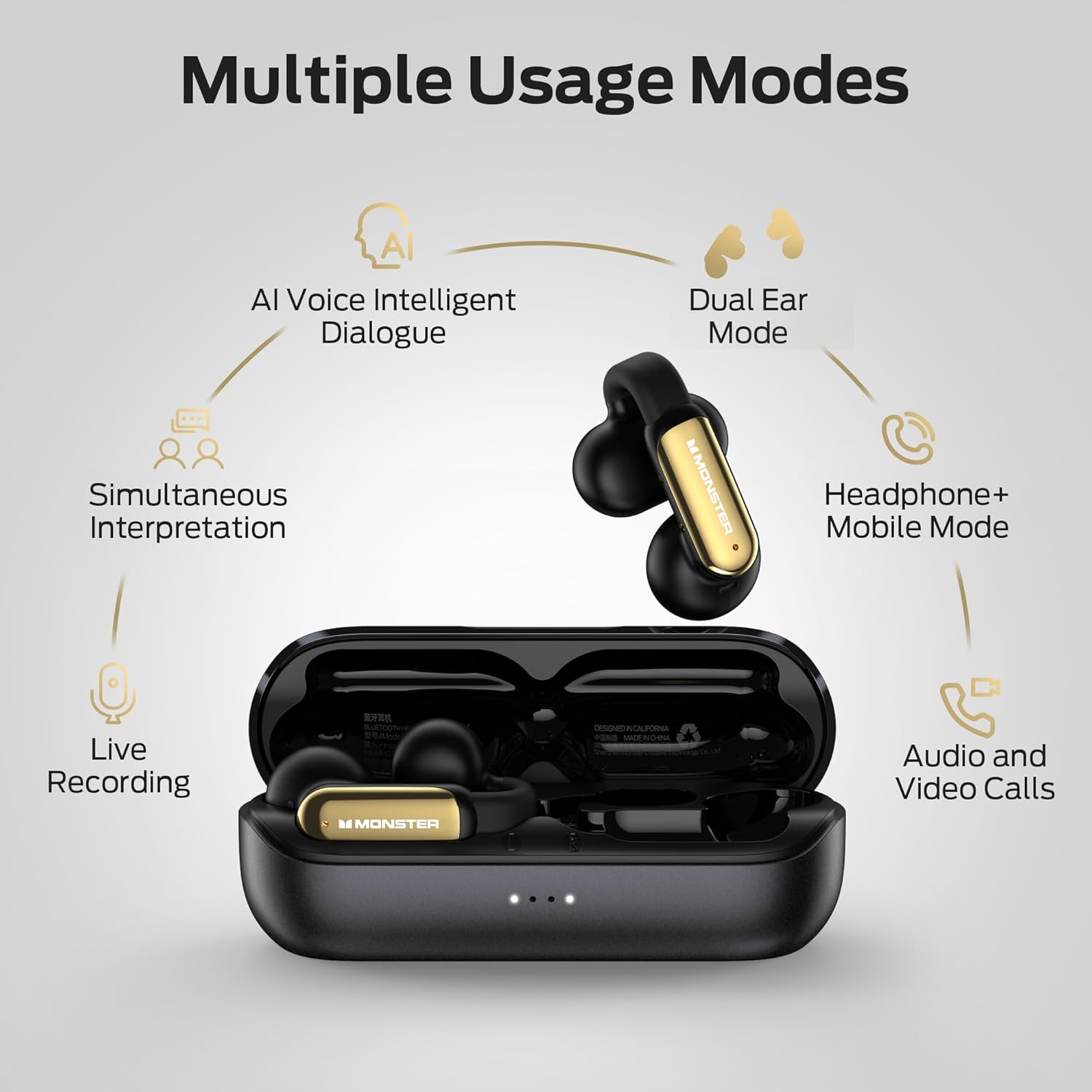
Image: A diagram illustrating the multiple usage modes of the Monster Open AC601, including AI Voice Intelligent Dialogue, Dual Ear Mode, Headphone+Mobile Mode, Live Recording, and Audio and Video Calls.
- Dual Ear Mode:
Both earbuds are used by two different individuals, each speaking their native language. The earbuds translate in real-time, allowing for a natural conversation flow. Ideal for one-on-one interactions.
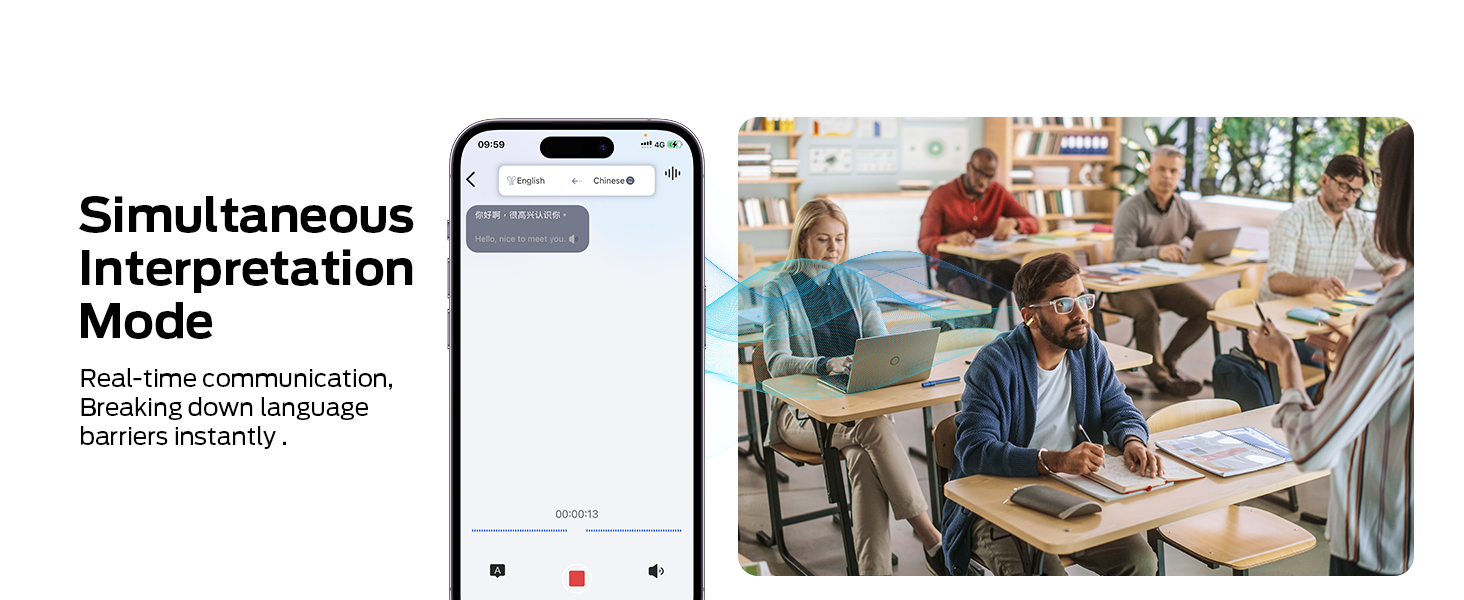
- Simultaneous Interpretation Mode:
One person wears the earbuds, while the other speaks into the connected smartphone. The earbuds provide real-time interpretation of the spoken language. Useful for presentations, lectures, or when one person needs to understand multiple speakers.

Image: A split image showing the translation app interface on a smartphone and a classroom setting, demonstrating the use of Simultaneous Interpretation Mode for real-time communication and breaking language barriers.
- Headphones & Phone Mode:
Use the earbuds for listening to music or making phone calls, while still having the option to switch to translation features via the app when needed. This mode integrates translation, music playback, and phone communication seamlessly.
Using the Translation App
The Monster translation app is central to utilizing the earbuds' full potential.
- Language Selection: Easily switch between your language and your conversation partner's language using the convenient language button within the app.
- Real-Time Display: The app displays the translated text in real-time, providing a visual aid to the audio translation.
- Conversation History: Review past conversations within the app.
- Settings: Adjust translation speed, voice gender, and other preferences.

Image: The Monster Open AC601 earbuds next to a smartphone displaying the translation app, showing a conversation in progress with translated text, highlighting the 3-in-1 functionality for AI intelligent translation, phone calls, and music listening.
Usage Scenarios
The Monster Open AC601 earbuds are designed to enhance communication in various real-world situations.

Learning & Training
Image: A woman using the earbuds while working on a laptop, illustrating how Monster Open Ear AC601 can provide instant language translation during classroom learning or training sessions to help learners better understand content.

Business
Image: A business professional speaking at a conference table with others listening, demonstrating how Monster Open Ear AC601 can help communicate effectively with people from different countries at large events or trade shows.

Meeting
Image: Two individuals in a business meeting setting, illustrating how Monster Open Ear AC601 can translate multiple languages in real-time, helping participants from different language backgrounds better understand and communicate at international meetings.
Travel
Image: A person with a backpack looking at a scenic view, representing how Monster Open Ear AC601 is a travel companion offering real-time assistance with directions, taxi bookings, food orders, and providing translations in multiple languages for a smooth and hassle-free journey.
Maintenance
Cleaning
- Gently wipe the earbuds and charging case with a soft, dry, lint-free cloth.
- Do not use abrasive cleaners, alcohol, or chemical solvents.
- Ensure charging contacts are clean and free of debris for optimal charging.
Storage
- Store the earbuds in their charging case when not in use to protect them and keep them charged.
- Avoid storing in extreme temperatures or high humidity.
Water Resistance (IPX5)
The Monster Open AC601 earbuds have an IPX5 water resistance rating, meaning they are protected against low-pressure water jets from any direction. This makes them suitable for protection against sweat and light rain.
- Do not submerge the earbuds in water.
- Do not expose them to pressurized water or high-velocity water, such as during showering or swimming.
- Ensure the earbuds are dry before placing them back in the charging case to prevent damage to the charging contacts.

Image: The Monster Open AC601 earbuds shown with water splashing, illustrating their IPX5 waterproof rating, indicating resistance to sweat and light rain.
Troubleshooting
| Problem | Possible Cause | Solution |
|---|---|---|
| Earbuds not charging | Improper placement in case; dirty charging contacts; low case battery. | Ensure earbuds are seated correctly. Clean charging contacts. Charge the case. |
| Cannot pair with device | Earbuds not in pairing mode; Bluetooth off on device; interference. | Open case to enter pairing mode. Enable Bluetooth. Move closer to device. Forget device and re-pair. |
| No sound from earbuds | Not connected; volume too low; media paused. | Check Bluetooth connection. Increase device/earbud volume. Play media. |
| Translation not working | App not open/connected; incorrect language settings; poor internet connection. | Ensure app is running and connected. Verify language settings. Check internet connectivity. |
| Poor translation accuracy | Background noise; unclear speech; complex sentences. | Speak clearly and at a moderate pace. Reduce background noise. Use simpler sentences if possible. |
Specifications
| Feature | Detail |
|---|---|
| Model Name | Open Ear AC601 |
| Connectivity Technology | Wireless (Bluetooth 6.0) |
| Wireless Communication Technology | Bluetooth |
| Included Components | Earphone |
| Material | Plastic, Silicone |
| Specific Uses For Product | Travel |
| Compatible Devices | Smartphones, Tablets, Laptops, Desktops, Smart Home Devices, Cars |
| Water Resistance Level | IPX5 (Water Resistant) |
| Frequency Range | 20 Hz - 20,000 Hz |
| Control Method | App, Touch |
| Battery Life | 32 Hours (Total with charging case) |
| Audio Driver Type | Dynamic Driver |
| Bluetooth Version | 6.0 |
| Ear Placement | Open Ear |
| Form Factor | In Ear |
| Item Weight | 5.3 ounces |
| Manufacturer | Monster |
Warranty and Support
For warranty information and technical support, please refer to the official Monster website or contact their customer service directly. Keep your proof of purchase for warranty claims.
Online Support: Visit the Monster Store on Amazon for product information and support resources.
Related documentsOpen Ear AC601


Ask a question about this manual
Ask about setup, troubleshooting, compatibility, parts, safety, or missing instructions. Manuals+ will review the question and use this page’s manual context to help answer it.