
1. Introduction to the iPhone 16E
This manual provides a comprehensive guide to understanding and operating your new iPhone 16E. Designed for clarity and ease of use, it covers essential features, setup procedures, and advanced functionalities of Apple's latest smartphone, including iOS 18 and Apple Intelligence.
The iPhone 16E integrates cutting-edge technology to enhance your daily communication, productivity, and entertainment. This guide will help you navigate its capabilities, from basic functions to advanced AI-powered features.
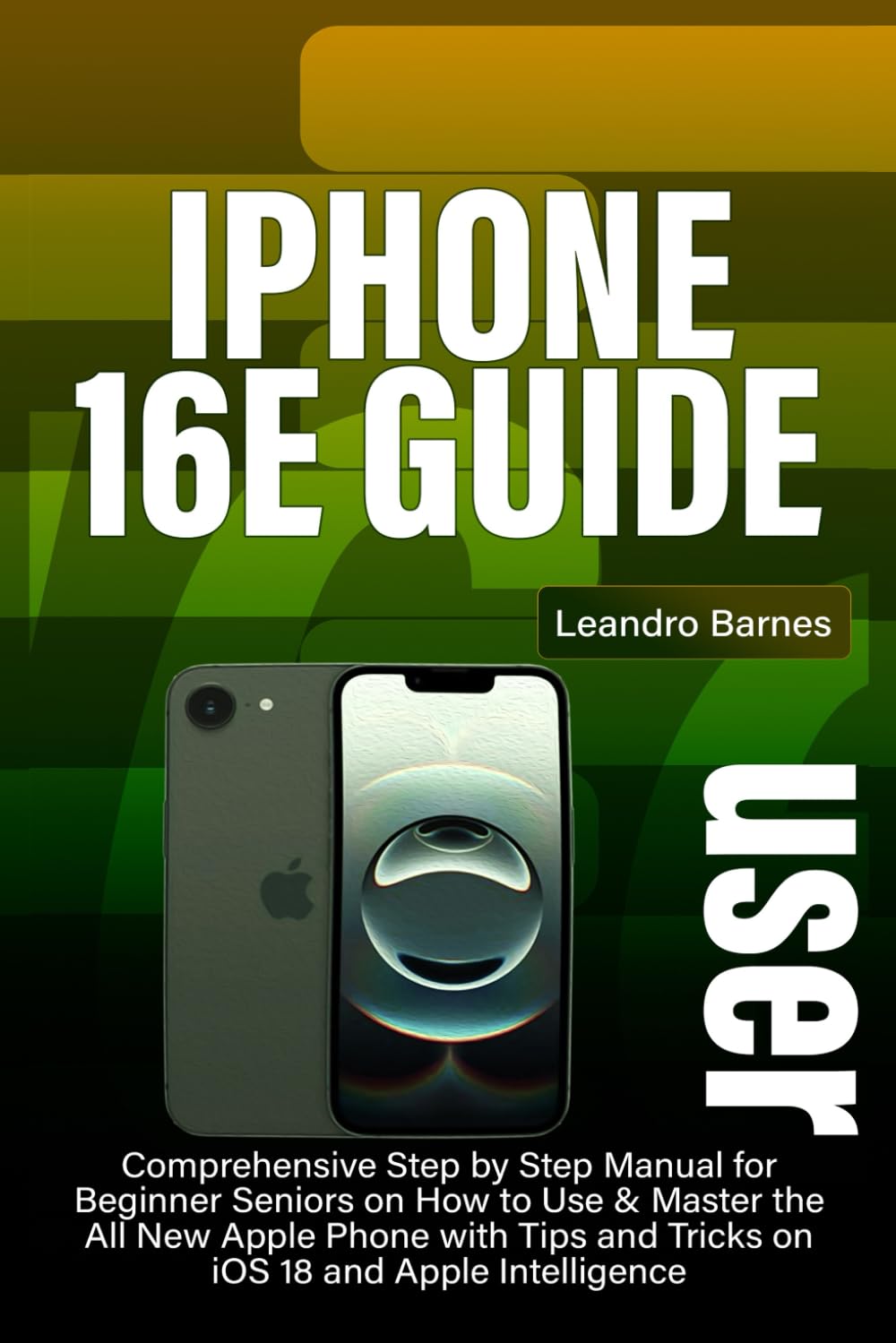
Figure 1.1: Front cover of the iPhone 16E User Guide.
2. Initial Setup and Data Migration
Setting up your iPhone 16E is a straightforward process. This section guides you through the initial activation and options for transferring data from a previous device.
2.1 Device Activation
- Power On: Press and hold the Side button until the Apple logo appears.
- Language and Region: Select your preferred language and region.
- Quick Start: If you have another iPhone or iPad, bring it near your new iPhone 16E to use Quick Start for automatic setup.
- Connect to Wi-Fi: Choose a Wi-Fi network and enter the password.
- Face ID Setup: Follow the on-screen instructions to set up Face ID for secure unlocking and authentication.
- Passcode Creation: Create a strong passcode for additional security.
2.2 Data Transfer Options
- iCloud Backup: Restore your data from an iCloud backup of your previous iPhone. Ensure your old device has a recent backup.
- Direct Transfer (Quick Start): If using Quick Start, you can transfer data directly from your old iPhone to the new one.
- Move from Android: Use the "Move to iOS" app on your Android device to transfer contacts, message history, camera photos and videos, web bookmarks, mail accounts, and calendars.
3. Operating Your iPhone 16E
This section covers the daily operation of your iPhone 16E, including personalization, communication, and media functions.
3.1 Personalization and Accessibility
- Lock Screen Customization: Personalize your lock screen with different wallpapers, widgets, and clock styles. Access this through Settings > Wallpaper.
- Home Screen and Widgets: Organize your apps and add widgets to your Home Screen for quick access to information. Long-press on an empty area of the Home Screen to enter jiggle mode.
- Control Center: Customize the Control Center to quickly access settings like Wi-Fi, Bluetooth, brightness, and volume. Go to Settings > Control Center.
- Accessibility Features: Explore features like Zoom, VoiceOver, Display Accommodations, and AssistiveTouch under Settings > Accessibility to tailor the device to your needs.
3.2 Photography and Videography
The iPhone 16E features an advanced camera system for capturing high-quality photos and videos.
- Camera Modes: Switch between Photo, Portrait, Pano, Video, Cinematic, and Action modes.
- Night Mode: Automatically activates in low-light conditions to capture brighter, more detailed photos.
- QuickTake: Press and hold the Shutter button in Photo mode to record a video instantly.
- AI-Enhanced Editing: Utilize built-in editing tools with AI suggestions to enhance your photos and videos directly in the Photos app.
4. Key Features: iOS 18 and Apple Intelligence
The iPhone 16E runs on iOS 18, introducing powerful new features, including the revolutionary Apple Intelligence.
4.1 iOS 18 Enhancements
- Redesigned Home Screen: More customization options for app icons and widgets.
- Messages App Updates: New text effects, scheduling messages, and enhanced tapbacks.
- Mail App Improvements: Categorization and summary features for better email management.
- Safari Private Browsing: Enhanced privacy features and biometric authentication for private tabs.
4.2 Apple Intelligence
Apple Intelligence integrates generative AI models across iOS, iPadOS, and macOS, offering personalized and contextually aware assistance.
- Siri Enhancements: A more natural and capable Siri with deeper app integration and on-device processing.
- Writing Tools: AI-powered features to rewrite, proofread, and summarize text in various applications.
- Image Playground: Create unique images in different styles based on your descriptions.
- Memory Recap: Generate personalized video summaries from your photos and videos.
- ChatGPT Integration: Seamless access to ChatGPT capabilities within iOS for advanced queries and content generation.
5. Maintenance and Security
Maintaining your iPhone 16E and ensuring its security are crucial for optimal performance and data protection.
5.1 Privacy and Security Essentials
- Face ID: Use Face ID for secure authentication, app purchases, and Apple Pay. Ensure your face is clearly visible during setup and use.
- Advanced Privacy Settings: Review app permissions under Settings > Privacy & Security to control access to your location, photos, microphone, and more.
- Two-Factor Authentication (2FA): Enable 2FA for your Apple ID to add an extra layer of security.
- Software Updates: Regularly update your iOS to the latest version to receive security patches and new features. Go to Settings > General > Software Update.
5.2 Device Care
- Cleaning: Use a soft, lint-free cloth to clean your iPhone. Avoid abrasive materials or harsh chemicals.
- Battery Health: Optimize battery performance by enabling Optimized Battery Charging (Settings > Battery > Battery Health & Charging).
- Storage Management: Monitor and manage your iPhone storage under Settings > General > iPhone Storage to ensure smooth operation.
6. Troubleshooting Common Issues
This section addresses common issues you might encounter with your iPhone 16E and provides solutions.
6.1 Device Not Responding
- Force Restart: Quickly press and release the Volume Up button, then quickly press and release the Volume Down button, then press and hold the Side button until you see the Apple logo.
6.2 Connectivity Problems
- Wi-Fi Issues: Try turning Wi-Fi off and on again in Control Center or Settings. Restart your router.
- Bluetooth Issues: Ensure Bluetooth is enabled on both devices. Forget the device and re-pair it.
- Cellular Data: Check if cellular data is enabled (Settings > Cellular). Contact your carrier if issues persist.
6.3 App Crashes or Freezes
- Close and Reopen App: Swipe up from the bottom of the screen (or double-click Home button on older models) to view open apps, then swipe the problematic app up to close it. Reopen the app.
- Update App: Ensure the app is updated to its latest version from the App Store.
- Reinstall App: If issues continue, delete the app and reinstall it from the App Store.
7. Product Specifications
The following table outlines the key specifications of the iPhone 16E User Guide book.
| Feature | Detail |
|---|---|
| ASIN | B0DYF8SNS9 |
| Publisher | Independently published |
| Publication Date | February 25, 2025 |
| Language | English |
| Print Length | 252 pages |
| ISBN-13 | 979-8312120158 |
| Item Weight | 15.7 ounces |
| Dimensions | 6 x 0.57 x 9 inches |

Figure 7.1: Back cover of the iPhone 16E User Guide, displaying the ISBN barcode.


