
1. Introduction
Thank you for choosing the NACODEX AK820 Gasket Mechanical Keyboard. This manual provides essential information for setting up, operating, and maintaining your keyboard. Please read it thoroughly to ensure optimal performance and longevity of your device.
The AK820 features a 75% layout with 82 keys, a gasket structure for enhanced typing feel, hot-swappable switches, PBT keycaps, and a volume control knob. It is designed for both typing and gaming with a focus on comfort and customization.
2. Package Contents
Ensure all items are present in the package:
- NACODEX AK820 Gasket Mechanical Keyboard
- USB-C to USB-A Cable
- Keycap Puller / Switch Puller (2-in-1 tool)
- User Manual
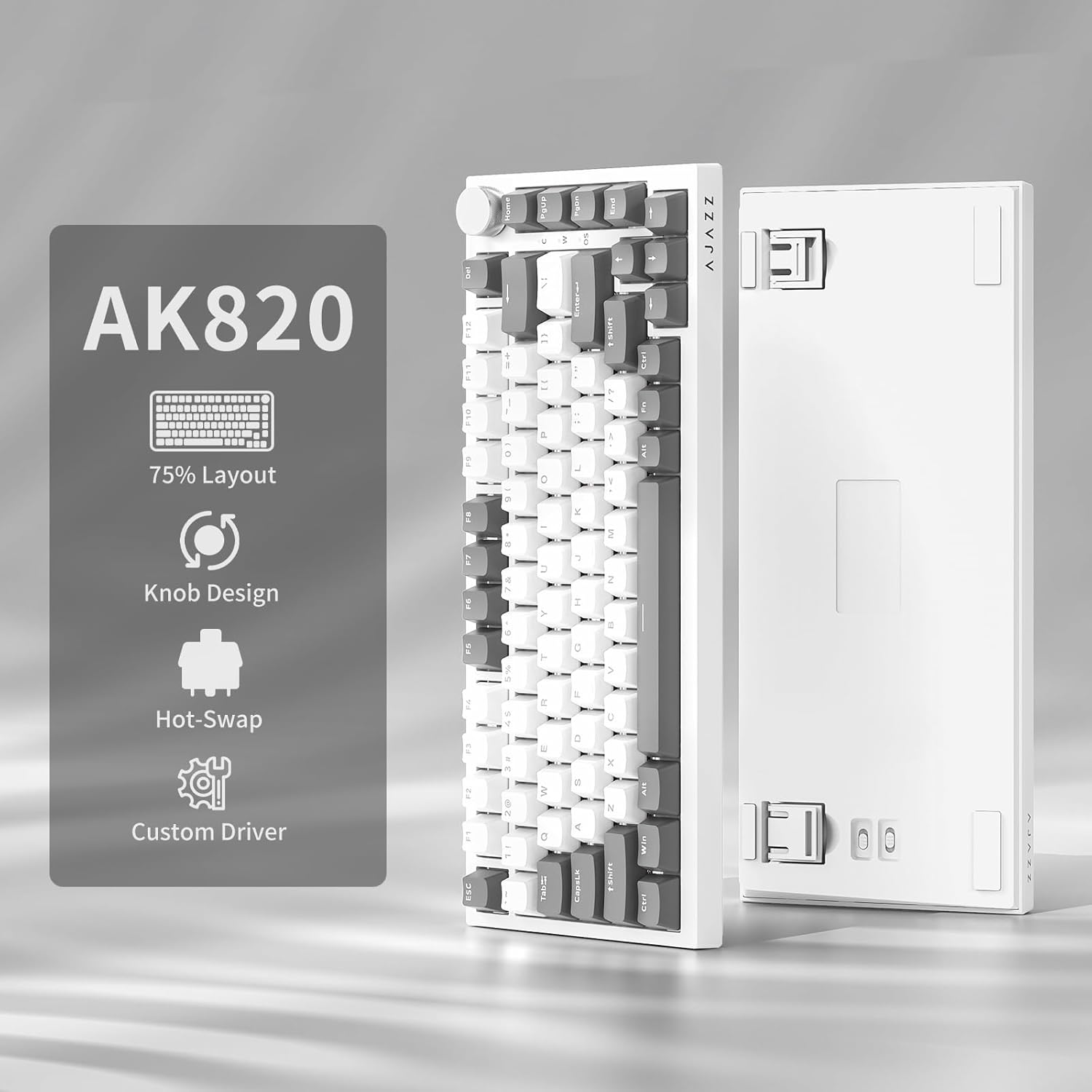
Image: NACODEX AK820 keyboard, USB-C cable, and keycap/switch puller.
3. Setup and Connectivity
3.1 Wired Connection
- Connect the USB-C end of the provided cable to the keyboard's USB-C port (located on the back edge).
- Connect the USB-A end of the cable to an available USB port on your computer.
- The keyboard is now ready for use in wired mode.

Image: NACODEX AK820 keyboard with USB-C cable connected to a laptop.
4. Operating Instructions
4.1 Volume Control Knob
The multifunctional knob located on the top-right corner of the keyboard allows for quick audio adjustments.
- Turn Clockwise: Increase volume.
- Turn Counter-Clockwise: Decrease volume.
- Press Down: Mute/Unmute audio.

Image: A detailed view of the volume knob, indicating its turn and press functions for volume control and mute.
4.2 Lighting Effects
The AK820 features customizable RGB backlighting. Use the following key combinations to adjust lighting:
- FN + \ (Backslash): Cycle through 20 different lighting effects.
- FN + ↑ (Up Arrow): Increase backlight brightness (5 levels).
- FN + ↓ (Down Arrow): Decrease backlight brightness (5 levels).
- FN + ← (Left Arrow): Adjust lighting direction.
- FN + → (Right Arrow): Adjust lighting direction.
- FN + - (Minus): Decrease lighting speed.
- FN + = (Equals): Increase lighting speed.
- FN + Home: Switch between Windows/MAC system modes.
- FN + ESC: Reset to factory default lighting settings (hold for 3-5 seconds).
Video: Demonstrates various RGB lighting effects and customization options on the NACODEX AK820 keyboard.
4.3 Hot-Swappable Switches
The AK820 supports 3/5-pin hot-swappable mechanical switches, allowing you to customize your typing experience without soldering.
- Pull out the keycap using the provided keycap puller.
- Use the switch puller to clamp the buckles on the upper and lower sides of the switch body, then pull the switch up and out.
- Align the pins and holes of the new switch.
- Tap the new switch vertically until it clicks into place.

Image: A close-up view of the keyboard's switches and keycaps, highlighting the hot-swappable design.
Video: Demonstrates the difference in sound and feel between AJAZZ Gift Switches and AJAZZ Dreamy Switches, showcasing the hot-swappable feature.
4.4 Keycap Features
The AK820 comes with durable PBT keycaps, known for their oil resistance and longevity. They feature a two-color design for clear fonts and enhanced light transmission.
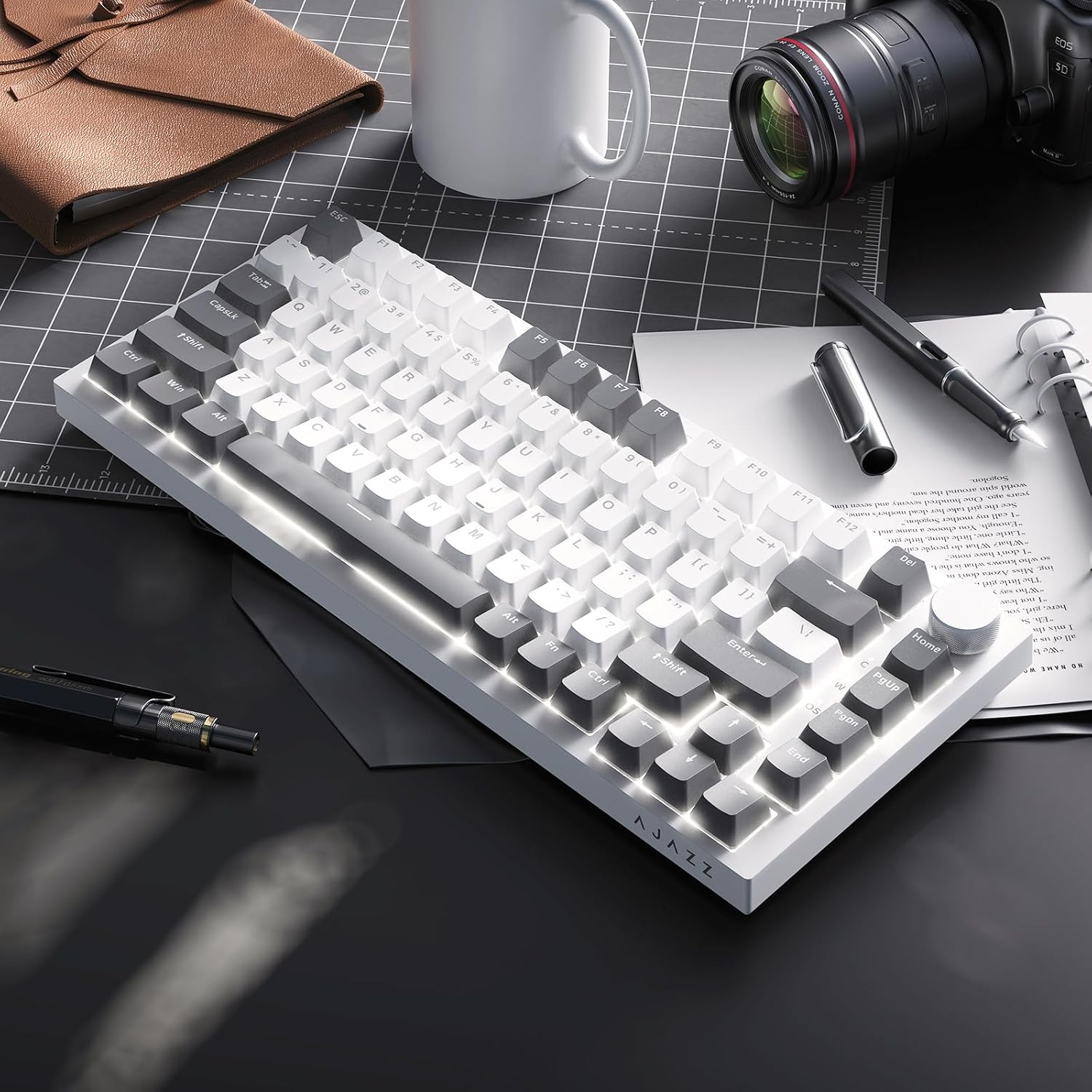
Image: A close-up of the PBT keycaps, highlighting their texture and two-color design.
5. Specifications
| Product Dimensions | 12.87 x 5.35 x 1.57 inches |
| Item Weight | 1.79 pounds |
| Manufacturer | AJAZZ |
| Model Number | AK820 Gray White |
| Connectivity Technology | USB-C (Wired) |
| Keyboard Description | Mechanical |
| Special Feature | Ergonomic, Gasket Structure, Hot-Swappable |
| Keyboard Backlighting | RGB |
6. Warranty and Support
For warranty information and technical support, please refer to the official AJAZZ website or contact their customer service. Keep your purchase receipt for warranty claims.