
1. Introduction
Thank you for choosing the Baseus Picogo Magsafe Portable Charger. This ultra-slim, high-capacity power bank is designed to provide convenient and fast charging for your compatible devices, especially iPhone 12-17 series, AirPods, and other USB-C devices. This manual will guide you through its features, setup, operation, and maintenance to ensure optimal performance and longevity.
2. Product Overview & Key Features
The Baseus Picogo Magsafe Portable Charger combines advanced technology with a sleek design, making it an essential accessory for your mobile lifestyle. Key features include:
- Ultra-Slim and Portable Design: Measuring just 4.0 x 2.67 x 0.5 inches and weighing 7.8 ounces, it's designed for maximum portability.
- High Capacity: Equipped with a 10,000mAh battery, providing ample power for extended use.
- Qi2 Certified 15W Wireless Charging: Offers fast and efficient magnetic wireless charging for compatible devices.
- 27W Wired Fast Charging: Features a USB-C port for rapid wired charging of various devices.
- Super-Strong Magnetic Attachment: Designed with 11N ultra-strong magnets for a secure connection to MagSafe-compatible iPhones.
- Durable & Safe: Built with premium materials, including Tesla's lithium-polymer battery technology, and an NTC temperature control chip to prevent overheating.
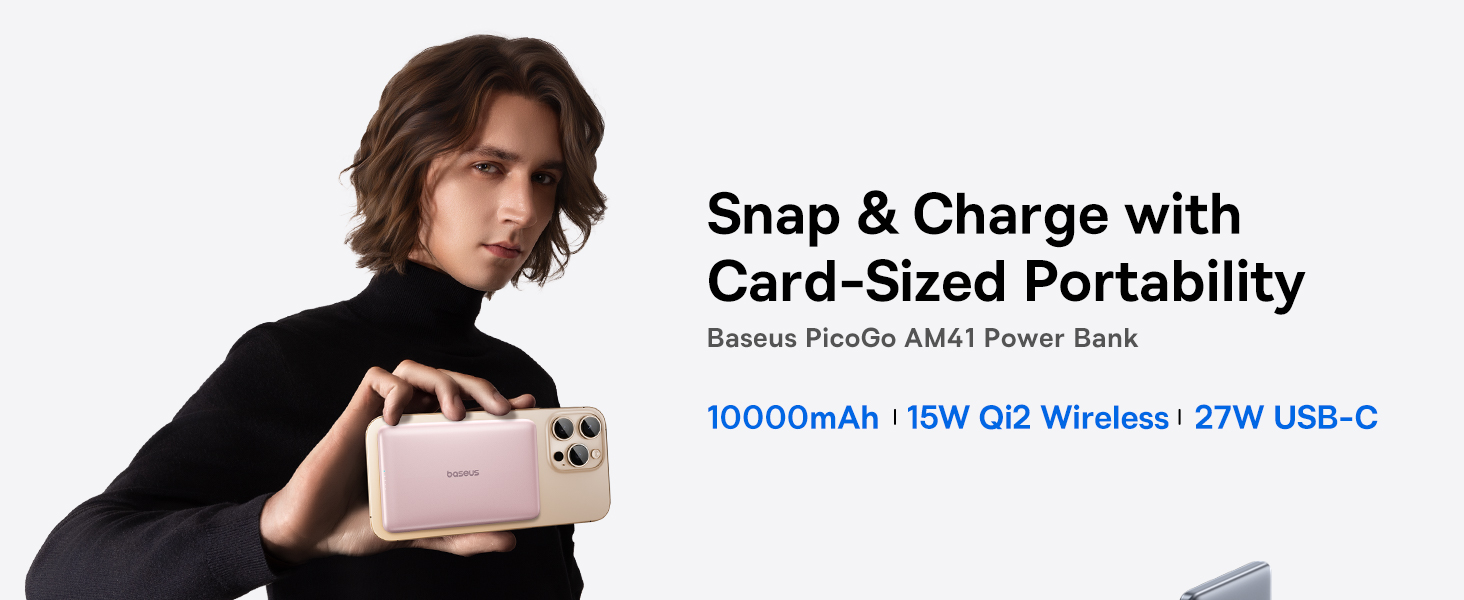
Image: The Baseus Picogo Magsafe Portable Charger demonstrating its ultra-slim, card-sized portability, highlighting its ergonomic design and lightweight nature.
3. Package Contents
Please check the package for the following items:
- Baseus Picogo Magsafe Portable Charger (Nebula Pink)
- USB-C to USB-C Charging Cable
- User Manual (this document)
4. Setup
Before first use, it is recommended to fully charge your Baseus Picogo Portable Charger.
- Connect the supplied USB-C to USB-C cable to the power bank's USB-C port.
- Plug the other end of the cable into a compatible USB wall adapter (not included).
- The LED indicators on the power bank will illuminate to show the charging progress. A full charge is indicated when all LED lights are solid.

Image: The power bank being recharged via its USB-C port, illustrating the recharging process.
5. Operating Instructions
5.1. Wireless Charging (MagSafe)
For MagSafe-compatible devices (iPhone 12-17 series):
- Ensure the power bank is sufficiently charged.
- Align the MagSafe area of your iPhone with the magnetic charging surface of the power bank. The magnets will securely attach the devices.
- Wireless charging will begin automatically. The LED indicators on the power bank will show its remaining charge.

Image: An iPhone wirelessly charging via magnetic attachment to the Baseus Picogo power bank, demonstrating the seamless connection.
5.2. Wired Charging (USB-C)
For devices that support USB-C charging:
- Connect your device to the power bank's USB-C port using a compatible USB-C cable.
- Charging will commence automatically.
5.3. Charging Multiple Devices Simultaneously
The power bank supports charging multiple devices at once:
- You can wirelessly charge one device via MagSafe while simultaneously charging another device via the USB-C port.

Image: The power bank charging an iPhone wirelessly and another device via its USB-C port, showcasing its dual-charging capability.
5.4. Recharging the Power Bank
To recharge the power bank, follow the steps outlined in the


