
Transformers TF-T01
Transformers AI Translation Earbuds TF-T01 User Manual
Model: TF-T01 | Brand: Transformers
Introduction
Welcome to the world of seamless communication and superior audio with your new Transformers AI Translation Earbuds TF-T01. These earbuds are designed to break language barriers with real-time translation capabilities, while also providing high-quality audio for music and calls. This manual will guide you through the setup, operation, and maintenance of your device to ensure optimal performance.

Image: Transformers AI Translation Earbuds TF-T01 with their unique charging case.
What's in the Box
Please check the package contents to ensure all items are present:
- Translation Earbuds (Left and Right)
- Translator Earbuds Case
- Translating Earbuds USB-C Cable
- User Manual (This document)

Image: All components included in the product packaging.
Setup and Initial Use
1. Charging the Earbuds and Case
Before first use, fully charge the earbuds and the charging case. Connect the provided USB-C cable to the charging port on the case and plug the other end into a USB power source. The indicator lights on the case will show the charging status.
- A full charge for the case takes approximately 1.5 hours.
- The earbuds provide up to 6 hours of listening time on a single charge.
- The charging case extends total listening time to approximately 60 hours.

Image: Battery life indicators for single charge and with charging case.
2. Pairing with Your Device (Bluetooth 5.4)
The earbuds utilize Bluetooth 5.4 for fast and stable connections.
- Open the charging case. The earbuds will automatically enter pairing mode.
- On your smartphone or device, go to Bluetooth settings and select "TF-T01" from the list of available devices.
- Once connected, you will hear an audible confirmation.
The earbuds support multipoint pairing, allowing seamless switching between two connected devices (e.g., smartphone and tablet).

Image: One-step pairing process via Bluetooth 5.4.

Image: Bluetooth 5.4 connectivity for enhanced audio experience.

Image: MultiPoint Pairing for seamless multitasking across devices.
Operating the Earbuds
Touch Controls
The earbuds feature intuitive touch controls for various functions. Specific gestures (single tap, double tap, long press) on either earbud control playback, calls, and translation modes. Refer to the quick start guide included in the box for a detailed list of touch commands.
Translation Features
These earbuds offer real-time two-way translation in 144 languages and accents, powered by AI. They support various translation modes:
- Live Recording: Translate spoken content in real-time during recordings.
- Simultaneous Interpretation: Ideal for conversations, translating speech as it happens.
- Face-to-Face: Facilitates direct communication with translation.
- Video Call Translation: Integrates translation into video calls.
- Voice Call Translation: Provides real-time translation during voice calls, generating a secure invitation link for browser-based communication to maintain privacy.
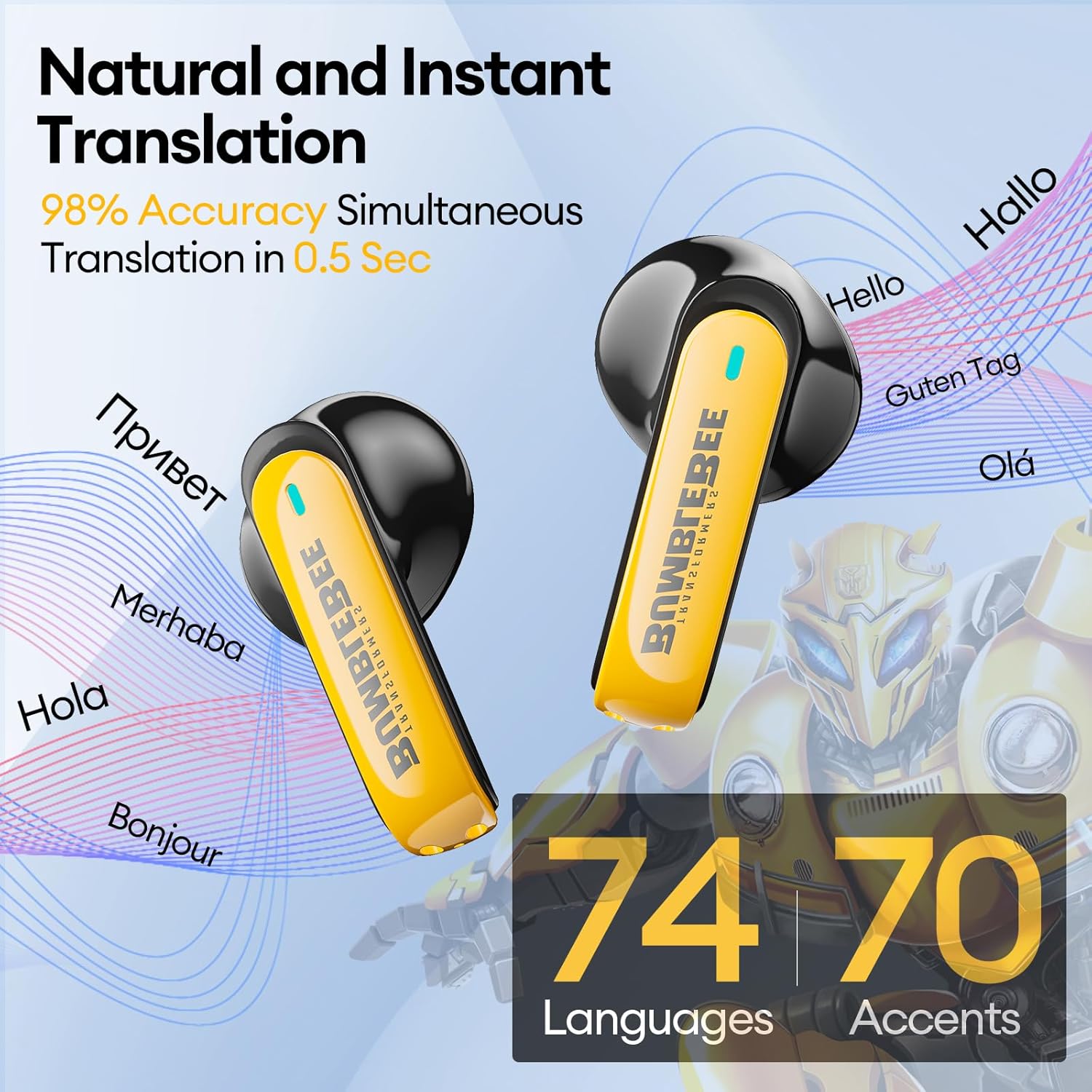
Image: Natural and instant translation with 98% accuracy in 0.5 seconds, supporting 74 languages and 70 accents.

Image: Four distinct translation modes for various scenarios.
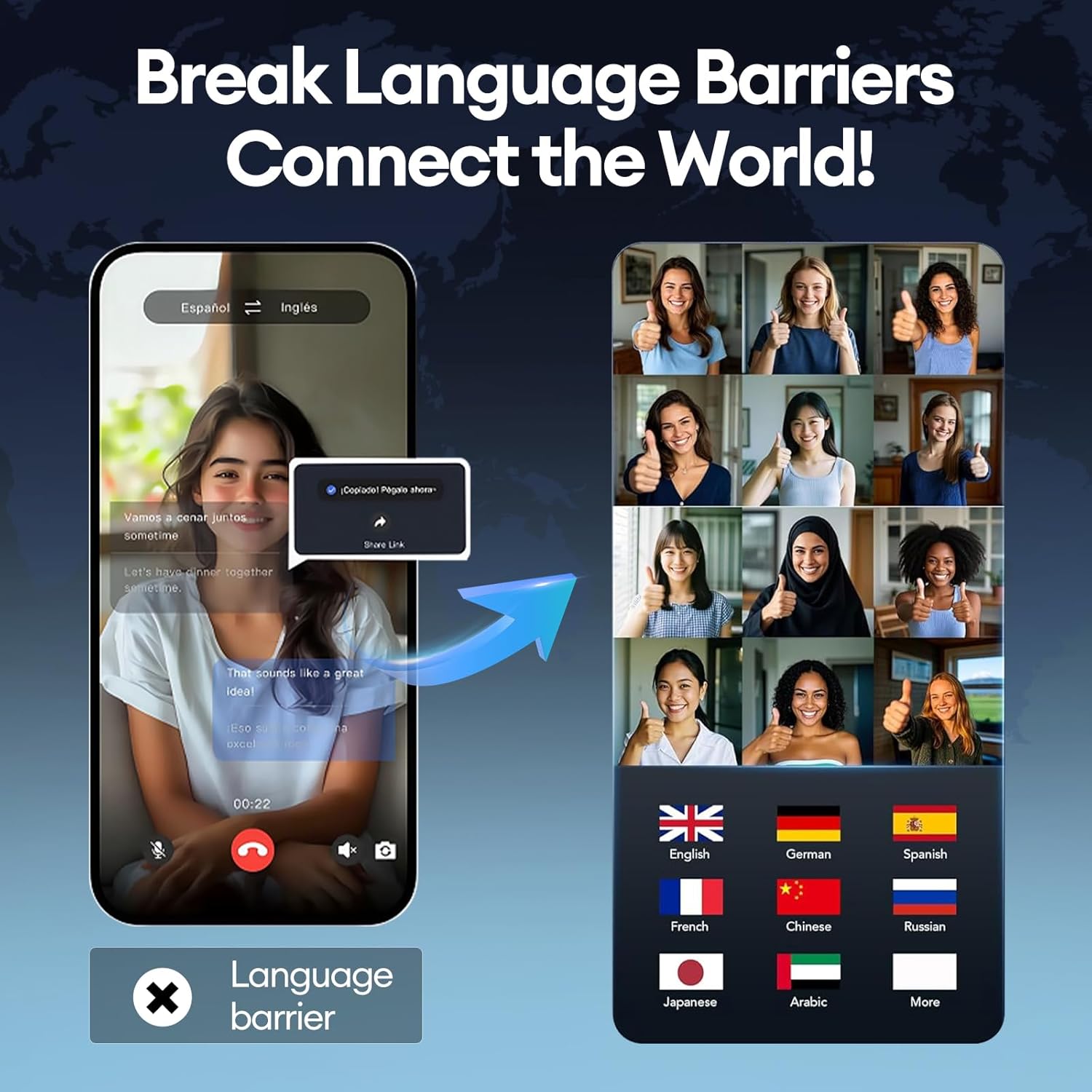
Image: Breaking language barriers and connecting the world through translation features.
Audio Quality and Calls
The TF-T01 earbuds are equipped with a 13mm diaphragm speaker and 4 high-precision microphones, delivering crystal-clear sound for both music and calls. The built-in ENC (Environmental Noise Cancellation) chip ensures high-definition and noise-free call quality.

Image: 13mm oversized unit for an immersive audio feeling.

Image: Built-in ENC Noise Reduction Chip for high-definition and noise-free call quality.

Image: Crystal Clear Calls with AI algorithm identifying voices and blocking out other noises.

Image: Surround by Sound with high-quality audio from 13mm drivers featuring Transformers Deep Bass Sound.
Gaming Mode
Activate gaming mode via the earphone controls for enhanced in-game sounds and low-latency audio, providing an immersive gaming experience.

Image: Ready for Gaming with enhanced in-game sounds.
Official Product Videos
For visual demonstrations of the earbuds' features and functionality, please refer to the official product videos below:
Video: "TRANSFORMERS Wireless Ear Buds" - A brief overview of the earbuds' wireless capabilities and design.
Video: "Transformers TF-T01 Wireless Earbuds" - Demonstrates various features and the sleek design of the TF-T01 model.
Maintenance and Care
Cleaning
Regularly clean the earbuds and charging case with a soft, dry, lint-free cloth. Avoid using abrasive materials or harsh chemicals.
Water Resistance (IPX5)
The earbuds feature IPX5 water resistance, meaning they are protected against low-pressure water jets from any direction. This makes them suitable for use during high-intensity running and exercise, as the nano-coating prevents penetration of rain and sweat. However, they are not designed for submersion in water.

Image: IPX5 Water Resistance for protection against sweat and rain.
Storage
When not in use, store the earbuds in their charging case to protect them and keep them charged.
Troubleshooting
| Issue | Possible Cause | Solution |
|---|---|---|
| Earbuds not pairing | Bluetooth off; earbuds not in pairing mode; out of range. | Ensure Bluetooth is on. Open case to activate pairing. Move closer to device. |
| No sound | Volume too low; not connected; media paused. | Increase volume. Reconnect earbuds. Check media playback. |
| Translation not working | App not open; internet connection issue; incorrect mode. | Ensure translation app is running. Check internet. Select correct translation mode. |
| Earbuds falling out | Incorrect fit for ear size. | Ensure earbuds are properly seated. For some ear shapes, wearing them with the stem pointing upwards may provide a more secure fit. |
Specifications
| Feature | Detail |
|---|---|
| Model Number | TF-T01 |
| Product Dimensions | 3.15 x 1.48 x 0.79 inches |
| Item Weight | 6.3 ounces |
| Batteries | 3 Lithium Polymer batteries (included) |
| Bluetooth Version | 5.4 |
| Translation Languages | 144 languages & accents (Real-Time Two-Way) |
| Speaker Size | 13mm Diaphragm Speaker |
| Microphones | 4 High-Precision Microphones with ENC Noise Reduction |
| Water Resistance Rating | IPX5 |
| Single Charge Playtime | Up to 6 hours |
| Total Playtime (with Case) | Up to 60 hours |
| Manufacturer | Transformers |
| Country of Origin | China |
Warranty and Support
For warranty information, technical support, or service inquiries, please refer to the contact details provided on the product packaging or visit the official Transformers product support website. Keep your purchase receipt for warranty claims.
For additional information and updates, you may visit the Transformers Store on Amazon.
Related documentsTF-T01


Ask a question about this manual
Ask about setup, troubleshooting, compatibility, parts, safety, or missing instructions. Manuals+ will review the question and use this page’s manual context to help answer it.