
Product Overview
The Ntaanoo Bluetooth Tracker is a compact and lightweight item locator designed to help you keep track of your valuable belongings. It integrates seamlessly with Apple's Find My network, allowing you to locate items both nearby and far away. This package includes two Ntaanoo Bluetooth Trackers, two key rings, two lanyards, and one user manual.
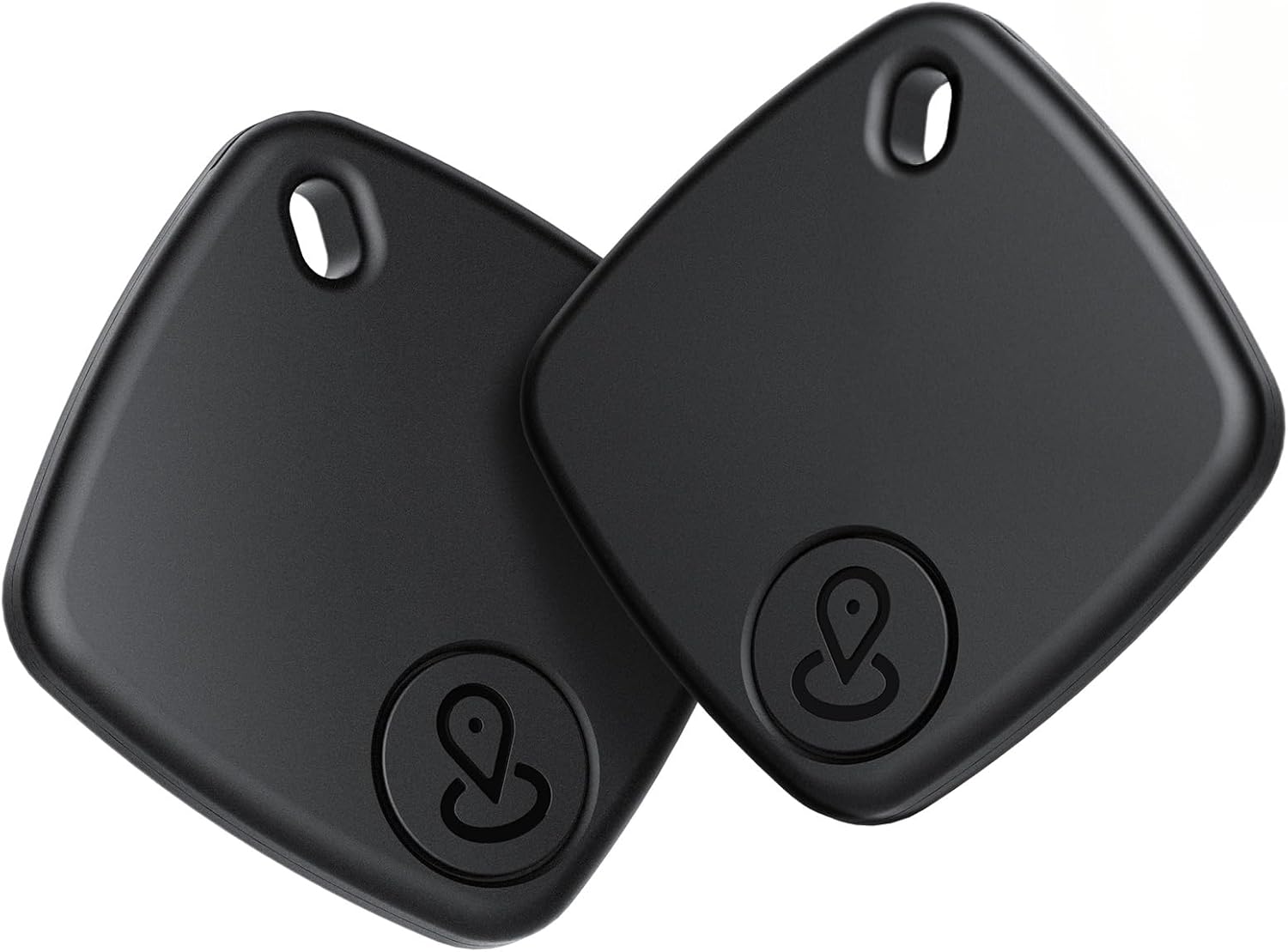
Image: Two Ntaanoo Bluetooth Trackers, ready for use.

Image: Overview of Ntaanoo Bluetooth Tracker features, highlighting compatibility with Apple Find My, privacy, worldwide tracking, and phone finding capabilities. Note: Only supports iOS devices.
Setup and Pairing
The Ntaanoo Bluetooth Tracker utilizes the Apple Find My network for easy setup and tracking. No additional app download is required.
- Enable Find My and Bluetooth: Ensure that the Find My app and Bluetooth are enabled on your iOS device (iPhone, iPad).
- Add New Item: Open the Find My app, navigate to the 'Items' tab, and tap 'Add Item'. Then, select 'Add Other Item'.
- Connect Tracker: Follow the on-screen prompts. The app will detect the 'Ei Tag' (Ntaanoo Tracker). Click 'Connect'.
- Assign Name and Emoji: Assign a name and an emoji to your tracker for easy identification within the Find My app.

Image: Step-by-step guide on pairing the Ntaanoo tracker with the Apple Find My app.
Important Note: This tracker is designed to work exclusively with Apple's Find My network and iOS devices. It is not compatible with Android devices.
Operating Instructions
Finding Nearby Items
When your Ntaanoo tracker is within Bluetooth range (up to 200 feet/60 meters), you can use the Find My app to locate your lost items. Simply select the item in the app and tap 'Play Sound'. The built-in speaker will emit a loud beep (90-100 dB) to help you pinpoint its location. You can also ask Siri directly for assistance.

Image: Demonstrating the 'Find Nearby' function, where the tracker emits a sound to help locate items within Bluetooth range.
Far Away Tracking
The Ntaanoo Bluetooth Tracker leverages the vast Apple Find My network for long-distance tracking. Even if your tracker is out of your device's Bluetooth range, its location is updated by other Apple devices passing by. You can view the real-time location on a map within the Find My app and use the navigation feature to guide you closer to your item.

Image: Illustrating the 'Find Far Away' capability, showing how the Find My app can provide directions to a tracker's last known location on a map.
Left-Behind Remind and Lost Mode
- Left-Behind Remind: If you leave an item with your Ntaanoo tracker behind and the Bluetooth connection to your iOS device is lost, the Find My app will immediately send you a notification, alerting you that the item is missing.
- Lost Mode: In the Find My app, you can enable 'Lost Mode' for your tracker. If someone finds your lost item, they can tap their NFC-enabled iPhone or Android phone to the tracker to see a message with your contact information (if you've provided it), helping them return your item.

Image: Depicting the 'Left-Behind Remind' feature, showing a notification on an iPhone when the tracker is no longer detected nearby.

Image: Illustration of 'Lost Mode' in the Find My app, where contact information can be displayed to someone who finds the tracker.
Privacy Protection
The Ntaanoo Bluetooth Tracker is designed with privacy in mind. Devices transmitting location data remain anonymous, and all communication data within the Find My network is encrypted. The tracker itself does not store location data or history; only you can access your item's location, ensuring maximum privacy protection.
Versatile Use
The lightweight and compact design of the Ntaanoo tracker (weighing only 9 grams) allows it to be easily attached to a variety of items, including:
- Keys
- Luggage
- Bags
- Wallets
- Bikes

Image: Examples of how the Ntaanoo tracker can be used with various personal items.
Maintenance
Battery Replacement
The Ntaanoo Bluetooth Tracker is powered by a replaceable CR2032 coin cell battery, which can last up to 1 year. When the battery level is low, your iOS device will notify you through the Find My app. You can easily purchase and replace this battery yourself. The unique cover design helps prevent accidental opening by children.
Water Resistance
The Ntaanoo luggage tracker tag is IP67 water-resistant, meaning it can withstand splashes, rain, and brief immersion in water (up to 1 meter for 30 minutes). This ensures durability for everyday challenges.

Image: Visual representation of the tracker's battery life, water resistance, and replaceable battery feature.
Troubleshooting
If you encounter issues with your Ntaanoo Bluetooth Tracker, please refer to the following common solutions:
- Tracker Not Connecting:
- Ensure Bluetooth is enabled on your iOS device.
- Make sure the Find My app is updated to the latest version.
- Check the tracker's battery level. A low battery can prevent connection.
- Try resetting the tracker (refer to specific instructions if available, or remove and re-add in Find My app).
- Ensure your iOS device is running a compatible iOS version (iOS 14.5 or later is generally required for Find My item tracking).
- Sound Not Loud Enough:
- Ensure there are no obstructions muffling the sound.
- Check the battery level; a low battery might result in a weaker sound.
- Location Not Updating:
- Ensure your iOS device has an active internet connection.
- The tracker relies on other Apple devices to update its location when out of your range. Updates may take some time depending on network activity.
Checking Contact Information in Lost Mode
If you find a lost Ntaanoo tracker and wish to check the owner's contact information (if provided by the owner):
- Tap your NFC-enabled iPhone or Android phone to the tracker.
- A notification will appear. Tap it to open a web page displaying the owner's message and contact details.

Image: Guide on how to check contact information on a found tracker.
Specifications
| Feature | Detail |
|---|---|
| Model Number | Ntaanoo |
| Connectivity | Bluetooth |
| Compatible Devices | iPhone, iPad (iOS Only) |
| Battery Type | CR2032 Lithium Metal (Included) |
| Battery Life | Up to 1 year |
| Water Resistance | IP67 |
| Item Weight | 9 grams (approx. 0.32 ounces) |
| Package Dimensions | 3.94 x 2.68 x 0.67 inches |
| Material | Plastic, Silicone |
| Color | Black Pro |
| Date First Available | February 19, 2025 |
Warranty and Support
Ntaanoo is committed to providing reliable products and customer satisfaction.
- Warranty: This product comes with a 1-year warranty from the date of purchase, covering manufacturing defects.
- Customer Support: For any inquiries, technical assistance, or warranty claims, please contact Ntaanoo customer support. We aim to provide support within 12 hours.
- Returns: Standard return policy allows for returns within 30 days of purchase.

Image: Ntaanoo's commitment to customer service, including warranty and support.